

Просматривайте простые пошаговые руководства по интеграции прокси IPcook со всеми популярными инструментами. Быстрая настройка, плавная работа и оптимизация всего рабочего процесса всего за несколько кликов.
Изучить интеграции
Managing multiple accounts requires secure fingerprints and stable IPs to avoid detection. Here’s how to set up IPcook proxies in MoreLogin for secure, isolated browsing.
Incogniton is a powerful Chromium-based anti-detect browser. However, if multiple profiles share the same IP address, platforms can still easily link your accounts. To truly protect your privacy and let Incogniton do its job, each profile needs its own dedicated proxy.
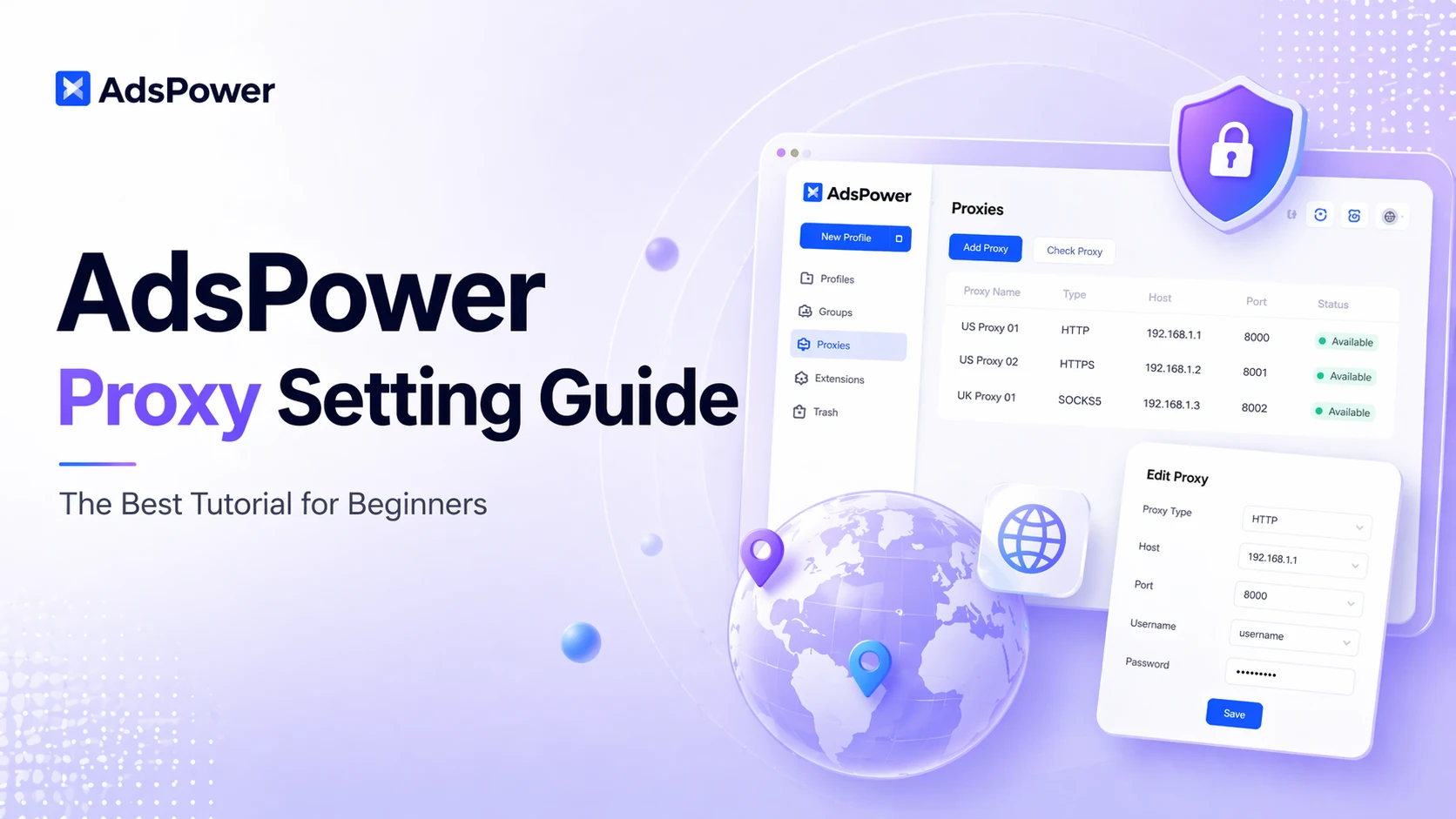
Many users leverage AdsPower for isolated browsing and multi-account management, as it fully supports custom proxy connections. Even so, figuring out how to configure proxies correctly remains a major pain point for most beginners.
DICloak is an anti-detect browser designed specifically to mask digital fingerprints and simulate a genuine browsing environment. It is widely used for multi-account management across social media, e-commerce, and advertising verification platforms, including TikTok, Facebook, Amazon, LinkedIn, and Shopee. To minimize the risk of account association, each profile must be assigned a separate and independent online identity. This guide provides an overview of DICloak’s features and pricing plans and step-by-step instructions for setting up proxies within DICloak. Let's dive in.
Ever feel like you need to be invisible online? Maybe you're managing multiple social accounts, doing some web scraping, or just want to stay anonymous online without being tracked. But here's the thing: going solo with a basic VPN often isn't enough. The real magic happens when you pair a powerful proxy service with a robust anti-detect browser.
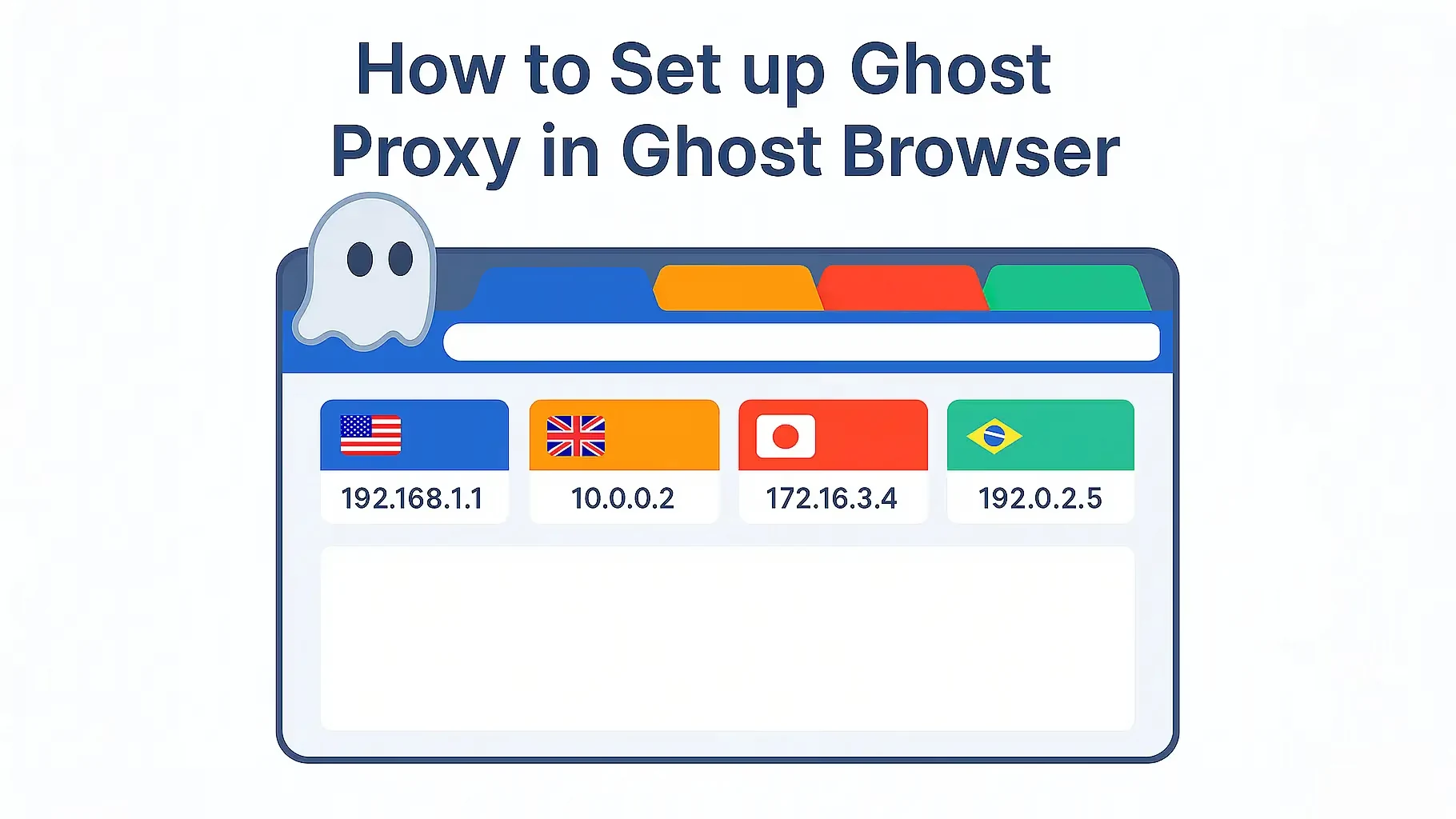
Ghost Browser makes it easy to manage multiple accounts without constant logouts or cookie conflicts. It lets users run separate sessions and profiles side by side, making multi-account management seamless.
Managing multiple social media accounts feels like walking a tightrope, doesn't it? One wrong step, and you risk getting your accounts flagged or banned. The big challenge? Platforms are genius at spotting suspicious activity, especially when it comes to your digital fingerprint. So, how can you safely manage all those accounts without setting off alarms?
Are you looking for a guide on how to combine IPcook and MuLogin? If yes, then you've come to the right place! These two tools are powerful when combined for multi-account management. But for some users, the process may not be that easy. This guide will solve this problem by showing how to obtain an IPcook proxy and set it up in MuLogin. Let's dive right in!
If you have multiple Facebook, Instagram, or TikTok accounts for your product marketing, you may find it harder than before to run them safely. That is because the platforms have now implemented a strict system to detect attempts to create multiple accounts and to reduce malicious activities. If this bothers you, then you shouldn't miss this guide. Here, I will show you how to manage multiple social media accounts safely and efficiently with IPcook and VMLogin. Ready for the deal? Let's dive in!
