

わかりやすいステップバイステップのチュートリアルを閲覧して、IPcookプロキシをすべての主流ツールと統合できます。高速セットアップ、スムーズな動作、数回のクリックでワークフロー全体を効率化します。
統合を探す
Proxy Switcher is an easy-to-use Chrome extension that lets you configure a proxy and switch between different connection modes directly from the browser toolbar without changing your operating system’s network settings. It supports manual proxies, PAC scripts, and quick switching between different proxy modes, while the toolbar icon shows which mode is currently active. If you are looking for a simple proxy switcher for browsing, this extension covers the basics well.
It’s not hard to set up a proxy server in your browser. However, if you’ve tried it, you know that it takes quite a few clicks to get the job done. Now, just think about what it would be like going back and forth between these settings to set up several different proxies, one after another. Sounds a bit tedious, doesn’t it?
FlClash is a proxy client that helps you manage and configure proxy connections on your device. It does not provide proxy IPs itself, so you'll need to get proxy details from a provider like IPcook before setting it up. In this guide, we'll walk you through how to add a proxy to FlClash, configure the connection, and verify that your proxy is working correctly.
Running mobile accounts seamlessly requires authentic IPs and isolated cloud environments. Here is a step-by-step guide to configure IPcook proxies in DuoPlus Cloud Phone.
Managing multiple accounts requires secure fingerprints and stable IPs to avoid detection. Here’s how to set up IPcook proxies in MoreLogin for secure, isolated browsing.
Incogniton is a powerful Chromium-based anti-detect browser. However, if multiple profiles share the same IP address, platforms can still easily link your accounts. To truly protect your privacy and let Incogniton do its job, each profile needs its own dedicated proxy.
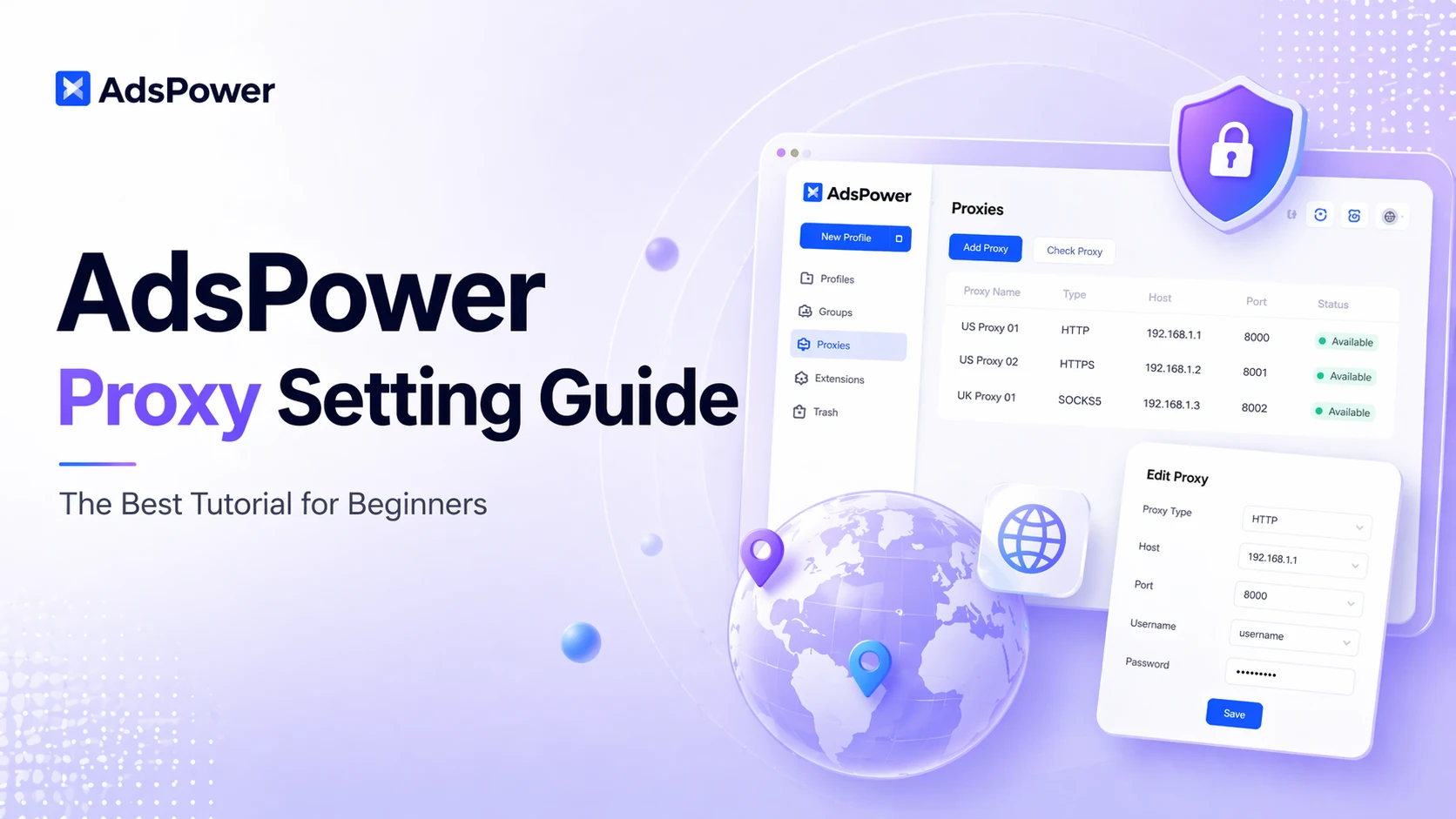
Many users leverage AdsPower for isolated browsing and multi-account management, as it fully supports custom proxy connections. Even so, figuring out how to configure proxies correctly remains a major pain point for most beginners.
DICloak is an anti-detect browser designed specifically to mask digital fingerprints and simulate a genuine browsing environment. It is widely used for multi-account management across social media, e-commerce, and advertising verification platforms, including TikTok, Facebook, Amazon, LinkedIn, and Shopee. To minimize the risk of account association, each profile must be assigned a separate and independent online identity. This guide provides an overview of DICloak’s features and pricing plans and step-by-step instructions for setting up proxies within DICloak. Let's dive in.
.webp)
Proxies are an effective way to secure your online activities and bypass restrictions. Whether you need to protect your privacy, access geo-blocked content, or browse more anonymously, a proxy acts as an intermediary that forwards your requests. Most proxies work with different browsers.
