

Просматривайте простые пошаговые руководства по интеграции прокси IPcook со всеми популярными инструментами. Быстрая настройка, плавная работа и оптимизация всего рабочего процесса всего за несколько кликов.
Изучить интеграции
FlClash is a proxy client that helps you manage and configure proxy connections on your device. It does not provide proxy IPs itself, so you'll need to get proxy details from a provider like IPcook before setting it up. In this guide, we'll walk you through how to add a proxy to FlClash, configure the connection, and verify that your proxy is working correctly.
Running mobile accounts seamlessly requires authentic IPs and isolated cloud environments. Here is a step-by-step guide to configure IPcook proxies in DuoPlus Cloud Phone.
Managing multiple accounts requires secure fingerprints and stable IPs to avoid detection. Here’s how to set up IPcook proxies in MoreLogin for secure, isolated browsing.
Incogniton is a powerful Chromium-based anti-detect browser. However, if multiple profiles share the same IP address, platforms can still easily link your accounts. To truly protect your privacy and let Incogniton do its job, each profile needs its own dedicated proxy.
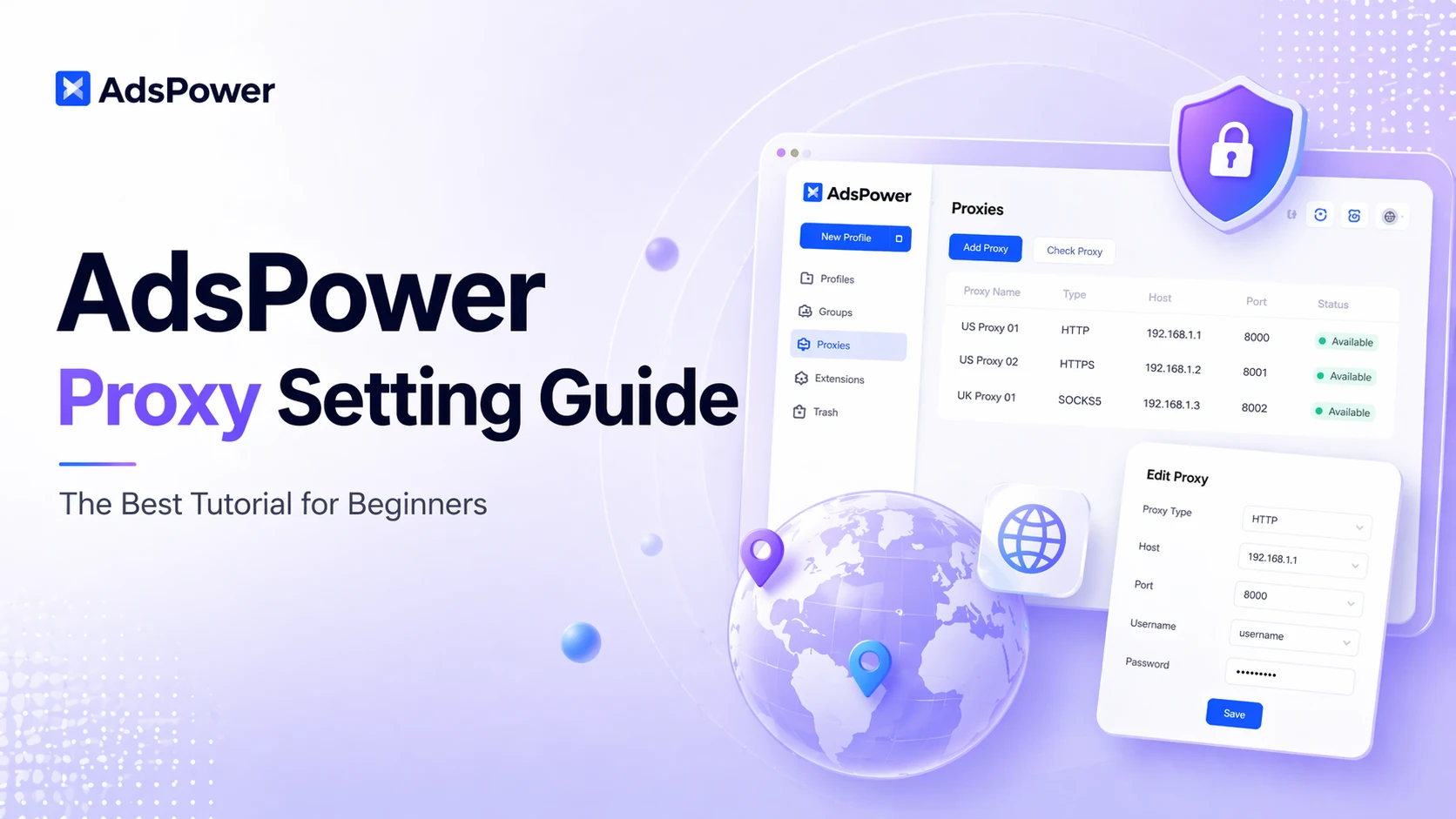
Many users leverage AdsPower for isolated browsing and multi-account management, as it fully supports custom proxy connections. Even so, figuring out how to configure proxies correctly remains a major pain point for most beginners.
DICloak is an anti-detect browser designed specifically to mask digital fingerprints and simulate a genuine browsing environment. It is widely used for multi-account management across social media, e-commerce, and advertising verification platforms, including TikTok, Facebook, Amazon, LinkedIn, and Shopee. To minimize the risk of account association, each profile must be assigned a separate and independent online identity. This guide provides an overview of DICloak’s features and pricing plans and step-by-step instructions for setting up proxies within DICloak. Let's dive in.
.webp)
Proxies are an effective way to secure your online activities and bypass restrictions. Whether you need to protect your privacy, access geo-blocked content, or browse more anonymously, a proxy acts as an intermediary that forwards your requests. Most proxies work with different browsers.
Ever feel like you need to be invisible online? Maybe you're managing multiple social accounts, doing some web scraping, or just want to stay anonymous online without being tracked. But here's the thing: going solo with a basic VPN often isn't enough. The real magic happens when you pair a powerful proxy service with a robust anti-detect browser.
Need to browse privately, access geo-restricted content, or manage multiple accounts on mobile, Shadowrocket is a powerful proxy client for iOS and Android users. It helps route traffic from your mobile device through proxy servers for specific use cases. In this guide, you'll learn how to configure proxies in Shadowrocket, step by step.
