

Просматривайте простые пошаговые руководства по интеграции прокси IPcook со всеми популярными инструментами. Быстрая настройка, плавная работа и оптимизация всего рабочего процесса всего за несколько кликов.
Изучить интеграции
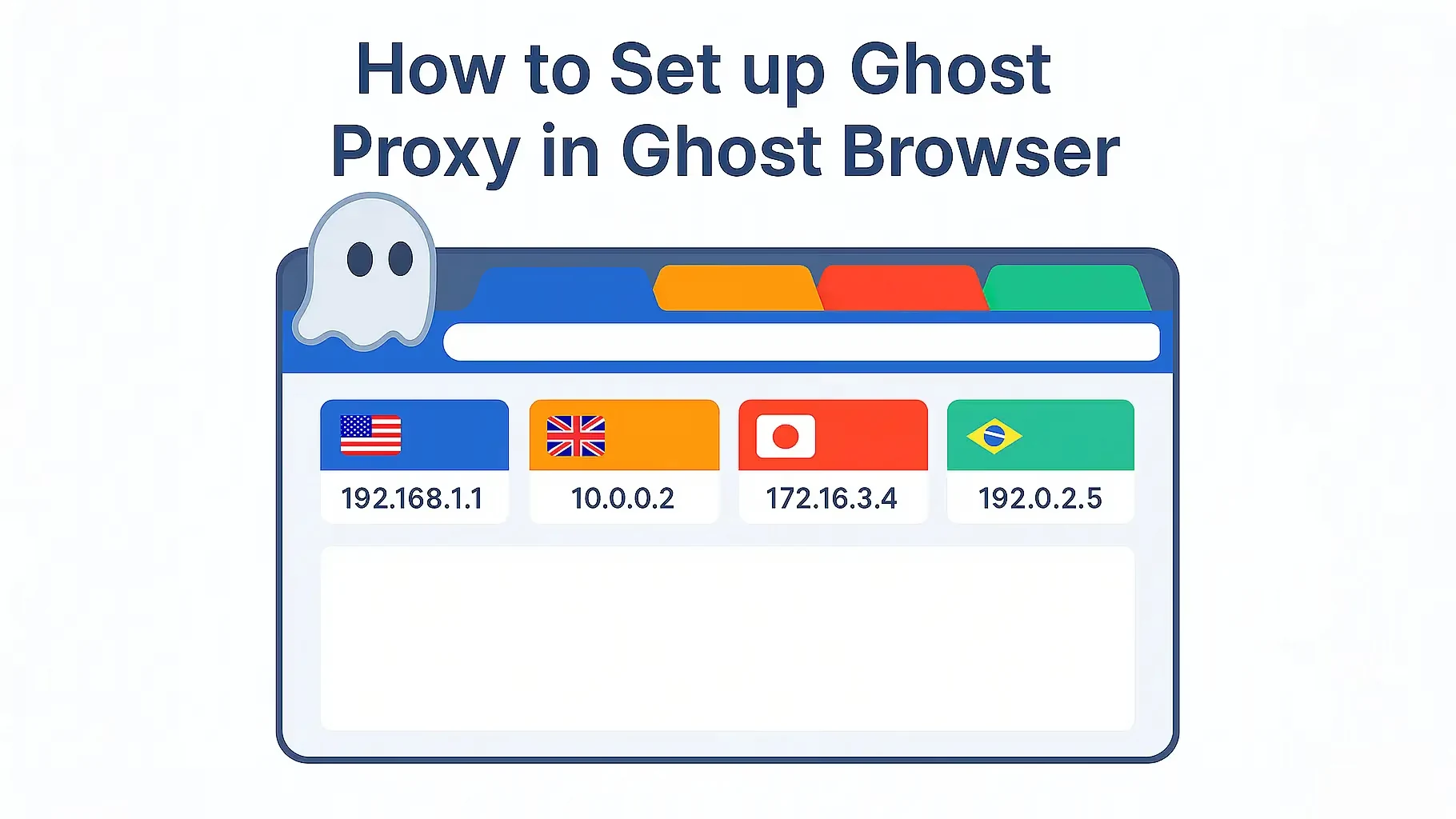
Ghost Browser makes it easy to manage multiple accounts without constant logouts or cookie conflicts. It lets users run separate sessions and profiles side by side, making multi-account management seamless.
SocksDroid is one of the easiest ways to route your Android traffic through a SOCKS5 proxy. You don't need root access or a complicated setup. All you need is a host, a port, and your login details. This guide walks you through the entire process of using IPcook with SocksDroid, from getting your credentials and configuring the app to confirming the connection actually works and fixing the most common reasons it doesn't.
Perhaps you've heard about IPcook and GeeLark, and you're thinking about combining them to supercharge your online tasks? Maybe you want to unlock smoother web scraping or manage multiple social accounts more effectively. But where do you even start? Figuring out how to get your residential proxy settings right and then linking them to a cloud phone can feel a bit daunting.
Octoparse is a user-friendly data extraction tool that lets you scrape public data effortlessly without writing any code. This guide shows you how to set up proxies in Octoparse and provides a complete walkthrough of the web scraping process.
SEO Neo helps SEO professionals manage automation operations in one place, including campaign preparation, content tasks, cloud blog creation, and backlink processes. But to keep everything running smoothly, you also need a reliable network environment with proxies.
DuckDuckGo is a privacy-focused search engine that doesn't track your searches or store personal data. However, for even greater privacy and security, you can use a proxy to hide your IP address while browsing. DuckDuckGo proxies give a boost not only to privacy by concealing your location, but also to unlocking access to region-specific content and seamless, unrestricted browsing.
Managing multiple social media accounts feels like walking a tightrope, doesn't it? One wrong step, and you risk getting your accounts flagged or banned. The big challenge? Platforms are genius at spotting suspicious activity, especially when it comes to your digital fingerprint. So, how can you safely manage all those accounts without setting off alarms?
Switching proxies shouldn't mean digging through menus every time. FoxyProxy is a lightweight browser extension that solves that. It lets you save proxy profiles, manage multiple setups, and switch between them right from your toolbar. No system proxy settings, no restarts, just a click.
Are you looking for a guide on how to combine IPcook and MuLogin? If yes, then you've come to the right place! These two tools are powerful when combined for multi-account management. But for some users, the process may not be that easy. This guide will solve this problem by showing how to obtain an IPcook proxy and set it up in MuLogin. Let's dive right in!
