Verify Ad Accuracy & Compliance with Real-User IPs
Proxies can’t be used when located in: North Korea, Turkmenistan, Iran, Eritrea, China
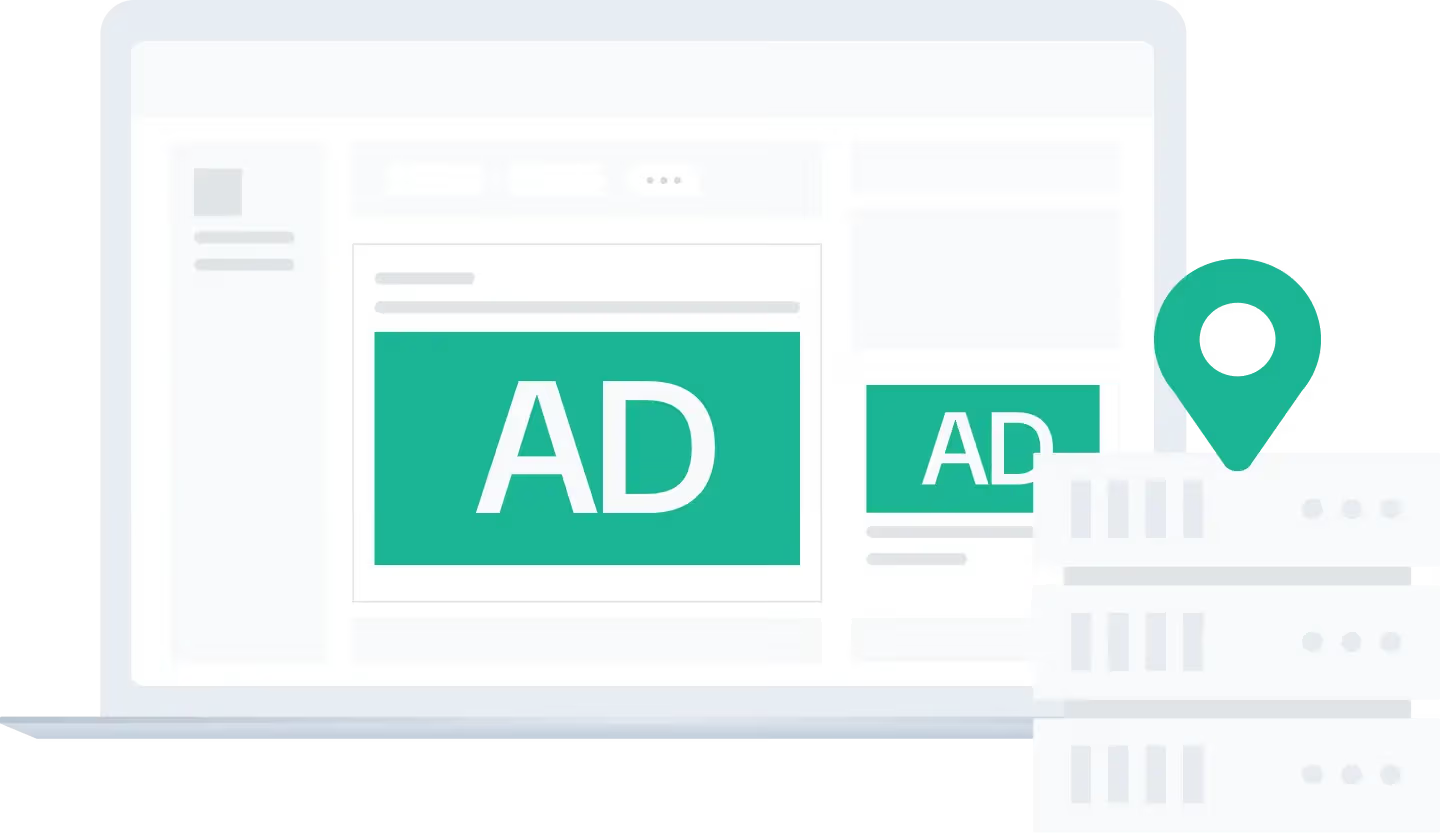






Fraud traffic wastes your budget and distorts campaign data. Ad verification proxies let you check whether ads are displayed correctly, in the right location, and in the right context, just like a real local user would see them. With clean, geo-located residential IPs, marketers, brands, and agencies can monitor regional ad placements, spot fake clicks or bot impressions, and improve the accuracy of campaign data.
For example: Imagine you're running a Google Ads campaign for the New York market. Your regular IP may not show the same ad experience as users in that area. Residential proxies support local ad verification in New York. You can confirm delivery, review landing pages, monitor ads anonymously, and catch placement or compliance issues before they waste more ad spend.
How Proxy for Ad Verification Work
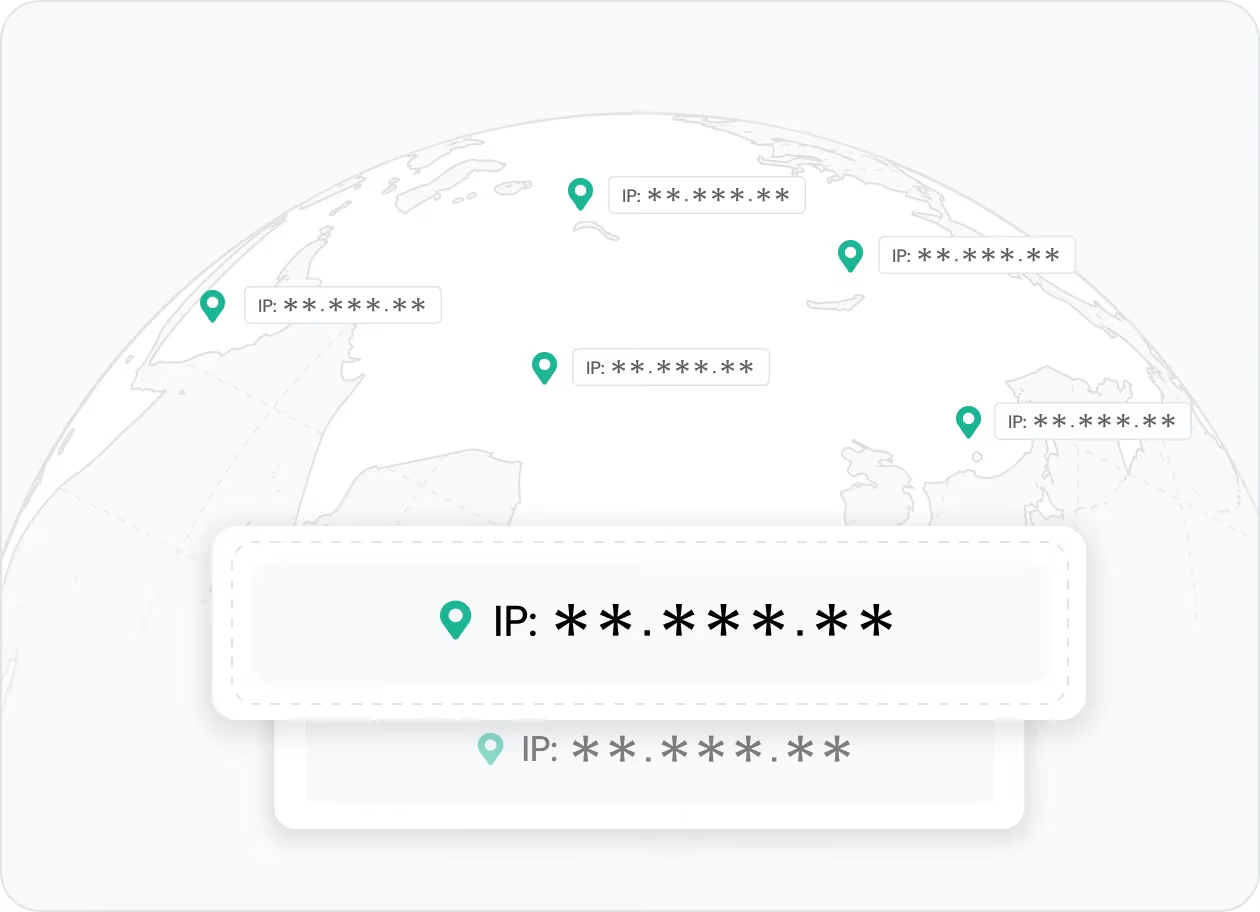
Large ad audits require repeated checks across many sites, sessions, and placements. Smart rotation gives each check a fresh IP path, so you can scale monitoring without exposing your digital footprint to fraudsters.
👉 IPcook's smart IP rotation helps you confidently counter blocking attempts and scale ad monitoring across regions and placements.
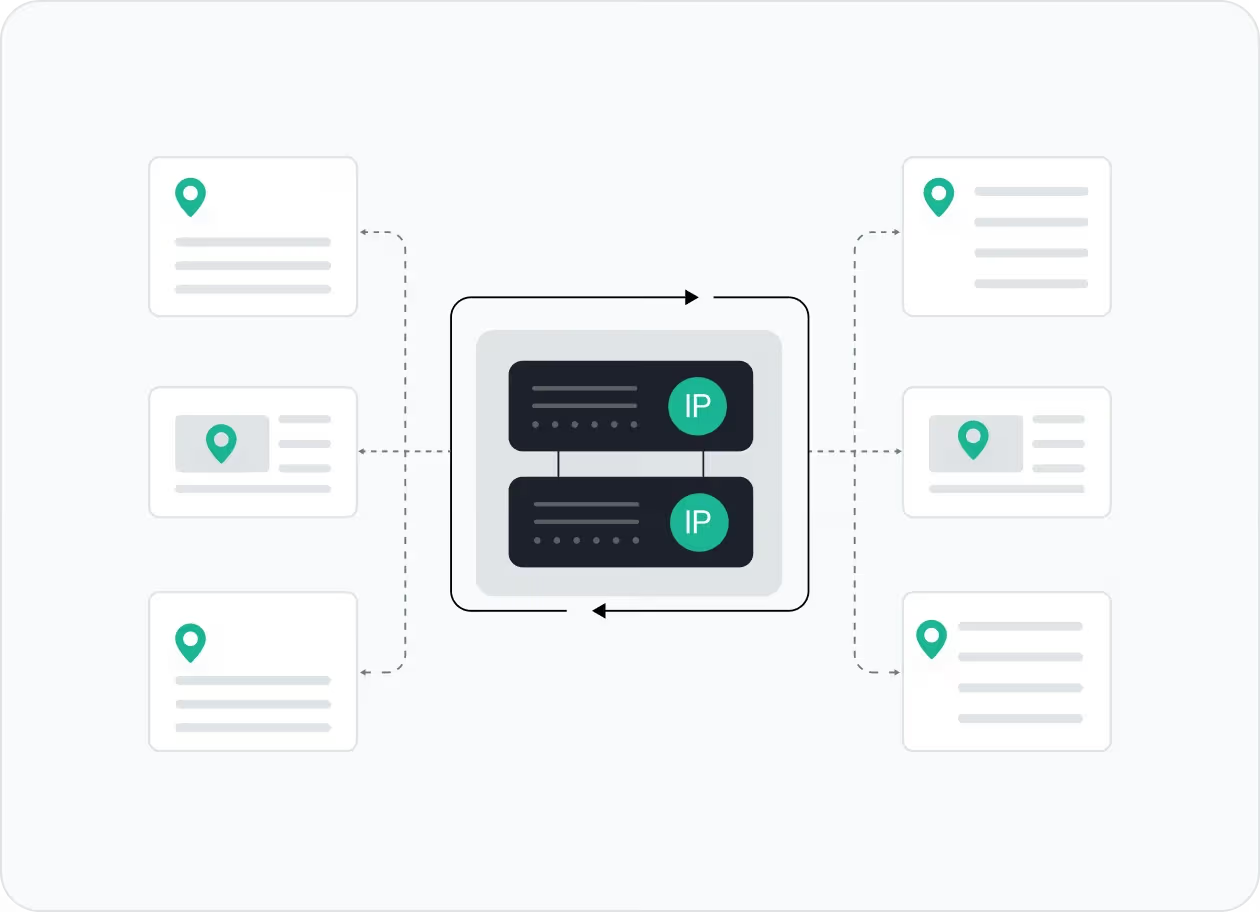
Repeated ad checks from the same IP can trigger blocks, incomplete results, or misleading ad views. Residential proxies help you rotate IPs constantly, masking your original IP and keeping ad audits smoother.
👉 IPcook's rotating residential proxies help minimize IP blocking during repeated ad verification tasks.
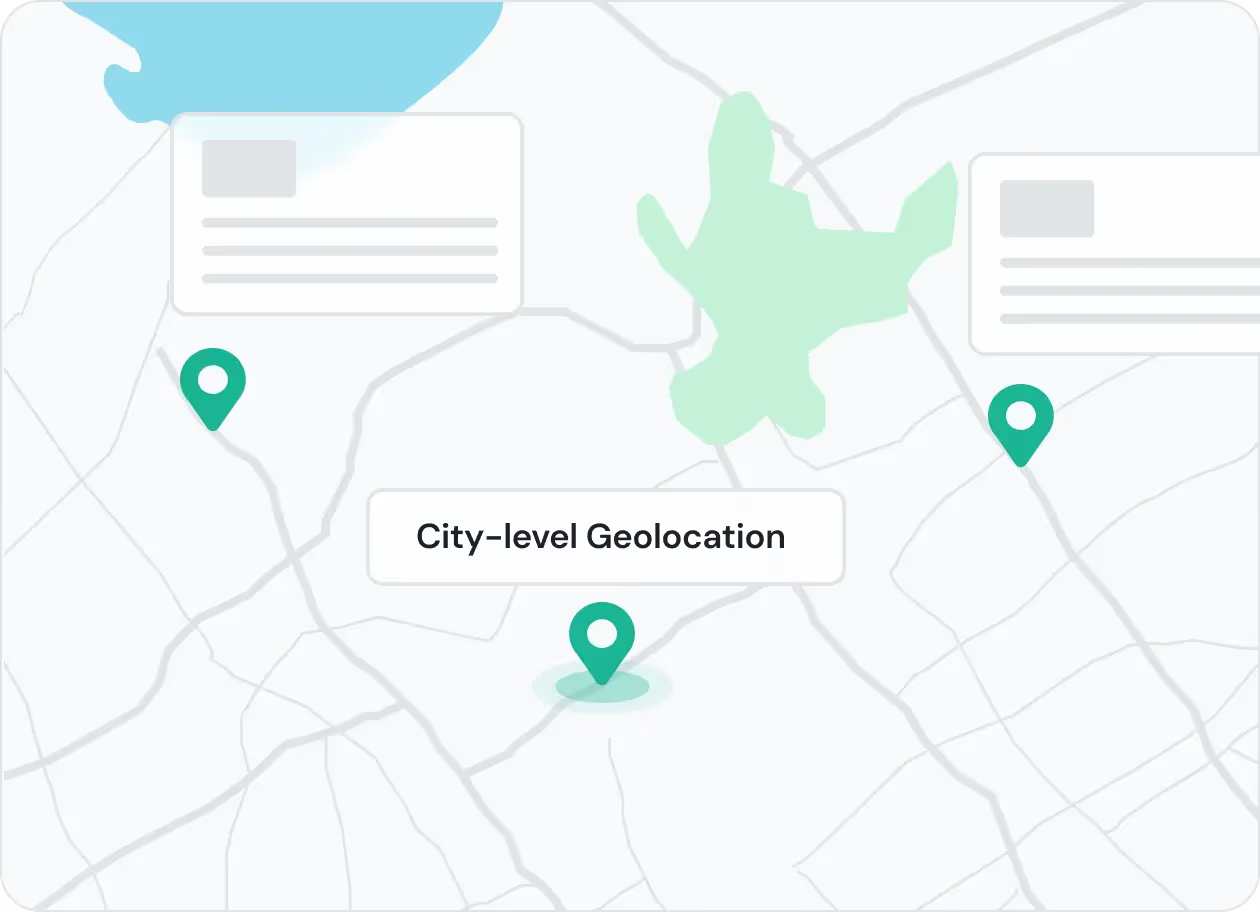
Ads vary by country, city, language, and network. Geo-targeted proxies let you access local ad experiences, so you can verify regional delivery and landing pages accurately.
👉 IPcook offers city-level targeting for authentic local ad views and borderless verification coverage.
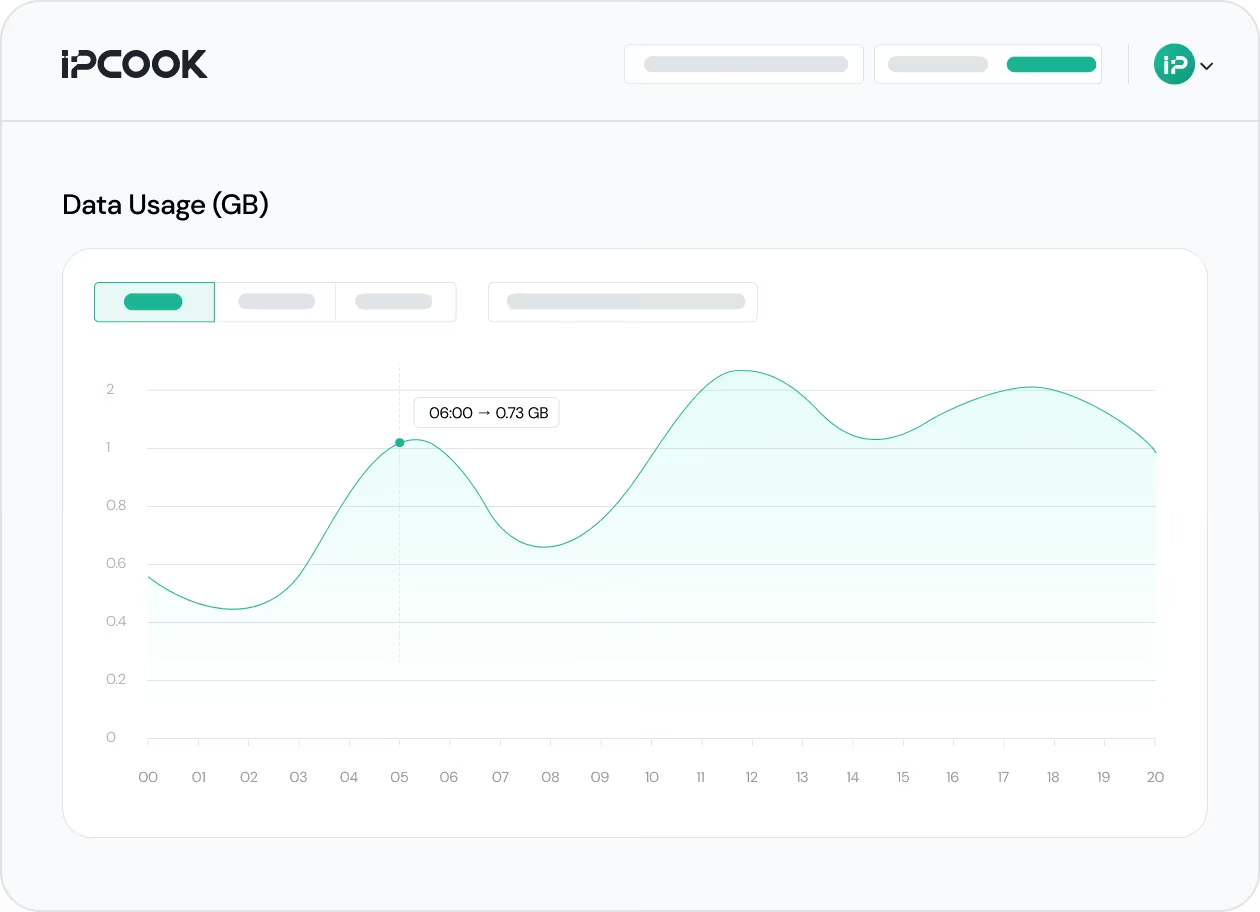
A large residential IP pool protects personal or corporate identity by giving every verification session a unique IP. Clean, verified proxies also support fraud detection, brand safety monitoring, and regional compliance reviews privately.
👉 IPcook's verified IP pools help make ad verification more anonymous, secure, and trustworthy at scale.
How IPcook's Proxies for Ad Verification Stand Out
不確定該選擇哪個?
與我們的
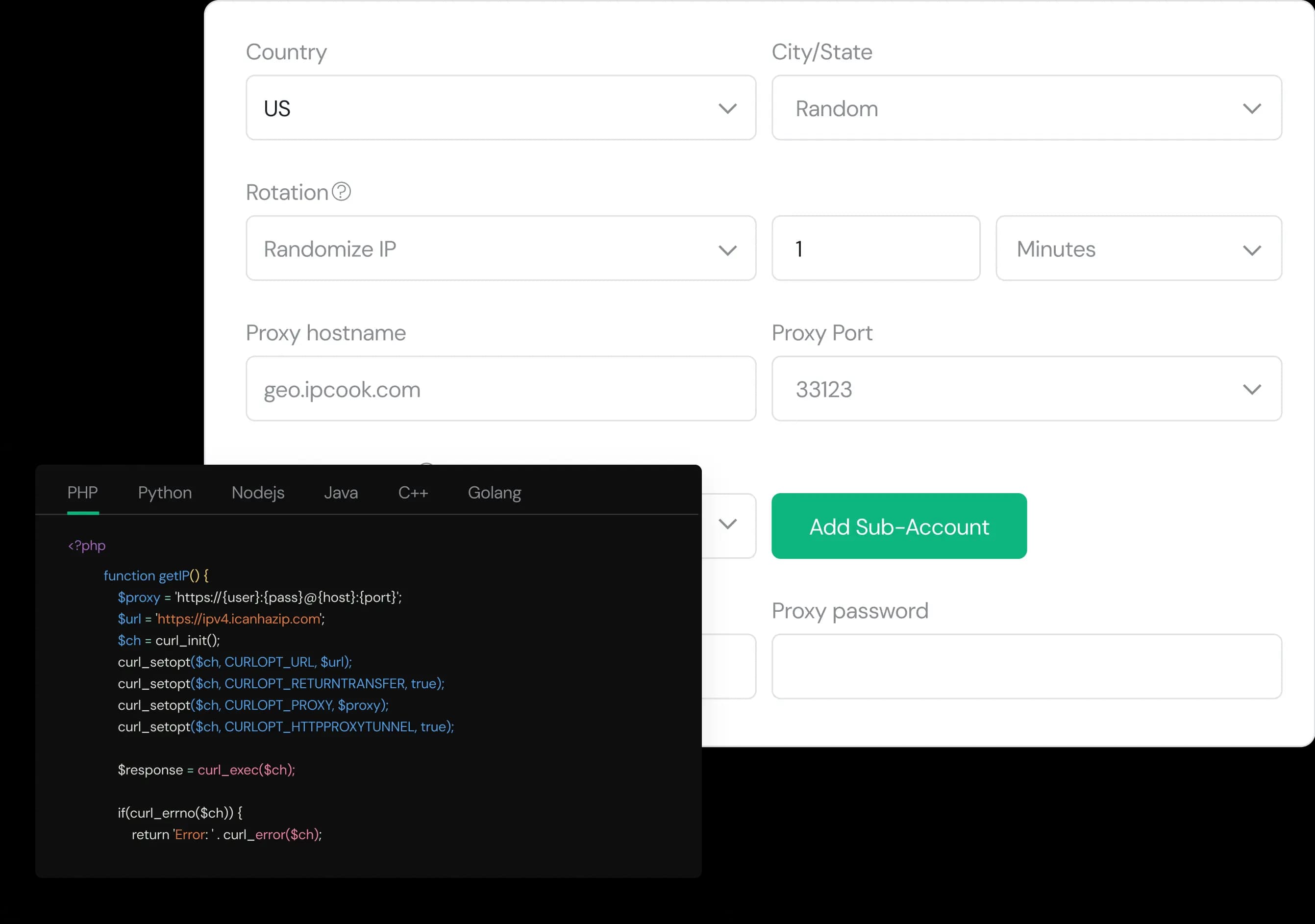
Configure your proxy by selecting the country, city, protocol, and rotation type, then assign a sub-account, set login credentials, and optionally add whitelisted IPs.
Select the desired proxy format (e.g., host:port:user:pass) and quantity, then generate your proxy list by clicking Generate or Generate API Link.
Copy the code snippet for your preferred language (Python, Node.js, PHP, Java, Golang, or C++), then paste it into your application to start using the proxies.
Captcha Proxy
Bypass captcha interruptions using rotating IPs for smooth, automated scraping.