CAPTCHA Proxy
Bypass CAPTCHA Challenges with Rotating Residential IPs
- Clean residential IPs to minimize CAPTCHA triggers

- Smart IP rotation that mimics real-user behavior
- Geo-targeting support for accurate, region-based tasks
- Verified IP pools ensuring stable, block-free automation
Proxies can’t be used when located in: North Korea, Turkmenistan, Iran, Eritrea, China






What is CAPTCHA Proxy
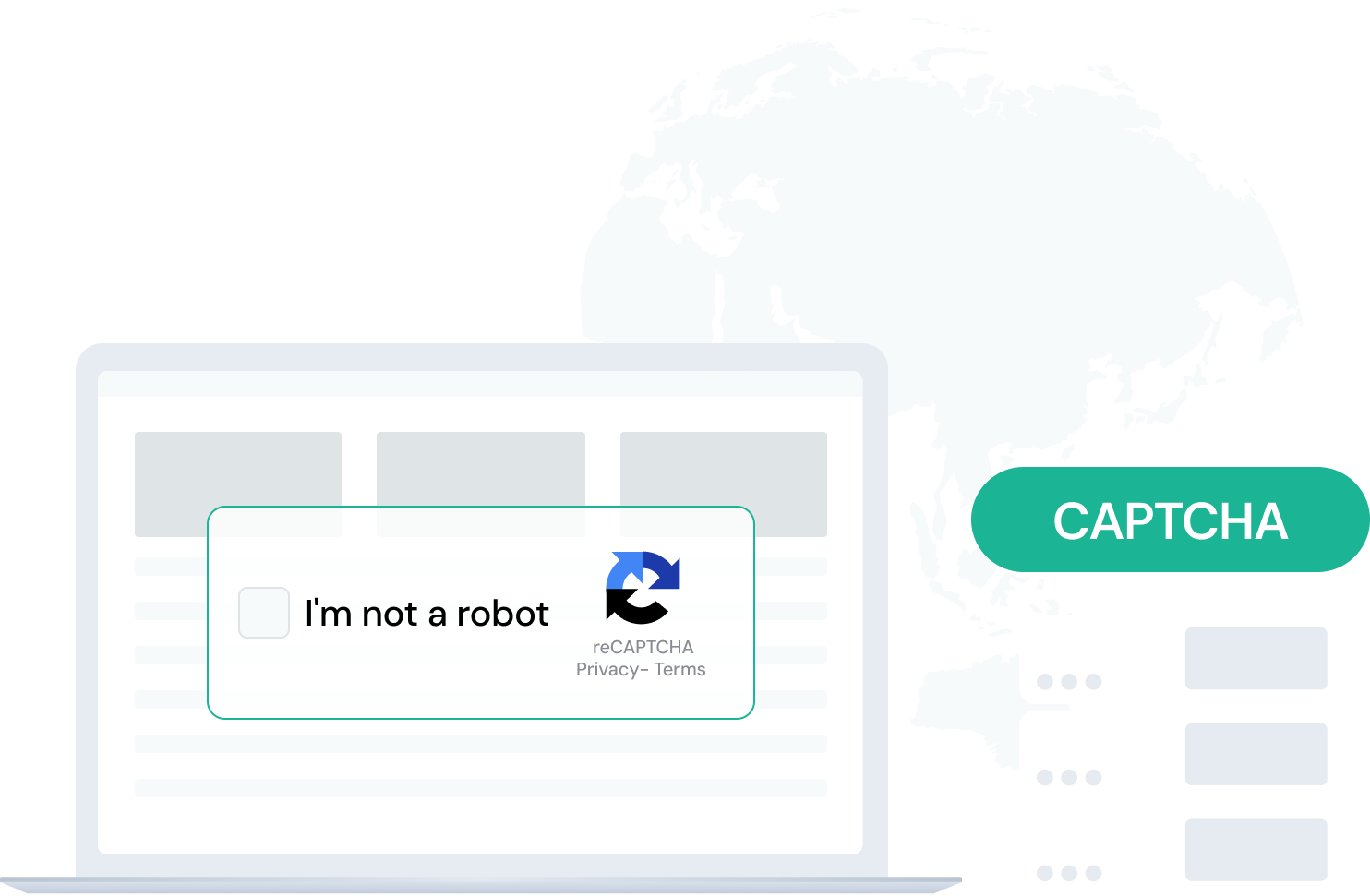
A CAPTCHA proxy is a specialized server that routes your connection through clean residential IPs to prevent constant verification requests. By masking your real IP and distributing traffic across multiple addresses, it helps automation tools and data collectors avoid detection and maintain smooth access to target websites.
For example: when a website triggers CAPTCHA tests after repeated actions, using a CAPTCHA proxy rotates IPs automatically, so every request looks unique. This allows large-scale scraping, ad verification, or QA testing to continue efficiently without delays or access blocks.
How CAPTCHA Proxies Work
Hide Real IP to Prevent CAPTCHA Triggers
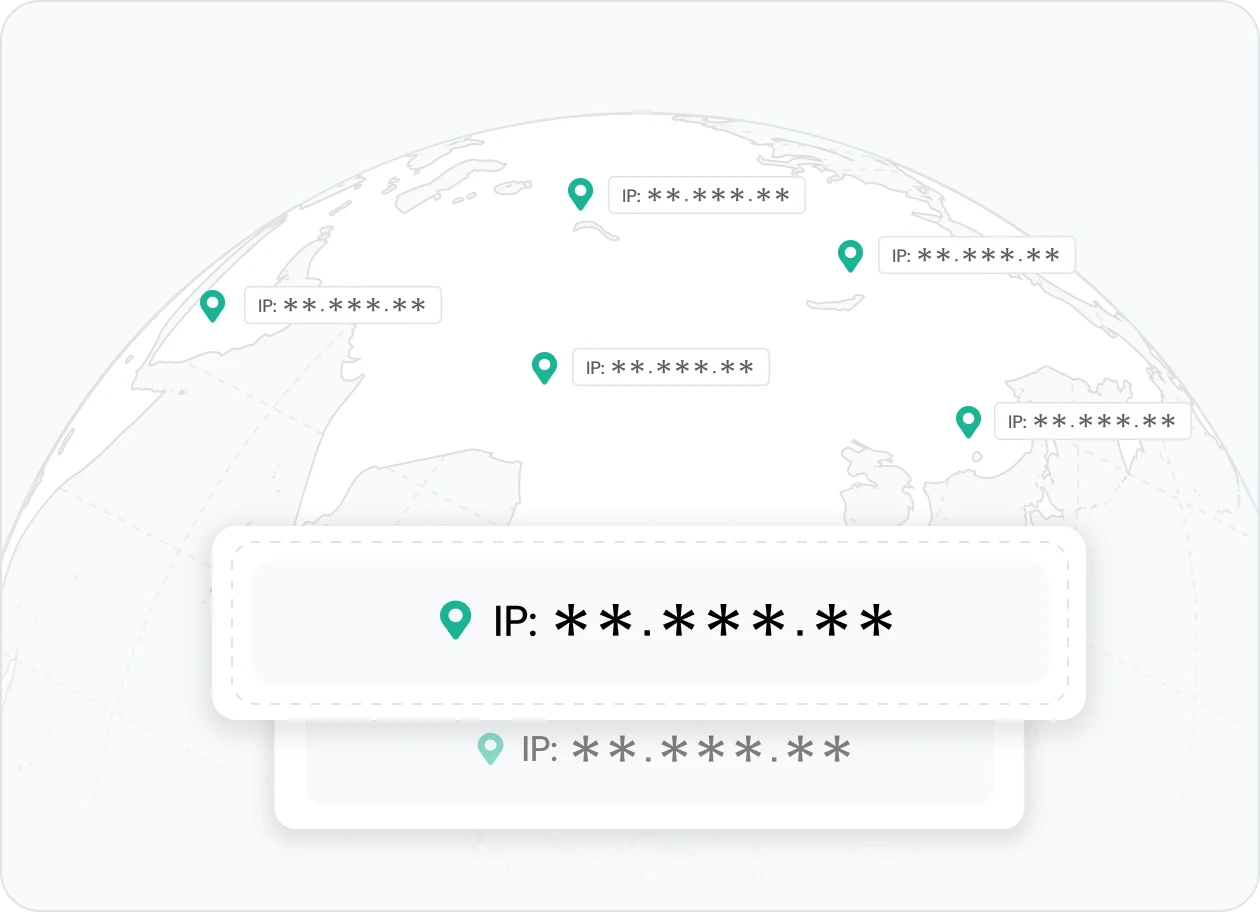
A CAPTCHA proxy hides your real IP address, helping automation tools appear as genuine users and avoid CAPTCHA prompts. It protects your identity and ensures smooth, uninterrupted access during scraping or testing.
👉 IPcook provides clean residential proxies that keep your activity private and ensure CAPTCHA-free automation.
Automatic IP Rotation for Human-Like Behavior
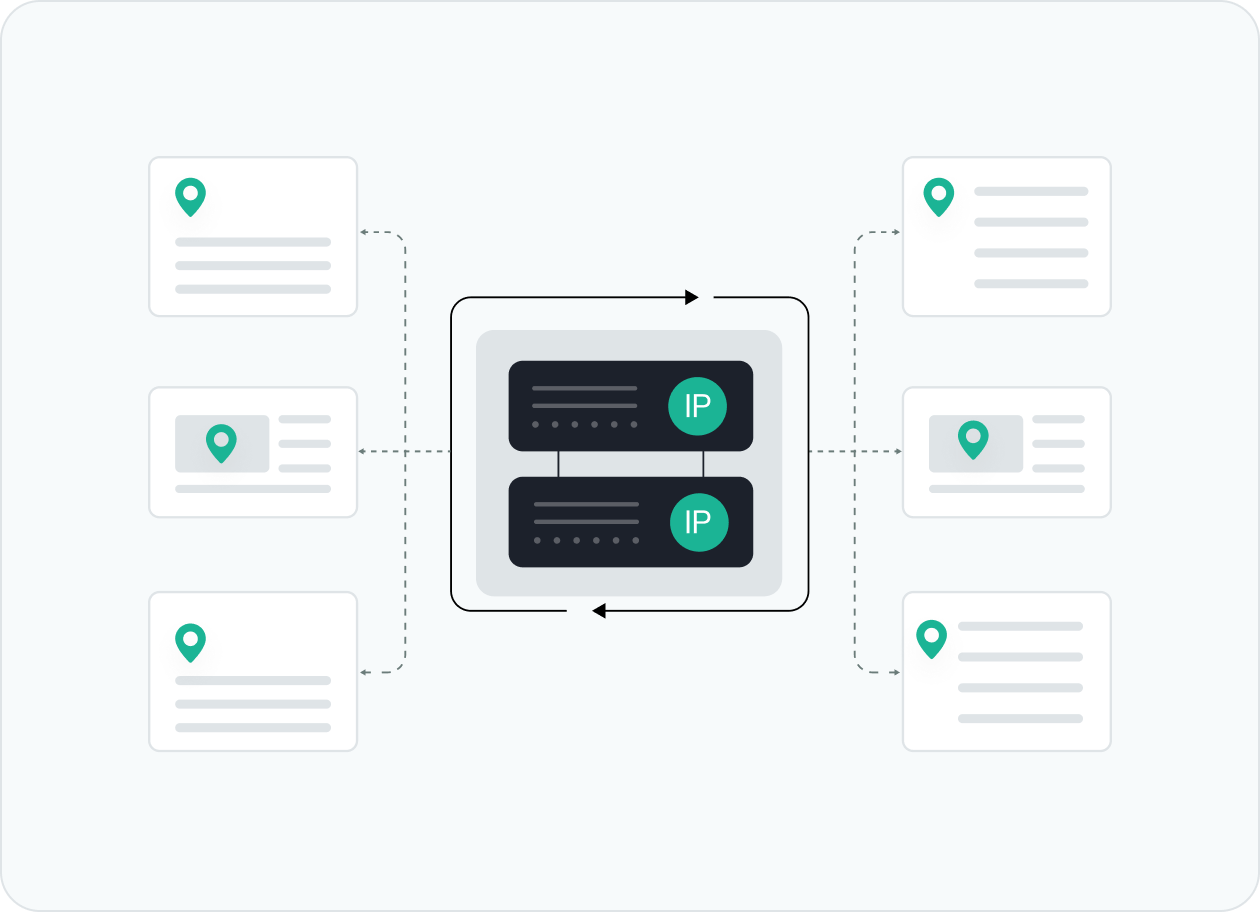
CAPTCHA proxies use smart IP rotation to change addresses automatically, mimicking real-user activity. This prevents detection by anti-bot systems and keeps automation tools running smoothly without interruptions.
👉 IPcook offers rotating residential IPs with adaptive intervals to maintain stable, undetected performance.
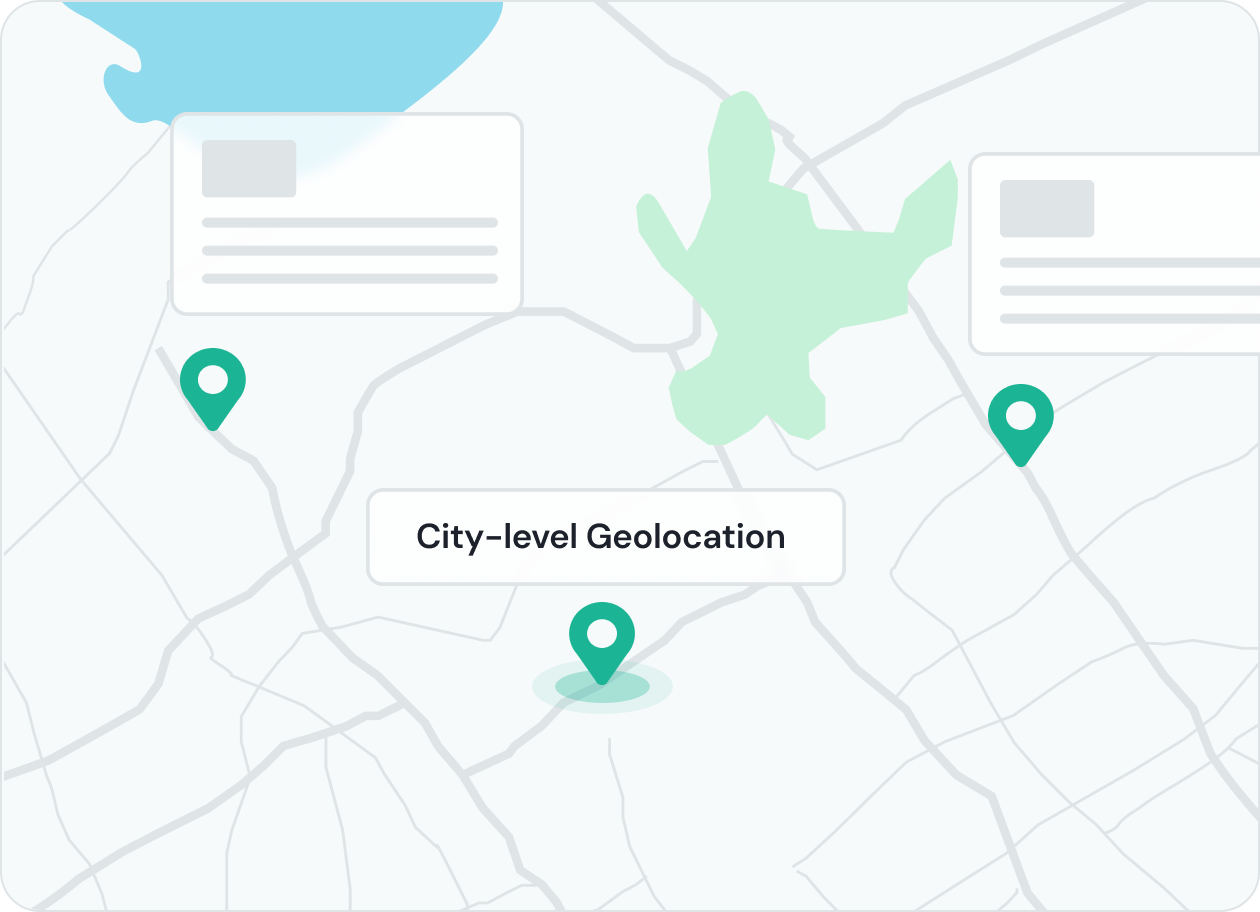
Geo-Targeted Access for Accurate Testing
With geo-targeted CAPTCHA proxies, you can choose IPs from specific countries or cities to test region-based websites or applications. This helps bypass restrictions and verify CAPTCHA behavior under real local conditions.
👉 IPcook supports global residential IPs with precise city-level targeting for accurate and secure testing.
Maintain Stability and High Success Rates
Verified IP pools ensure smooth connections and consistent results for automation or scraping tasks. By minimizing blocks and verification loops, CAPTCHA proxies deliver reliable performance for continuous workflows.
👉 IPcook delivers proxy services optimized for long-running, block-free automation.
How IPcook's CAPTCHA Proxies Stand Out
- Feature
- Real Residential IPs
- Global Pool Size
- Rotation Control
- Uptime
- Setup Time
- Support
- IPcook
- Yes
- 55M+ IPs
- Sticky/rotating
- 99.99%
- < 5 mins
- 24/7 Human Support
- Others
- Mixed sources
- Limited in scope
- Often limited
- Varies
- Complex setups
- Chatbots or email delays
Buy CAPTCHA Proxies with Pay-As-You-Go Pricing


Not sure which to choose?
Talk to our
How to Set Up Your CAPTCHA Proxies
- 1
Customize Your Proxy Parameters
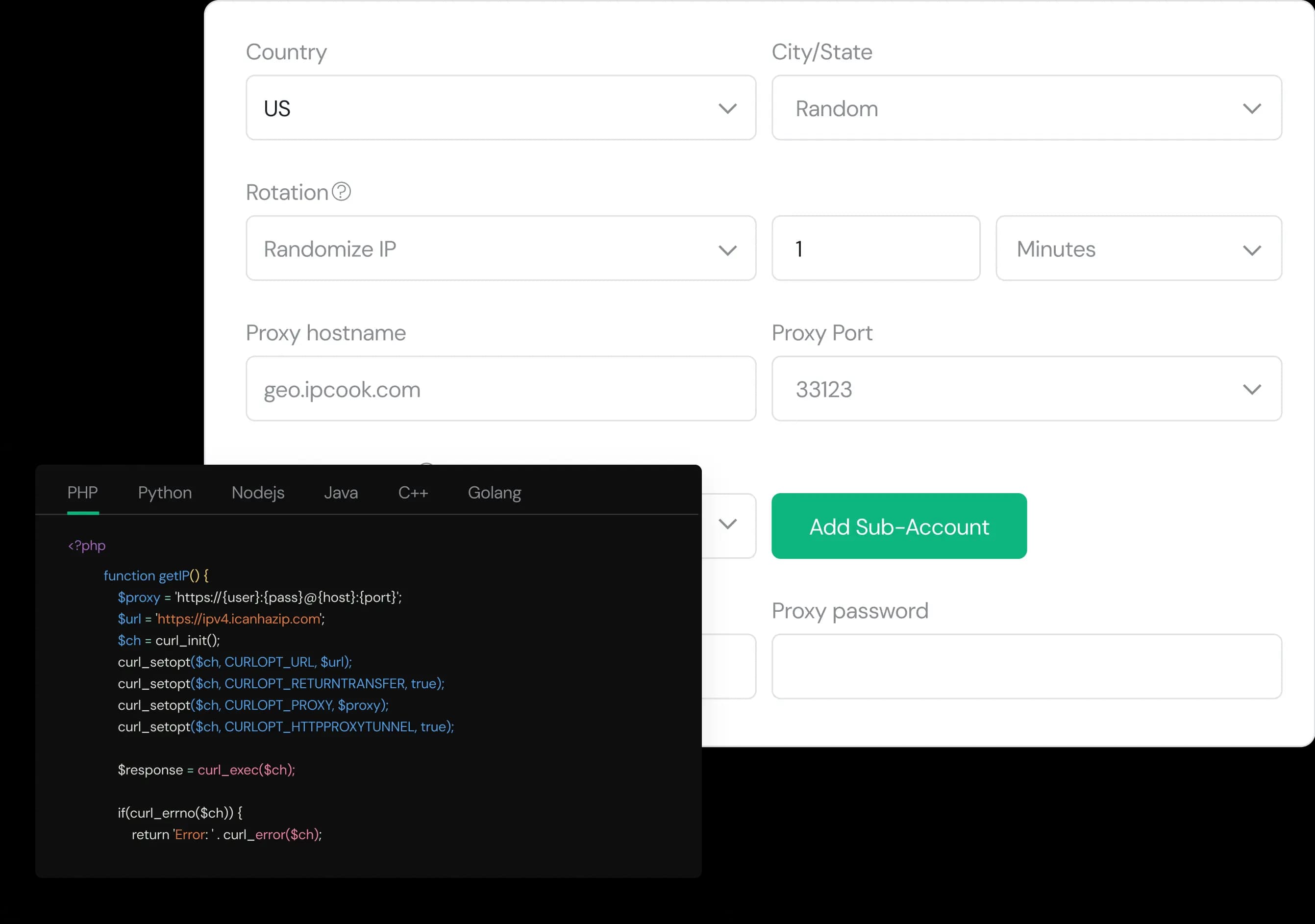
Configure your proxy by selecting the country, city, protocol, and rotation type, then assign a sub-account, set login credentials, and optionally add whitelisted IPs.
- 2
Generate Proxies Instantly
Select the desired proxy format (e.g., host:port:user:pass) and quantity, then generate your proxy list by clicking Generate or Generate API Link.
- 3
Plug into Your Stack in Minutes
Copy the code snippet for your preferred language (Python, Node.js, PHP, Java, Golang, or C++), then paste it into your application to start using the proxies.