Japan Proxies
Trusted Japan Proxies with Fast and Secure Access
- 76K+ Japanese residential IPs

- Route requests to the locations your project requires
- Connect easily through HTTP or SOCKS5
- Choose rotating or sticky sessions to match the task
Proxies can’t be used when located in: North Korea, Turkmenistan, Iran, Eritrea, China

Japan Proxies






Why IPcook is Your Go-To for Japan Proxies
Target the Japanese Locations Relevant to Your Work
A single “Japan” location does not always tell the whole story. With 76,000+ Japanese residential IPs and free city-level targeting, IPcook lets you narrow requests to the locations relevant to your project instead of treating the entire country as one market.
This is especially useful when comparing localized search results, advertising visibility, e-commerce pricing, product availability, or public market data across different Japanese cities. For example, teams researching Tokyo and Osaka can run location-specific checks from residential IPs in the selected area and better understand how online information appears from different parts of Japan. Smart IP rotation within your chosen region also makes it easier to collect broader datasets without constantly reconfiguring proxy locations.
Don't Let Proxy Expiration Dictate Your Research
Japan-focused projects are not always continuous: SEO checks, campaign verification, competitor monitoring, and e-commerce research may run daily, weekly, or only during specific projects. With IPcook, purchased traffic never expires, so unused bandwidth remains available when you return to the next research cycle.
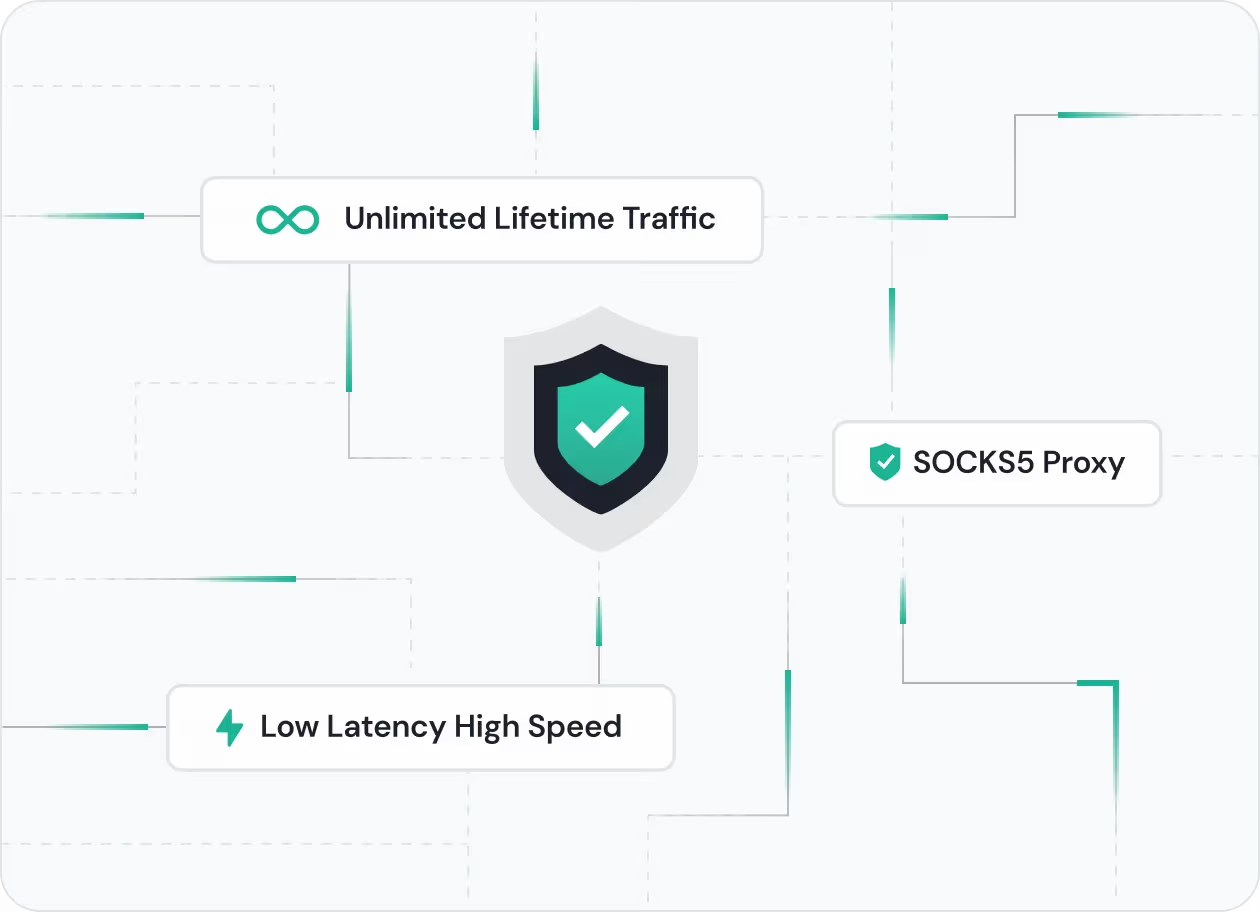
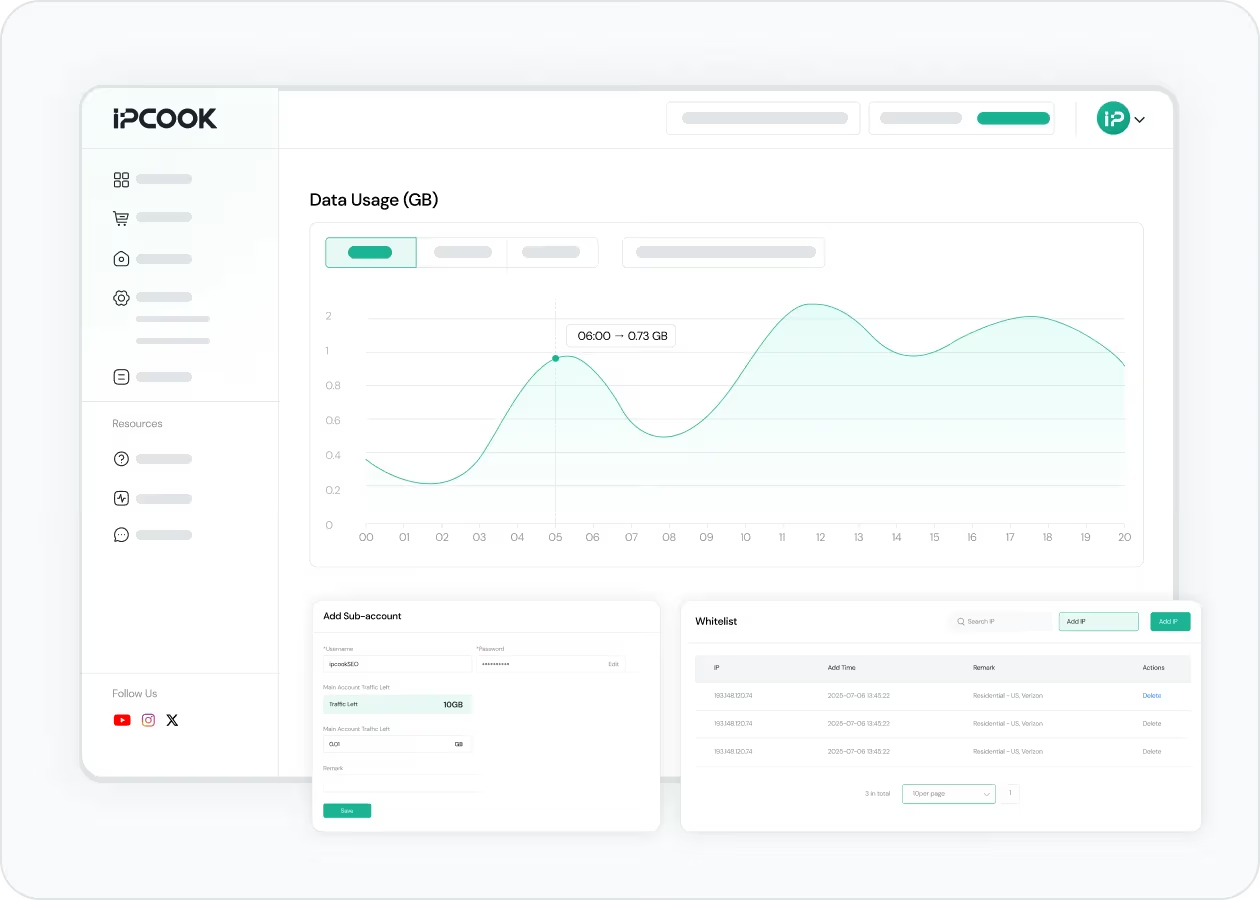
You can also choose between rotating IPs and sticky sessions lasting up to 24 hours depending on the task. Rotate addresses when collecting larger volumes of public data, or maintain one IP when session consistency matters. Combined with HTTP and SOCKS5 support, real-time usage monitoring, IP whitelisting, and 99.99% uptime, IPcook gives Japan-focused teams more control over how residential proxy resources are used over time.
How IPcook's Japan Proxies Stand Out
- Feature
- Real Residential IPs
- Global Pool Size
- Rotation Control
- Uptime
- Setup Time
- Support
- IPcook
- Yes
- 55M+ IPs
- Sticky/rotating
- 99.99%
- < 5 mins
- 24/7 Human Support
- Others
- Mixed sources
- Limited in scope
- Often limited
- Varies
- Complex setups
- Chatbots or email delays
Buy Japan Proxies with Pay-As-You-Go Pricing


Not sure which to choose?
Talk to our
How to Set Up Your Japan Proxies
- 1
Customize Your Proxy Parameters
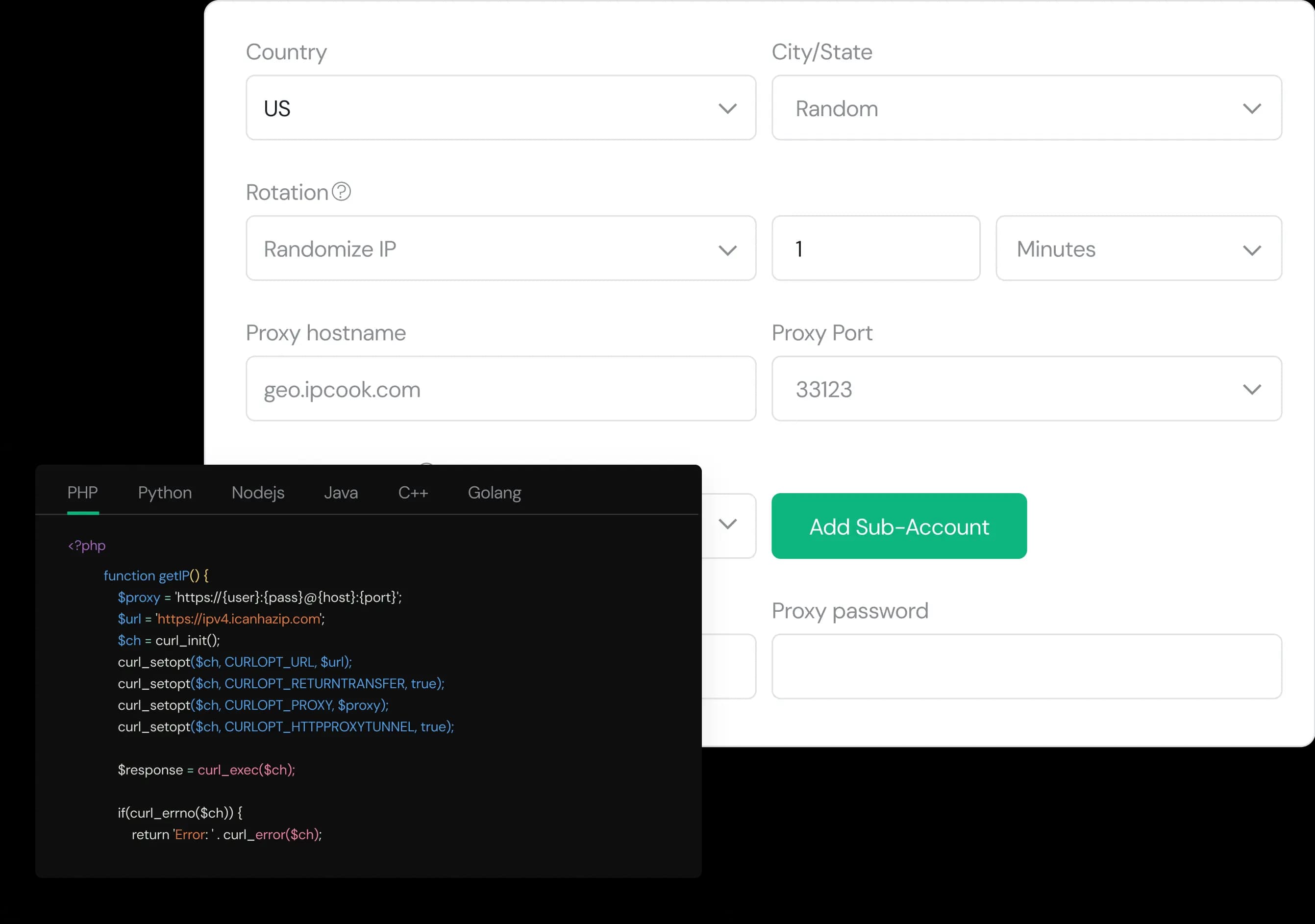
Configure your proxy by selecting the country, city, protocol, and rotation type, then assign a sub-account, set login credentials, and optionally add whitelisted IPs.
- 2
Generate Proxies Instantly
Select the desired proxy format (e.g., host:port:user:pass) and quantity, then generate your proxy list by clicking Generate or Generate API Link.
- 3
Plug into Your Stack in Minutes
Copy the code snippet for your preferred language (Python, Node.js, PHP, Java, Golang, or C++), then paste it into your application to start using the proxies.