Buy SEO Proxies
Gather Keywords & Scrape SERP Ranks with Reliable SEO Proxies
- 55M+ Residential IPs for large-scale SERP scraping

- Geo-targeting for accurate local SERP data worldwide
- Smart IP Rotation to bypass detection and CAPTCHAs
- Clean IP Pool for stable and secure SEO tasks
Proxies can’t be used when located in: North Korea, Turkmenistan, Iran, Eritrea, China







Why Use SEO Proxies
SEO proxies are anonymous proxy servers optimized specifically to access search engines and collect SERP data reliably. They let you use different IP addresses and locations, enabling large-scale keyword tracking, rank monitoring, and local search results without being blocked.
For example: If you are monitoring Google search results for multiple keywords across different countries, using an SEO proxy lets you collect accurate data. For keyword research, they help extract entities, generate long-tail topics, and scrape Google suggestions. For competitor analysis, they help you collect headlines, meta descriptions, images, and other on-page data.
How SEO Proxies Work
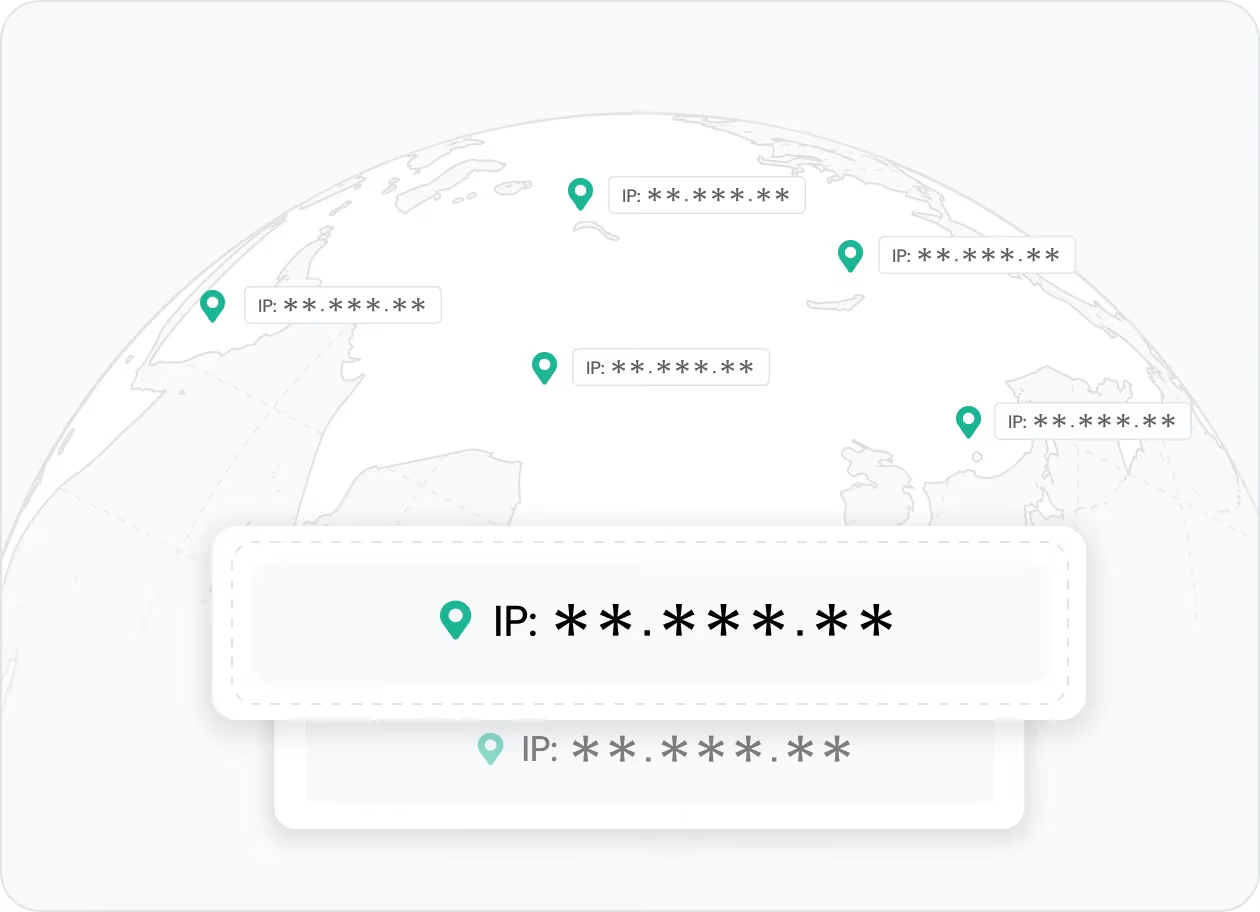
Improve SEO research with SERP data
Use SEO proxies to scrape Google search results and collect live SERP data across organic rankings, featured snippets, PPC ads, and local pack results for ranking analysis, SEO research, and market tracking.
👉 IPcook provides clean residential proxies that help you gather SERP data more steadily with fewer blocks and CAPTCHAs.
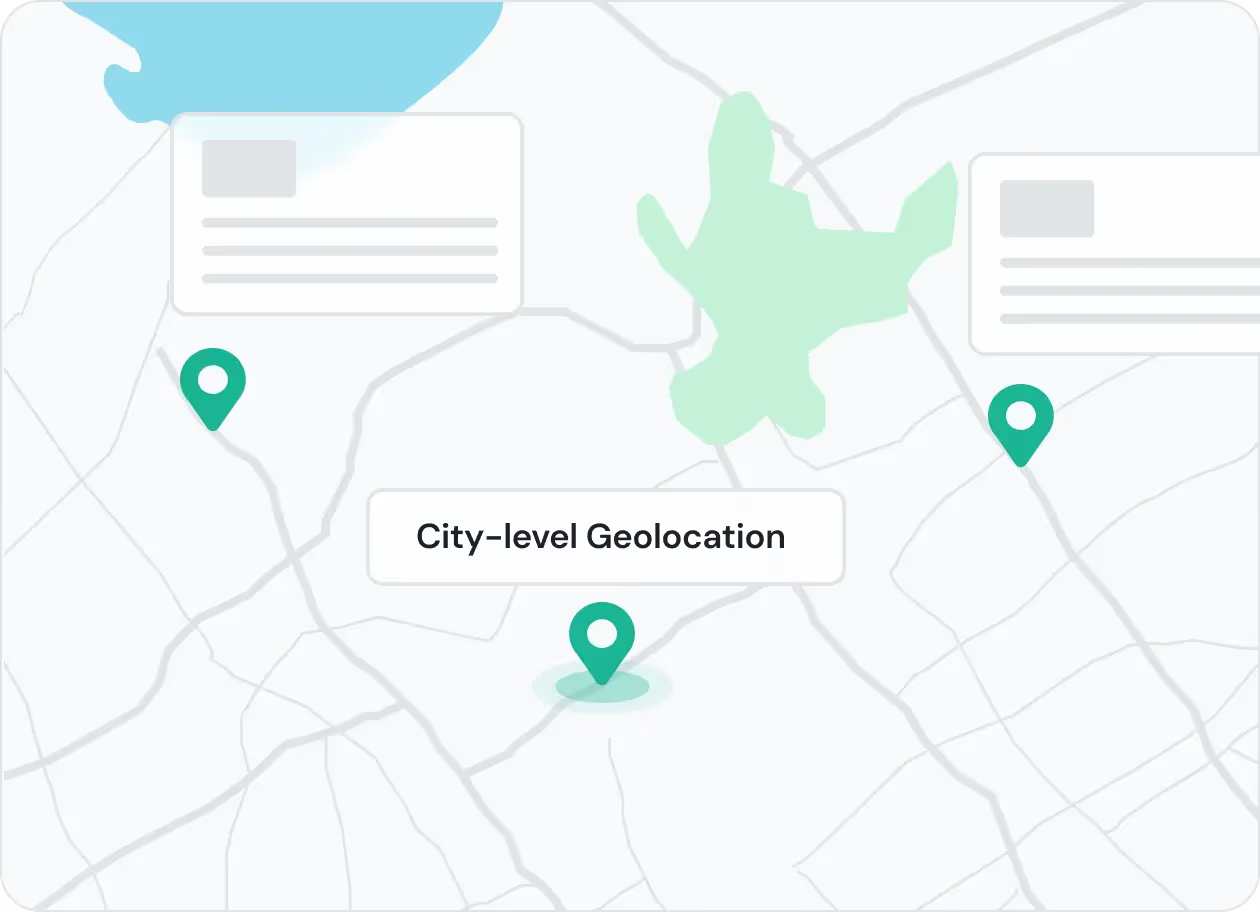
Access SERP results from anywhere
SEO proxies let you view search results from specific countries, regions, or cities for more accurate local SEO insights, and also help you scrape Google Maps data across locations.
👉 IPcook lets you target countries and cities with precision, making it easy to monitor SERPs anywhere in the world.
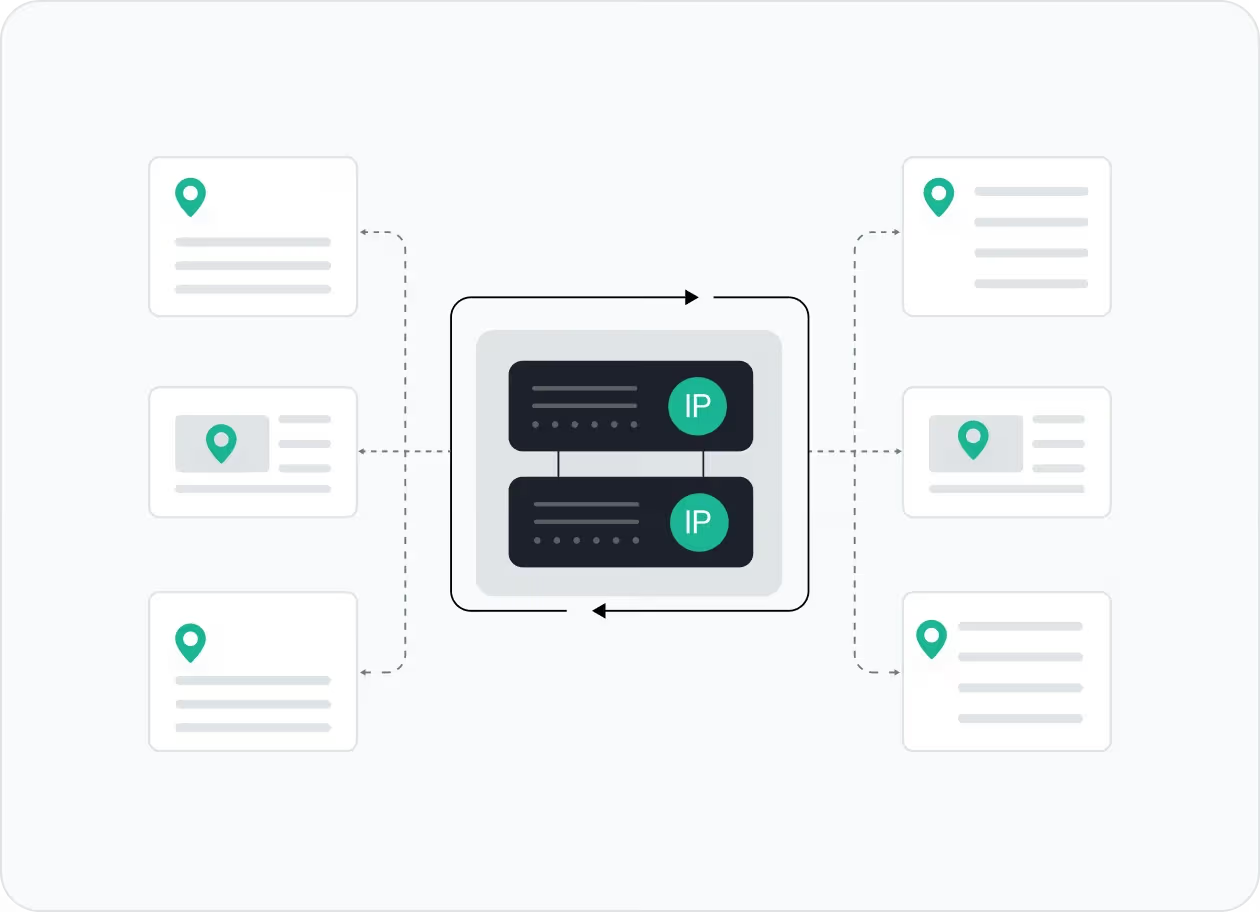
Monitor competitors in real time
Use SEO proxies to track competitor page coverage, content topics, and keyword presence directly from search results.
👉 IPcook provides static ISP proxies that help you monitor competitor visibility across markets with stable, location-based IPs.
Automate keyword data gathering
Collect keyword ideas, related queries, and search patterns at scale without relying on a single IP.
👉 IPcook supports large-scale keyword collection with flexible rotation and reliable residential IPs.
How IPcook's SEO Proxies Stand Out
- Feature
- Real Residential IPs
- Global Pool Size
- Rotation Control
- Uptime
- Setup Time
- Support
- IPcook
- Yes
- 55M+ IPs
- Sticky/rotating
- 99.99%
- < 5 mins
- 24/7 Human Support
- Others
- Mixed sources
- Limited in scope
- Often limited
- Varies
- Complex setups
- Chatbots or email delays
Buy SEO Proxies with Pay-As-You-Go Pricing


Not sure which to choose?
Talk to our
How to Set Up Your SEO Proxies
- 1
Customize Your Proxy Parameters
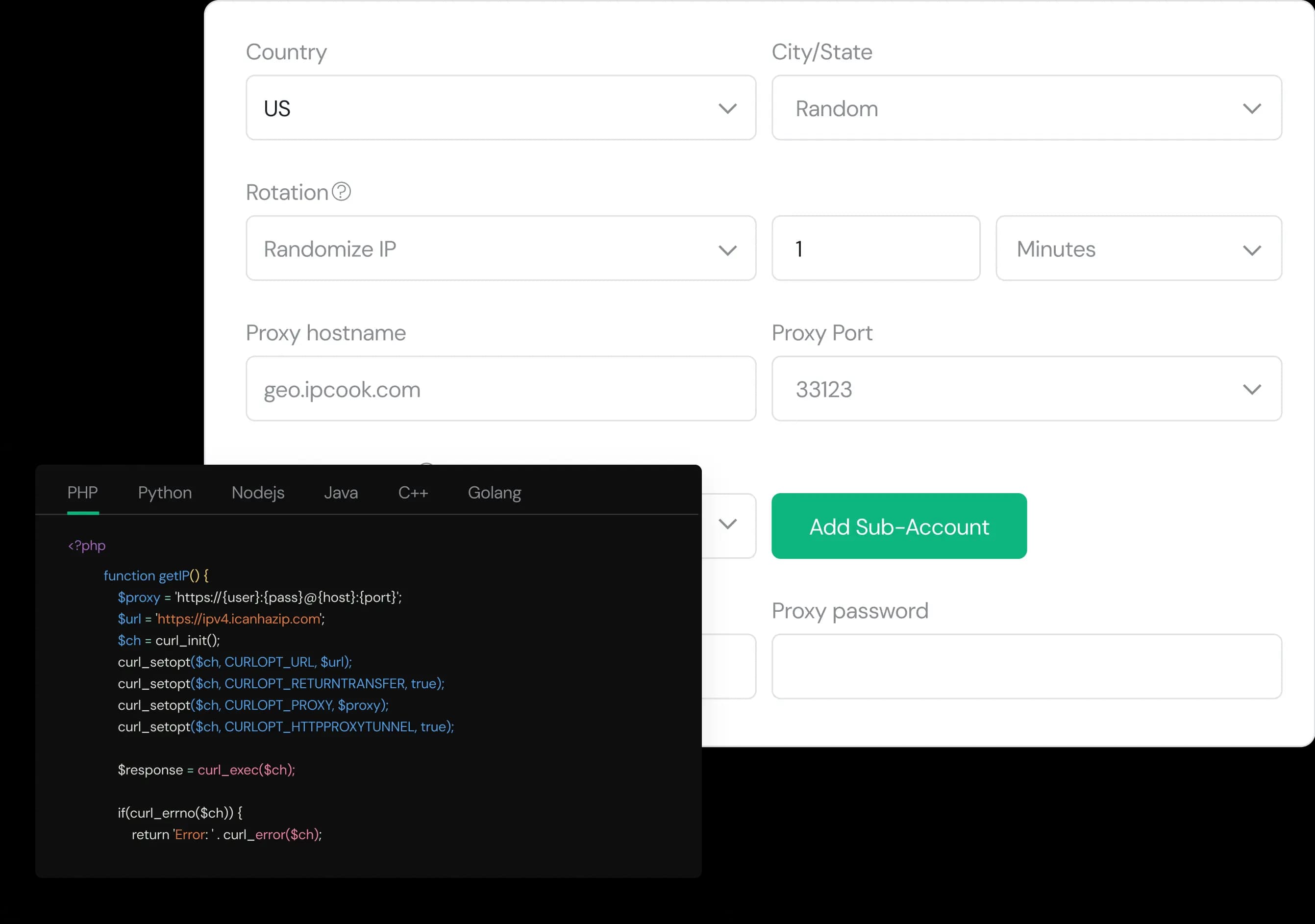
Configure your proxy by selecting the country, city, protocol, and rotation type, then assign a sub-account, set login credentials, and optionally add whitelisted IPs.
- 2
Generate Proxies Instantly
Select the desired proxy format (e.g., host:port:user:pass) and quantity, then generate your proxy list by clicking Generate or Generate API Link.
- 3
Plug into Your Stack in Minutes
Copy the code snippet for your preferred language (Python, Node.js, PHP, Java, Golang, or C++), then paste it into your application to start using the proxies.