Twitter Proxy
Manage Multiple Twitter Accounts & Automate Tasks with Reliable Proxies
- Clean, ethically sourced residential IPs to reduce bans and restrictions

- Ultra-fast servers with unlimited traffic for smooth Twitter browsing
- Dedicated static IPs to prevent account association and keep accounts safe
- Flexible pay-as-you-go: just $0.50/GB or $0.046/IP. No subscription
Proxies can’t be used when located in: North Korea, Turkmenistan, Iran, Eritrea, China






Why Use Twitter Proxy?
Twitter is widely used for campaign management and automation at scale. But when all of that activity runs through the same IP, access becomes harder to keep stable. Low-quality, free, or shared IPs can further increase the risk of flags, restrictions, and account issues. That is why dedicated Social Media proxies are a safer choice for smoother account access and lower association risk.
Different Twitter tasks also call for different types of proxies:
For long-term Twitter account management, static residential proxies are usually the safer choice because they keep each account on a dedicated IP.
For automation, public Twitter data scraping, and building Twitter bots, dynamic residential proxies are often a better fit because they rotate through real-user IPs and are less likely to get blocked.
How Twitter Proxies Work
Keep Twitter Logins Uninterrupted
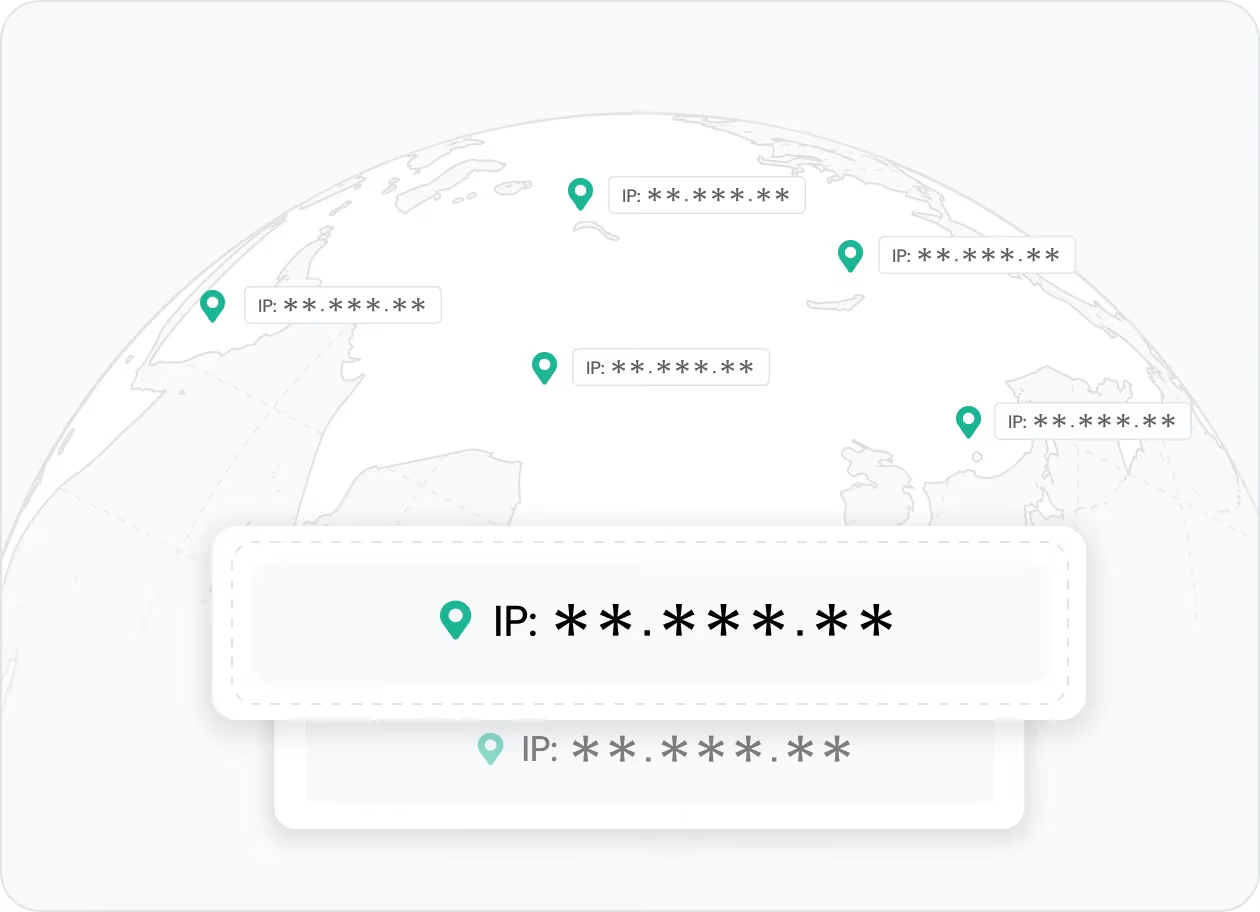
A Twitter proxy separates account activity from your real IP and keeps login behavior more consistent across devices, browsers, and locations. Long-term account access stays more stable and is less likely to trigger flags or login checks.
👉 IPcook provides verified residential and ISP IPs for more stable Twitter logins.

Manage Multiple Accounts with Clean Separation
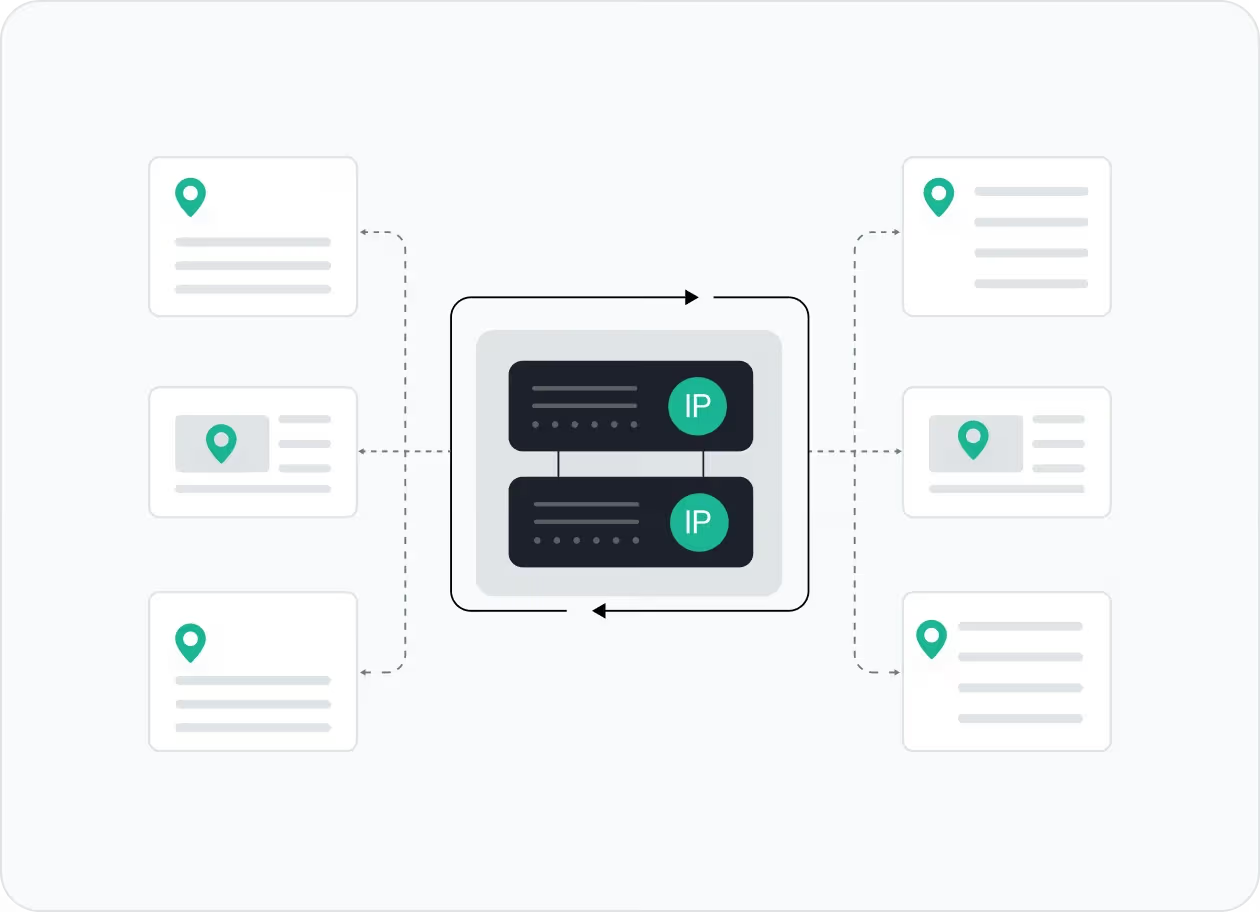
Different accounts can run through different IPs, so they stay better separated over time. This lowers account association risk and gives you more control over multi-account workflows.
👉 IPcook offers dedicated static residential proxies to keep accounts better separated.
Tool Compatibility and Seamless Integration
Twitter proxies work best when they fit naturally into the tools already in your workflow. Flexible proxy formats and quick setup support browsers, automation tools, and scraping setups with less setup friction.
👉 IPcook supports flexible proxy formats and seamless integration across Twitter workflows.
Maintain Private and Stable Connections
Verified, ethically sourced IP pools and reliable routing help support private, steady connections during everyday Twitter activity. Fewer blocks and captchas help keep actions running more smoothly.
👉 IPcook provides clean proxy pools and reliable routing for steady performance.
How IPcook's Twitter Proxies Stand Out
- Feature
- Real Residential IPs
- Global Pool Size
- Rotation Control
- Uptime
- Setup Time
- Support
- IPcook
- Yes
- 55M+ IPs
- Sticky/rotating
- 99.99%
- < 5 mins
- 24/7 Human Support
- Others
- Mixed sources
- Limited in scope
- Often limited
- Varies
- Complex setups
- Chatbots or email delays
Buy Twitter Proxies with Pay-As-You-Go Pricing


Not sure which to choose?
Talk to our
How to Set Up Your Twitter Proxies
- 1
Customize Your Proxy Parameters
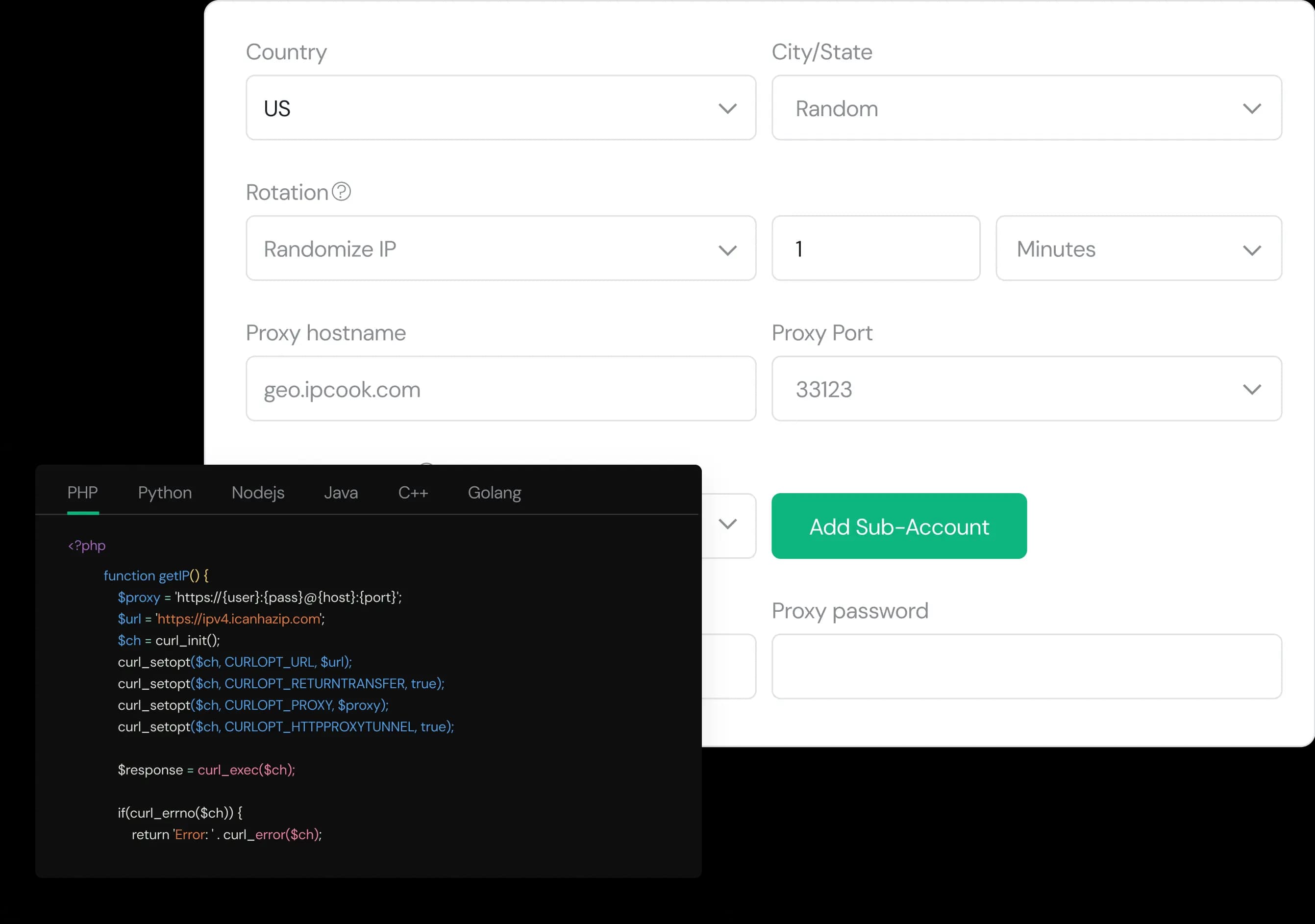
Configure your proxy by selecting the country, city, protocol, and rotation type, then assign a sub-account, set login credentials, and optionally add whitelisted IPs.
- 2
Generate Proxies Instantly
Select the desired proxy format (e.g., host:port:user:pass) and quantity, then generate your proxy list by clicking Generate or Generate API Link.
- 3
Plug into Your Stack in Minutes
Copy the code snippet for your preferred language (Python, Node.js, PHP, Java, Golang, or C++), then paste it into your application to start using the proxies.