Buy Gaming Proxies
High-quality proxies for gaming without limits
- Ultra-low latency datacenter proxies for smooth competitive gaming

- Global server coverage to access geo-locked games and regional releases
- Unlimited bandwidth & reliable 99.99% uptime for sustained premium gaming
- Full SOCKS5 and HTTP protocol support for universal gaming platform adaptability
Proxies can’t be used when located in: North Korea, Turkmenistan, Iran, Eritrea, China







Why use Proxy for gaming?
A game proxy hides your real IP and offers better bandwidth, higher throughput, and larger cache buffers to reduce load times. With a gaming proxy, you can access region-locked servers, separate multiple accounts, and protect your connection on public networks.
If your school or workplace blocks popular online games, a proxy can help you connect through a different IP. For blocked or restricted online gaming, we provide reliable residential, ISP, and datacenter proxies.
How Game Proxies Work
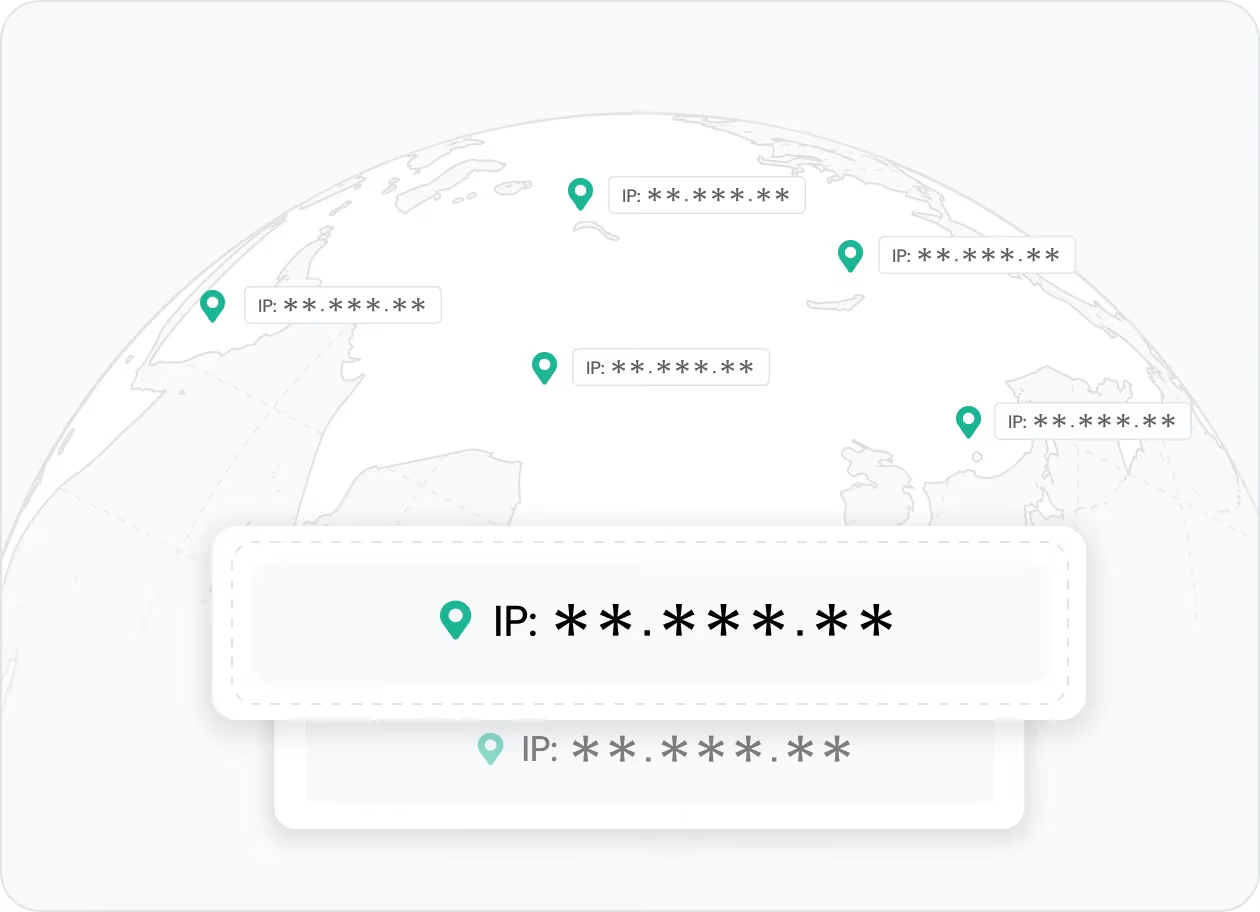
Bypass Geo-Restrictions and Play Anywhere
If you want to access region-locked titles, join friends on overseas servers, or reach games blocked on your network, an unblocked games proxy can help. By routing your traffic through IPs in other locations, you gain more flexibility.
👉 IPcook provides 55M+ IPs across 185+ regions to help you access blocked or restricted online gaming.
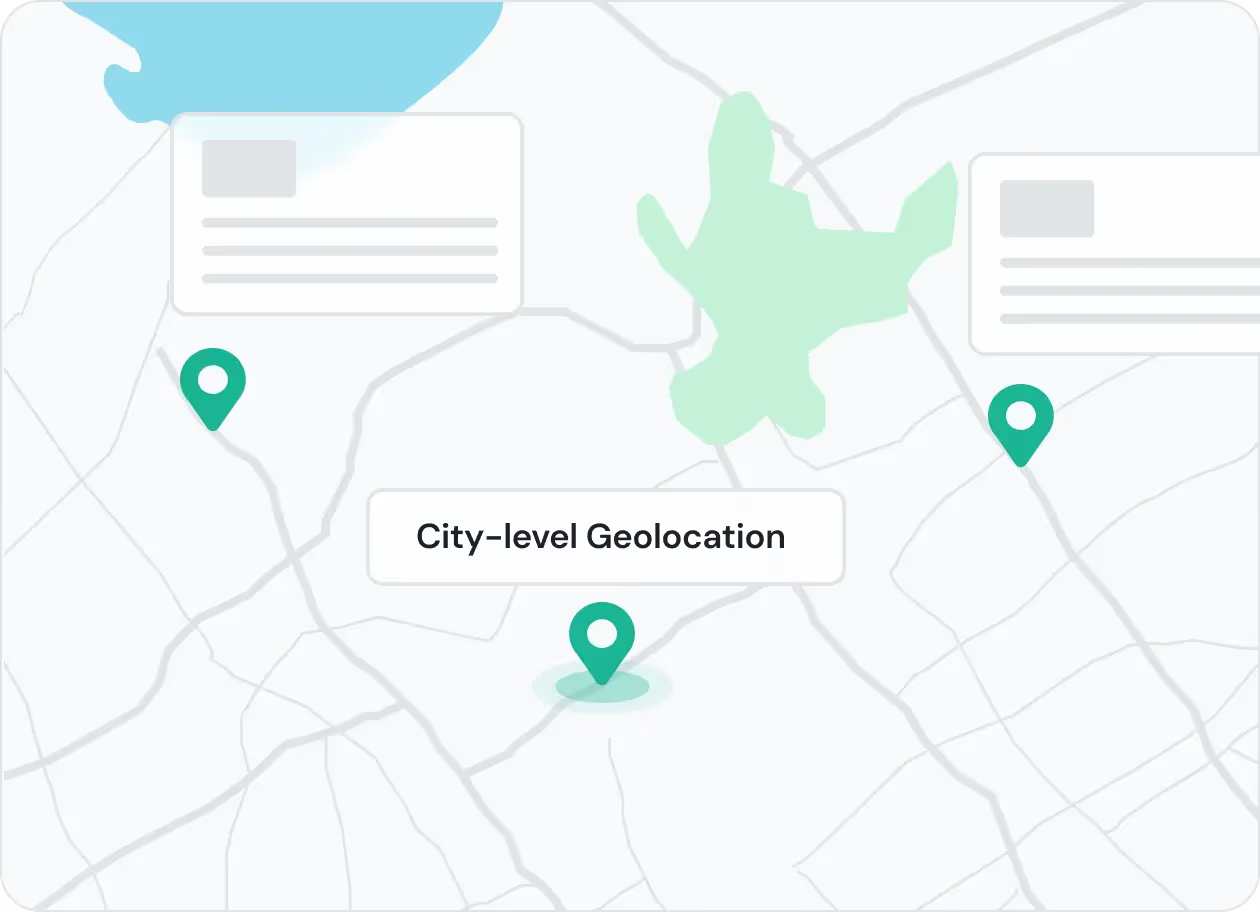
Reduce Lag and Optimize Your Connection
Lag and poor routing can affect competitive play. A high-performance proxy server for gaming gives you more routing options, which can help reduce latency and improve connection stability during gameplay.
👉 IPcook offers high-speed proxies, unlimited bandwidth, 99.9% uptime, and SOCKS5 support for smoother online gaming.
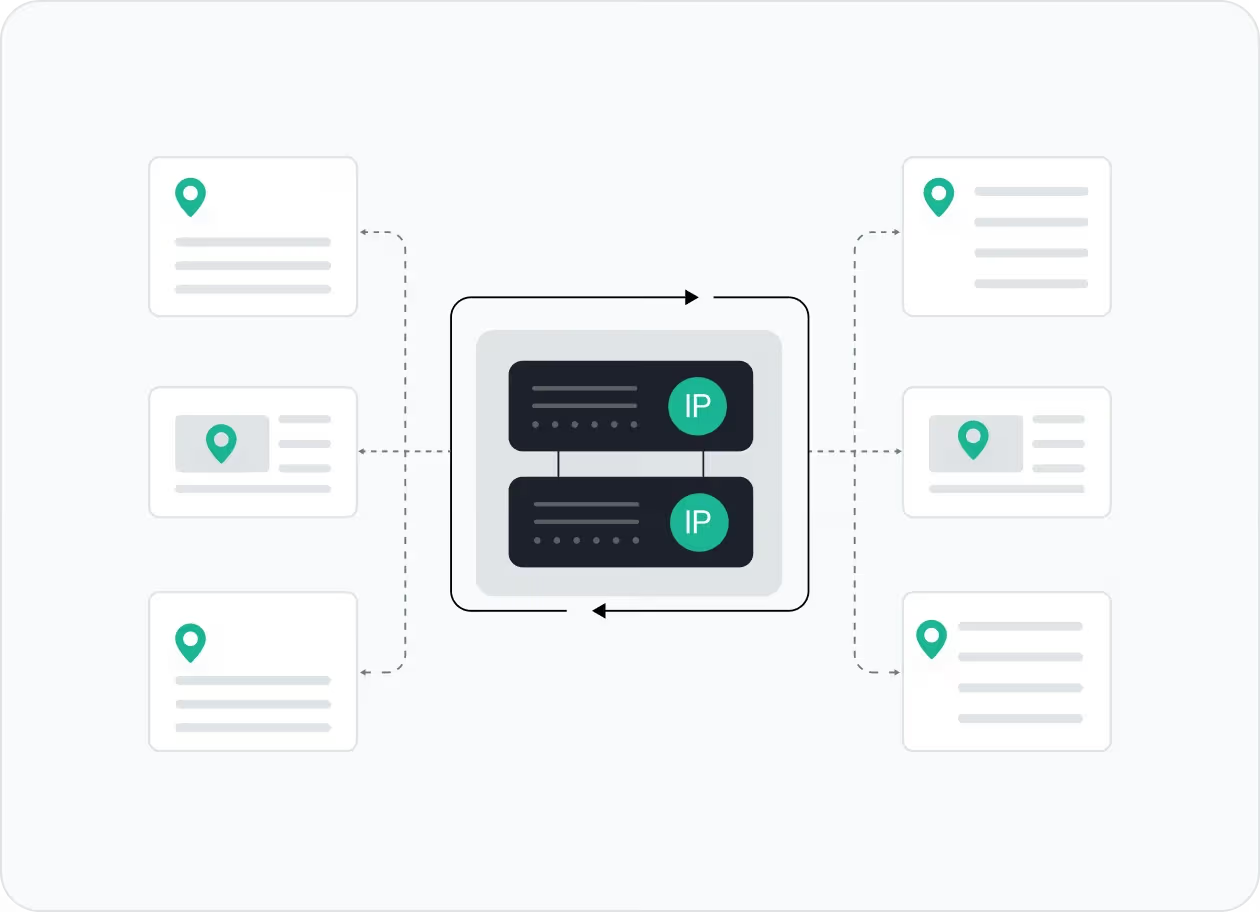
Stay Anonymous and Protect Your Privacy
Gaming proxies hide your real IP address and mask your location while you play. Using a proxy for games adds more privacy to your connection and helps protect it, especially on public Wi-Fi or unfamiliar networks.
👉 IPcook provides ethically-sourced residential IPs to keep your identity private and your gameplay stable.

Manage Multiple Accounts Without Bans
Some games limit how many accounts can be used from the same IP. Whether you need alt accounts, want to test strategies, or keep gaming profiles separate, a proxy for gaming gives each account a different IP.
👉 IPcook’s static residential proxies are perfect for multi‑accounting with a lower risk of IP bans.
How IPcook's Game Proxies Stand Out
- Feature
- Real Residential IPs
- Global Pool Size
- Rotation Control
- Uptime
- Setup Time
- Support
- IPcook
- Yes
- 55M+ IPs
- Sticky/rotating
- 99.99%
- < 5 mins
- 24/7 Human Support
- Others
- Mixed sources
- Limited in scope
- Often limited
- Varies
- Complex setups
- Chatbots or email delays
Buy Game Proxies with Pay-As-You-Go Pricing


Not sure which to choose?
Talk to our
How to Set Up Your Game Proxies
- 1
Customize Your Proxy Parameters
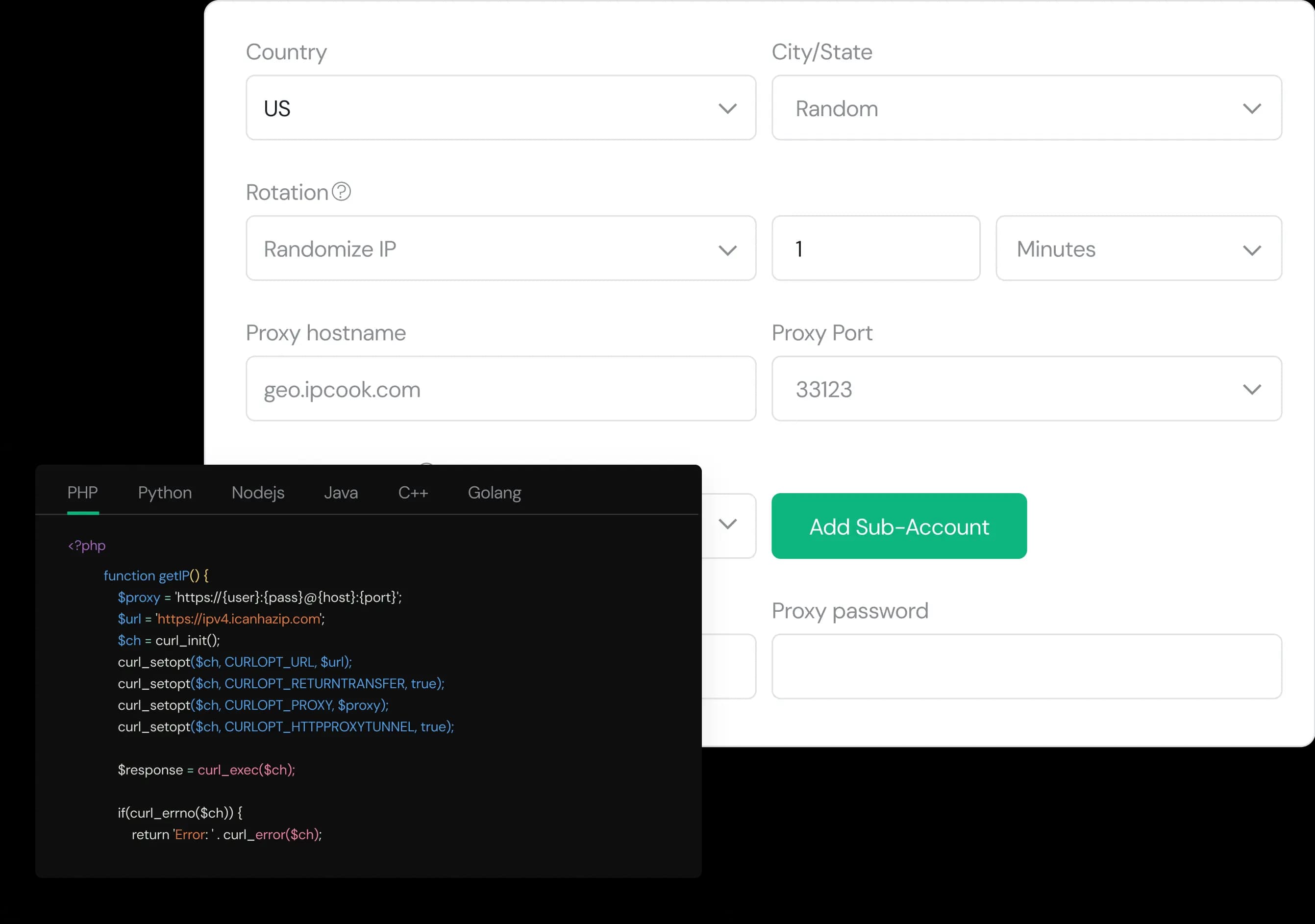
Configure your proxy by selecting the country, city, protocol, and rotation type, then assign a sub-account, set login credentials, and optionally add whitelisted IPs.
- 2
Generate Proxies Instantly
Select the desired proxy format (e.g., host:port:user:pass) and quantity, then generate your proxy list by clicking Generate or Generate API Link.
- 3
Plug into Your Stack in Minutes
Copy the code snippet for your preferred language (Python, Node.js, PHP, Java, Golang, or C++), then paste it into your application to start using the proxies.