

Protect data and networks with the best security proxy server
Proxies can’t be used when located in: North Korea, Turkmenistan, Iran, Eritrea, China
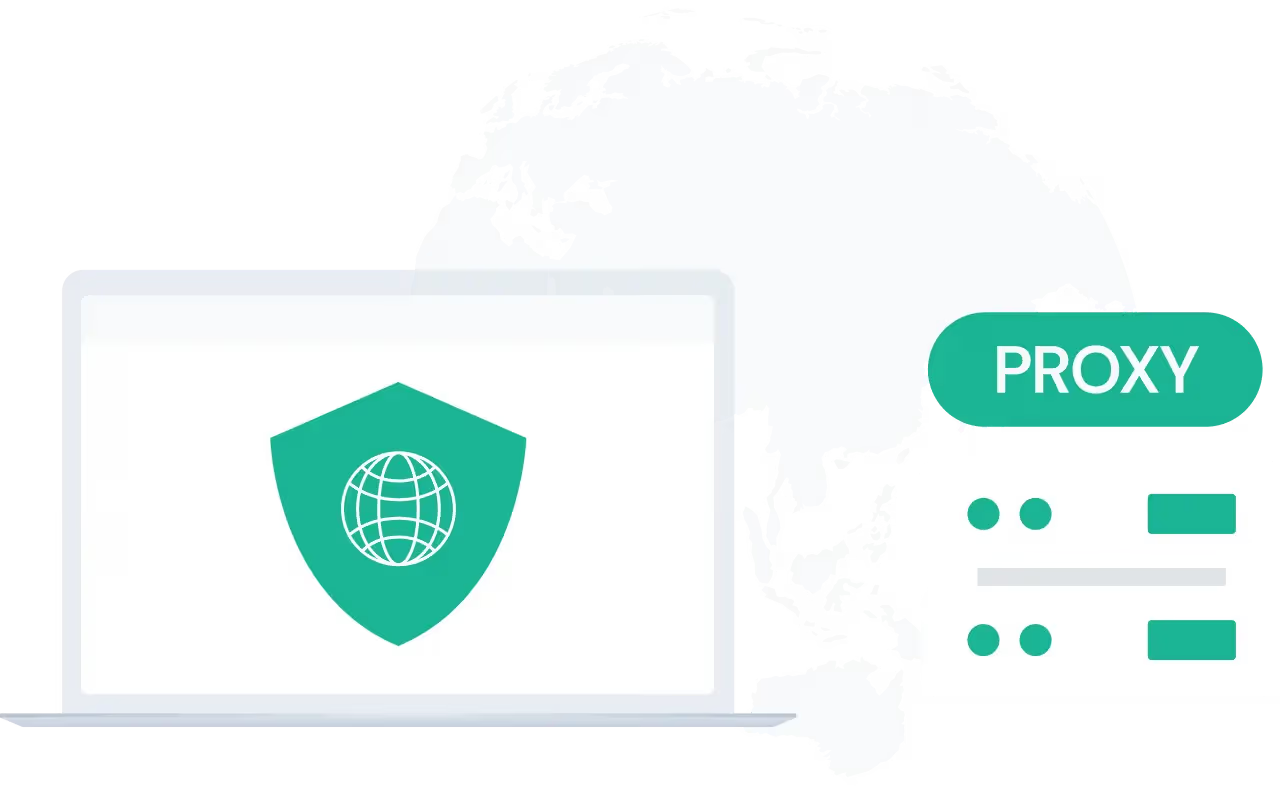






A proxy for cyber security is an intermediary server that routes internet traffic between you and the web, helping protect identity, data, and online privacy. A cyber security proxy or security proxy server acts as a shield between users and websites, helping hide real IP addresses, improve secure web access, and support safer online activities.
For example, a company may use a security proxy to monitor and filter employees’ internet access. When an employee tries to visit a website, the proxy server checks the request, blocks harmful sites, and hides the employee’s real IP address, helping improve both security and privacy.
How Proxy for Cyber Security Work
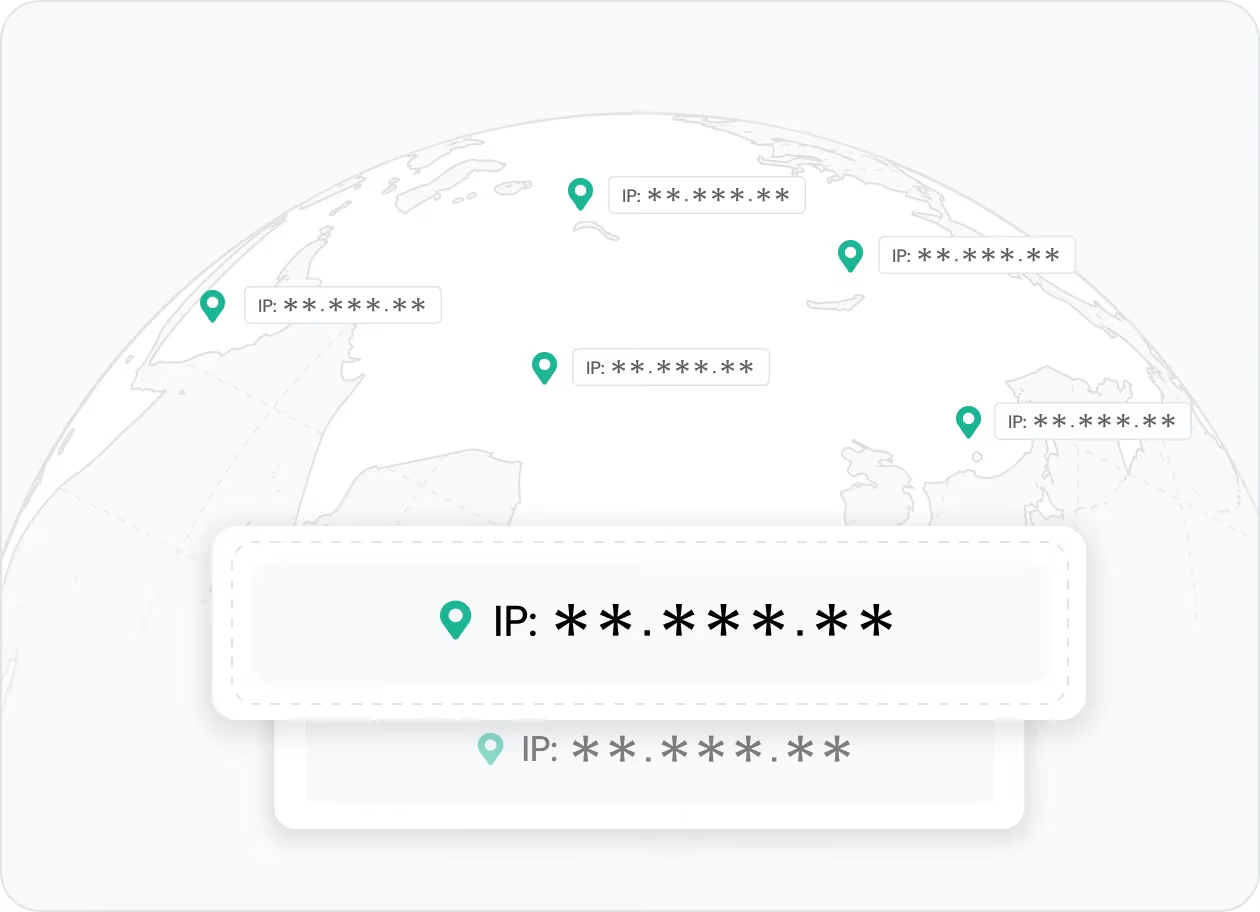
A security proxy helps protect your identity by hiding your real IP address, enabling more anonymous and secure browsing. It helps reduce tracking, improve privacy, and support more stable access to websites and online resources.
👉 IPcook provides secure residential proxies that help hide your real IP and support more private browsing.
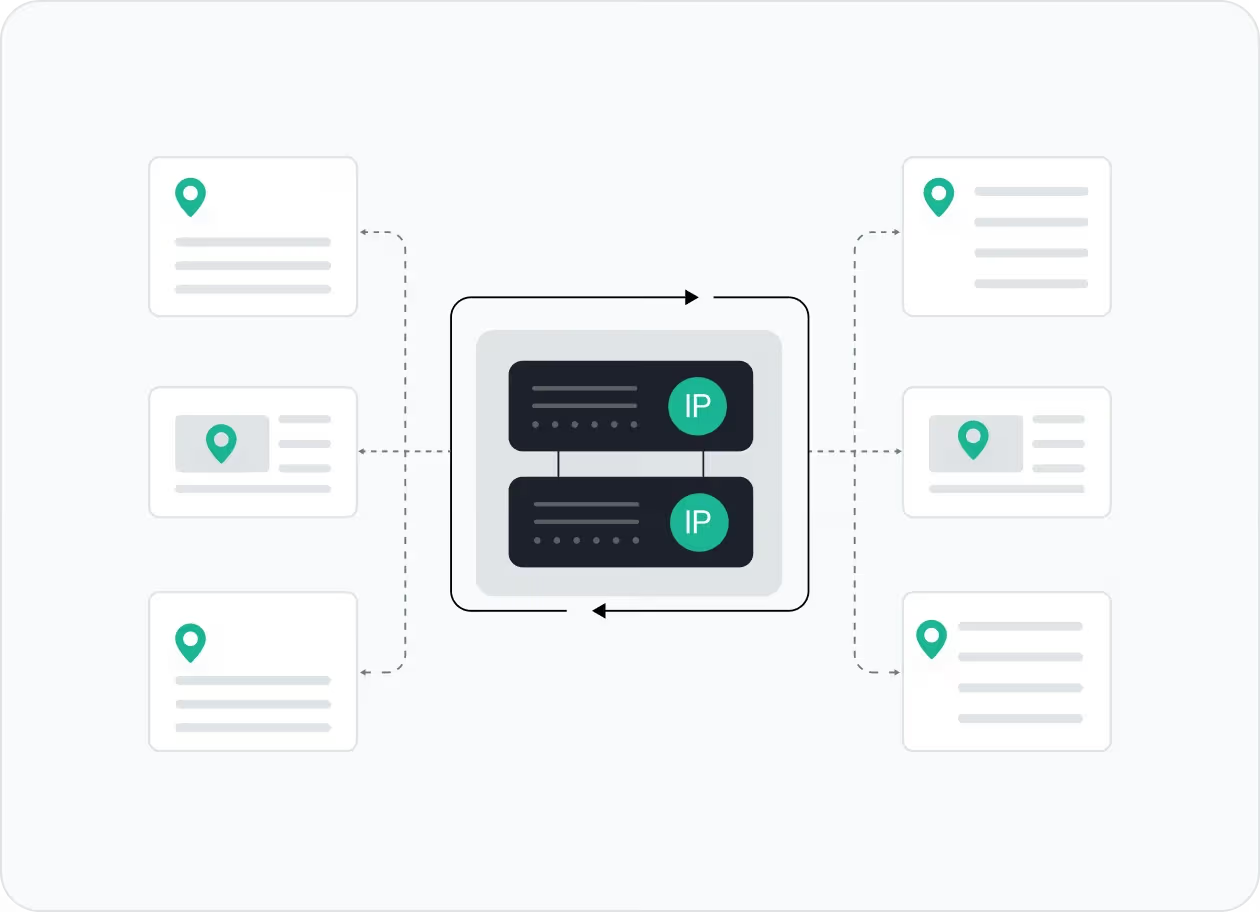
IP rotation helps enhance anonymity and reduce detection by changing IP addresses at set intervals or with each request. This helps reduce blocks, lower tracking risk, and maintain more stable access to online resources.
👉 IPcook offers reliable IP rotation and secure proxy services through trusted residential proxies.
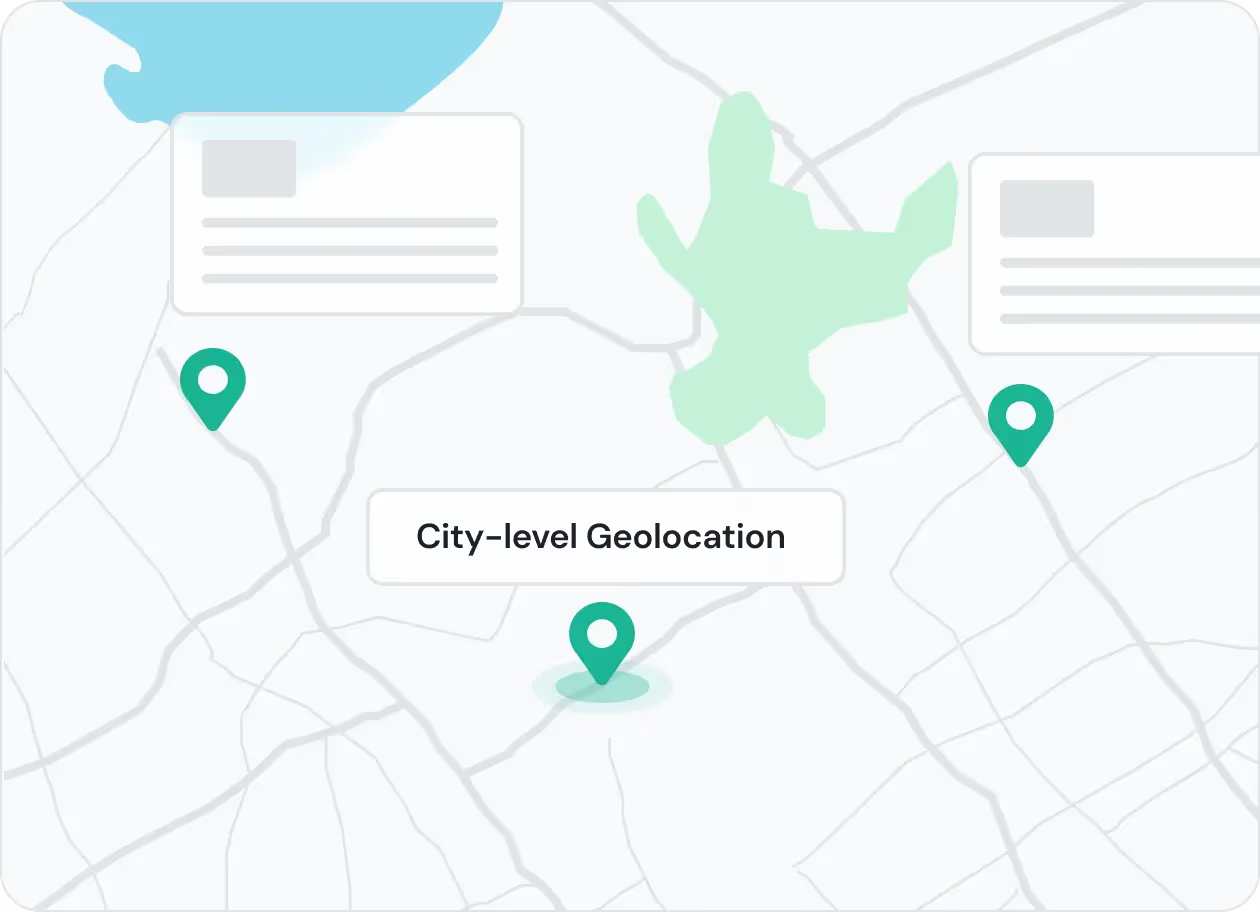
A proxy for cyber security can offer geolocation targeting, letting users choose IPs by country, region, or city. This helps bypass restrictions and supports more precise, location-based security testing.
👉 IPcook provides reliable residential proxies with precise city-level targeting for location-based testing and research.
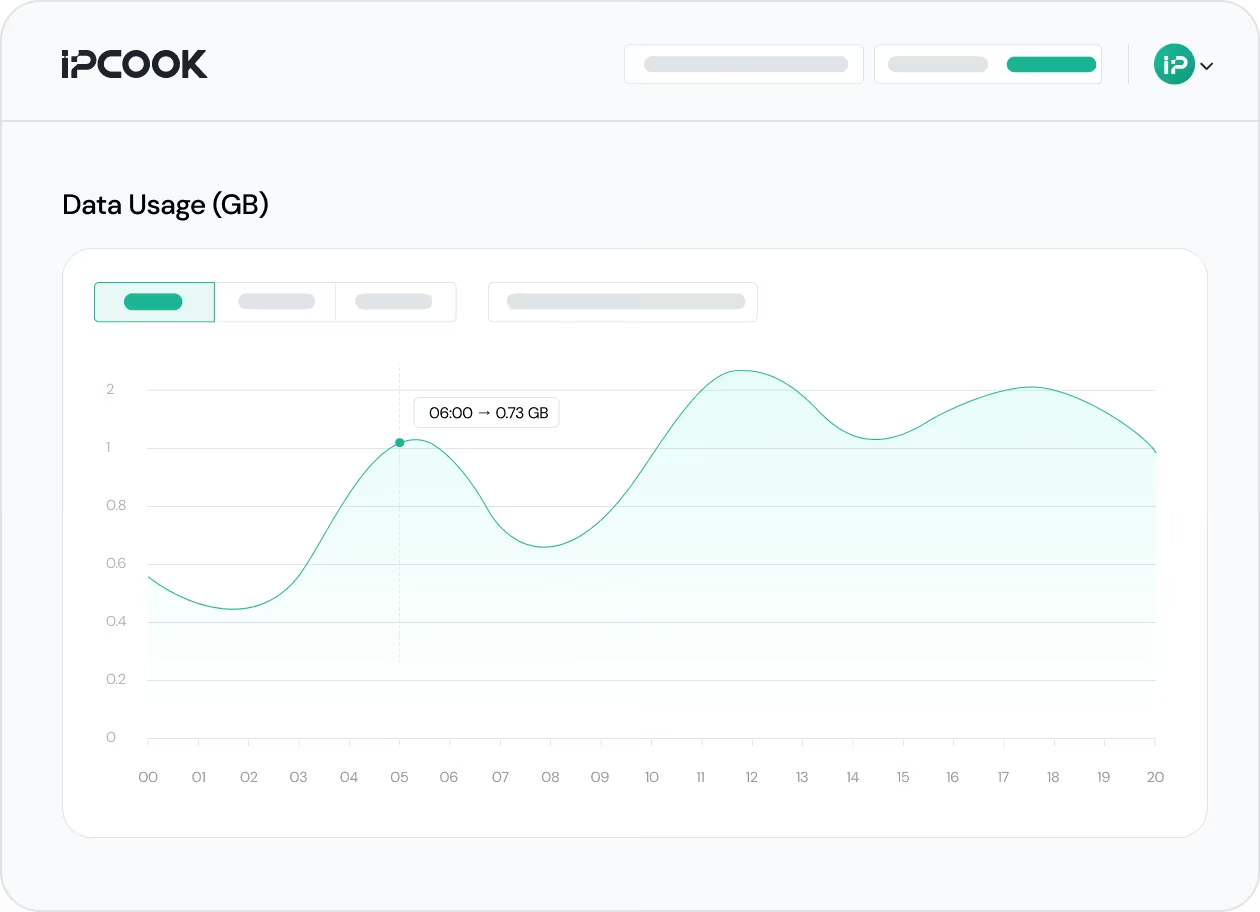
A proxy for cyber security should not only support secure access, but also make proxy activity easier to track. Real-time usage visibility helps teams monitor traffic, review proxy activity, and manage operations more clearly across tasks and locations.
👉 IPcook provides a real-time traffic dashboard for viewing proxy usage and monitoring activity.
How IPcook's Proxies for Cyber Security Stand Out
¿No estás seguro de cuál elegir?
Habla con nuestro
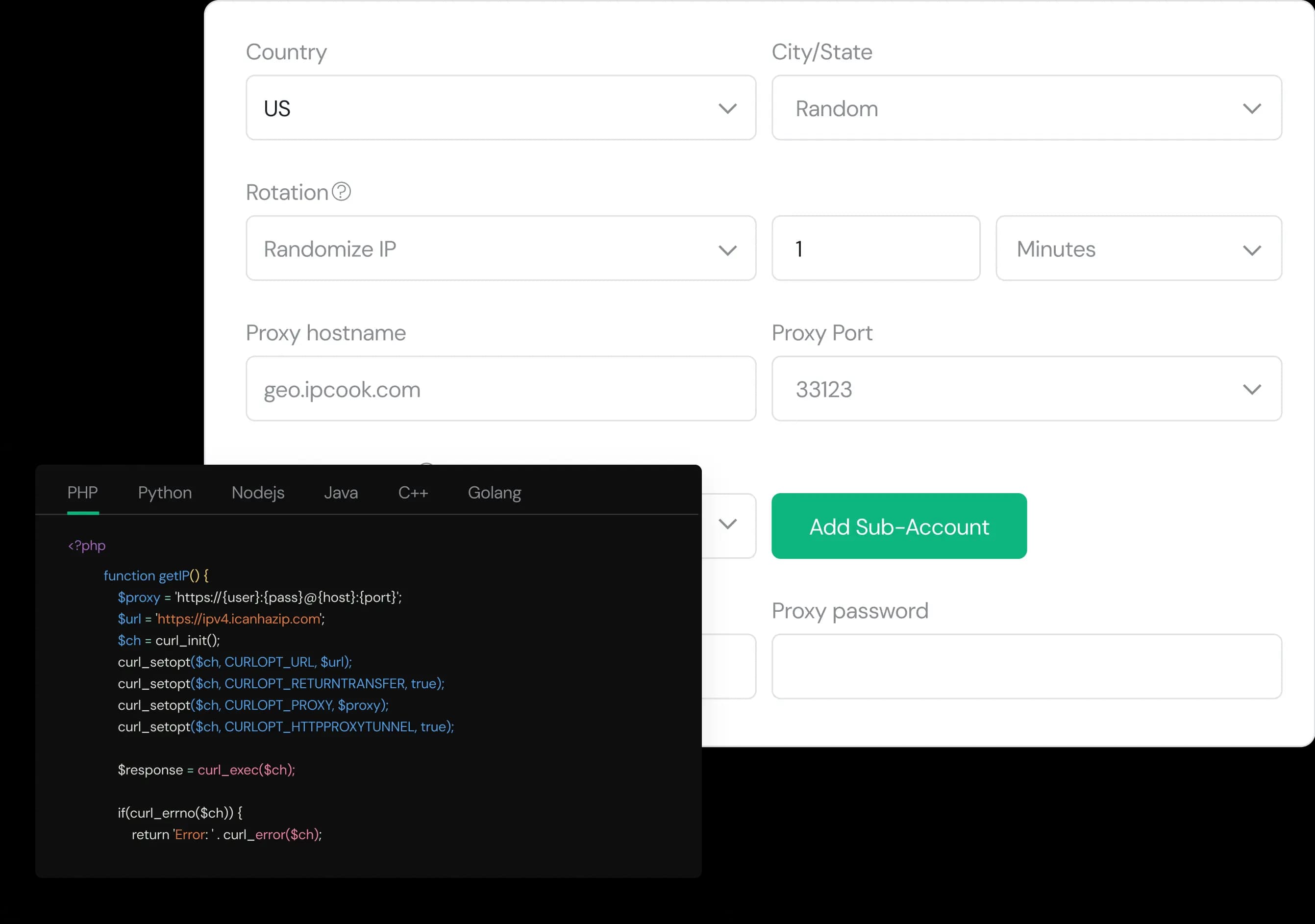
Configure your proxy by selecting the country, city, protocol, and rotation type, then assign a sub-account, set login credentials, and optionally add whitelisted IPs.
Select the desired proxy format (e.g., host:port:user:pass) and quantity, then generate your proxy list by clicking Generate or Generate API Link.
Copy the code snippet for your preferred language (Python, Node.js, PHP, Java, Golang, or C++), then paste it into your application to start using the proxies.

Market Research Proxies
Market research proxies offer anonymous, location-based IPs for secure data gathering without detection.

Web Scraping Proxies
Web scraping proxies enable secure, anonymous data extraction while preventing IP bans and detection.

Ad Verification Proxies
Cyber security proxies ensure ad compliance and prevent fraud by using verified IPs to detect fake traffic.

Captcha Proxy
Captcha proxies help bypass CAPTCHAs, ensuring secure access and blocking bot attacks in cyber security.




