


Dynamic vs Static IP: What's the Difference & Which to Choose?

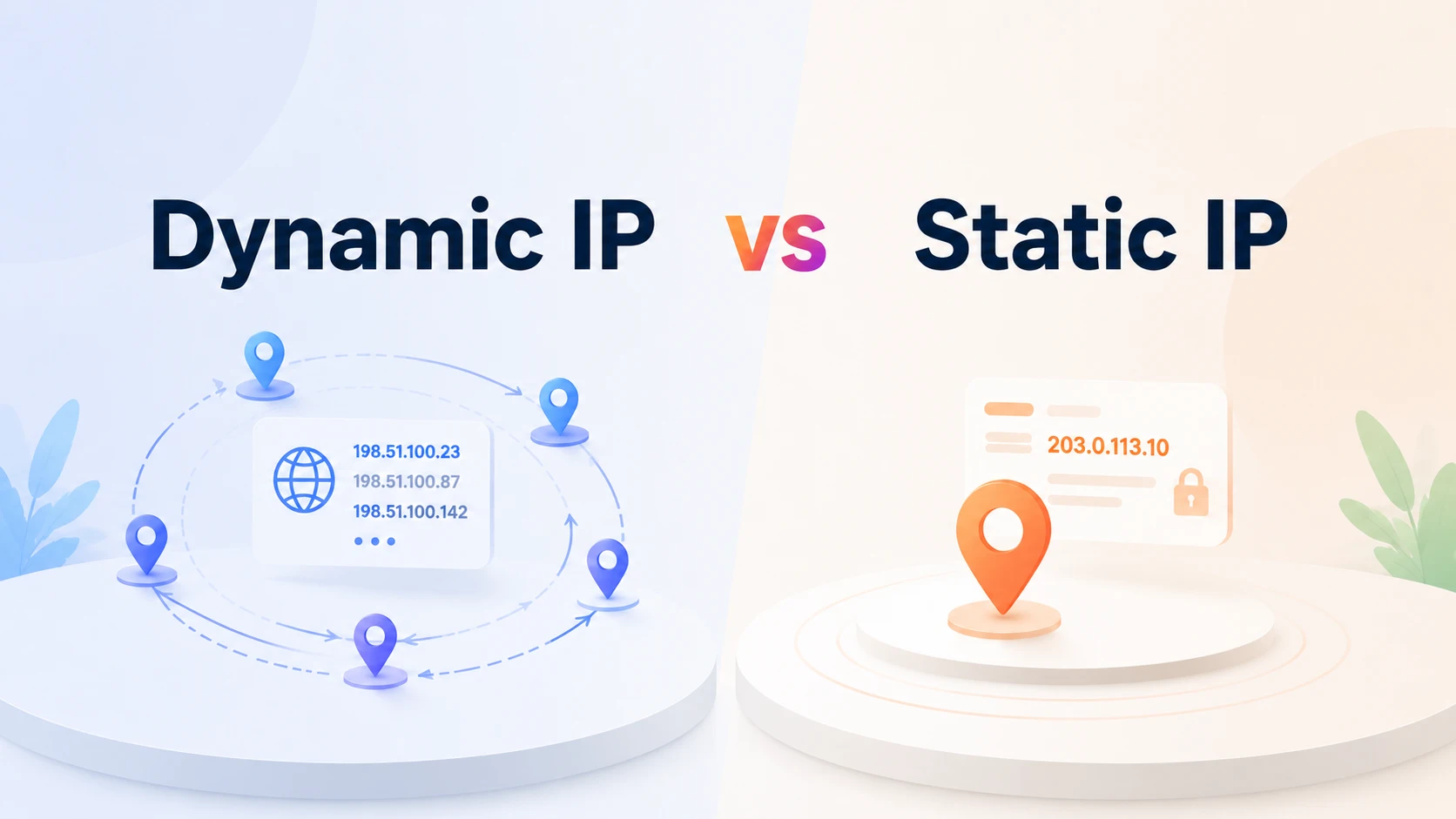
An IP address (Internet Protocol address) is a unique identifier assigned to devices connected to a network, allowing them to communicate and access the internet. Depending on how they are assigned, IP addresses can be divided into two types: static IP addresses and dynamic IP addresses. While both serve the same purpose, they differ in stability, management, and use cases.
This article will explain what static and dynamic IP addresses are, compare their key differences, and explore their advantages, limitations, and common applications to help you choose the right option for your needs.
What Is a Static IP Address?
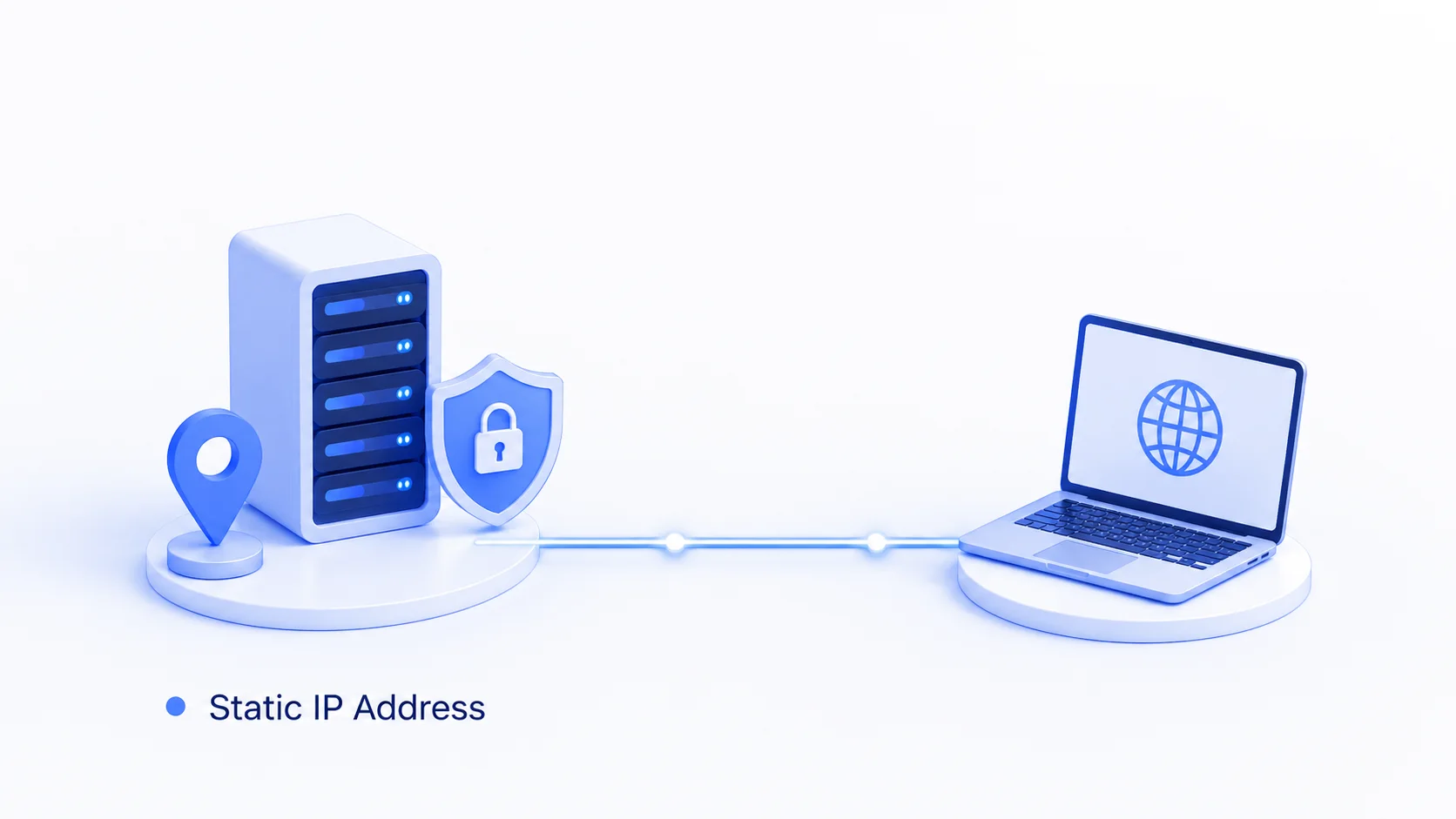
A static IP address is a fixed IP address assigned to a device or network that is configured to remain consistent over time. It is typically assigned manually by an ISP (Internet Service Provider) or network administrator rather than automatically allocated.
Because the address remains consistent, a static IP provides a predictable way to identify and connect to a specific device or network. It can be compared to a fixed home address: the location remains the same, making it easier for others to find and reach you.
Pros and Cons of Static IP Addresses
Static IP addresses provide a fixed and predictable connection point, making certain network tasks easier. However, they may require additional setup and management compared with dynamic IP addresses. The following are the main advantages of using a static IP address.
Pros of Static IP Addresses:
Consistent Address: A static IP keeps the same address assigned to a device or network, making it easier to connect to the same destination without needing to find a new address.
Easier Remote Access: A consistent IP address simplifies remote connections by providing a stable address for accessing a specific device or network. This is especially useful for businesses that need reliable access to office networks or devices.
Reliable DNS Configuration: A static IP works well with DNS settings because a domain name can point to the same IP address over time. Dynamic IPs may require an additional DDNS (Dynamic DNS) service to automatically update DNS records when the address changes.
Better Support for Hosting Services: A fixed IP provides a stable connection point for services such as websites, VPNs, game servers, or remote access systems that need to remain reachable at the same address.
Simpler Network Management: Using static IP addresses for important devices within a local network, such as servers, printers, or security cameras, makes it easier to manage connections and configure access rules.
Cons of Static IP Addresses:
Manual Configuration Required: In traditional network setups, configuring a static IP usually involves manually entering the address, gateway, and DNS settings rather than relying on automatic assignment (as with DHCP), which can increase setup and maintenance effort.
Greater Exposure Risk: Because a static IP address remains tied to the same device or network indefinitely, it can become an easier target for repeated scanning or attacks once it is identified. A dynamic IP, on the other hand, changes periodically and offers a degree of natural protection by acting as a moving target.
Reduced Privacy: Because a static IP consistently identifies the same device or network across sessions, it can make it easier for websites, advertisers, or other third parties to track and correlate a user's activity over time.
What Is a Dynamic IP Address?
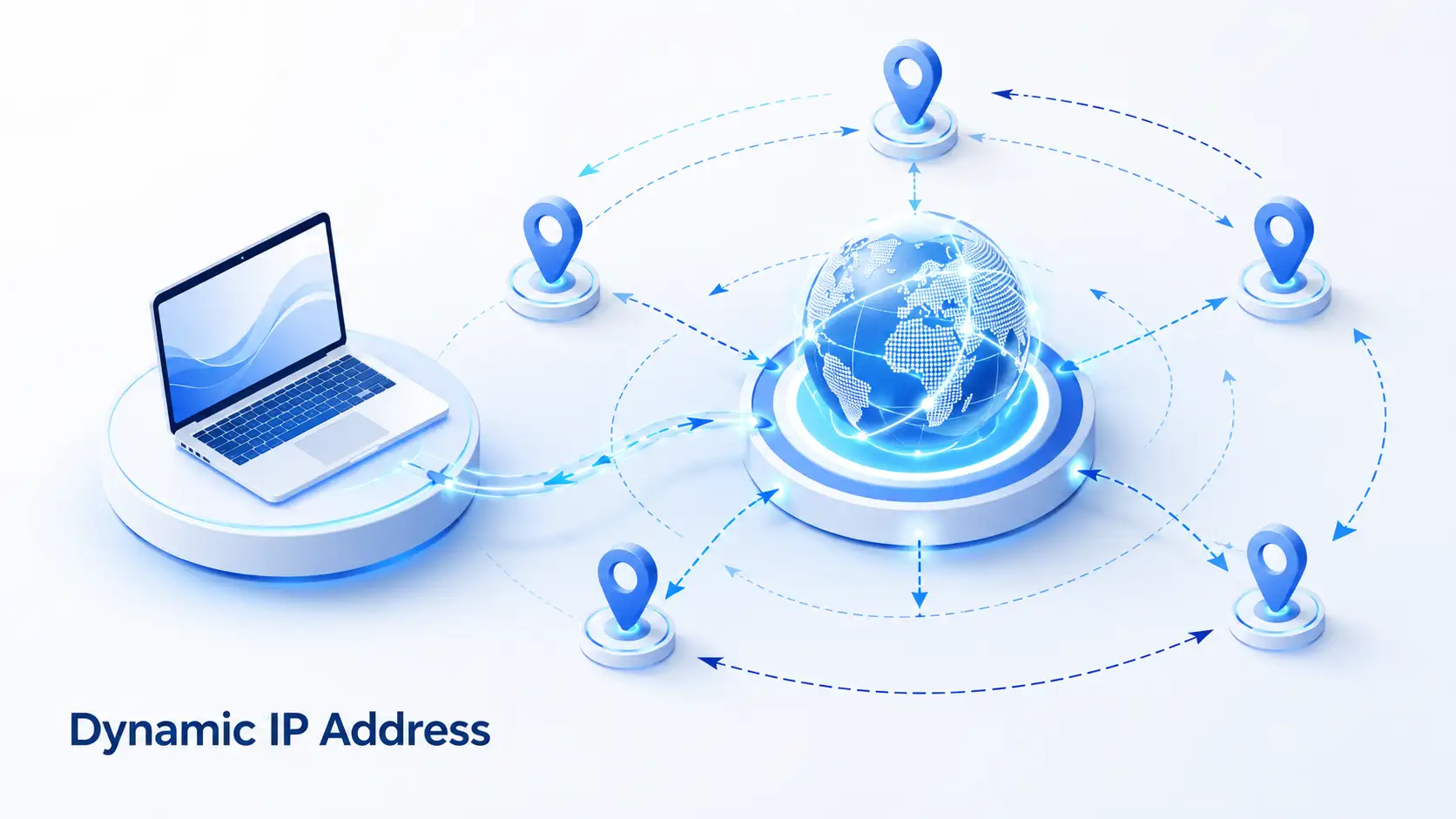
A dynamic IP address is automatically assigned to a device by a DHCP server, such as a router or ISP. Unlike a static IP, it is not permanently assigned and may change over time, such as after reconnecting to the network or when the IP lease expires.
Dynamic IP addresses are commonly used for home networks, mobile connections, and public WiFi because they allow ISPs to manage and reuse available IP addresses more efficiently.
A dynamic IP is similar to a hotel room: you are assigned an available room when needed, and it may later be assigned to another guest.
Pros and Cons of Dynamic IP Addresses
Dynamic IP addresses make network setup easier by automatically assigning IP addresses to devices. However, this convenience also comes with some limitations in situations that require a fixed and predictable address.
Pros of Dynamic IP Addresses:
Automatic Assignment: Dynamic IP addresses are assigned automatically through DHCP, eliminating the need for users to configure IP settings manually.
Efficient IP Management: Dynamic assignment allows ISPs and network administrators to reuse available IP addresses among different devices, making better use of limited IP resources.
Less Maintenance: Since IP addresses are assigned and managed automatically, there is less need for manual configuration when devices join or leave a network.
No extra fees: Dynamic IP addresses are usually included with standard internet plans, making them a more affordable option compared with static IP services that often require additional fees.
Cons of Dynamic IP Addresses:
Unstable Address for Certain Services: A dynamic IP may change over time, making it less suitable for services that require a fixed address, such as hosting servers, VPNs, or remote access systems.
Less Control Over IP Assignment: Users cannot choose or keep a specific IP address because the address is assigned automatically by a DHCP server.
Additional Configuration May Be Required: If network settings, such as port forwarding or access rules, depend on a specific IP address, changes to the IP may require manual updates.
Static IP vs Dynamic IP: Key Differences
The main difference between a static and dynamic IP is how the address is managed: a static IP remains fixed and predictable, while a dynamic IP is assigned automatically and may change over time. This difference affects connection stability, network management, and how suitable each type is for different use cases.
To make the differences easier to understand, the following table compares the key characteristics of static and dynamic IP addresses:
Attribute | Static IP | Dynamic IP |
Allocation Method | Manually assigned by an ISP or network administrator | Automatically assigned through DHCP |
Address Stability | Remains consistent over time | May change when the device reconnects or the IP lease is renewed |
Control | Provides greater control over the assigned IP address | Users have limited control over the assigned address |
Cost | Usually requires additional fees from service providers | Typically included with standard internet services |
Privacy | Easier to associate with the same device or network over time | Changing addresses can make long-term tracking more difficult |
Management | Requires manual configuration and maintenance | Managed automatically with less manual effort |
While both types of IP addresses serve the same basic purpose of identifying devices on a network, their different assignment methods make them suitable for different network requirements.
Static vs Dynamic IP: Real-World Use Cases
The choice between a static and dynamic IP depends on how the connection is used and whether a fixed network address is required. In general, dynamic IPs are suitable for most everyday internet activities, while static IPs are often preferred for services that require consistent access. The following examples show how each type of IP is commonly used in real-world situations.
Business Networking and Server Hosting
Businesses often use static IP addresses for systems that need to be accessed from outside the network or remain available through the same address. Common examples include hosting websites, running email servers, setting up VPN gateways, and providing remote access to office systems.
For example, a company that allows employees to connect to its internal network remotely may use a static IP so the VPN connection always points to the same address. Businesses that host their own servers can also use a fixed IP to maintain stable DNS records and provide reliable access to their services.
For smaller businesses that only occasionally need remote access, a dynamic IP with DDNS can be a more affordable option. This allows users to access services such as file servers or security systems through a domain name even when the IP address changes.
Home Use and Everyday Browsing
Most home users rely on dynamic IP addresses because they are sufficient for common activities such as web browsing, video streaming, online gaming, and video calls. These activities usually do not require a fixed public IP because users mainly access external services rather than provide services to others.
A static IP can be useful for advanced home users who need reliable remote access to devices such as a home NAS, personal game server, security camera systems that require direct remote access, or self-hosted applications.
For users who only occasionally need remote access, DDNS can provide a similar solution by linking a domain name to a changing IP address without requiring a dedicated static IP.
Remote Access and Smart Devices
For individual smart home devices, dynamic IP addresses are usually enough because devices such as smart speakers, smart TVs, and home appliances typically connect through a local network and do not require a publicly accessible IP address.
However, static IP addresses may be more suitable for larger IoT environments, such as industrial monitoring systems, security camera networks, and enterprise device management platforms. A fixed address makes it easier to identify and manage connected devices over time.
IPcook: The Smarter Way to Manage Your IP Identity
The networking scenarios above describe standard connections for daily browsing and internal server hosting. However, for businesses, basic home or office IP setups cannot handle the volume. Some tasks require multiple IPs that can be changed by location, while others need a consistent IP identity. IPcook provides two proxy solutions to meet these different needs: Residential Proxies and ISP Proxies.
For tasks that require multiple IP addresses and location-based access, such as regional testing or user simulation, IPcook Residential Proxies provide a flexible solution. They support automatic IP rotation, customizable IP session duration from 1 minute to 24 hours, and coverage across 185+ countries and regions with city-level targeting. Users can also try the service with 100MB free traffic before purchasing.
For long-term remote access or scenarios requiring a stable IP identity, IPcook ISP Proxies offer fixed IPs from real ISP networks. They combine the stability of a consistent IP with reliable performance, covering major countries such as the US, Japan, Canada, and Germany, with flexible purchase options and 99.9% stability.
Simply put, choose Residential Proxies when you need IP rotation and location flexibility, and choose ISP Proxies when you need a stable IP address for long-term use.
How to Check Whether Your IP Is Static or Dynamic
Knowing whether your IP address is static or dynamic can help you better manage network connections, remote access, and other online services. You can quickly check your IP configuration using your device’s built-in network settings.
Check on Windows
Open "Command Prompt" by searching for "cmd" in the Windows search bar.
Type "ipconfig /all" and press "Enter".
Find the "DHCP Enabled" setting in your network configuration details.
If it shows "Yes", your device is using an automatically assigned IP address. If it shows "No", the IP address is manually configured and is likely static.
Check on Mac
Open "System Settings" (or "System Preferences") from the Apple menu.
Select "Network" and choose your active connection, such as "Wi-Fi".
Click "Details" (or "Advanced" on some versions of macOS), then open the "TCP/IP" tab.
Check the "Configure IPv4" option. If it is set to "Using DHCP", the IP is assigned automatically. If it is set to "Manually", the IP is configured as static.
Most home users receive IP addresses automatically through DHCP, while businesses and servers often use manually configured static IPs for stable connections and remote access. The right choice depends on whether you need a fixed IP address for consistent access or a flexible connection managed automatically by your ISP.
Final Verdict
Whether a static or dynamic IP is right for you comes down to how you're using your connection. For everyday tasks, a dynamic IP is usually cheaper and more convenient. But once you need to stay reachable at the same address, like for a server, a VPN, or remote device access, a static IP's stability is worth the extra cost.
Business needs often push this same trade-off further, from data collection and multi-account management to location-based access or identity verification. Whatever the mix of flexibility and stability your work requires, IPcook can match you with the right IP resources. Try IPcook today and get 100MB of free traffic to test it out!
