







Best Sneaker Proxies 2026: 7 Tested Services for Fast Copping

You watched the countdown hit zero, and the pair was gone before your cart loaded. If you run a sneaker bot, your proxies can make a real difference. The right setup helps distribute requests across multiple IPs. The wrong one can get your tasks blocked as soon as they hit Nike SNKRS, Adidas Confirmed, or a Shopify storefront.
We evaluated sneaker proxy services in 2026 to find the ones worth considering. Below, you'll learn which proxy types still make sense, how we evaluated the options, and 7 top sneaker proxy providers worth your money.
What Are Sneaker Proxies?
A sneaker proxy is a middleman IP address you assign to each task your bot runs. Instead of the store seeing a flood of requests from one home connection, it sees each task arrive from a different, clean IP that reads as a real buyer.
Here's how it works. Your bot sends requests through a proxy, which routes them through its own IP before they reach the store. Run 10 tasks through 10 proxies, and your requests can come from 10 different IPs instead of one. That's the idea. Spreading requests across multiple IPs can help avoid putting too much traffic on a single connection.
Proxy Types in 2026: What Still Works and What's Changing
The biggest change in 2026 is the slow exit of datacenter proxies from sneaker copping. They used to be the go-to choice because they were cheap and fast, but stores can often recognize IPs from commercial hosting ranges. As detection gets tougher, residential and ISP proxies have become stronger options. Here's how all 4 proxy types compare.
Type | What It Is | Sneaker Verdict in 2026 | Recommendation |
Residential | IPs from real home connections | Best all-around option, harder to block without affecting real users | ⭐⭐⭐⭐⭐ |
ISP (Static Residential) | Datacenter-speed IPs registered to consumer ISPs | Strong option, fast, sticky, and harder to flag | ⭐⭐⭐⭐⭐ |
Mobile (4G/5G) | IPs from mobile carrier networks | Niche option, expensive and rarely essential for copping | ⭐⭐⭐ |
Datacenter | IPs from cloud and server hosts | Losing ground, easier to flag and less suited to placing orders | ⭐⭐ |
Stores look for suspicious request patterns, such as too many requests from one IP, unnatural task speeds, and repeated add-to-cart attempts. Residential IPs come from real household connections, while ISP proxies combine datacenter-like speeds with IPs registered to consumer internet providers. Both can help spread requests across multiple IPs to mimic real user traffic better.
How We Tested & Evaluated Sneaker Proxies
We scored every provider against the factors that actually move the needle on drop day:
Location coverage: For US releases, we looked at IP availability in locations such as New York, Virginia, and Chicago. Shorter network distances can reduce latency, though the fastest location depends on the route and target server.
Sticky sessions: Queue-based stores may require a consistent IP throughout a session. We checked whether providers support sticky sessions of at least 10 minutes.
IP pool size and quality: A large pool is not enough if many IPs have poor reputations. We considered pool size, IP types, and available information about IP quality.
Speed and success rate: We considered connection speed and task completion rates, including whether requests timed out or were blocked by anti-bot systems.
7 Best Sneaker Proxy Providers in 2026
Here's a quick overview of 7 top shoe proxy providers. Read on for a closer look at each one.
Provider | Best for | Residential Price | ISP Price |
IPcook | Budget-friendly copping | $0.30/GB - $3.20/GB | $0.05/IP/day - $0.096/IP/day |
SOAX | Clean pools at scale | $0.52/GB - $5/GB | / |
Webshare | Flexible proxy plans | $1.4/GB - $3.50/GB | $0.225/IP/month - $0.30/IP/month |
Decodo | All-around flexibility | $2.75/GB - $4/GB | $0.3/IP- $0.47/IP |
IPRoyal | Multi-type coverage | $1.84/GB - $7.35/GB | $1.8/IP- $2.4/IP |
Oxylabs | Enterprise scale | $2.5/GB - $6/GB | $1.1/IP- $1.5/IP |
NodeMaven | IP quality | $2.45/GB - $5/GB | $4.99/IP/30 days |
No.1 IPcook
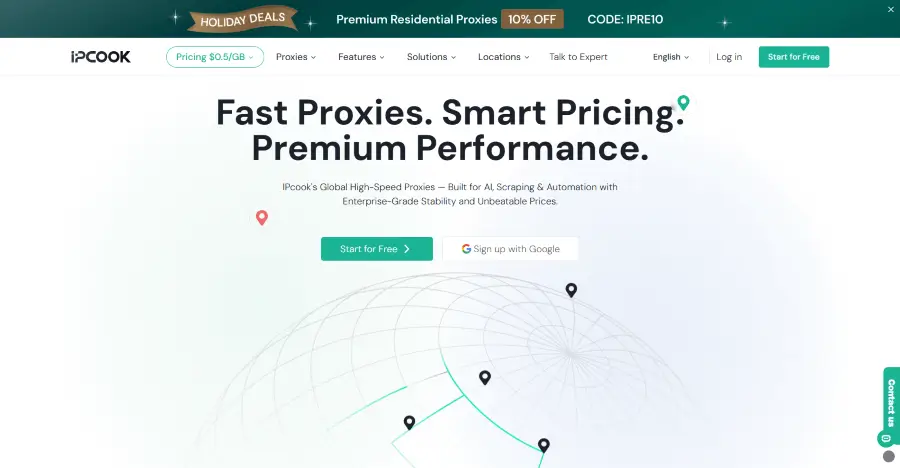
IPcook earns its spot on this list with residential proxies built for affordable sneaker copping. You get access to 55M+ ethically sourced IPs across 185+ countries and locations, with country and city-level targeting to match your release needs. Average global response times are under 0.5 seconds. You can rotate IPs with each request or at set intervals, or use sticky sessions to keep the same IP for up to 24 hours. Pay-as-you-go traffic never expires. A free 100 MB residential proxy trial lets you test the service before paying.
For queue-based sneaker drops, IPcook ISP proxies provide a stable connection throughout your session, with 99.9% uptime and unlimited traffic. You don't need to worry about data usage. Choose from 8 major countries, including the US and Canada, or mix IPs in a single order. Username-and-password authentication adds an extra layer of security.
Pros:
55M+ residential IPs across 185+ countries
Average global response time under 0.5 seconds, as fast as 50 ms in major regions
HTTP and SOCKS5 support for both residential and ISP proxies
Non-expiring traffic for residential proxies
One-line API calls for residential proxy allocation
3-step proxy setup through an all-in-one dashboard
Cons:
Residential proxies support country- and city-level targeting only
Price:
Residential: From $3.20/GB, dropping to $0.30/GB at enterprise volumes
ISP: $0.05–$0.096/IP/day, with unlimited traffic
No.2 SOAX
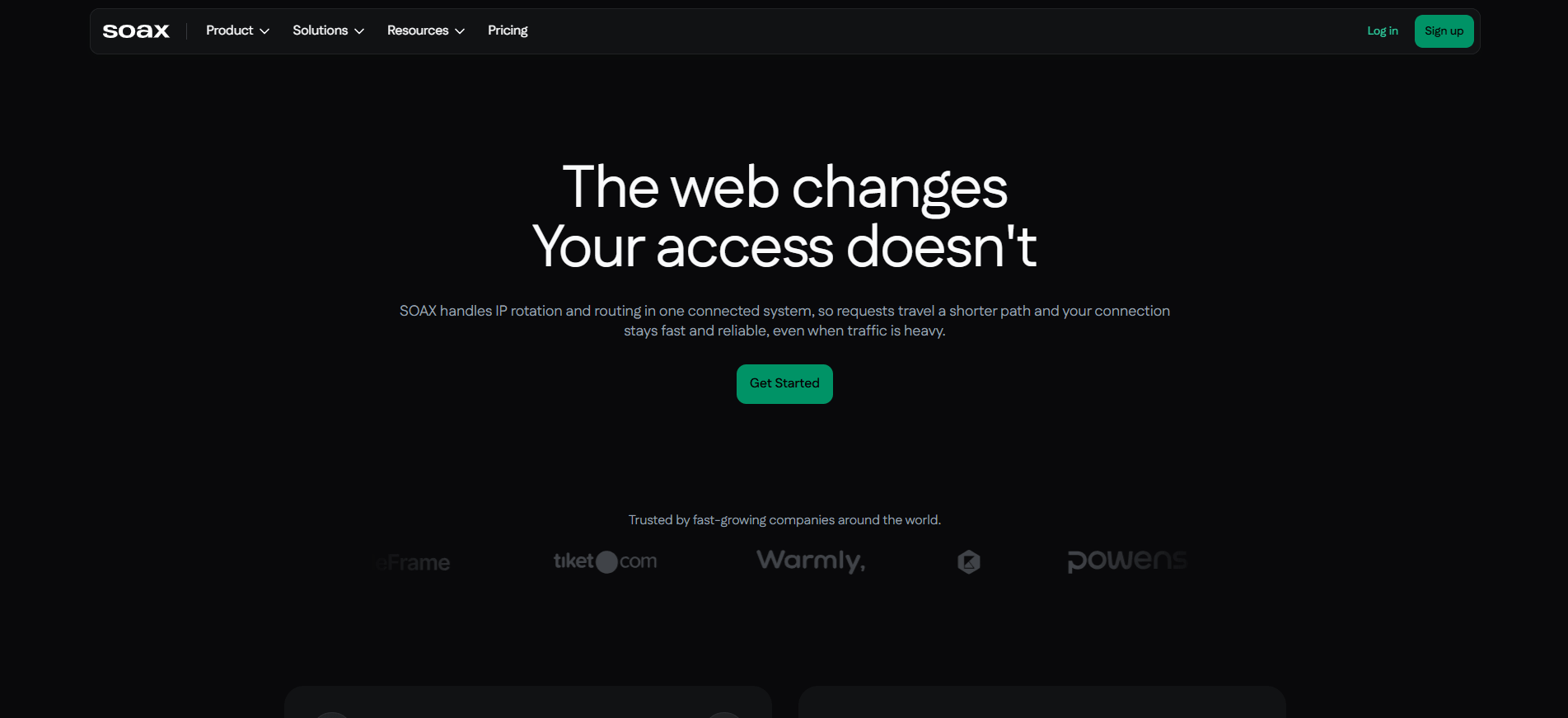
SOAX brings one of the cleanest residential pools in the game, with over 155 million IPs across 195+ countries and geo-targeting down to the city level. Its residential proxies support HTTP(S) and SOCKS5, with options to rotate IPs with each request or use sticky sessions to keep the same IP for a set period. You can also customize IP rotation and target locations by country, city, or ASN, giving you more control over how your sneaker bot connects to different stores.
Pros:
155M+ residential IPs across 195+ countries
City- and ASN-level targeting
Rotating and sticky sessions
HTTP(S) and SOCKS5 support
Cons:
Pricier than budget providers
No ISP proxy support
Price:
Residential: $0.52–$5/GB, with rates dropping to around $2.00/GB on larger plans
No.3 Webshare
Webshare is also one of the best proxy providers for SNKRS. Its residential proxy pool includes 80M+ IPs across 195 countries. Location filters cover countries, cities, states, ZIP codes, and ASNs, giving you more control over IP selection when monitoring Shopify restocks or running sneaker bot tasks. Webshare also provides setup guides with code examples to help you configure proxies in different environments.
Static residential proxies keep the same IP instead of rotating it. They support HTTP and SOCKS5 for easy integration with compatible sneaker bots. Speeds of up to 1 Gbps help keep requests fast, and unlimited bandwidth plans let you run tasks without worrying about traffic limits.
Pros:
80M+ residential IPs across 195 countries
Country, city, state, ZIP code, and ASN targeting
Static residential proxies with speeds up to 1 Gbps
HTTP and SOCKS5 support
Cons:
Smaller residential plans cost more per GB
Occasional instability at peak times
Price:
Residential: $1.40–$3.50/GB
Static residential (ISP): $0.225–$0.30/IP/month
No.4 Decodo
Decodo covers nearly every proxy type: residential, ISP, datacenter, and mobile. Its residential pool has over 115 million IPs across 195+ locations. Session controls are flexible enough for beginners and power users alike. You can target countries, states, cities, ZIP codes, and ASNs, then rotate IPs with each request or use sticky sessions to keep the same IP for longer.
Its ISP proxies deliver average response times under 0.2 seconds, helping sneaker bots send requests with minimal delay during busy drops. Decodo also supports HTTP(S) and SOCKS5, with high bandwidth and concurrent session support for running multiple tasks without a fixed limit on concurrent connections.
Pros:
115M+ residential IPs across 195+ locations
Country, state, city, ZIP code, and ASN targeting
ISP proxies with under 0.2-second average response times
High bandwidth and concurrency support for ISP proxies
HTTP(S) and SOCKS5 support
Cons:
The best rates require larger monthly commitments.
Too expensive for small projects or individual users.
Price:
Residential: $2.75–$4/GB, depending on the plan
ISP: $0.30–$0.47/IP
No.5 IPRoyal
IPRoyal brings sneaker coppers a residential pool of 64M+ rotating IPs across 195+ countries. You can change your IP with every request or keep the same proxy for up to 7 days. Unlimited concurrent sessions also let you run multiple sneaker bot tasks in parallel without a cap on session count.
Its ISP proxies provide 500K+ unique IPs across 31+ countries and unlimited sessions. This gives sneaker copping users more IP options across different regions while allowing multiple sessions to run simultaneously during busy releases. For light users, the entry cost is the main hurdle. Heavy resellers will get more out of it than casual coppers.
Pros:
64M+ rotating residential IPs across 195+ countries
IP rotation per request or sticky sessions up to 7 days
Unlimited concurrent residential proxy sessions
500K+ ISP IPs across 31+ countries
Cons:
High entry-level cost
Inconsistent connection stability and speeds
Price:
Residential: $1.84/GB - $7.35/GB
ISP: $1.8/IP- $2.4/IP
No.6 Oxylabs
Oxylabs is built for sneaker coppers who need a large residential IP pool and detailed targeting options. It offers 175M+ residential IPs across 195+ countries, with city, ASN, and ISP targeting. Ethically sourced IPs and ISO 27001 certification also make compliance a key part of its offering. Code examples and setup guides help you configure residential proxies in your preferred environment.
Its ISP proxies offer both dynamic IP rotation and sessions with unlimited duration, giving you the choice between changing IPs and maintaining the same connection for longer tasks. The network includes IPs from premium ASNs such as Lumen, Comcast, BT Group, and Orange. This can be useful for sneaker bot setups that need specific ISP networks or flexible session control during release events.
Pros:
175M+ residential IPs across 195+ countries
City, ASN, and ISP-level residential targeting
Dynamic rotation and unlimited-duration ISP sessions
IPs from major ISPs, including Lumen, Comcast, BT Group, and Orange
Code examples and setup guides for residential proxy integration
Cons:
Higher cost than many budget-focused proxy providers
May be more than casual sneaker shoppers need
Price:
Residential: $2.50–$6/GB
ISP: $1.10–$1.50/IP
No.7 NodeMaven
NodeMaven, run by the team behind Multilogin, focuses on IP quality with its built-in IP Quality Filter, which checks addresses before they reach. Its residential pool includes 30M+ IPs across 190+ countries, with country, city, and ISP targeting. You can use sticky sessions to keep an IP during a sneaker task, while HTTP(S) and SOCKS5 support make integration with compatible sneaker bots straightforward.
For longer sneaker sessions, NodeMaven's static ISP proxies keep the same IP address for 30 or 90 days. They include unlimited traffic, quality verification, and an IP swap option if an address doesn't meet your needs. This setup can suit sneaker bot users who prefer a consistent IP without traffic-based limits.
Pros:
30M+ residential IPs across 190+ countries
IP Quality Filter checks IPs before use
Country, city, and ISP targeting
Sticky sessions and HTTP(S)/SOCKS5 support
Static ISP IPs with 30- or 90-day options
Unlimited traffic and included IP swaps for ISP proxies
Cons:
No free trial, only a paid $3.50 trial.
Smaller residential IP pool than many major providers.
Price:
Residential: $2.45/GB - $5/GB
ISP: Starting at $4.99/IP for 30 days
How to Set Up Sneaker Proxies in Your Bot (Step by Step)
Setting up sneaker proxies is straightforward once you have your proxy details and bot ready.
Choose a proxy type. Select residential or ISP proxies based on your bot's requirements, target stores, and budget.
Get your proxy credentials. Copy the proxy host, port, username, and password from your provider's dashboard. For example, IPcook lets you export your proxy credentials with a single click in your preferred format.
Add proxies to your bot. Open the bot's proxy settings and import your proxy list. Use the format required by your bot, such as host:port:username:password.
Test before release day. Check that the proxies connect successfully and that the displayed locations match your settings. Run a small test to catch authentication or compatibility issues before a drop.
Final Verdict
The right sneaker proxy depends on how you plan to cop. Residential proxies offer broad location coverage and flexible IP rotation, while ISP proxies are useful when a task needs a more consistent IP. Consider the target store, your bot's compatibility, session requirements, and total cost before choosing a provider.
IPcook is worth considering if you want cheap residential proxies with country and city targeting, plus ISP proxies for sessions that need a consistent IP and stable connection. You can start with its free 100 MB residential proxy trial and see how it works for your sneaker setup.