


PIA S5 Proxy Review 2026: What Changed & Is It Worth Using?


PIA S5 Proxy went dark after Google's January 2026 crackdown, then quietly rebuilt and relaunched as PIA5Proxy between February and May. For past users, that raises one question: is this still the same service?
Not quite. The client-based panel is gone, replaced by a web dashboard, and payment now runs on crypto only. That's a different operating model, so you may need to decide if it's still worth using, or if it's time to switch. This review looks at what actually changed post-rebuild.
What Is PIA S5 Proxy?
PIA S5 Proxy was developed by Mars Brothers Limited and grew into one of the largest commercial residential proxy services worldwide, with a pool of 350M+ residential IPs across 200+ countries. It supported SOCKS5 and HTTP(S) protocols with precise geo-targeting, and was marketed for anonymous browsing, data scraping, and ad verification. The original platform later shut down.
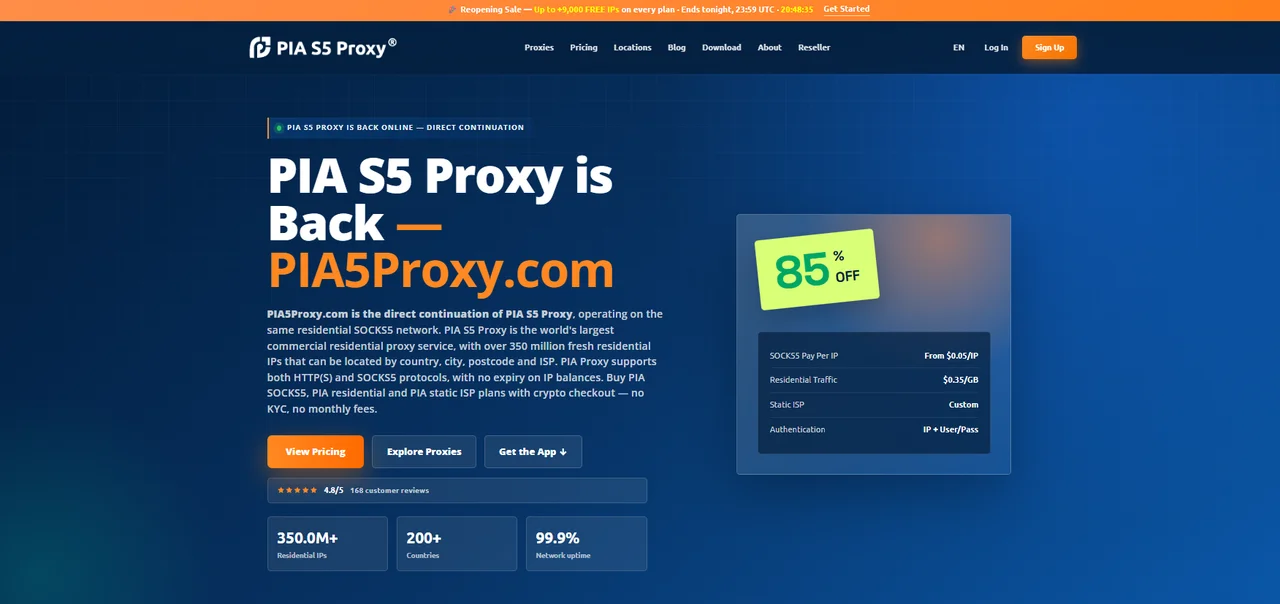
The service has since resurfaced as PIA5Proxy.com, run by part of the original team and drawing on the same residential IP network. The new platform offers four product lines: SOCKS5 Proxy, Residential Traffic, Static ISP, and Proxy Bundles. It accepts only crypto payments, requires no KYC, and IP balances no longer expire. Use cases remain largely the same as before, though the new version leans more toward enterprise and automation-heavy teams.
📌Note: PIA S5 Proxy has no connection to Private Internet Access (PIA VPN). The shared "PIA" name is a common source of confusion, but the two are entirely separate services.
Is PIA S5 Proxy Still Working?
Yes and no. The old service is dead: the original piaproxy.com site, the desktop client, and the original account system have all been permanently shut down. But a new platform, PIA5Proxy, finished rebuilding and relaunched in May 2026. Right now, new registrations, purchases, and usage are all functional again.
Here's how that timeline played out:
January 2026: The original service went down entirely after Google took legal and technical action against the IPIDEA network.
February to May 2026: The team rebuilt the platform from the ground up, updating the website, pricing, security, support, and user dashboard.
May 2026 onward: The new platform went live and service resumed.
So the service is genuinely back, but it's not a simple restart. It's more like new packaging on the same base: the underlying proxy network is said to be the same, but the way it operates has changed completely.
😃For a cleaner, more affordable replacement, IPcook offers ethically sourced residential proxies starting at $0.3/GB, with 99.99% uptime and no traffic expiry.
PIA S5 Proxy Features & Changes
The underlying residential IP network is said to be the same, but almost everything about how you actually use it has changed. Here's a side-by-side look at what's different:
Comparison | Original Service (discontinued) | New Platform (PIA5Proxy) |
Access method | Desktop client (Windows/macOS/Linux) | Fully web-based dashboard, no software install |
Getting a proxy | Filter IPs in the client, forward to a local port | Generate credentials in the dashboard (host:port:user:pass) |
Proxy format | A local address such as 127.0.0.1 with a client-assigned port | SOCKS5 endpoint string socks5h://user:pass@gate:port |
Account system | Original accounts no longer work | Must re-register; old balances may be recoverable via support, no unified migration path |
Payment methods | Credit card, Alipay, PayPal, crypto, etc. | Crypto only (USDT/BTC/ETH, etc.); card, Apple Pay, and Google Pay listed as "coming soon" |
Product lines | SOCKS5 Proxy / Socks5 Proxy Enterprise / Long Acting ISP / Static ISP / Residential Proxy / Unlimited Traffic Proxy | SOCKS5 Pay Per IP / Residential Pay Per GB / Static ISP / Bundle Plans |
Client dependency | Required a client install | No client at all; works with any SOCKS5-compatible tool |
Overall, the new version is more convenient and easier to integrate. There's no client to install, and the credentials work directly with any tool that supports SOCKS5. But the shift in how the service operates also raises the barrier to entry: payment now runs almost entirely on crypto, and old accounts don't carry over cleanly, so returning users are largely starting from scratch.
How to Set Up PIA S5 Proxy the New Way
The old client is gone, so there's nothing to download anymore. The new setup is credential-based: you get a host, port, username, and password from the dashboard, and that string works in any tool that supports SOCKS5.
Step 1: Generate Proxy Credentials from the Dashboard
Register on PIA5Proxy, buy a plan, and top up with crypto. In the dashboard's proxy generator, choose:
Country, city, or ISP for the exit IP
Session type: sticky (same IP for a window of time) or rotating (new IP per request)
Protocol: SOCKS5 or HTTP(S)
The generator outputs a host, port, username, and password. That's the entire setup.
Step 2: Understand the Endpoint Format
Most tools take the proxy as a single string:
socks5h://USERNAME:PASSWORD@HOST:PORTUse socks5h, not socks5. The trailing "h" forces DNS resolution on the proxy's side instead of your own, which is what prevents a DNS leak from exposing your real location.
Step 3: Apply in Different Tools
Antidetect browsers (AdsPower, Multilogin, Dolphin Anty, GoLogin, etc.): create a profile, set proxy type to SOCKS5, and fill in host, port, username, and password separately.
Scripts (cURL, Python, Node.js): paste the full endpoint string directly, for example as the
proxiesvalue in a Pythonrequestscall, or as a-xflag in cURL.
Step 4: Verify and Prevent Leaks
Don't take the dashboard label at face value. Confirm from the outside:
Check your IP and location through a service like
api.ipify.orgRun a DNS leak test to make sure your resolver isn't your ISP's
Check WebRTC in your browser or antidetect profile, since it can expose your real IP even behind a working proxy
Proxy Plans and Pricing: Value or Hype?
The new platform splits pricing into four models, each aimed at a different use case:
SOCKS5 Pay Per IP. Entry-level starts at 150 IPs for $36, with per-IP cost dropping fast at volume. Bulk enterprise tiers get down to around $0.05/IP effective once bonus IPs are factored in.
Residential Pay Per GB. Ranges from small 10 GB packs up to 1 TB enterprise plans. Small packages run around $2/GB, on the pricier side; large ones drop to roughly $0.35/GB, which is genuinely competitive.
Static ISP. Priced as a monthly subscription starting around $2.50/IP/month, a shift from the old weekly billing cycle toward longer-term use.
Bundle Plans. Combine SOCKS5, residential traffic, and static ISP for mixed workloads, with claimed savings of up to 38% over buying each separately.
Compared to the old service (based on its November 2025 pricing page, closer to the shutdown), a couple of structural things stand out:
SOCKS5 and Enterprise got merged into one tier. The old site split regular SOCKS5 and Socks5 Proxy Enterprise into two separate categories with their own pricing tables. The new platform folds both into a single SOCKS5 Pay Per IP line, where volume just unlocks lower effective rates within the same tier instead of requiring a separate enterprise plan.
Payment options narrowed. The old service accepted cards, Alipay, and PayPal alongside crypto. The new platform is crypto-only, at least for now.
Bundle Plans are an entirely new addition, not a repackaging of anything from before, suggesting the product line is expanding in one direction even as it simplifies in another.
The pricing itself looks reasonable at first glance, especially at scale where per-unit costs drop. But as covered earlier, there's still no clear confirmation of whether the underlying IP sourcing has genuinely changed since the takedown.
If you're testing or need proxies short-term, a small plan is low-risk enough to try. If this is for core business operations where IP stability matters, it's worth weighing that uncertainty first, or considering an alternative like IPcook where the sourcing and compliance picture is more clearly documented.
What Real Users Are Saying
Public reviews on PIA S5 Proxy split sharply into two camps: praise for speed and reliability on one side, and complaints about dead IPs and unresponsive support on the other.
Trustpilot
The rating breakdown reflects that split: 36% five-star, 12% four-star, and 52% one-star. Positive reviewers call the service "reliable, fast" with good coverage and support. Others report "90% Proxy dead and support worst", describing purchased IPs failing shortly after buying and support going unanswered for weeks.
On r/PrivateInternetAccess, users report getting hit with frequent CAPTCHA challenges, speculating that PIA's IP pool gets misused and blacklisted by target sites as a result.
BlackHatWorld
One user described buying a 200-IP package and finding "the proxy number decreases every hour", with support ignoring more than ten emails. They called it a scam.
All of this feedback is about the old service, before the shutdown and rebuild. PIA5Proxy, the relaunched platform, has only been live a few months, so independent reviews of it are still thin.
Risks of Using PIA S5 Proxy
The rebuild answers whether PIA S5 Proxy still works. It doesn't answer whether it's safe or compliant to use.
The underlying network hasn't changed. PIA5Proxy describes itself as running on the "same residential SOCKS5 network" as before. If that's accurate, the sourcing issue Google flagged in the first place is still unresolved, which means another takedown is possible at any time.
Crypto payment carries its own risk. Crypto is anonymous but irreversible. If the service goes down again, there's no chargeback or dispute process to recover an unused balance.
IP reputation risk carries over. If the IP pool is genuinely the same one used before, those addresses may already be flagged by major platforms, which can directly affect e-commerce accounts, social media management, or any workflow that depends on a clean IP.
None of this means the service is unusable. But it does mean the core problem from January, unclear IP sourcing, hasn't actually been solved, just rebuilt around. Anyone relying on this for real business operations should weigh that before committing meaningful budget to it.
Safe Alternative to PIA S5 Proxy: IPcook Proxies
Choosing a proxy service isn't just about price and IP count. What matters more is whether the IPs were sourced with consent and whether the network can hold up over time. An unauthorized IP pool can look great on paper, but one enforcement action can wipe it out overnight. That's the lesson PIA S5 Proxy's shutdown left behind.
Judged on compliance, stability, and protocol support, IPcook is worth considering as an alternative. Its IPs come from an opt-in residential network, with over 55 million real residential addresses across 185+ countries, SOCKS5 support, city-level targeting, and established integrations with major antidetect browsers.
For the 2 main use cases PIA S5 Proxy users typically rely on, IPcook offers a direct match:
IPcook Residential Proxies
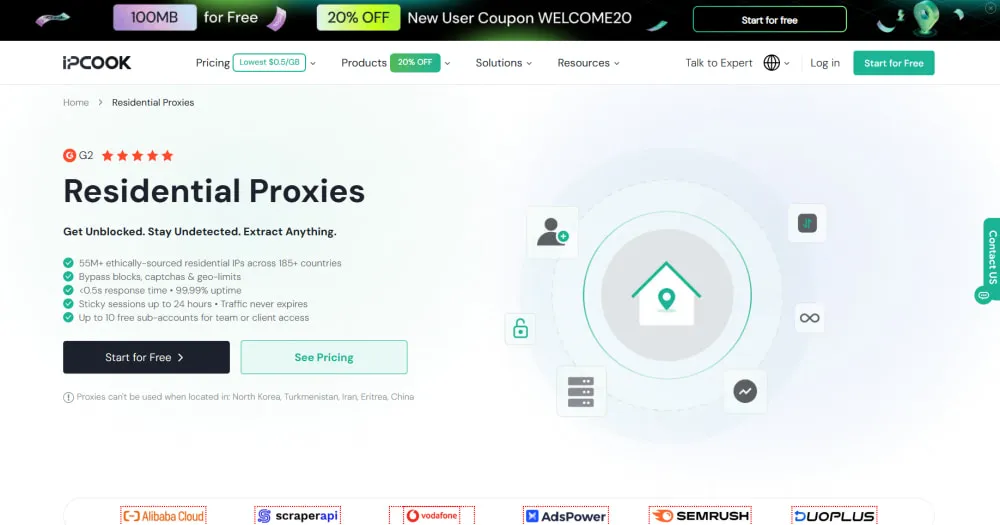
IPcook Residential Proxies are suitable for those who used SOCKS5 or residential traffic plans from PIA S5 Proxy. If your work involves data scraping, creating social media accounts in bulk, or ad verification that needs rotating, high-anonymity residential IPs, this is a close fit. It runs on 55M+ ethically sourced IPs, billed by traffic from $0.3/GB, with non-expiring traffic and sticky sessions up to 24 hours.
IPcook ISP Proxies
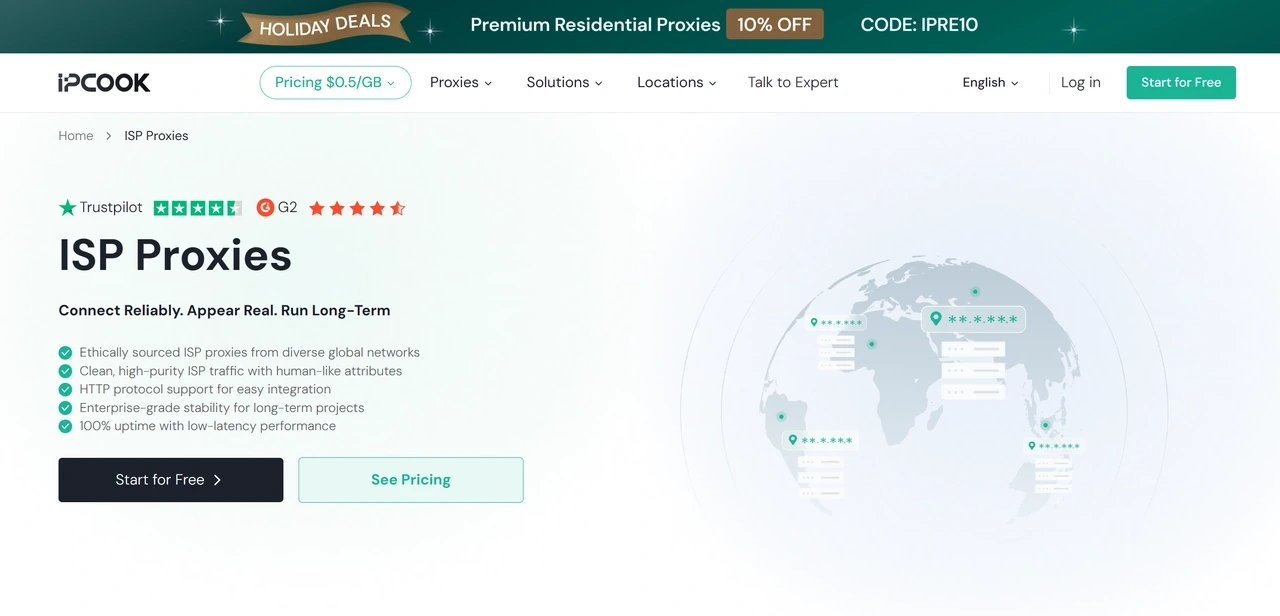
IPcook ISP Proxies is a valuable option for users opted for static or long-acting ISP plans from PIA S5 Proxy. If you're running e-commerce stores, managing social accounts, or doing SEO monitoring and need a fixed IP that stays logged in over time, this is the better match. It offers dedicated static IPs with 99.99% uptime, unlimited traffic, and pricing from $0.05/IP/day.
Both products generate credentials through a web dashboard or API, support HTTP and SOCKS5, and integrate with tools like AdsPower, MoreLogin, and Linken Sphere. As with any switch, it's worth running a small test batch first to confirm IP quality and stability before committing to a larger plan.
Conclusion: Should You Still Use PIA S5 Proxy?
It depends, but probably not. The PIA proxy service works again, but the sourcing issue behind the January takedown was never resolved, just rebuilt around, so the same shutdown risk remains. For business-critical use, a more compliant service is the safer call.
If reliability actually matters to your work, it's worth looking at alternatives with a clearer compliance track record, like IPcook. Beyond that, it's just worth staying cautious with both your device and your payment method as this new platform continues to find its footing.
FAQ
- What Is PIA S5 Proxy?
- Is PIA S5 Proxy Still Working?
- PIA S5 Proxy Features & Changes
- How to Set Up PIA S5 Proxy the New Way
- Proxy Plans and Pricing: Value or Hype?
- What Real Users Are Saying
- Risks of Using PIA S5 Proxy
- Safe Alternative to PIA S5 Proxy: IPcook Proxies
- Conclusion: Should You Still Use PIA S5 Proxy?
- FAQ
