


What Is a Residential Proxy? Everything You Need to Know

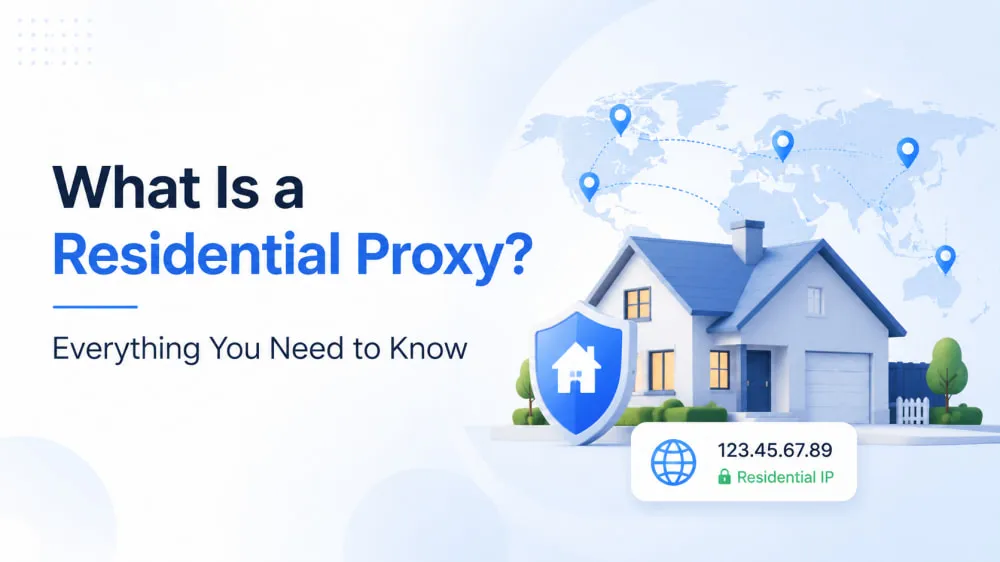
When you browse the internet, your IP address quietly reveals your location, device, and network. For most everyday use, this isn't a problem. But things change when you need to collect data at scale or access region-restricted content without being blocked. Websites can quickly detect unusual activity and limit your access.
Residential proxies address these issues by routing your traffic through real home devices, making your requests appear like those of ordinary users. In this guide, we'll explain what a residential proxy is, how it works, and why it is widely used.
What Are Residential Proxies and How Do They Work?
Residential proxies are intermediary servers that use IP addresses assigned by Internet Service Providers (ISPs) to real residential devices, such as those powering home Wi-Fi connections. Because these IPs are tied to real household networks, they appear more legitimate and are harder for websites to identify as automated traffic.
To suit different needs, residential proxies come in two main types:
Static residential proxies maintain a consistent IP address over time.
Rotating residential proxies automatically change IPs at set intervals or per request.
So, how do residential proxies work? When you route your connection through a residential proxy, your internet traffic is masked behind a real user's IP address. To the target website, the request appears to come from a regular person browsing from home rather than a bot or automation script. This helps reduce detection and lowers the risk of bans and CAPTCHAs, especially on websites that actively monitor suspicious behavior.
A simple way to understand this is to think of it like sending a letter using someone else's real home address. To the receiver, the message appears legitimate because it comes from a genuine residential location.
Because of this structure, residential proxies are widely trusted and difficult to block. Their authenticity provides a stealth advantage in use cases such as data scraping, ad verification, and account management.
What Are Residential Proxies Used For?
Residential proxy usage is largely defined by one key principle: trust. Websites treat residential IPs as legitimate users because they come from real ISP-backed networks. That makes residential proxies ideal for use cases where stealth, reliability, and high trust are non-negotiable.
Here are some of the most common and high-impact applications of residential proxies:
Web Scraping on High-Security Sites: When scraping dynamic content from platforms like Google, Amazon, or social media, datacenter proxies often get blocked. Residential proxies help mimic human behavior, bypass rate limits, and avoid captchas.
Ad Verification and Fraud Prevention: Companies use residential IPs to check if ads are being served correctly in different regions and to detect malicious ad injections or fraudulent impressions.
Multi-Account Management on E-Commerce Platforms: Platforms like eBay, Shopify, or AliExpress often ban duplicate accounts from the same IP range. Residential proxies allow account segmentation by mimicking users in different cities or countries.
Bypassing Geo-Restrictions: Want to view content only available in specific regions (like streaming services, price listings, or search engine results)? Residential proxies let you route traffic through a country of your choice without being detected.
Here's a simple example: You're building a product price tracker using Python. To avoid getting blocked when accessing international product listings, you route requests through a residential proxy. Websites see the request as coming from a regular user in that target country, letting you gather accurate data without interruption.
Are Residential Proxies Legal and Available to Use Worldwide?
Residential proxies are not inherently illegal. They are legitimate tools used for privacy protection, web testing, and data collection. However, their legality depends on how they are used and local regulations. Using residential proxies to access publicly available data or manage accounts is generally allowed. But using them for fraud, unauthorized access, or violating website terms of service can be illegal or result in account bans.
In terms of availability, residential proxies can be used across most regions due to their global reach and ISP-issued IP infrastructure. This makes them effective for accessing location-specific content, conducting regional data collection, and performing ad verification across different markets. However, compliance with local laws and usage policies remains essential.
Compliance Matters
While residential proxies are designed to be undetectable and location-flexible, not every country views proxy usage the same way. For example:
GDPR in the EU imposes strict rules on personal data collection and traffic routing, even when using proxies.
China and Russia maintain tight controls over network infrastructure, making proxy use subject to local regulation or outright restriction.
The United States and Japan are relatively proxy-friendly, especially for tasks like ad verification and SEO monitoring, though commercial use still requires ethical sourcing.
Always ensure the proxy provider complies with local data laws and that IPs are ethically sourced with user consent. This is critical both legally and ethically.
Location-Specific Tips
For ad verification in the U.S. or Japan: Residential proxies are ideal due to rich ISP coverage and low latency.
For Southeast Asian e-commerce tracking: Use residential IPs with localized footprints (e.g., Indonesia, Vietnam) to get accurate pricing or product data.
For EU-based market research: Prioritize GDPR-compliant providers and avoid proxies that could route through unapproved jurisdictions.
In short, as legality varies, choosing the right provider makes all the difference. Look for platforms that offer global IP pools with transparent sourcing and jurisdictional compliance.
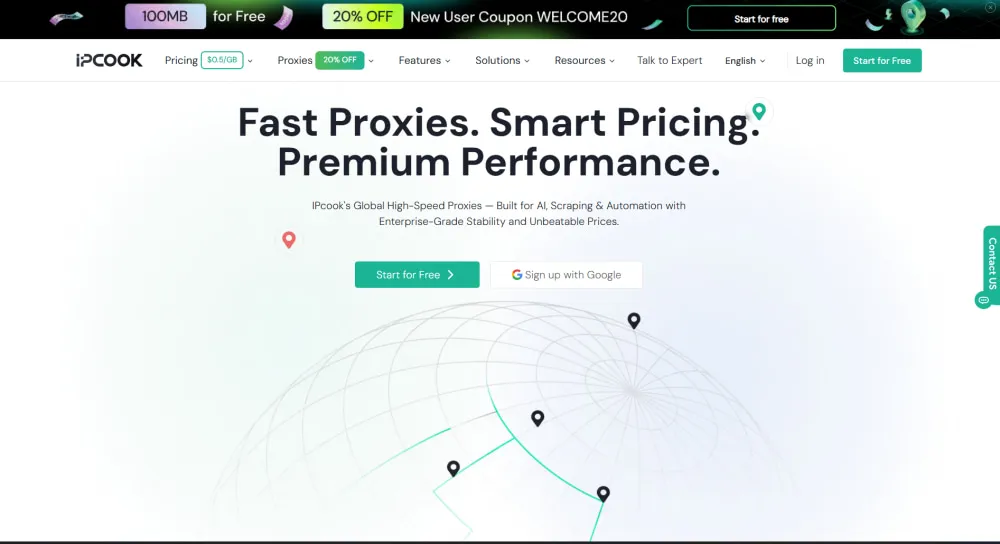
IPcook Residential Proxies: Why Choose It and What Makes It Different
When it comes to residential proxies, free or low-quality services often come with risks like unstable connections, IP bans, and weak privacy protections. IPcook, however, delivers a premium solution tailored for professionals who demand reliability and security. IPcook is an IP proxy provider offering datacenter, residential, and ISP proxy services designed for users who require stable performance, broad coverage, and flexible integration.
IPcook's key features are tailored to the practical needs of diverse proxy use cases:
Global IP coverage Access to 55M+ residential IPs across 185 countries and regions, supporting geographically distributed use cases.
High anonymity All IPs originate from real residential users or ISP networks, not synthetic or artificially generated sources.
Protocol support Compatible with both SOCKS5 and HTTPS protocols, enabling flexible integration with a wide range of tools and workflows.
IP rotation options Supports IP rotation per request or at set time intervals, allowing flexible control over switching frequency.
Real-time dashboard and analytics Provides real-time monitoring of traffic usage and connection status, with support for exporting detailed reports.
Free sub-account support
Allows up to 10 free sub-accounts, making it easier for teams to manage roles and workflows.
Residential IP vs Datacenter Proxies
Datacenter proxies are built on high-performance server infrastructure, offering fast speeds and low costs. They are ideal for large-scale, non-sensitive operations such as bulk data collection. However, because they originate from centralized server farms, their IP ranges are more easily identified and restricted.
Residential proxies, in contrast, route traffic through real household internet connections. This makes each request appear to come from an ordinary user, improving legitimacy and reducing the chance of detection. The trade-off is higher cost and lower speed, but with significantly better success rates on protected platforms.
Therefore, datacenter proxies are typically used for high-volume scraping where blocking is less strict. On the other hand, residential proxies are favored for scenarios requiring higher trust levels, such as ad verification, account operations, and market research.
Residential Proxy vs VPN
Residential proxies and VPNs are often used for privacy, access control, and location-based browsing, but they operate in fundamentally different ways. A residential proxy routes specific application or browser traffic through ISP-assigned residential IPs, making the traffic appear as a normal household user. A VPN, on the other hand, encrypts and reroutes all device traffic through a secure server, focusing more on privacy and security than identity simulation.
Because of these differences, each tool is optimized for different use cases rather than being direct substitutes. The comparison is shown in the table below:
Feature | VPN | Residential Proxy |
Hide IP address | ✅ | ✅ |
Encrypt all device traffic | ✅ | ❌ |
Browser/app-level routing | ❌ | ✅ |
Simulate real residential users | ❌ | ✅ |
Geo-location flexibility | ✅ | ✅ |
High anonymity for web automation | ❌ | ✅ |
Multi-account management | ❌ | ✅ |
Speed | Generally stable but slightly reduced due to encryption | Varies depending on residential network quality |
Cost | Usually low to moderate | Higher than VPN due to residential IP sourcing |
Final Word
This post shows you what a residential proxy is and how it works. In short, residential proxies are IP addresses assigned by ISPs to real home devices, providing higher anonymity and making your online activity appear as genuine user traffic. Their unique ability to bypass blocks, enhance privacy, and access geo-restricted content makes them invaluable for tasks like web scraping, ad verification, and multi-account management.
Choosing the right residential proxy is essential for success in these areas. By selecting a trusted provider like IPcook, you can enjoy secure, stable, and highly anonymous proxies tailored to your needs, empowering you to work smarter and more efficiently.
FAQs
Do residential proxies affect internet speed?
Yes, residential proxies can sometimes be slower than datacenter proxies because traffic is routed through real residential networks. However, speed may vary depending on the location, network quality, and proxy provider infrastructure.
What makes a high-quality residential proxy?
A high-quality residential proxy is defined by a large and ethically sourced IP pool, stable connections, and strong uptime performance. It should provide IPs from real ISP-assigned residential networks with low detection rates and consistent geolocation accuracy. Reliable rotation options, fast response speed, and compatibility with major automation tools are also key indicators of quality.
How can residential proxies be configured for use?
Residential proxies are typically configured by adding the provided IP address, port number, and authentication credentials into a device's network settings, browser proxy settings, or a third-party proxy tool. Some providers, such as IPcook, offer a streamlined onboarding process with step-by-step setup guides and video tutorials to help users complete the configuration quickly and correctly.
