Buy a Proxy with Crypto
High-Quality Proxy Purchases via Worldwide Cryptocurrency Payments
- Use crypto payments to preserve privacy at checkout

- Secure proxy payment transactions with extra protective layers
- Cut regular settlement waits to activate proxies sooner
- Support seamless cross‑border purchases
Proxies can’t be used when located in: North Korea, Turkmenistan, Iran, Eritrea, China






Why Purchase Proxies with Crypto?
Standard proxies can obscure your online identity, but traditional payment trails may still link purchases to you.
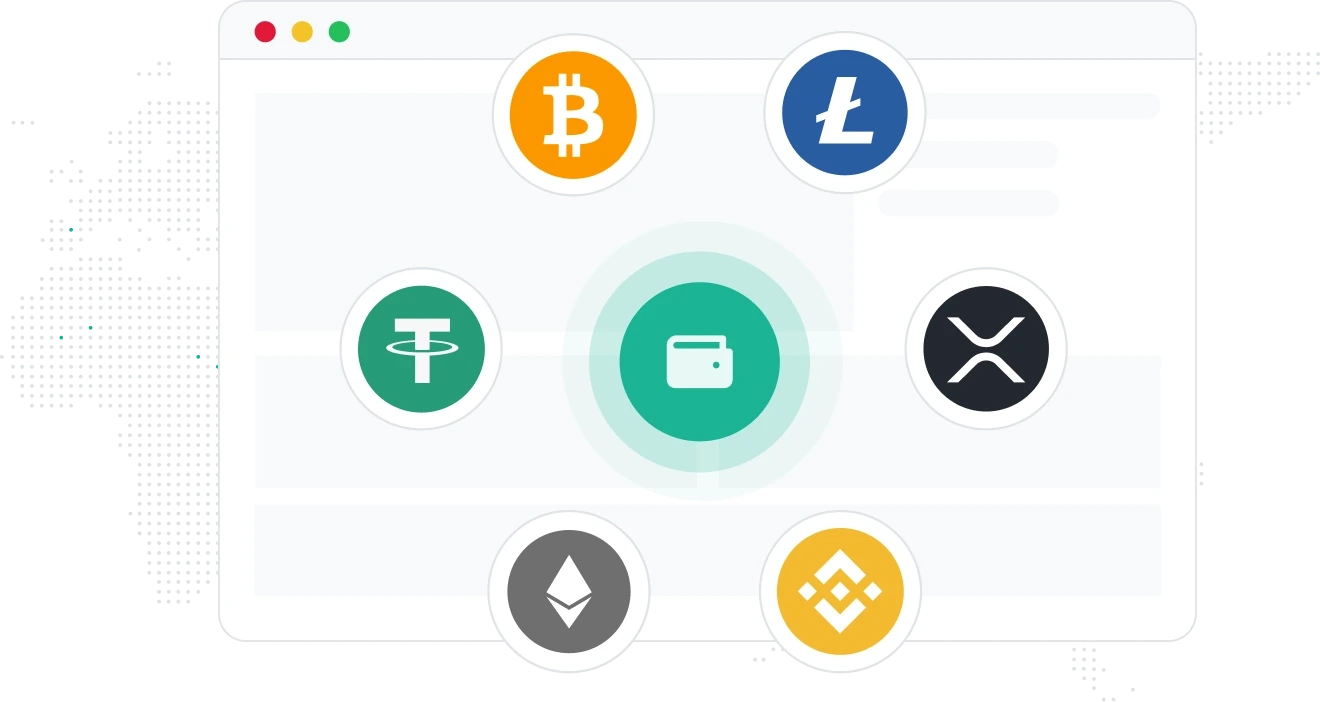
Cryptocurrency offers a swift, discreet cross-border payment method to boost transaction anonymity on our platform. Less reliant on legacy banking pipelines, it can add an extra layer of privacy while helping you access proxies faster and operate more flexibly across most regions.
Crypto also avoids many banking checkout procedures, which tend to cut typical waiting times for proxy deployment. Bitcoin is a common option for users prioritizing purchase confidentiality.
How Crypto Keeps Your Proxy Purchases Private & Fast
Boost Transaction Privacy
Standard card and bank payments may leave identifiable records tied back to your personal identity when you purchase proxies. Crypto payments add an extra privacy layer, lowering traceability linked to your proxy shopping activity.
👉IPcook supports cryptocurrency checkout to help reduce identifiable payment trails during your proxy order process.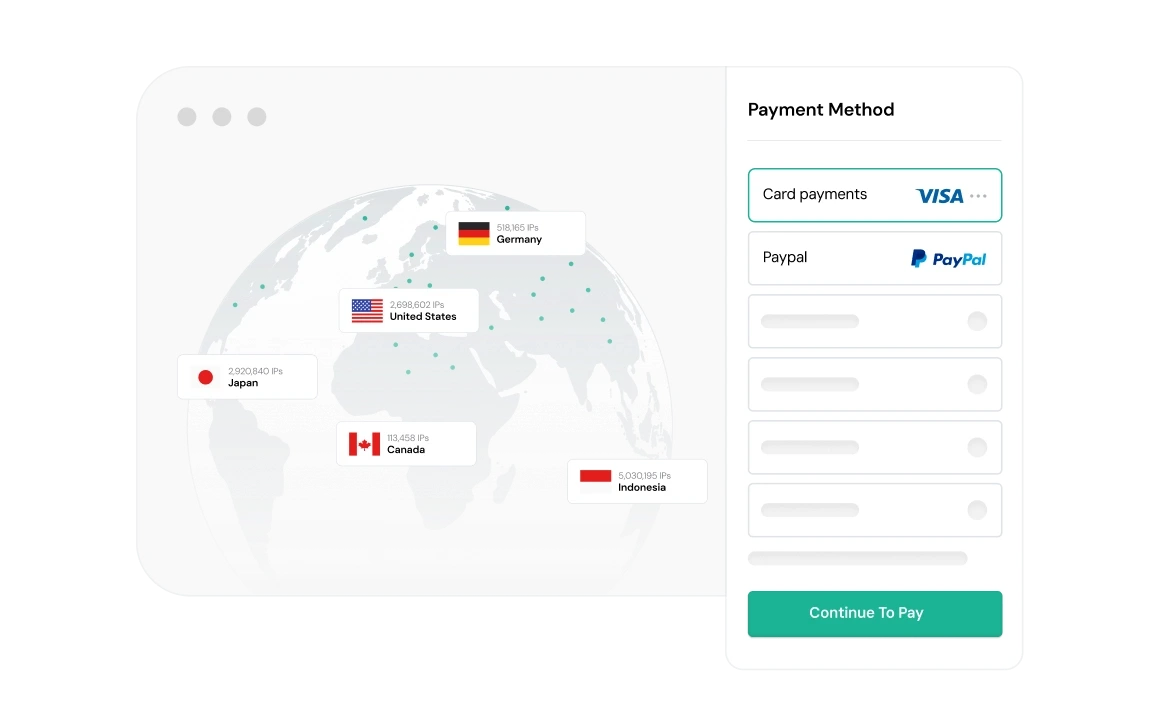
Cut Cross‑Border Payment Frictions
Traditional banking services often bring geographic limits, extra processing fees, and approval hurdles for overseas proxy purchases. Cryptocurrency operates across most regions with fewer regional payment barriers.
👉IPcook’s crypto payment setup accommodates cross‑border proxy orders for users operating internationally.
Speed Up Checkout Workflows
Wire transfers and card settlements are prone to bank processing hold‑ups that delay proxy provisioning. Crypto transactions generally settle quicker to help you start deploying proxies sooner.
👉IPcook’s crypto checkout trims down typical banking waiting periods for faster proxy order activation.
Gain Broader Payment Compatibility
Some regional payment methods cannot finish proxy purchases due to service restrictions. Cryptocurrency serves as a practical backup payment alternative for restricted financial scenarios.
👉IPcook lists mainstream crypto assets as viable checkout options to expand your payment flexibility.
How IPcook's Proxies Stand Out
- Feature
- Real Residential IPs
- Global Pool Size
- Rotation Control
- Uptime
- Setup Time
- Support
- IPcook
- Yes
- 55M+ IPs
- Sticky/rotating
- 99.99%
- < 5 mins
- 24/7 Human Support
- Others
- Mixed sources
- Limited in scope
- Often limited
- Varies
- Complex setups
- Chatbots or email delays
Types of Proxies


Not sure which to choose?
Talk to our
How to Set Up Your Proxies
- 1
Customize Your Proxy Parameters
Configure your proxy by selecting the country, city, protocol, and rotation type, then assign a sub-account, set login credentials, and optionally add whitelisted IPs.
- 2
Generate Proxies Instantly
Select the desired proxy format (e.g., host:port:user:pass) and quantity, then generate your proxy list by clicking Generate or Generate API Link.
- 3
Plug into Your Stack in Minutes
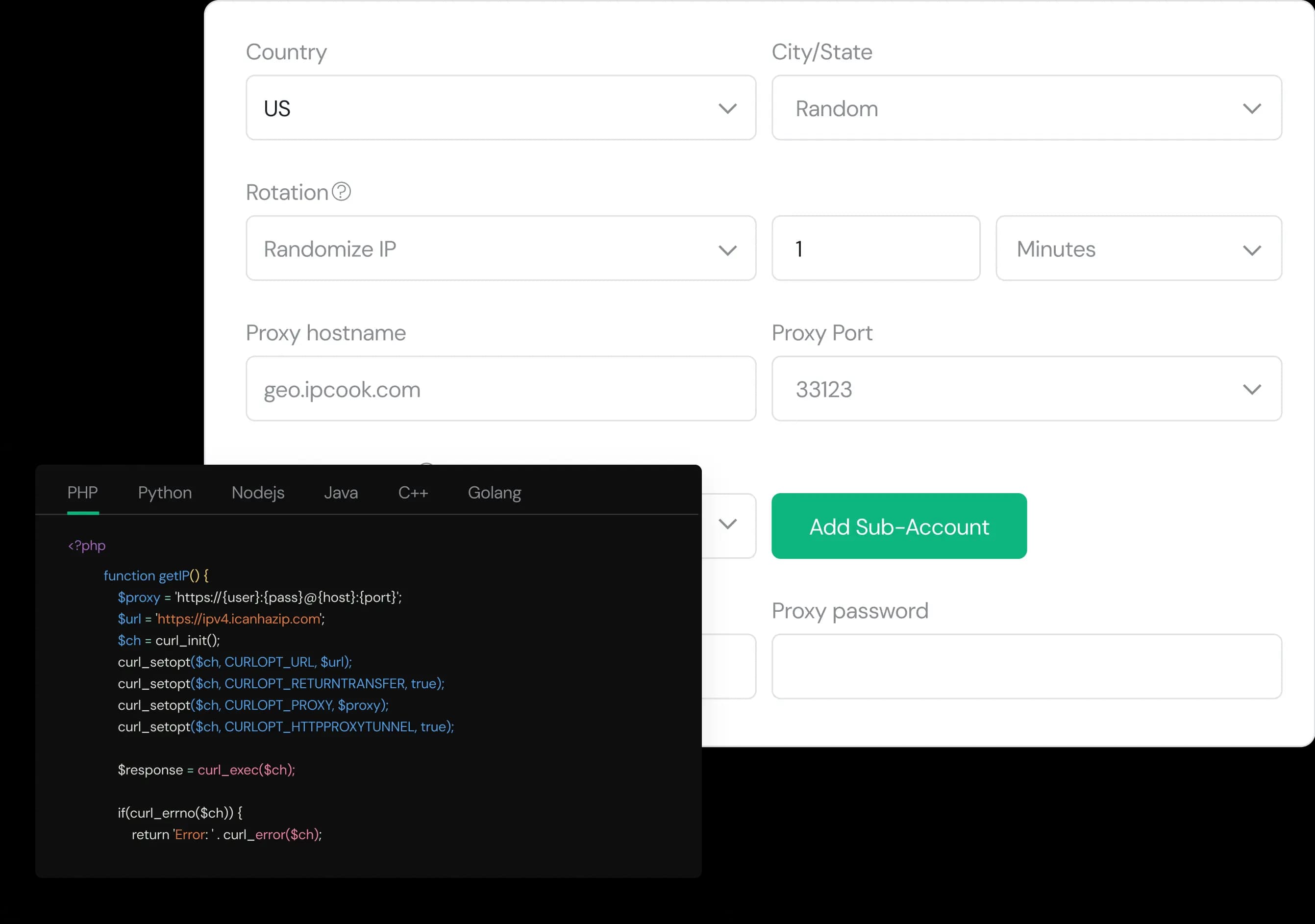
Copy the code snippet for your preferred language (Python, Node.js, PHP, Java, Golang, or C++), then paste it into your application to start using the proxies.