Buy a Proxy with PayPal
Flexible PayPal Payments for Secure Proxy Purchases Worldwide
- Use PayPal dispute safeguards for purchase peace of mind

- Enable PayPal checkout to strengthen order data encryption
- Reduce payment hold periods for faster proxy resource provisioning
- Streamline cross-border checkout for international shoppers
Proxies can’t be used when located in: North Korea, Turkmenistan, Iran, Eritrea, China






Why Purchase Proxies with PayPal?
Proxies safeguard personal data during daily web browsing, yet your payment details remain exposed without a reliable checkout method.
As a widely trusted online payment service, PayPal strengthens privacy safeguards during proxy purchasing. When ordering residential, ISP, or datacenter proxies through PayPal, you receive enhanced transaction protection throughout checkout and can typically begin using your purchased proxies with minimal wait time.
How PayPal Keeps Your Proxy Purchases Secure & Convenient
Strengthen Transaction Privacy
Standard proxy usage masks your browsing footprint, yet regular checkout methods may expose your payment details. PayPal encrypts payment data during proxy purchases, lowering the risk of sensitive financial information getting leaked.
👍 IPcook integrates PayPal checkout to add an extra layer of data encryption for every proxy order you submit.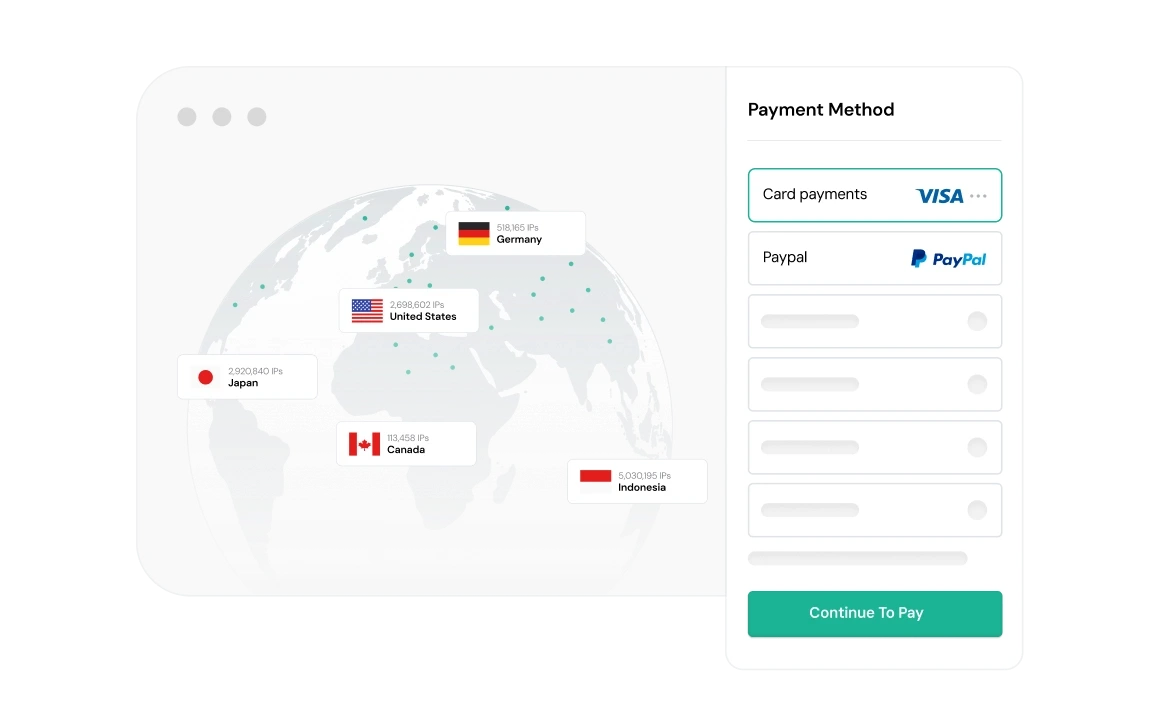
Simplify Cross‑Border Proxy Orders
Cross‑border bank transfers often incur extra service fees and undergo drawn‑out manual reviews when buying proxies internationally. PayPal streamlines overseas settlements with streamlined cross‑border payment workflows.
👍 IPcook’s PayPal payment channel accommodates international shoppers to cut down common cross‑border checkout hurdles.
Speed Up Proxy Order Activation
Traditional bank settlements can bring multi‑business‑day processing delays that hold up proxy deployment. PayPal transactions typically clear faster, letting you start using residential, ISP, and datacenter proxies sooner.
👍 Orders settled via PayPal on IPcook generally experience shorter hold periods before proxy resource provisioning.
Leverage Built‑in Payment Safeguards
Unexpected payment disputes, unauthorized charges, and transaction errors may arise during online checkout. PayPal’s native buyer protection mechanisms mitigate risks encountered while paying for proxy services.
👍 IPcook’s PayPal checkout setup lets users tap into the platform’s established dispute resolution protections for purchase reassurance.
How IPcook's Proxies Stand Out
- Feature
- Real Residential IPs
- Global Pool Size
- Rotation Control
- Uptime
- Setup Time
- Support
- IPcook
- Yes
- 55M+ IPs
- Sticky/rotating
- 99.99%
- < 5 mins
- 24/7 Human Support
- Others
- Mixed sources
- Limited in scope
- Often limited
- Varies
- Complex setups
- Chatbots or email delays
Types of Proxies


Not sure which to choose?
Talk to our
How to Set Up Your Proxies
- 1
Customize Your Proxy Parameters
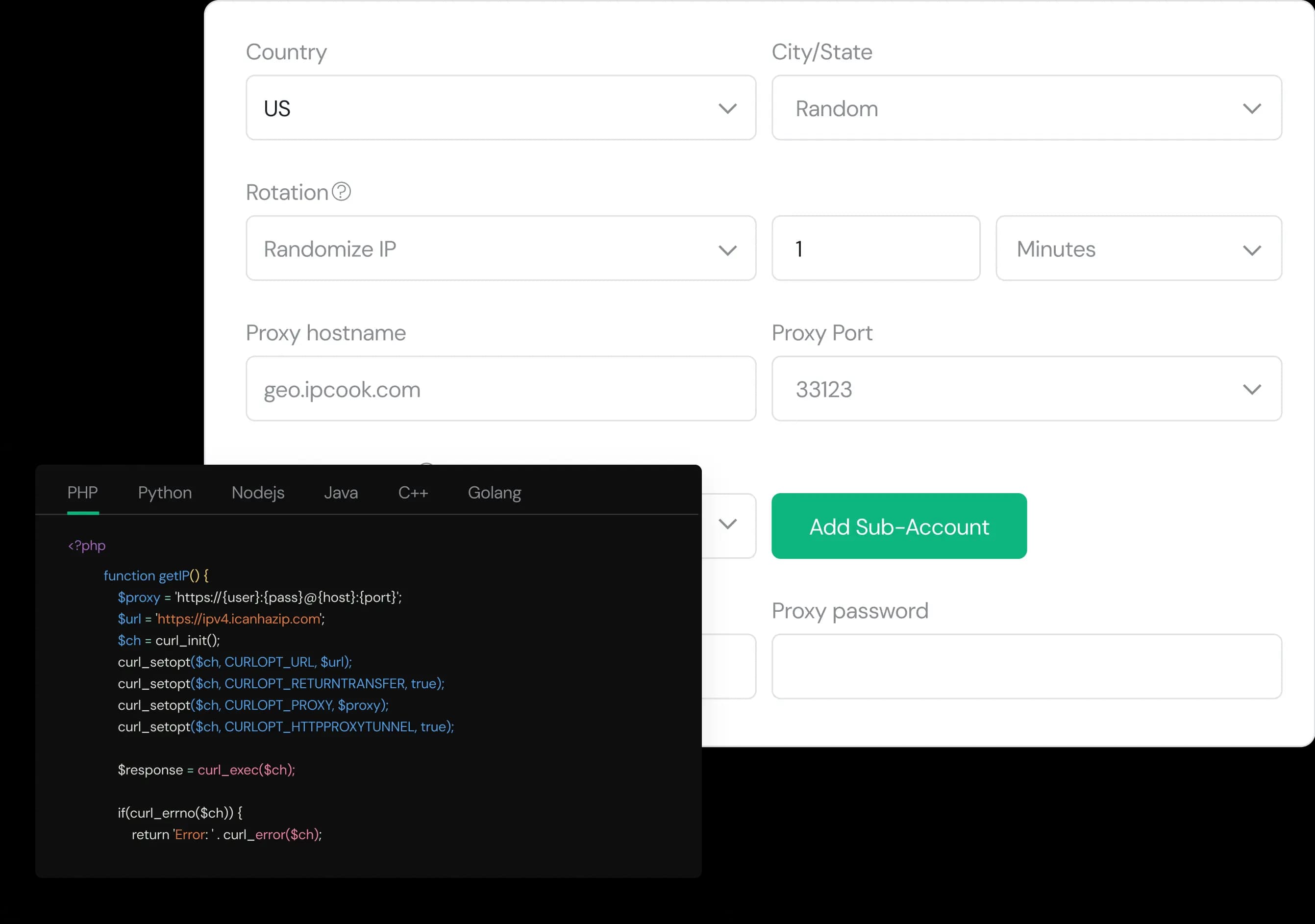
Configure your proxy by selecting the country, city, protocol, and rotation type, then assign a sub-account, set login credentials, and optionally add whitelisted IPs.
- 2
Generate Proxies Instantly
Select the desired proxy format (e.g., host:port:user:pass) and quantity, then generate your proxy list by clicking Generate or Generate API Link.
- 3
Plug into Your Stack in Minutes
Copy the code snippet for your preferred language (Python, Node.js, PHP, Java, Golang, or C++), then paste it into your application to start using the proxies.