


Top 7 MAP Pricing Monitoring Tools for E-commerce Brands (2026)

If you sell products under a MAP pricing policy, you know price problems never stay small. One seller drops the price, another matches it, and control starts to slip. Compliant partners get frustrated, and your brand value takes a hit. Manually checking prices cannot keep up, and waiting for complaints means the damage is already done. That is why both brands and sellers turn to MAP monitoring tools.
But with so many options, which one actually works? We review the 7 best MAP monitoring tools in 2026 and share a tip for improving MAP pricing monitoring with proxies.
What Is MAP Monitoring and Why It Matters for Brands
Think of your MAP policy like a rulebook. It sets the lowest price retailers are allowed to show for your product online. It applies to the price customers see first, not the final number in their cart.
Your job is to make sure everyone follows that rulebook. That is what MAP monitoring does. It checks advertised prices across online stores and marketplaces and flags listings that fall below your limit.
If you don’t do this, three problems usually follow:
A price war starts. One seller cuts the price, others follow, and margins disappear.
Trusted partners get frustrated. Retailers who follow your rules lose ground and stop prioritizing your product.
Your brand looks cheap. When discounts show up everywhere, customers stop believing in your original price.
MAP monitoring is not a one-time task. It is the daily habit that keeps a map pricing strategy working in real markets. It turns price rules from words on paper into visible results across channels.
That’s why you need the right software to do the heavy lifting. Below, we break down the best MAP monitoring tools and help you see which ones fit your needs.
Best MAP Monitoring Tools in 2026
#1 Price2Spy
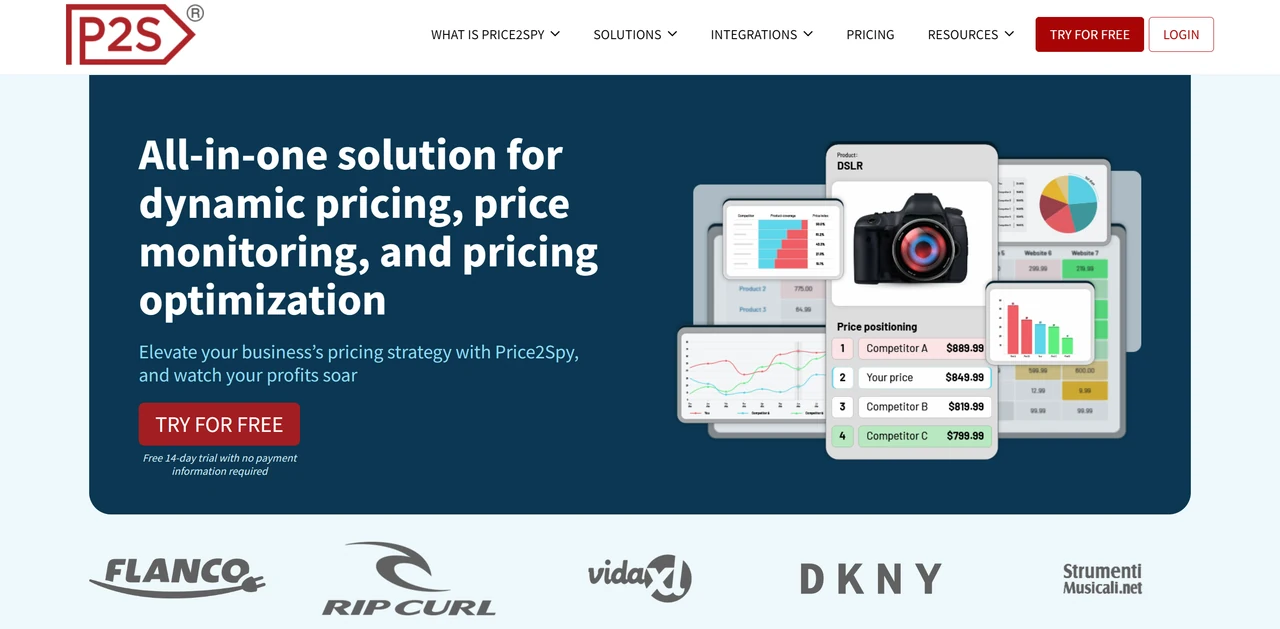
If you want one primary platform to keep an eye on prices across channels and fold MAP monitoring into your broader pricing and competitive tracking, Price2Spy is a solid choice. You can use it to track prices in many markets, catch MAP violations early, and back everything up with history and screenshots.
What you can do with it
Track advertised prices that fall below your MAP across marketplaces and online stores
View screenshots and full price history for each violation
Monitor prices across multiple countries and currencies and export reports
Pros
Broad coverage across common sales channels
Easy to adopt if you already track competitor prices
Historical data helps spot repeat violators
Cons
Enforcement workflows need to be handled outside the tool
Multi-country setups require careful configuration
Costs increase with SKUs, sites, and check frequency
#2 Wayvia (PriceSpider)
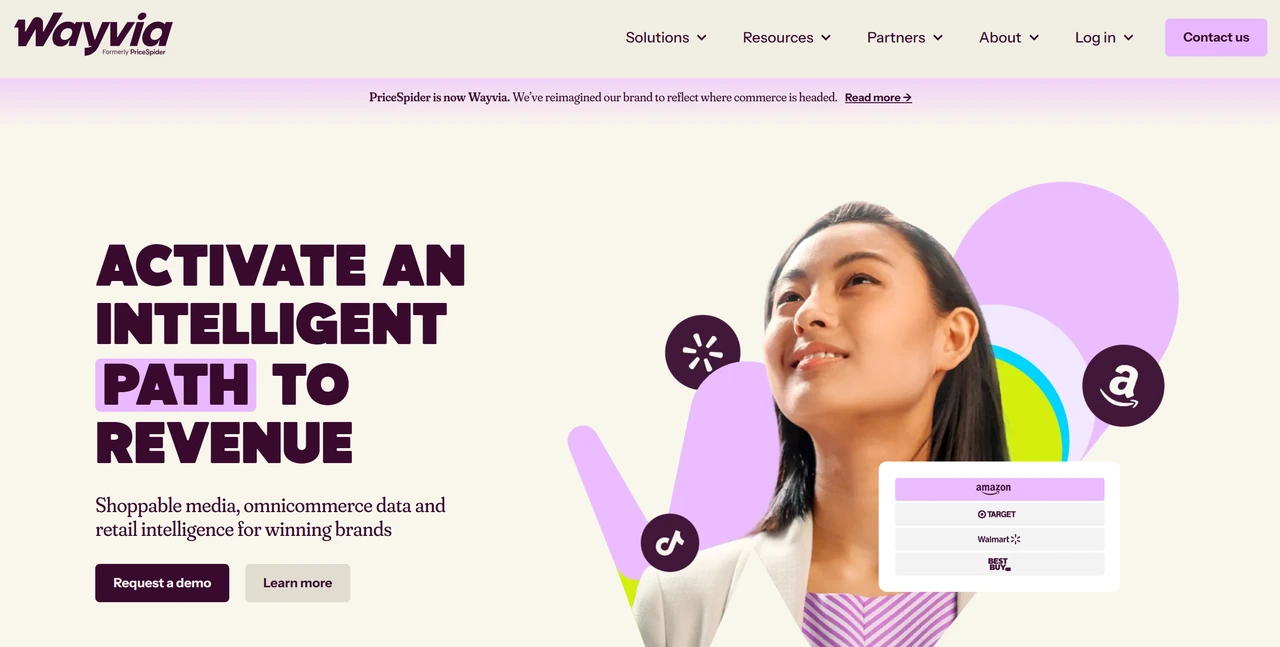
If your MAP policy is detailed, your authorized reseller network is large, and you often need clean evidence to talk to partners or legal, Wayvia (formerly PriceSpider) is worth serious consideration. You can use it to connect MAP monitoring with your broader brand, digital shelf, and reseller management efforts.
What you can do with it
Monitor MAP compliance across authorized resellers
Keep detailed records of violations and case history
Manage alerts, reports, and reseller workflows in one system
Pros
Strong evidence and case tracking for enforcement discussions
Clear visibility by partner, region, and channel
Works well for structured, compliance-driven programs
Cons
More than needed for simple or early MAP efforts
Requires upfront process and policy alignment
Pricing targets mid- to enterprise-level teams
#3 Dealavo
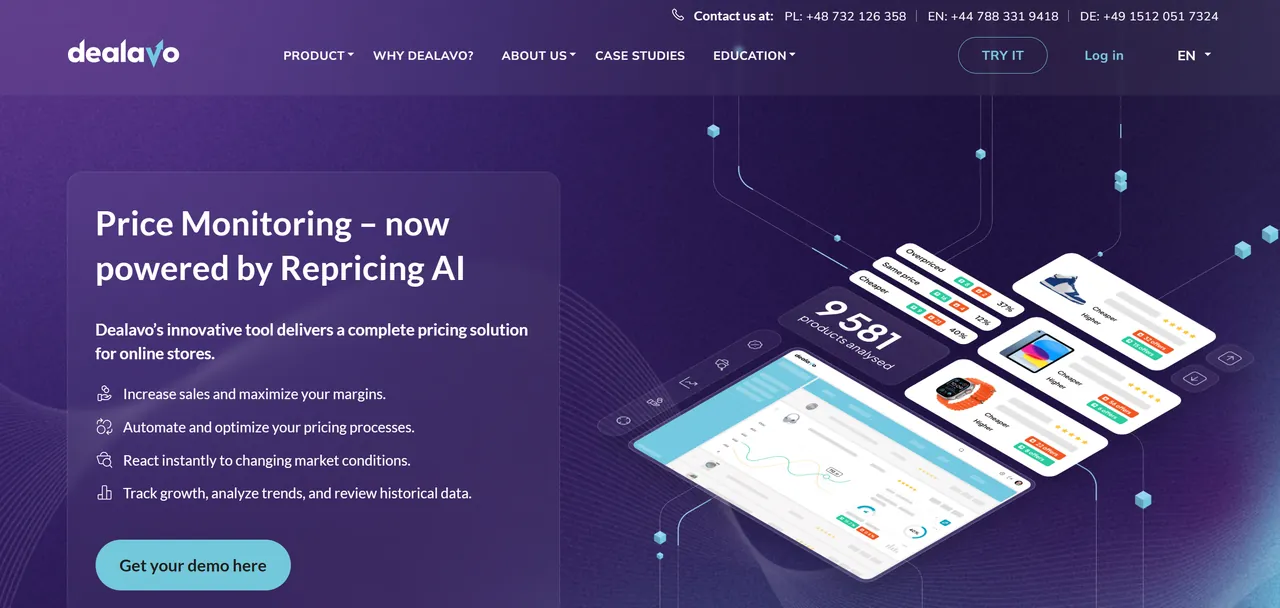
If you sell in multiple countries and care about how prices and MAP compliance look across currencies and markets, Dealavo is a good fit. You can use it to bring international price data into one view so you don’t have to piece it together market by market.
What you can do with it
Monitor advertised prices across countries and currencies
Compare prices by site and region to spot MAP gaps
Review regional and time-based pricing trends
Pros
Well suited for multi-market operations
Supports both violation tracking and long-term trends
Helpful for international pricing coordination
Cons
Interface may feel heavy for simple checks
MAP is part of a broader pricing toolset
Accuracy depends on solid setup at the start
#4 Trade Vitality
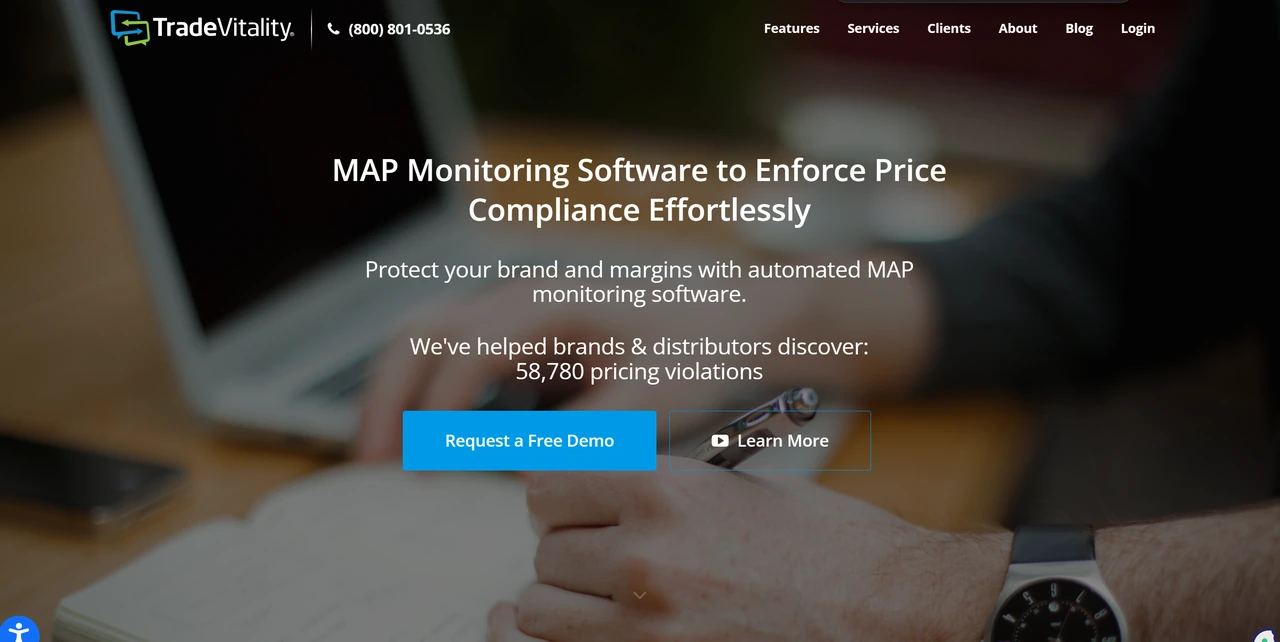
If you already know who is breaking your MAP policy and your bigger challenge is documenting, notifying, and closing the loop, Trade Vitality is built for that. You can use it to turn “we saw a violation” into a trackable process with records and outcomes.
What you can do with it
Record violations with screenshots and timestamps
Track notifications and enforcement status
Identify repeat offenders and high-risk sellers
Pros
Enforcement-first workflows match real MAP programs
Clear records support internal and partner discussions
Good fit for mature MAP policies
Cons
Limited broader pricing or competitive analytics
May need another tool for market-wide price insight
Configuration effort grows with scale
#5 TrackStreet
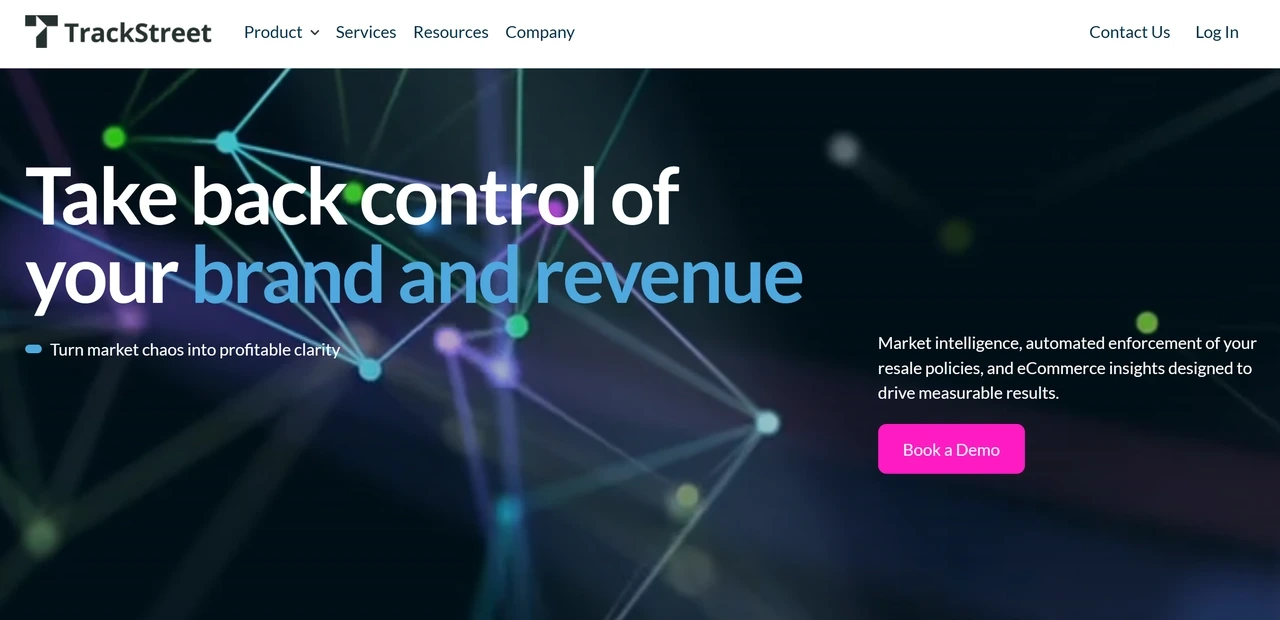
If you have many SKUs, lots of sellers, and you’re already thinking about unauthorized sellers and gray‑market issues, TrackStreet is worth a look. You can use it to see who is selling your products, at what price, and whether they’re respecting your MAP policy, all as part of a broader brand‑protection setup.
What you can do with it
Monitor MAP compliance across large SKU catalogs
Combine MAP checks with unauthorized seller tracking
Build repeatable routines for detection and follow-up
Pros
Handles complex channel and seller ecosystems
Aligns MAP with broader brand protection work
Supports ongoing operational use
Cons
Requires setup time to reflect real-world structures
Reporting depth depends on selected modules
Costs and complexity grow with coverage
#6 Prisync
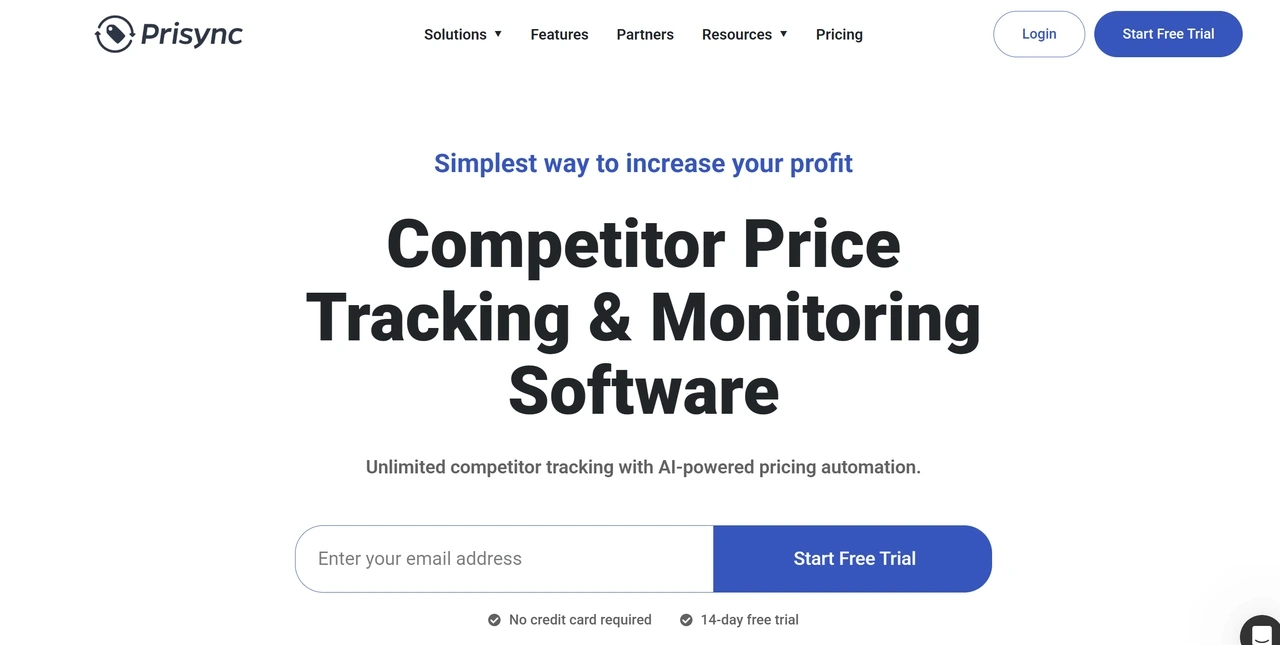
If you want to start by understanding online prices and only have light MAP enforcement needs, Prisync is a practical, budget‑friendly starting point. You can use it to set up basic price and MAP monitoring first, then decide later whether you need heavier enforcement tooling.
What you can do with it
Track prices across selected online stores
Set simple alerts for below-MAP pricing
Test with public pricing tiers and a free trial
Pros
Quick to set up with low entry cost
Clear pricing makes budgeting easier
Good for building basic MAP visibility
Cons
Limited enforcement and case management
Not suited for complex, legal-driven programs
Coverage quality depends on setup
#7 Intelligence Node

If you manage a large assortment and want MAP to sit alongside advanced pricing, category, and retail analytics, Intelligence Node is built for that environment. You can use it to treat MAP monitoring as one dimension of a broader data‑driven pricing and merchandising strategy.
What you can do with it
Track prices and promotions across large retail networks
Analyze pricing by category, channel, and market
View MAP issues alongside broader pricing context
Pros
Strong fit for large brands and analytics teams
Supports complex, multi-market pricing analysis
Uses one data foundation for multiple pricing needs
Cons
More complex than needed for basic MAP monitoring
Requires internal expertise and clear processes
Pricing and timelines favor long-term programs
What to Look For in MAP Pricing Software
The points below explain how to evaluate map pricing software and choose the right fit for your needs.
Channel coverage
The software should monitor the marketplaces, DTC sites, and retailers where you really sell. Coverage only matters if it matches your actual sales footprint, not how long the list looks.
Price capture accuracy
Accurate monitoring means the price shown matches what shoppers really see. Tools that miss regional price differences often flag false violations or overlook real ones.
Evidence and audit trail
MAP enforcement depends on proof. Screenshots, timestamps, and location data turn price issues into cases you can act on with partners.
Scalability and cost model
MAP programs grow over time. A tool that supports a long-term map pricing strategy should scale across SKUs and regions without becoming harder or more expensive to manage.
How to Make Your MAP Monitoring More Accurate
Choosing the right MAP monitoring software is the first step, but it doesn't guarantee accurate results. If your tool gets blocked by websites, rate-limited, or shown "robot-proof" prices that real shoppers never see, your entire MAP pricing strategy becomes unreliable.
Why Your Data Is Unreliable
Even the best MAP tools have to visit websites to read prices. Sites like Amazon defend themselves:
They detect when the same IP address checks prices repeatedly.
They slow down or block these requests, or show fake “test” prices.
They vary prices by country, city, and user.
The result? Your tool misses violations, reports fake prices, or shows something different from what local shoppers see. On paper, your MAP compliance looks perfect. In reality, resellers are undercutting you.
See Prices Like a Local Customer with IPcook
To improve accuracy, price checks need to look like normal customer visits. That means using residential proxies for market research, matching real locations, and avoiding patterns that trigger blocks.
IPcook Residential Proxies give you this. With access across 185+ regions, you can bypass restrictions and capture the exact prices local shoppers see.
Here’s what you get with IPcook:
Access Sites Like a Real Shopper: Route checks through 55M+ genuine residential IPs. Websites see normal traffic, not bots, which avoids blocks and rate limits.
Target the Exact Region: Get IPs from specific cities (e.g., “see the Berlin price”). No more generic or false data.
Session Rotation for Stability: Monitor thousands of SKUs daily with up to 24-hour sessions. High speed and low latency ensure stable, uninterrupted monitoring.
Unbeatable, Clear Pricing: Starts at just $3.2/GB, with volume discounts down to $0.5/GB. You pay only for what you use.
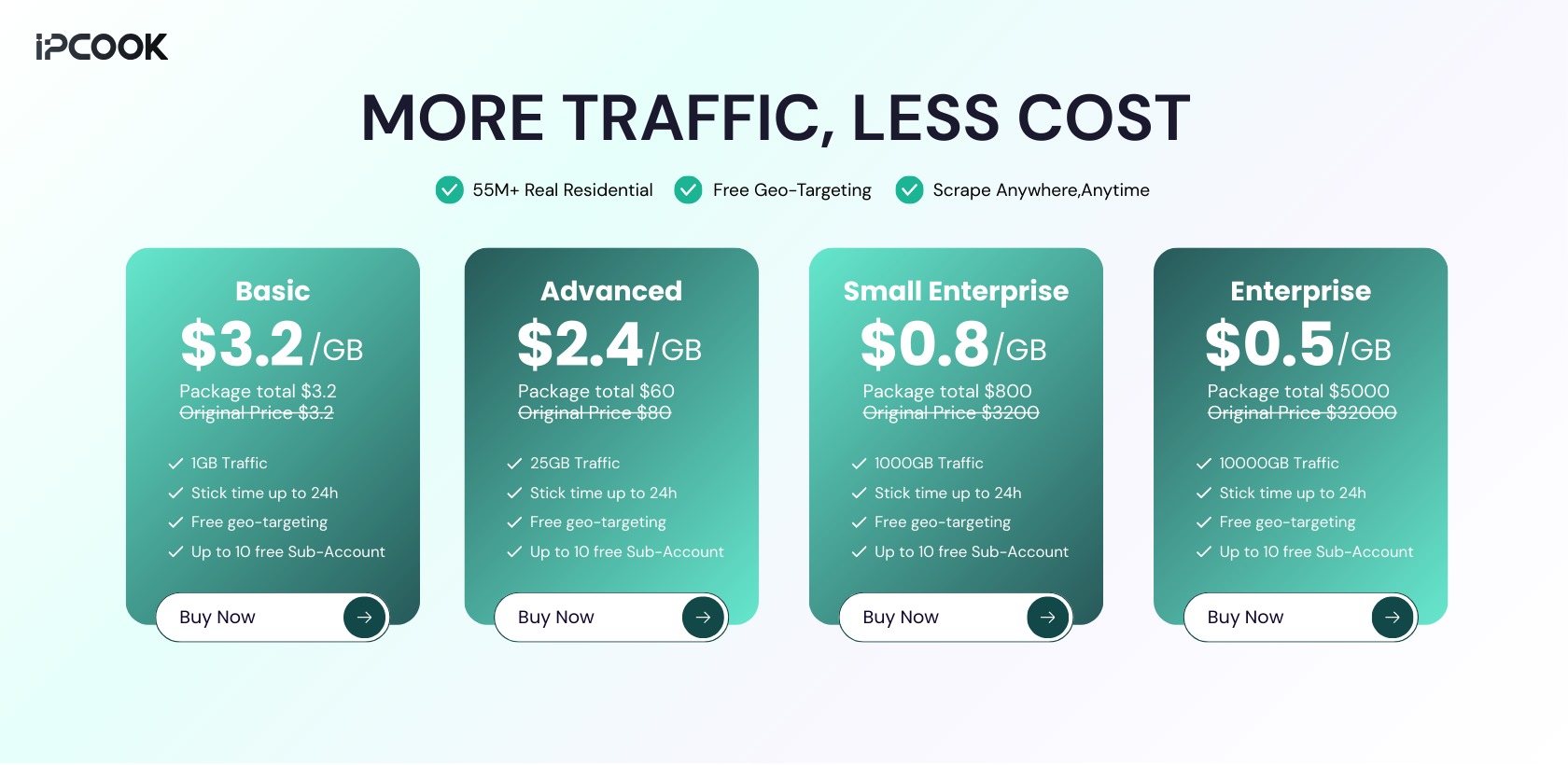
Pair your MAP monitoring tool with IPcook. Stop guessing and start acting on accurate, local price data every time.
Final Verdict
MAP monitoring tools help you track advertised prices and spot MAP violations across channels. The table below compares the 7 tools we discussed, so you can quickly see which fits your need.
Quick Comparison: Which MAP Monitoring Tool Fits Your Needs?
Tool | Best Fit For | Core Strength |
Price2Spy | Long-term main platform | Broad channel coverage |
Wayvia | Strict MAP programs | Evidence and compliance |
Dealavo | International brands | Multi-country visibility |
Trade Vitality | Enforcement-first teams | Violation tracking |
TrackStreet | Large catalogs | Brand protection |
Prisync | SMBs | Fast, low-cost setup |
Intelligence Node | Enterprises | Advanced analytics |
To capture the real prices your customers see in each market, reliable access matters. Use premuim IPcook Residential Proxies to see accurate, local prices you can act on.
