


Two Useful Ways to Automate Facebook Likes Without Flags

You're managing a Facebook Page, trying to build a community, and you know that consistent engagement is key. But constantly monitoring your feed to like relevant posts is a massive time-sink. The thought is tempting: wouldn't it be easier if this process could just… run itself?
The idea of automatic likes seems like a simple shortcut, but the internet is full of conflicting advice and shady tools that can get your account flagged. The truth is, automation doesn't have to be risky. It all comes down to one simple principle: making your activity look authentic. This guide provides a clear path through these complexities, showing you how to automate your Facebook engagement intelligently and sustainably.
What Are Facebook Automatic Likes?
A Facebook like is considered “automatic” when it is triggered by software instead of a manual tap or click from the user. The outcome is still a like on a post, but the action comes from a program, workflow, or scripted browser session rather than direct human interaction.
In practice, automatic likes commonly appear in three forms.
API-based automation Likes were once possible through Facebook's official Graph API. However, following policy changes (notably after the Cambridge Analytica incident), the API endpoints for creating likes (POST /{object-id}/likes) on public content have been largely deprecated. Current Graph API permissions are strictly limited, and it can no longer be reliably used for automating likes on posts you do not own or manage.
Browser simulation using Selenium or Puppeteer A scripted browser session that replicates human behavior step by step. The script opens a post, scrolls, positions the cursor over the button, and then triggers the click programmatically.
Third-party automation tools Cloud services or browser-based tools that perform the like on your behalf. The action appears to come from a regular user session, although it is still initiated by software behind the scenes.
All three approaches qualify as automatic likes because the action does not originate from a physical user gesture. The distinction between them lies in how the like is generated and transmitted through Facebook’s systems, which becomes important when the platform evaluates their authenticity in later stages.
Why Facebook Limits or Blocks Auto Likes
Facebook does not filter automated likes simply because they are automated. It filters them when the system cannot verify that the interaction came from a real, trustworthy user session. Each like is evaluated before it is counted, and only those that match Facebook’s internal credibility signals are recorded.
The platform relies on three main factors when deciding whether to accept or ignore an automated like.
Session and identity integrity Facebook checks whether the account appears to be in active, consistent use by a real person. Sudden spikes in activity, mismatched login environments, or rapid session switching reduce credibility.
Behavioral realism Automation that acts too quickly or too repetitively signals non-human behavior. A like that happens without scrolling, hovering, or any interaction context is far more likely to be rejected.
Network trust The source of the connection also matters. When the traffic pattern appears shared, unstable, or inconsistent with the account’s past behavior, Facebook treats the like as unreliable.
When these trust signals are missing, Facebook does not show any error or warning. The like is simply never counted.
To maintain the level of network credibility Facebook expects, automation needs to run from an environment that looks consistent, legitimate, and aligned with real user behavior. Stable residential IPs are the most reliable way to meet this requirement. IPcook supports this by offering residential IP pools that mimic genuine traffic, sticky sessions that keep identity stable, and region-aligned routing that matches an account’s history.
👀 Related reading
How to Create Bulk Facebook Accounts Without Getting Banned
How to Create Bulk Instagram Accounts: Tools & Tips for Growth
How to Create a Twitter Bot that Tweets, Likes, and Comments
How to Automate Likes on Facebook
There is more than one way to trigger an automated like, and the method you choose affects how Facebook evaluates it. Some approaches are treated as part of normal platform usage, while others are more sensitive to filtering.
Using Selenium / Puppeteer for Facebook Simulated Clicks
For users with programming knowledge, automation frameworks like Selenium (compatible with multiple languages) and Puppeteer (for Node.js) offer the highest degree of control by operating real browsers to accurately simulate human actions.
Step-by-Step Implementation:
Environment Setup Install Python and the Selenium library using pip, then download the WebDriver that matches your browser version (e.g., ChromeDriver).
Complete Script Example Below is a comprehensive Python script that handles browser configuration, secure login, and realistic interaction simulation:
from selenium import webdriver
from selenium.webdriver.common.by import By
from selenium.webdriver.support.ui import WebDriverWait
from selenium.webdriver.support import expected_conditions as EC
from selenium.webdriver.chrome.options import Options
from selenium.webdriver.common.action_chains import ActionChains
import time
import random
import os

# Configuration for human-like behavior
def random_delay(min_s, max_s):
    """Sleep for a random duration between min_s and max_s seconds."""
    time.sleep(random.uniform(min_s, max_s))

def setup_browser():
    """Configure and return a Chrome browser instance with anti-detection settings."""
    chrome_options = Options()
    # Configure browser to appear more human-like
    chrome_options.add_argument('--disable-blink-features=AutomationControlled')
    chrome_options.add_experimental_option("excludeSwitches", ["enable-automation"])
    chrome_options.add_experimental_option('useAutomationExtension', False)

    # Additional options to mimic real user
    chrome_options.add_argument('--disable-dev-shm-usage')
    chrome_options.add_argument('--no-sandbox')

    return webdriver.Chrome(options=chrome_options)

def secure_login(driver, username, password):
    """Log into Facebook with human-like interactions and proper waiting."""
    driver.get("https://www.facebook.com/login")
    random_delay(2, 4)

    try:
        # Wait for and fill email field
        email_field = WebDriverWait(driver, 10).until(
            EC.presence_of_element_located((By.ID, "email"))
        )
        for char in username:
            email_field.send_keys(char)
            time.sleep(random.uniform(0.05, 0.15))  # Natural typing speed

        # Wait for and fill password field
        password_field = WebDriverWait(driver, 10).until(
            EC.presence_of_element_located((By.ID, "pass"))
        )
        for char in password:
            password_field.send_keys(char)
            time.sleep(random.uniform(0.05, 0.15))

        # Find and click login button
        login_button = WebDriverWait(driver, 10).until(
            EC.element_to_be_clickable((By.NAME, "login"))
        )
        ActionChains(driver).move_to_element(login_button).pause(random.uniform(1, 2)).click().perform()

        # Wait for navigation to complete
        random_delay(3, 6)

        # Verify login was successful
        WebDriverWait(driver, 15).until(
            EC.presence_of_element_located((By.XPATH, "//div[@role='navigation']"))
        )
        print("✓ Login successful")
        return True

    except Exception as e:
        print(f"✗ Login failed: {e}")
        return False

def simulate_human_interaction(driver, post_url):
    """Visit a post and like it with human-like behavior patterns."""
    driver.get(post_url)
    random_delay(2, 5)

    # Natural scrolling patterns - mimic reading behavior
    scroll_pattern = [150, 200, 100, 180, 120]
    for scroll in scroll_pattern:
        driver.execute_script(f"window.scrollBy(0, {scroll});")
        random_delay(0.8, 2.2)

    # Multiple selector options for the like button (Facebook UI can vary)
    like_selectors = [
        "//div[@role='button' and contains(@aria-label, 'Like')]",
        "//span[text()='Like']/parent::div",
        "//div[contains(@aria-label, 'Like') and @role='button']",
        "//i[contains(@data-visualcompletion, 'like')]/parent::div"
    ]

    like_button = None
    for selector in like_selectors:
        try:
            like_button = WebDriverWait(driver, 5).until(
                EC.element_to_be_clickable((By.XPATH, selector))
            )
            break
        except:
            continue

    if like_button:
        # Ensure button is visible in viewport
        driver.execute_script("arguments[0].scrollIntoView({block: 'center', behavior: 'smooth'});", like_button)
        random_delay(1, 2.5)

        # Hover before clicking (natural human behavior)
        ActionChains(driver).move_to_element(like_button).pause(random.uniform(0.8, 2.2)).perform()

        # Click with slight random offset
        ActionChains(driver).move_by_offset(random.randint(-2, 2), random.randint(-2, 2)).click().perform()

        print(f"✓ Liked post: {post_url}")
        return True

    print(f"✗ Could not find like button for: {post_url}")
    return False

# Main execution flow
if __name__ == "__main__":
    driver = None
    try:
        driver = setup_browser()

        # Securely load credentials from environment variables
        username = os.getenv('FB_USERNAME')
        password = os.getenv('FB_PASSWORD')

        if not username or not password:
            print("Error: FB_USERNAME and FB_PASSWORD environment variables must be set")
            print("Example: export FB_USERNAME='[email protected]'")
            exit(1)

        if secure_login(driver, username, password):
            # List of posts to like (replace with actual URLs)
            post_urls = [
                "https://m.facebook.com/post_url_1",
                "https://m.facebook.com/post_url_2"
            ]

            for i, post_url in enumerate(post_urls, 1):
                print(f"\nProcessing post {i}/{len(post_urls)}")

                if simulate_human_interaction(driver, post_url):
                    # Natural interval between actions - avoid pattern detection
                    if i < len(post_urls):
                        min_wait = random.randint(15, 30)
                        max_wait = random.randint(35, 75)
                        random_delay(min_wait, max_wait)

        else:
            print("Cannot proceed without successful login")

    except KeyboardInterrupt:
        print("\nProcess interrupted by user")
    except Exception as e:
        print(f"An error occurred: {e}")
    finally:
        if driver:
            random_delay(2, 4)
            driver.quit()
            print("\nBrowser session closed")
Key Implementation Notes
Credential Security: Always use environment variables or secure vaults for storing login credentials
Behavior Randomization: Implement varied delay times, scroll patterns, and interaction sequences
Session Management: Maintain separate browser profiles for different accounts
Network Configuration: Consider using residential proxies for IP consistency
Puppeteer (Node.js) Alternative For JavaScript developers, Puppeteer offers similar capabilities:
const puppeteer = require('puppeteer');
const fs = require('fs').promises;
const path = require('path');

// Helper function for random delays
const randomDelay = (min, max) =>
  new Promise(resolve => setTimeout(resolve, Math.random() * (max - min) + min));

(async () => {
  // Use persistent browser context for session management
  const userDataDir = path.join(__dirname, 'facebook_session');
  await fs.mkdir(userDataDir, { recursive: true });

  const browser = await puppeteer.launch({
    headless: false,
    userDataDir: userDataDir,
    args: [
      '--disable-blink-features=AutomationControlled',
      '--no-sandbox',
      `--proxy-server=${process.env.PROXY_SERVER || ''}` // Optional proxy
    ]
  });

  const page = await browser.newPage();

  // Set realistic viewport and user agent
  await page.setViewport({ width: 1366, height: 768 });
  await page.setUserAgent('Mozilla/5.0 (Windows NT 10.0; Win64; x64) AppleWebKit/537.36');

  try {
    // Navigate and login
    await page.goto('https://facebook.com', { waitUntil: 'networkidle2' });

    // Check if already logged in
    const isLoggedIn = await page.evaluate(() =>
      document.querySelector('input[name="email"]') === null
    );

    if (!isLoggedIn) {
      // Implement login logic here using environment variables
      console.log('Please implement secure login logic');
      await browser.close();
      return;
    }

    // Example: Process multiple posts
    const postUrls = [
      'https://m.facebook.com/post-url-1',
      'https://m.facebook.com/post-url-2'
    ];

    for (const postUrl of postUrls) {
      console.log(`Visiting: ${postUrl}`);
      await page.goto(postUrl, { waitUntil: 'networkidle2' });

      // Simulate human reading pattern
      await randomDelay(2000, 4000);

      // Scroll in natural increments
      const scrolls = [200, 150, 180, 120];
      for (const scrollAmount of scrolls) {
        await page.evaluate((amount) => {
          window.scrollBy(0, amount);
        }, scrollAmount);
        await randomDelay(800, 1800);
      }

      // Find and click like button
      const likeButton = await page.$('div[role="button"][aria-label*="Like"]');
      if (likeButton) {
        await likeButton.hover();
        await randomDelay(800, 2200);
        await likeButton.click();
        console.log('✓ Liked post');

        // Wait before next action
        await randomDelay(10000, 25000);
      } else {
        console.log('✗ Like button not found');
      }
    }

  } catch (error) {
    console.error('Error:', error);
  } finally {
    await browser.close();
  }
})();
💡 Tips:
IP Quality: Use residential proxies from IPcook to maintain consistent location identity
Browser Fingerprinting: Configure browsers to appear unique for each account
Activity Pacing: Limit automated actions to 10-20 per hour maximum
Session Persistence: Maintain cookie continuity between sessions
This approach provides maximum control over the automation process while allowing for detailed customization of human-like behavior patterns.
Using Facebook Auto Liker Tools
For those seeking an alternative to custom scripting, various Facebook Auto Liker tools and applications offer a more accessible route to automation.
Paid Growth / Buying Likes
Services like Media Mister and GetAFollower provide a transactional approach to increasing engagement.
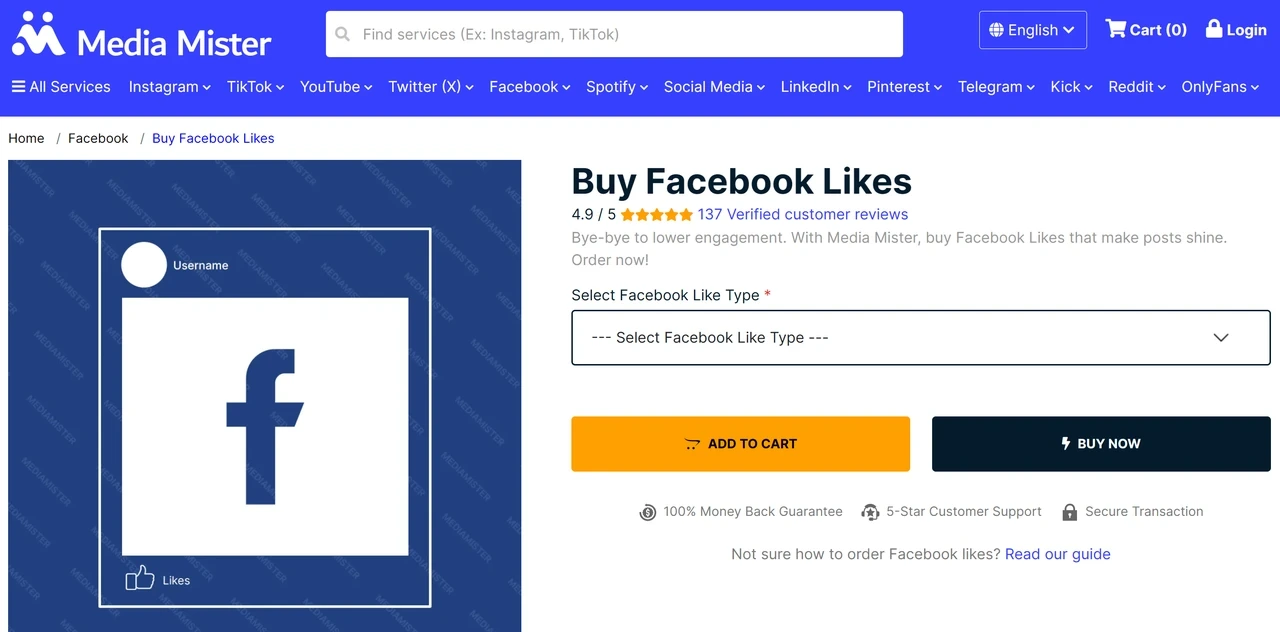
How it works: This typically follows a standardized online process. Users begin by searching for providers using relevant keywords on search engines or marketing forums. After selecting a service, they submit the public URL of their Facebook post or page and choose a package with the desired number of likes. Following payment, the provider distributes the liking tasks to their managed network of accounts (often referred to as a “panel”), and these likes are usually delivered to your content gradually over several hours or days.
Advantages: The process is straightforward and fast, requiring no technical knowledge.
Note that this approach doesn't align with Facebook's focus on authentic interaction, and such likes may be filtered over time. For those seeking stable, long-term community growth, this method might not provide lasting results.
Free Like-Exchange Applications
Applications like DJ Liker App and 4liker operate on a credit-based exchange system, where engagement is traded within a closed network of users.
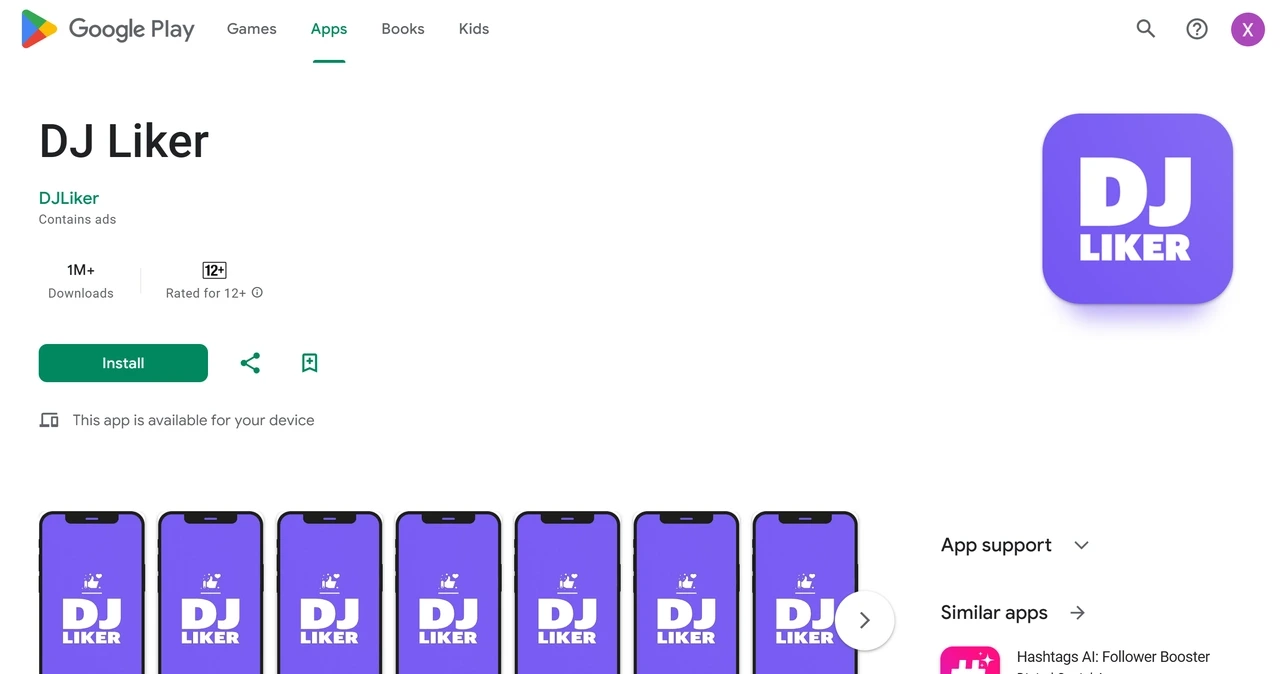
How it works: The process is cyclical. First, you earn credits (or points) by performing tasks within the app, most commonly by liking posts from other users in the network. Once you have accumulated enough credits, you can spend them to submit a request for your own post to be liked. The system then places your request into a queue, and other users who are currently earning credits will fulfill it by liking your content. This creates a continuous loop of exchanged engagement.
Advantages: There is no direct financial cost.
This requires a significant time investment to earn credits. It can also lead to your account showing an unnatural pattern of liking vast amounts of unrelated content. Typically, these applications require your Facebook login credentials. The likes you receive come mainly from others seeking credits, not from genuine interest in your post.
Conclusion
Automation on Facebook can be effective, but its stability always depends on credibility. The platform rewards interactions that look organic and quietly filters those that appear detached from normal user behavior. When automation mirrors real browsing patterns, maintains consistent sessions, and operates through a trusted network identity, the interaction blends in naturally rather than being flagged.
Long-term reliability comes from treating automation as a workflow instead of a shortcut. Network trust is what keeps interactions visible and consistent over time. With premium residential proxies from IPcook, teams can scale engagement safely while maintaining the authenticity that Facebook’s systems recognize and reward. Experience this stable, seamless connection for your automation.
