


How to Buy Old Facebook Accounts Safely (2026 Complete Guide)

When running ads on Facebook, one account is never enough. To scale faster, many create bulk Facebook accounts, while others go straight to old Facebook accounts. But this market is full of traps, including bad sellers, dead accounts, and bans that can hit even faster than brand-new profiles. That’s why buying old Facebook accounts safely is more important than ever.
In this guide, you’ll learn how to spot risky accounts, lower the odds of restrictions, choose where to buy, and handle multiple FB accounts more safely. You’ll know what’s worth attempting and what to avoid.
What Makes An Facebook Account “Aged”?
An aged Facebook account isn’t defined by its signup date. What matters is whether it shows steady, human-looking activity over time, such as consistent logins, complete profile details, and normal day-to-day use that looks like a real person.
This matters most when you plan to run ads. Accounts with believable history tend to look less “new” to the system, which can reduce early red flags. On the flip side, a profile created years ago can still be worthless if it has little real activity or abnormal patterns.
Here are four standards of a high-quality aged account:
Six-month minimum (12–24 months preferred)
Aim for 6+ months as the baseline. 1–2 years is stronger, but only if the usage pattern looks natural, not “freshly staged.”
Activity history that looks human
You want visible signs of life, like a few posts, real interactions, and some friends. If it’s totally silent, it usually doesn’t carry trust.
Consistent login pattern (no sudden geo jumps)
Logins should look local and stable. A jump from New York today to Southeast Asia tomorrow is the kind of pattern that can trigger instant flags.
Clean account health (no negative history)
The profile should look complete, with a proper photo and basic details filled out, and no prior bans, restrictions, or policy issues.
If an aged Facebook account fails these basics, it’s just old, not useful.
Why Buy Old Facebook Accounts for Ads?
If you are not sure whether old Facebook accounts are worth using, start with what usually happens to new ones. Fresh accounts often get stuck in review, are flagged for “suspicious activity” before spending even 20 dollars, and sometimes get disabled without a clear reason.
Old accounts reduce many of these problems because they already have history. Here is why advertisers still rely on them in real ad work.
1. Higher trust from Facebook and smoother ad approvals
New accounts trigger automated risk checks from day one. They have no history, no connections, and no normal usage patterns, so Facebook treats them as high risk.
Old accounts already show months or years of logins, posts, and interaction. To the system, they look like real, established users. This usually means faster ad reviews and fewer sudden restrictions.
Old accounts also tend to start with higher daily spend limits. While new accounts often begin at 25–50 dollars and take weeks to scale, old accounts let you test creatives and increase spend much sooner.
2. Faster launch without a long warm-up period
New accounts need a slow warm-up period. You have to mimic real behavior, increase spend carefully, and avoid sudden changes. This takes time and patience.
Old accounts already have natural activity built in. That allows you to start running ads and testing offers much faster. This is especially important when timing matters or when you need quick feedback from the market.
3. Safer multi-account management with lower link risk
Running multiple accounts from the same device or browser is risky. Facebook links accounts through IPs, browser fingerprints, and behavior patterns. When one account is flagged, others can be affected.
Using old accounts in isolated browser profiles or cloud environments makes it easier to keep everything separate. Each brand, niche, or client stays in its own environment, which helps prevent chain bans.
This setup is especially useful if you:
Run a marketing agency with multiple clients
Test different niches in affiliate marketing
Expand e-commerce brands into new markets
Need strict separation between campaigns or projects
Notice: Many so-called aged accounts are shortcut accounts. They are created in bulk or farmed by automation. They may look old, but their behavior is robotic. These accounts are easy to spot and often banned fast. Buying one usually means paying for trouble.
Where & How to Buy old Facebook accounts
You have decided to buy old Facebook accounts. If you pick the first place you find and send money, you will almost certainly get scammed. This section shows you how to find aged Facebook accounts that actually work, and how to avoid the most common traps.
Before you look anywhere, rule out these dead ends:
Strangers on Telegram or WhatsApp
No reviews. No protection. They take your money and disappear. This is the standard playbook.
Shady standalone websites
If a site only shows perfect reviews but has no real discussion on forums or Google, walk away.
Anyone promising “100% safe” or “never banned”
No one can guarantee that. If they claim they can, they are lying.
Two Buying Channels to Buy Old Facebook Accounts
No source is perfect. The goal is to reduce risk, not eliminate it. These are the two channel types that are at least worth evaluating, as long as you vet them carefully.
1. Professional account marketplaces
These are structured marketplaces with seller ratings and basic buyer protections. They make it easier to buy Facebook accounts if it’s your first time, because the process is standardized.
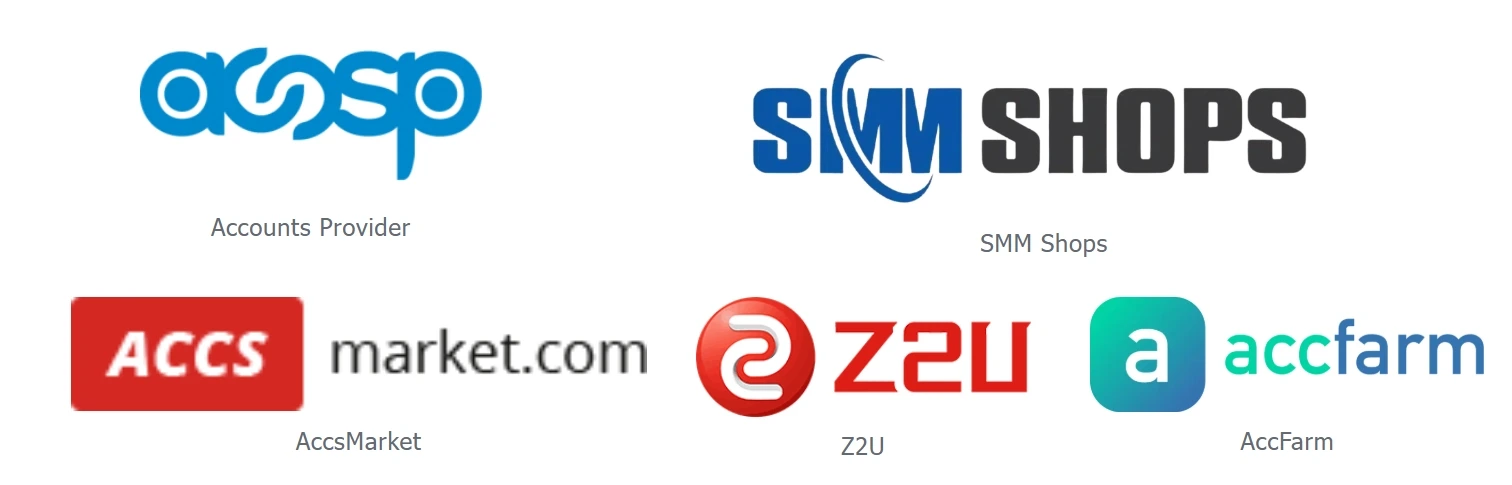
Here are a few marketplaces you’ll run into:
Accounts Provider and SMM Shops (fixed-price listings for new and aged profiles)
AccsMarket and Z2U (popular with advertisers and e-commerce sellers)
AccFarm (more emphasis on real age and trust signals)
2. Reputable forum sellers
Forums like BlackHatWorld have marketplace sections where sellers build reputations over many years.
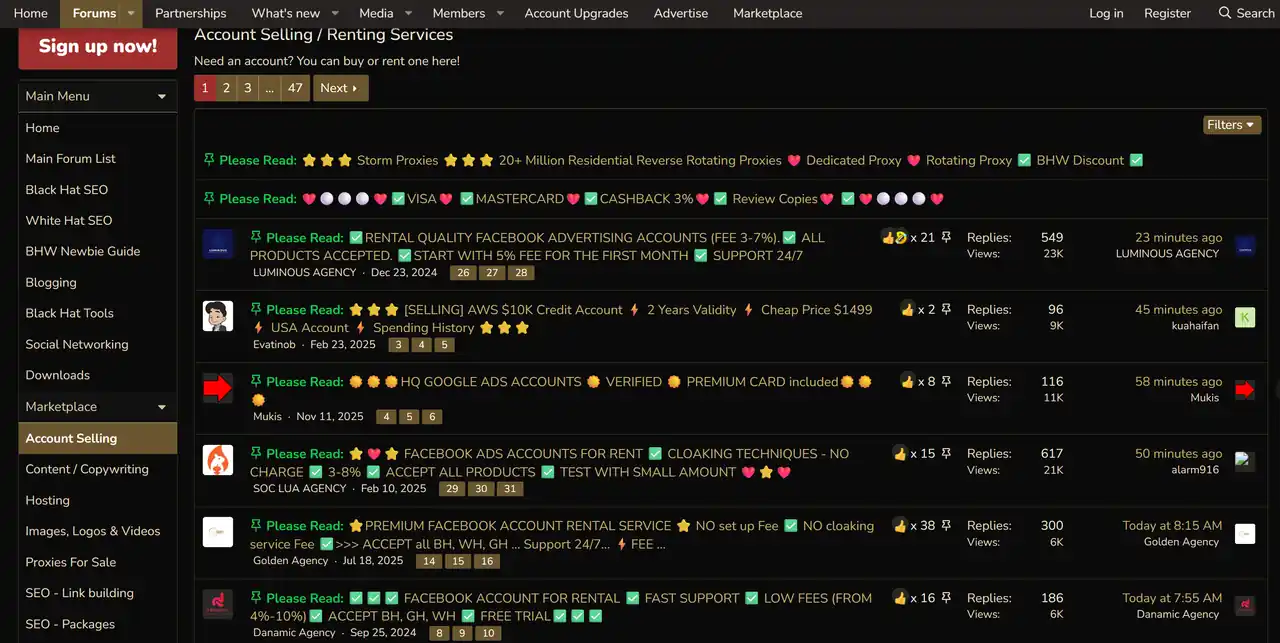
Here, you rely on personal track records rather than platform guarantees.
Before contacting any seller, read their past threads and buyer feedback carefully. If their history is short, vague, or defensive, move on.
Safety Checklist Before Paying
Before you send any money, make sure all of the following points are clear. If a seller avoids or blurs any of them, walk away.
Exact creation date must be verified
The account should be at least six months old. Ask for proof such as screenshots to confirm it is truly aged, not a freshly created account made to look old.
Real activity history must exist
The account should show clear signs of use, such as friends, old posts, or likes. An empty profile, even if old, has little value and high risk.
Full control over email and phone is required
You must be able to change the email address and phone number immediately. If access is limited or shared, you do not truly own the account.
Login cookies or session data should be provided
Clean session data allows for a safer handover and first login. Sellers who do not understand this usually lack technical control over their accounts.
A clear replacement policy must be defined
Know exactly what happens if the account is banned within the first few days. Without a written replacement or refund policy, all risk falls on you.
Previous usage and ad history must be disclosed
This is especially important when buying Facebook ads accounts. Avoid accounts with past bans, policy violations, or suspicious ad activity.
Extra Notice: When you buy Facebook accounts in bulk
Farmed accounts are everywhere. Never buy a large batch from one seller on your first deal. Test one account for a week or two before scaling up.
How to Safely Use old Facebook accounts
You now have an old Facebook account. This is actually the most dangerous moment. Many people think buying a good account means success, then lose it on the first login. Facebook does not only check the account itself. It watches where you log in and how you do it.
What you really bought is a believable profile history. If you log in from the wrong setup, Facebook reads it as a takeover. To the system, it looks like someone hijacked the account.
How Facebook Spots Multiple Accounts
Facebook checks whether logins look reasonable and unique. Two signals matter most.
IP address
This is your network identity. When multiple accounts log in from the same IP, Facebook assumes one controller.
Device environment
Facebook scans browser and device fingerprints. If those fingerprints match across accounts, changing IPs will not help.
That is why switching accounts on one computer usually fails. Facebook connects them, and when one gets flagged, the rest often follow.
Give Each Account Its Own Clean Setup
Every account needs its own isolated workspace.
Step 1: Isolate the device environment
One account equals one environment. No shared data. No shared traces. Use isolated browser profiles or virtual environments. Each one runs separately, so Facebook sees completely different users instead of one person switching accounts.
Step 2: Use a Dedicated IP for Each Account
For Facebook ads, every account needs its own dedicated IP. Sharing IPs is one of the fastest ways to get accounts linked and banned. That is why you need professional Facebook proxies, especially static ISP proxies. To Facebook, they look like normal home or office connections, which fit ad activity without raising flags.
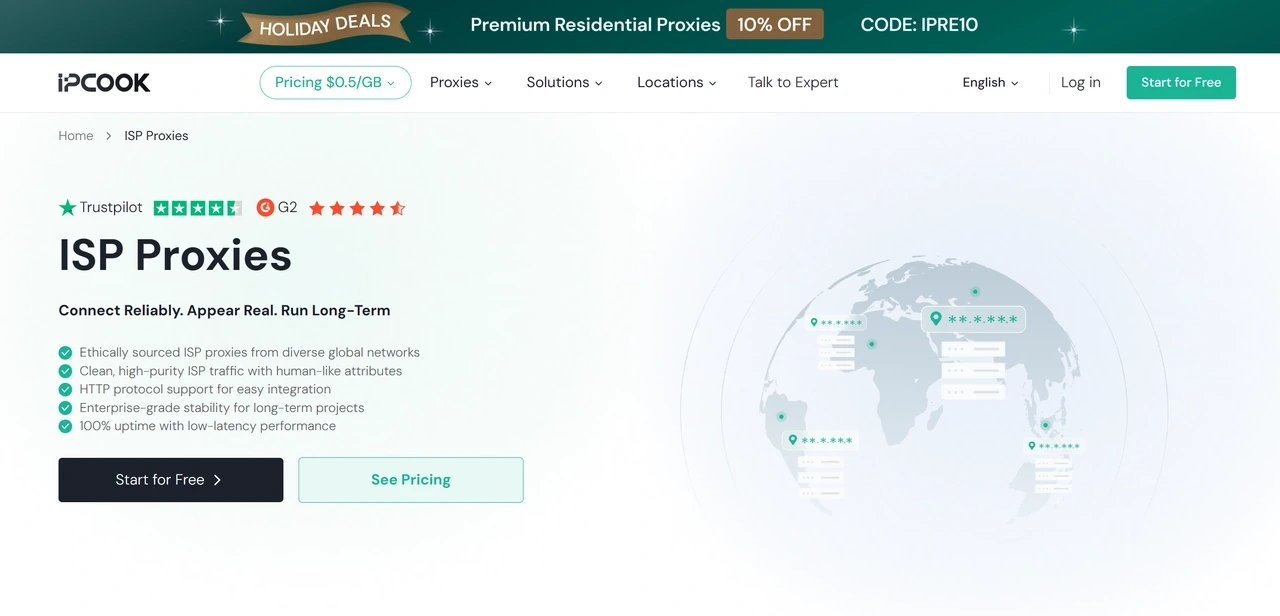
Get clean, stable ISP proxies with IPcook
IPcook provides high-quality static ISP proxies, allowing each Facebook account to run on its own fixed IP. This keeps the account’s location and network identity consistent, so daily actions like posting, messaging, and ad management do not look like account takeover behavior.
Plans start from $0.05/proxy, making it practical to assign one IP per account without costs getting out of hand.
Why IPcook ISP proxies stand out
Real traffic with high trust
Each proxy comes from authentic global ISP networks. This helps Facebook see natural logins instead of suspicious shared traffic.
Long-term stable connections
Static, fixed IPs that do not rotate. Ideal for Facebook accounts that need consistent location history over weeks without triggering location-change flags.
Full protocol support
Both HTTP and SOCKS5 are supported, and they work smoothly with browser tools and anti-detect setups.
Unlimited traffic and high availability
No traffic limits and consistently high uptime. With 99.99% availability, ads and account activity are not interrupted mid-campaign.
💡 Related Reading:
How to Safely Warm Up Multiple Facebook Accounts With Proxies
How to Manage Multiple Facebook Accounts Safely and Efficiently
Quick Action Checklist to Keep Aged Facebook Accounts Alive
This exact sequence prevents most bans. Follow every step in order — skipping any may risk the whole account.
Create a dedicated environment
Set up a new, standalone browser profile or virtual space for the account.
Assign a clean IP
Bind one ISP proxy to that environment. If you buy USA Facebook accounts, use a US-based IP.
First login stays quiet
Log in and change nothing. Scroll, browse, and act normal for a few minutes, then log out.
Take control slowly
After 24 hours or more, update the password, email, and details step by step.
Start ads carefully
After a few days, launch ads with very small budgets, around 10–20 dollars per day. Scale only once things stay stable.
Every action must stay inside that same environment and IP. Do not log in from your phone, personal computer, or another location. Stick to one setup, and your aged Facebook ad accounts have a real chance to last.
Conclusion
When buying old Facebook accounts, start with sources that are easier to vet, such as Accounts Provider, SMM Shops, AccsMarket, Z2U, and AccFarm, as well as forum marketplaces like BlackHatWorld. Before you pay, run the account through our checklist and confirm the key signals of an aged Facebook account.
With the accounts in hand, focus on keeping them alive. Use isolated setups and don’t cut corners on IP quality. A clean browser environment paired with a stable ISP proxy from IPcook gives Facebook accounts their best chance of survival.
