


Ever feel like you need to be invisible online? Maybe you're managing multiple social accounts, doing some web scraping, or just want to stay anonymous online without being tracked. But here's the thing: going solo with a basic VPN often isn't enough. The real magic happens when you pair a powerful proxy service with a robust anti-detect browser.
That's exactly what we're exploring today. In this simple guide, I'll show you how the dream team of IPcook and BitBrowser works together to create a seamless, anonymous browsing experience for tasks like secure data scraping. It's easier than you think. Now, let's break it down.
IPcook is your secret weapon for smooth, undetectable online operations. It's not just another proxy service — it's your access to real residential IPs that make you look like a genuine user, not a bot. Whether you're into web scraping, multi-account management, or just keeping your online activity private, IPcook provides the clean, reliable IPs you need to operate smoothly and stay under the radar.
Here's what makes it so powerful:
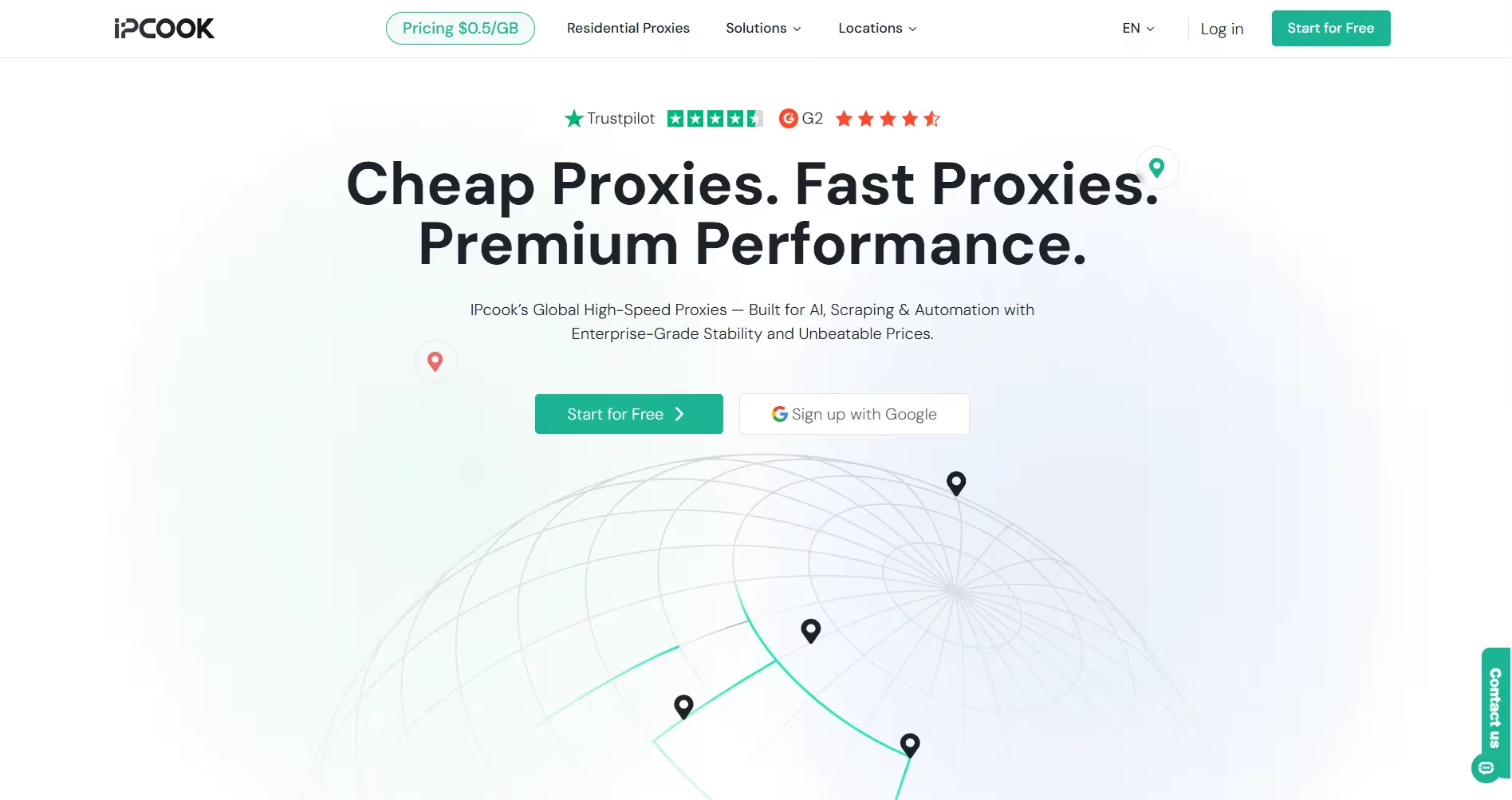
You might be wondering, how exactly can a residential proxy service like IPcook make my daily tasks easier? Well, the truth is, whether you're working on professional projects or personal ventures, having reliable IPs can be a game-changer. Here are some common situations where IPcook proxies make all the difference:
Now, let's talk about the other half of this powerful combo: BitBrowser. Think of it as your ultimate disguise kit for the digital world. While a proxy hides your location, an anti-detect browser like BitBrowser hides your entire digital fingerprint.
It works by creating multiple isolated browser profiles, each with unique, spoofed configurations. This means every profile has its own cookies, cache, and even a different browser fingerprint. When you use it with a quality proxy, websites see what appears to be a completely separate, real person browsing. It's the perfect tool for safely managing multiple accounts without them being linked back to you.
Now that you know why IPcook is such a powerful tool, let's get it working with BitBrowser. Here's a quick look at the simple setup process to get you started on safe browsing right away.
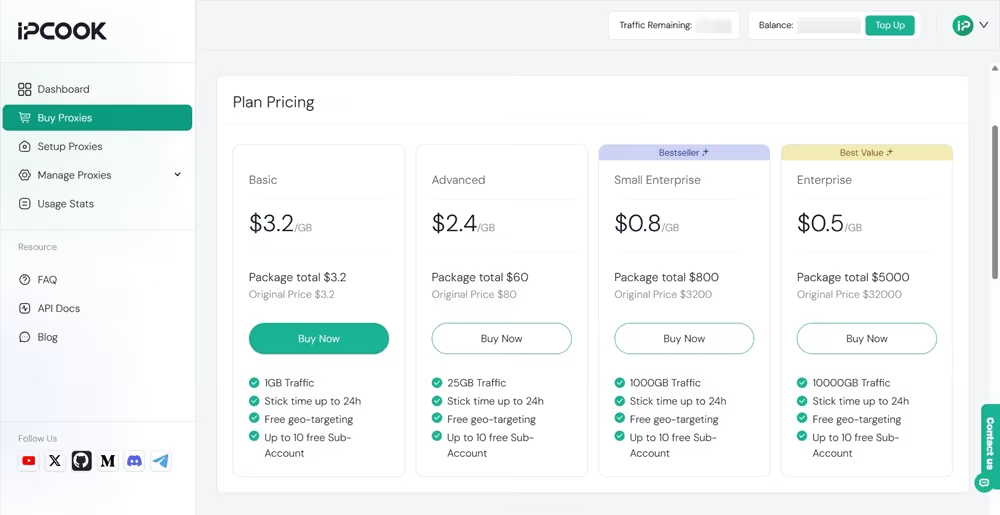
Visit IPcook's official website and create a new account to log in. Then, on the "Buy Proxies" tab of your dashboard, top up and select a plan to finish payment.
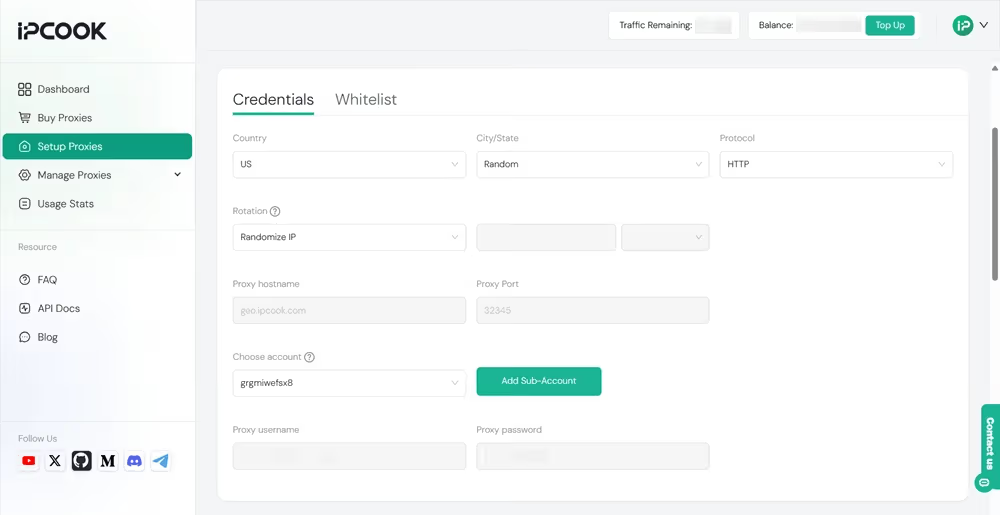
Move to the "Setup Proxies" section. Select location, protocol, and rotation type. Then, add a sub-account to allocate your traffic. Now, you have all the proxy details, including proxy hostname, port, username, and password.
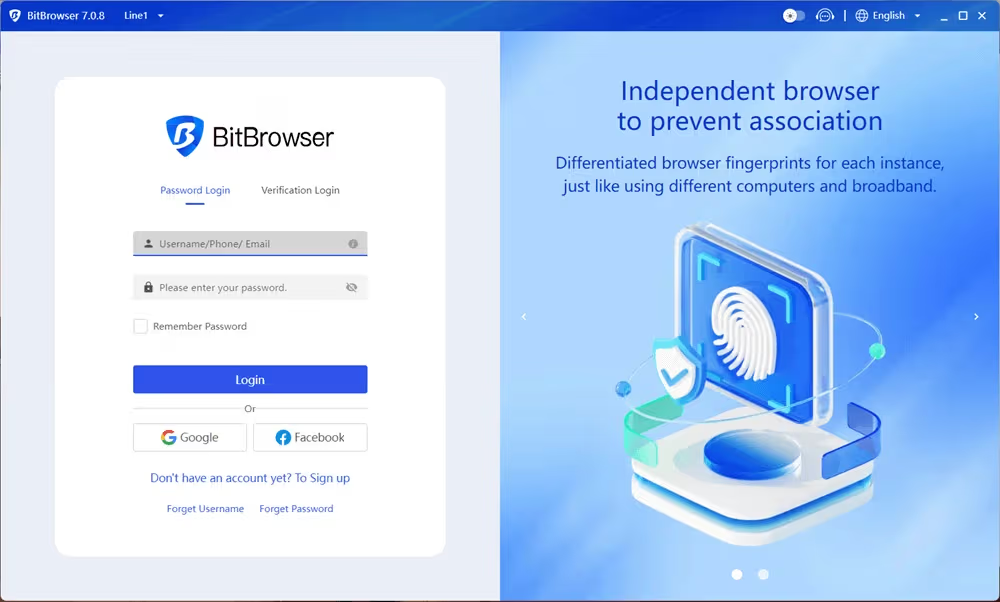
Download BitBrowser from its website and install it on your device. Then, create a new account. Each new user can even get 10 free browser profiles!
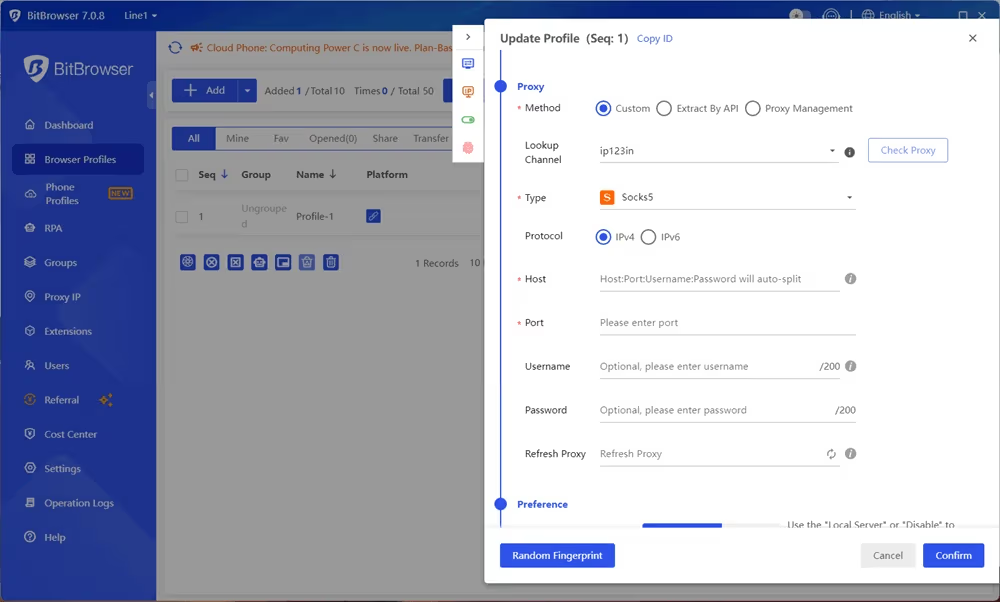
Navigate to the "Browser Profiles" section. Click "Add" to create a new profile. Then, fill in all the required information, including both the browser fingerprints and proxy details. Click "Confirm" to save your settings.
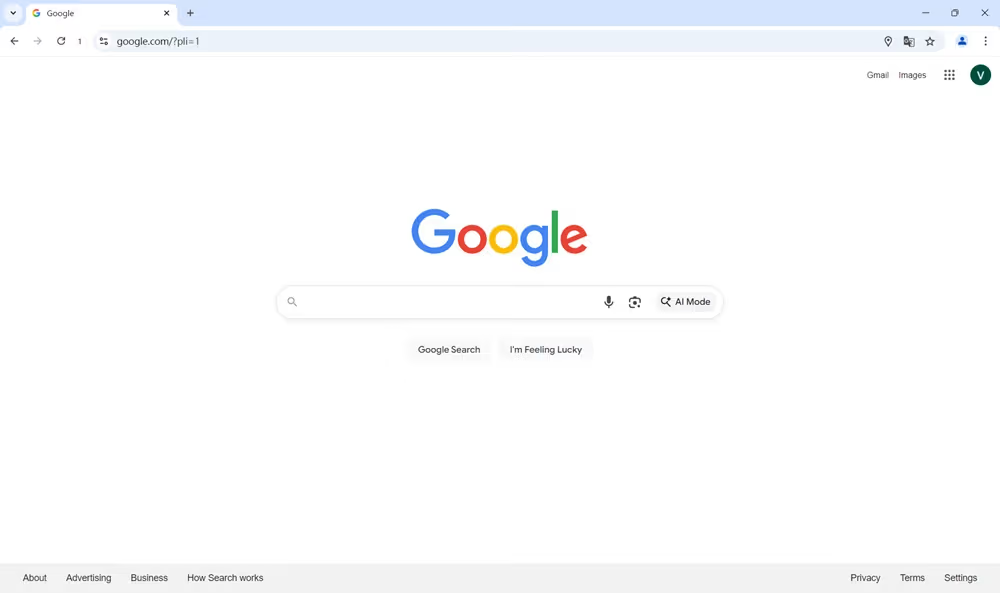
After the configuration, you are now all set to browse online. Click the "Open" icon to open the browser profile. Now you can surf online anonymously with your unique fingerprints and specially assigned IP address.
There you have it—a complete guide to enhancing your online privacy and efficiency. By bringing together IPcook and BitBrowser, you create a seamless and secure browsing environment that just works. No matter what tasks you are handling, these tools help you navigate the web with confidence and ease. Give this setup a try and experience firsthand how it simplifies your online workflow.

