


How to Scrape & Track Amazon Seller Products with Python: Full Guide

If you sell on Amazon or track competitors, this situation is familiar. You notice a competitor changed their price, but you only see it days later. A new seller appears in your category, yet you do not know what they sell or how many products they list. You try to keep up by checking individual product pages, but what is missing is a complete view of a seller’s catalog. Manual checks may work early on, but they do not hold up as catalogs grow or when multiple sellers need attention.
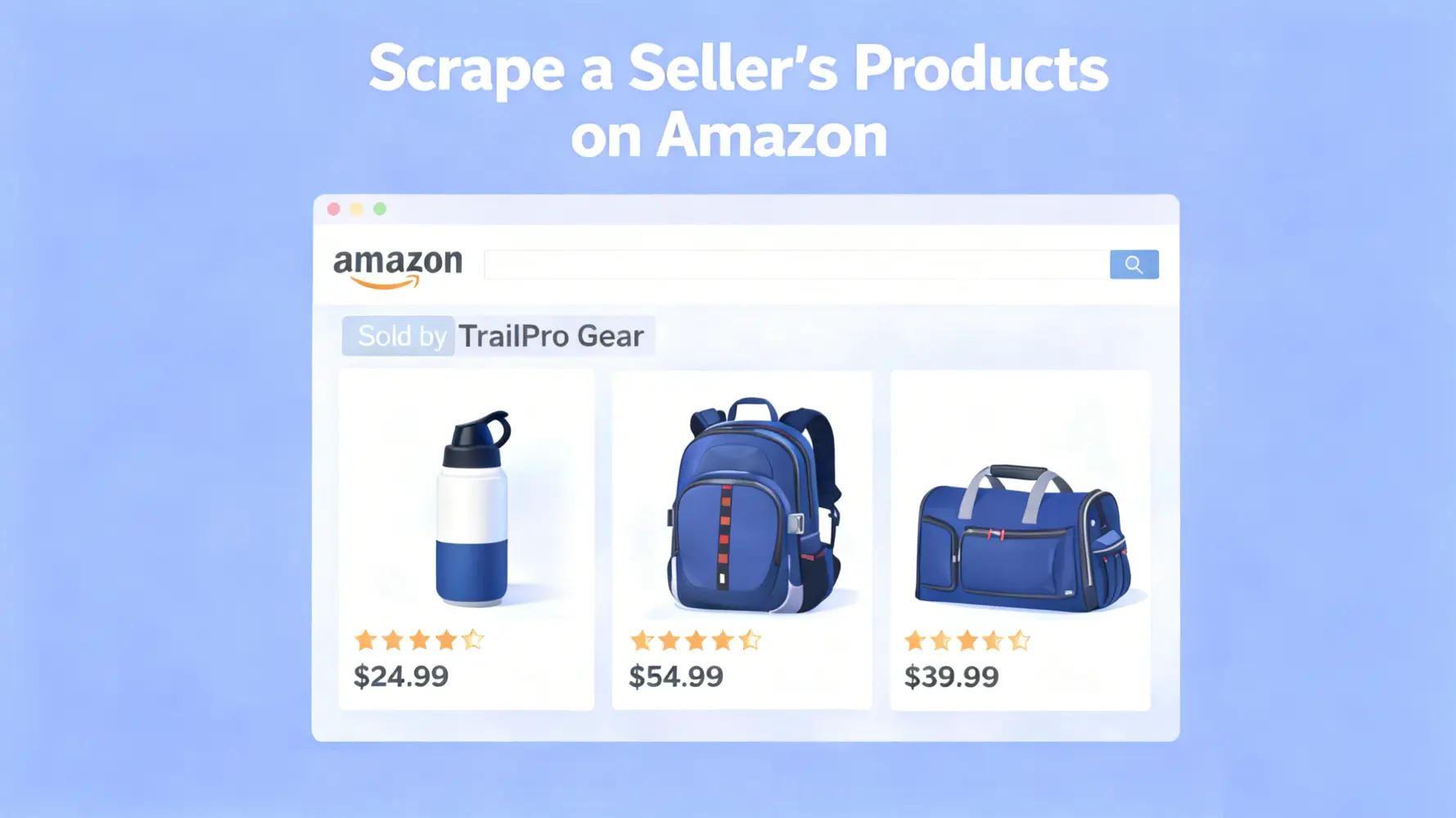
When you scrape a seller’s products on Amazon, the focus shifts. You move away from individual listings and work with seller catalogs as a whole. This approach to scraping data answers questions manual checks cannot keep up with. Which products were added recently. Which listings disappeared. Which prices changed without notice. That shift turns delayed observations into structured data you can track over time. This guide shows how to collect a seller’s full product catalog from Amazon and track how it changes over time.
What You Will Get
Input: seller storefront URL, seller name, or sellerId
Output: full seller product list with ASINs exported to CSV
Extensions: scheduled runs with change tracking for new, removed, and price updated products
Common Approaches to Scrape a Seller’s Products on Amazon: 2 Routes
Seller storefronts are the only Amazon pages that group products by seller rather than by keywords or ranking logic. When the goal is to collect a seller’s product list rather than individual listings, storefronts provide the most consistent view under current marketplace conditions.
What a seller storefront represents
A dedicated page that lists products sold by one seller
A catalog tied to a specific marketplace and availability state
A structure that allows page by page traversal
How it differs from other Amazon pages
Page type | What it shows | Limitation |
Search results | Products matching keywords | Does not represent a full seller catalog |
Category pages | Ranked products within a category | Influenced by ranking logic |
Seller storefront | Products sold by one seller | Subject to availability and pagination |
Storefront pages usually include pagination or dynamic loading. This behavior determines how a seller’s full catalog can be collected.
Route A: Scraping Seller Storefronts with Python
This route uses Python based browser automation with tools like Playwright or Selenium to load seller storefront pages and extract product data from the rendered catalog. It is commonly used for one time analysis or small scale monitoring.
Suitable for a small number of sellers or ad hoc research
Full control over collected fields and extraction logic
Low upfront cost with no external service dependency
Stability decreases as seller count or run frequency increases
Route B: API Based Seller Product Collection
This route collects seller product data through structured access methods that return seller catalogs in a predefined format. It removes the need to manage page rendering, pagination logic, and layout changes.
Suitable for long term monitoring across multiple sellers
Structured and consistent output across runs
Lower maintenance effort as page layouts change
Tradeoff between service cost and ongoing engineering maintenance
Often used as a scalable replacement when script based workflows reach their limits
Before You Start: Scope, Limits, and Expectations
The goal here is to consistently collect a seller’s product catalog under fixed marketplace conditions. The output reflects what a seller storefront shows at the time of collection, not a historical or absolute list of every product a seller may offer.
Seller storefronts are influenced by availability and marketplace context. Some products may not appear even when they belong to the same seller. This is expected behavior and does not indicate a collection error.
Common reasons products may be absent include:
• The product is unavailable in the selected region
• The product is temporarily out of stock
• Storefront layout changes due to promotions or testing
The focus is repeatability rather than theoretical completeness. When each collection run follows the same conditions, the data can be compared reliably over time to track catalog changes, including new products, removals, and price updates.
Step-by-Step: Scraping a Seller’s Product List with Python
This section presents a repeatable workflow for how to scrape amazon product data at the seller level. The process loads a seller storefront, extracts ASINs, collects common product fields, paginates through the catalog, and exports a CSV that can be compared across runs.
Step 1: Prepare Your Python Environment
Use a clean Python environment so the same script behaves consistently across machines. This matters for any amazon product scraper python workflow that relies on a real browser.
Create and activate a virtual environment, then install dependencies.
python -m venv .venv

# Windows
.venv\Scripts\activate

# macOS or Linux
source .venv/bin/activate

pip install playwright pandas
python -m playwright install
Quick verification that dependencies are available.
python -c "import pandas; print('pandas ok')"
python -c "from playwright.sync_api import sync_playwright; print('playwright ok')"
If both commands succeed, you can continue.
Step 2: Get the Seller Storefront URL
The storefront URL is the only required input for this workflow. Seller name and sellerId help locate the page, but the script should start from the storefront URL you plan to monitor.
Use the same storefront URL on each run to keep results comparable over time.
SELLER_STOREFRONT_URL = "https://www.amazon.com/s?me=SELLER_ID"Step 3: Load the Seller Storefront Page with Python
Many storefront pages load dynamic content and other dynamically rendered pages. A page can load while the product list is still missing. The script should wait for product cards rather than rely on a fixed delay.
from playwright.sync_api import sync_playwright, TimeoutError as PlaywrightTimeoutError

PRODUCT_CARD_SELECTORS = [
    "div.s-main-slot div[data-component-type='s-search-result'][data-asin]",
    "div[data-asin][data-asin!='']",
]

def wait_for_product_cards(page, timeout_ms: int = 30000) -> None:
    last_error = None
    for sel in PRODUCT_CARD_SELECTORS:
        try:
            page.wait_for_selector(sel, timeout=timeout_ms)
            return
        except PlaywrightTimeoutError as e:
            last_error = e
    raise RuntimeError("Storefront loaded but product cards were not detected.") from last_error

def load_storefront(page, url: str) -> None:
    page.goto(url, wait_until="domcontentloaded", timeout=60000)
    wait_for_product_cards(page, timeout_ms=30000)
💡 Success check:
At least one product card selector is detected
The page is usable without relying on sleep
Step 4: Identify Product Cards and Extract ASINs
ASIN is the stable identifier for tracking a seller catalog across runs. Titles and URLs can change. Use ASIN as the primary key.
import re
from typing import Optional
from urllib.parse import urljoin

ASIN_RE = re.compile(r"/dp/([A-Z0-9]{10})")

def extract_asin_from_href(href: Optional[str]) -> Optional[str]:
    if not href:
        return None
    m = ASIN_RE.search(href)
    return m.group(1) if m else None

def extract_asins_from_cards(page) -> set[str]:
    cards = page.query_selector_all("div[data-asin]")
    asins: set[str] = set()

    for card in cards:
        asin = card.get_attribute("data-asin")
        if asin and len(asin) == 10:
            asins.add(asin)
            continue

        link = card.query_selector("a[href*='/dp/']")
        href = link.get_attribute("href") if link else None
        fallback = extract_asin_from_href(href)
        if fallback:
            asins.add(fallback)

    return asins
👉 Success check:
ASIN count is greater than zero
ASINs are extracted from product cards rather than global links
Step 5: Extract Seller Product Details
Not every field is always present. Missing values are normal. ASIN extraction remains the primary success signal.
from dataclasses import dataclass
from typing import Optional

@dataclass
class ProductRow:
    asin: str
    title: Optional[str]
    price: Optional[str]
    rating: Optional[str]
    review_count: Optional[str]
    prime: Optional[bool]
    sponsored: Optional[bool]
    product_url: Optional[str]

def safe_text(el) -> Optional[str]:
    if not el:
        return None
    txt = el.inner_text()
    if not txt:
        return None
    txt = txt.strip()
    return txt if txt else None

def parse_product_cards(page, base_url: str) -> list[ProductRow]:
    cards = page.query_selector_all("div[data-asin]")
    rows: list[ProductRow] = []

    for card in cards:
        asin = card.get_attribute("data-asin")
        if not asin or len(asin) != 10:
            continue

        link = card.query_selector("a[href*='/dp/']")
        href = link.get_attribute("href") if link else None
        product_url = urljoin(base_url, href) if href else None

        title = safe_text(link.query_selector("span")) if link else None
        price = safe_text(card.query_selector(".a-price .a-offscreen"))
        rating = safe_text(card.query_selector("i.a-icon-star span"))
        review_count = safe_text(
            card.query_selector("span[aria-label$='ratings'], span[aria-label$='rating']")
        )

        prime = card.query_selector("i[aria-label*='Prime'], span[aria-label*='Prime']") is not None
        sponsored = card.query_selector("span:has-text('Sponsored')") is not None

        rows.append(ProductRow(
            asin=asin,
            title=title,
            price=price,
            rating=rating,
            review_count=review_count,
            prime=prime,
            sponsored=sponsored,
            product_url=product_url,
        ))

    return rows
💡 Success check
Rows are produced even if some fields are empty
ASIN remains the reference point for completeness
Step 6: Paginate Through the Storefront to Collect the Full Catalog
The goal is the full seller catalog, not a single page. Judge completion by ASIN growth rather than page count.
def has_next_page(page) -> bool:
    return page.query_selector("li.a-last a") is not None

def go_next_page(page) -> None:
    link = page.query_selector("li.a-last a")
    if not link:
        return
    link.click()
    page.wait_for_load_state("domcontentloaded", timeout=60000)
    wait_for_product_cards(page, timeout_ms=30000)

def collect_full_catalog(page, base_url: str, max_pages: int = 30) -> dict[str, ProductRow]:
    catalog: dict[str, ProductRow] = {}
    last_count = 0

    for page_index in range(1, max_pages + 1):
        rows = parse_product_cards(page, base_url)
        for r in rows:
            if r.asin not in catalog:
                catalog[r.asin] = r

        current_count = len(catalog)
        print("Pages visited:", page_index, "Unique ASINs:", current_count)

        if current_count == last_count:
            break

        last_count = current_count

        if not has_next_page(page):
            break

        go_next_page(page)

    return catalog
💡 Completion rules
Next page link is missing
Unique ASIN count stops increasing
Maximum page limit is reached
Step 7: Export the Seller’s Product List to CSV
CSV keeps output simple and comparable across runs.
import pandas as pd
from datetime import datetime

CSV_COLUMNS = [
    "title",
    "asin",
    "price",
    "rating",
    "review_count",
    "prime",
    "sponsored",
    "product_url",
]

def export_to_csv(rows_by_asin: dict[str, ProductRow], out_dir: str = ".") -> str:
    df = pd.DataFrame([r.__dict__ for r in rows_by_asin.values()])

    for c in CSV_COLUMNS:
        if c not in df.columns:
            df[c] = None

    df = df[CSV_COLUMNS]

    ts = datetime.utcnow().strftime("%Y%m%d_%H%M%S")
    path = f"{out_dir}/seller_catalog_{ts}.csv"
    df.to_csv(path, index=False, encoding="utf-8")
    return path
💡 Output check
One row per ASIN
Row count matches the final unique ASIN count
Tip: Handling Product Variations and Duplicate Listings
Variation structures can cause repeated appearances for the same ASIN. Keep the main workflow strict.
Use ASIN as the unique key
Deduplicate during collection
Keep the first appearance of each ASIN
Handle parent and child grouping in a separate enrichment pass
Full Runnable Example
This example runs one collection pass and exports a timestamped CSV.
from playwright.sync_api import sync_playwright

def run_once(storefront_url: str, out_dir: str = ".", headless: bool = True) -> str:
    with sync_playwright() as p:
        browser = p.chromium.launch(headless=headless)
        context = browser.new_context(locale="en-US")
        page = context.new_page()

        try:
            load_storefront(page, storefront_url)
            rows_by_asin = collect_full_catalog(page, base_url=storefront_url, max_pages=30)

            if not rows_by_asin:
                raise RuntimeError("No ASINs collected.")

            csv_path = export_to_csv(rows_by_asin, out_dir=out_dir)
            print("Saved:", csv_path, "Rows:", len(rows_by_asin))
            return csv_path
        finally:
            context.close()
            browser.close()

if __name__ == "__main__":
    url = input("Paste seller storefront URL: ").strip()
    run_once(url, out_dir=".", headless=True)
How to Track a Seller’s Product Catalog Over Time
A single scrape shows what a seller offers at one moment. Tracking turns that snapshot into a timeline. The core idea is simple: collect the same seller storefront on a schedule, keep each run as a separate CSV, then compare runs to see what changed.
This keeps the workflow repeatable and makes every change explainable.
What happens on each run
Run the same storefront collection with identical marketplace conditions
Export the result as a timestamped CSV
Keep all previous CSV files
Overwriting files removes context. Tracking only works when past snapshots remain available.
Change detection rules
Use ASIN as the only comparison key.
New: ASIN appears only in the latest run
Removed: ASIN appears only in the previous run
Price changed: ASIN exists in both runs and the price value differs
These rules stay stable even when titles, URLs, or page layout change.
Step 1: Save each run as a new CSV
Each run should write to a new file in the same folder.
import os
from datetime import datetime

def build_output_path(out_dir: str, prefix: str = "seller_catalog") -> str:
    os.makedirs(out_dir, exist_ok=True)
    ts = datetime.utcnow().strftime("%Y%m%d_%H%M%S")
    return os.path.join(out_dir, f"{prefix}_{ts}.csv")
This guarantees every run creates a unique snapshot.
Step 2: Compare two runs
Tracking is a diff problem. Compare the latest CSV with the previous one.
import os
import pandas as pd

def load_snapshot(path: str) -> pd.DataFrame:
    df = pd.read_csv(path, dtype=str)
    df["asin"] = df["asin"].astype(str).str.strip()
    return df.drop_duplicates(subset=["asin"], keep="first")

def detect_changes(prev_df, curr_df):
    prev_asins = set(prev_df["asin"])
    curr_asins = set(curr_df["asin"])

    new_asins = curr_asins - prev_asins
    removed_asins = prev_asins - curr_asins

    prev_prices = prev_df.set_index("asin")["price"].to_dict()
    curr_prices = curr_df.set_index("asin")["price"].to_dict()

    price_changed = [
        asin for asin in prev_asins & curr_asins
        if prev_prices.get(asin) != curr_prices.get(asin)
    ]

    return new_asins, removed_asins, price_changed
Step 3: Run on a schedule
Start simple. One run per day is enough for most sellers.
Each scheduled run should:
Collect a new storefront snapshot
Compare it with the previous snapshot
Export a change report
Once this loop is in place, seller monitoring becomes automatic. As long as the storefront collection stays consistent, the change signals remain reliable.
👀 Related Reading:
What Breaks at Scale and How to Keep Seller Scraping Stable
Seller storefront scraping works at small scale. Problems appear when pagination deepens, runs repeat, or monitoring becomes scheduled. These failures rarely come from selectors or parsing logic. They come from how access behaves over time.
Common failure patterns include:
Deep pagination and frequent visits triggering access limits
Storefront results varying across country marketplaces
Sponsored and editorial blocks disrupting product lists
Access changes leading to missing or inconsistent items
At scale, stability depends on access behavior. Consistent sessions, realistic browsing patterns, and region aligned traffic help reduce catalog gaps during long runs. Residential proxies help keep storefront access consistent across pagination and repeated monitoring.
For teams moving from small scripts to ongoing seller tracking, IPcook offers high quality and affordable proxy access that keeps request patterns distributed and sessions consistent across repeated storefront traversal.
Entry plans begin at $3.2 for 1 GB, with per-GB pricing decreasing as traffic volume grows, reaching $0.5 per GB
55M+ residential IPs spanning 185+ locations, allowing storefront pages to be accessed in region aligned contexts
Configurable IP rotation and sticky sessions up to 24 hours, helping seller catalogs remain consistent across pages and scheduled runs
Pay as you go pricing with non expiring traffic, fitting both short bursts and recurring seller monitoring workloads
IPcook offers 100MB of free residential proxy traffic for validating pagination behavior, session consistency, and catalog completeness in seller storefront scraping before scaling further.
Conclusion
Scraping a seller’s products on Amazon is about consistency, not one time results. When you work at the seller level instead of individual listings, catalog changes become visible and comparable. By collecting the same storefront view under fixed conditions, you can track new products, removals, and price changes without relying on delayed manual checks.
As monitoring expands, stability becomes the constraint. For teams moving beyond small scale scraping, IPcook supports stable seller tracking with residential IP rotation that keeps storefront views consistent across runs, without changing existing workflows.
- Common Approaches to Scrape a Seller’s Products on Amazon: 2 Routes
- Before You Start: Scope, Limits, and Expectations
- Step-by-Step: Scraping a Seller’s Product List with PythonStep 1: Prepare Your Python EnvironmentStep 2: Get the Seller Storefront URLStep 3: Load the Seller Storefront Page with PythonStep 4: Identify Product Cards and Extract ASINsStep 5: Extract Seller Product DetailsStep 6: Paginate Through the Storefront to Collect the Full CatalogStep 7: Export the Seller’s Product List to CSV
- Tip: Handling Product Variations and Duplicate Listings
- How to Track a Seller’s Product Catalog Over Time
- What Breaks at Scale and How to Keep Seller Scraping Stable
- Conclusion
