


IPcook Review: Features, Pricing, and Performance (2026 Update)

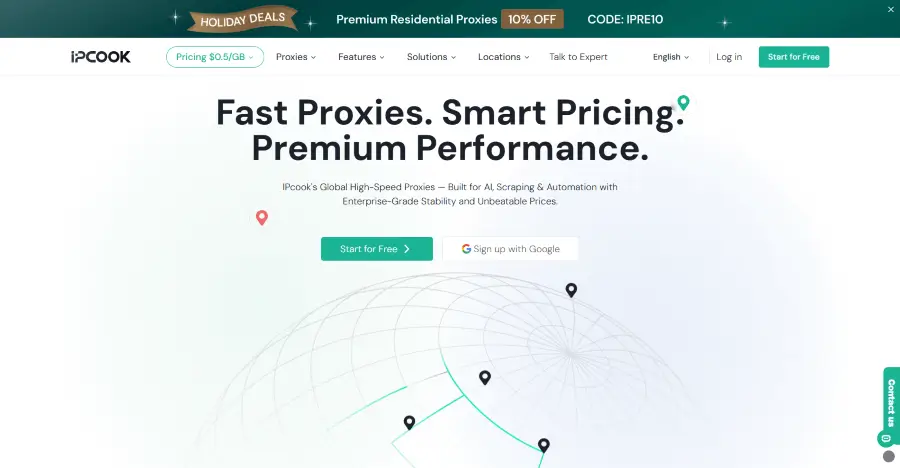
IPcook is a proxy provider with 4 main options: rotating residential, unlimited residential, static ISP, and datacenter proxies. Together, they suit a wide range of scenarios, from location-specific browsing and data collection to long-running sessions and high-volume tasks.
This IPcook review looks beyond the product names to examine their key features, practical performance, pricing, and setup experience. The comparison can help you decide whether IPcook fits your workload and budget.
What Is IPcook?
IPcook positions itself as a performance-focused proxy provider that combines global infrastructure with accessible pricing. Its product lineup covers 4 different types of proxies, each designed around a different connection and usage model.
Residential proxies use rotating trusted residential IPs with optional sticky sessions.
Unlimited residential proxies provide fixed-bandwidth access without traffic caps.
ISP proxies offer static addresses assigned by internet service providers (ISPs).
Datacenter proxies prioritize speed, scale, and unlimited traffic.
You can choose the connection type and traffic structure that best fits your task, rather than using the same network model for every workload.
IPcook Proxy Lineup: Features and Performance
Each IPcook proxy type addresses a different practical constraint. Some tasks benefit from frequent IP rotation and precise location selection. Others depend more on continuous traffic, a consistent address, or faster throughput. This overview shows how the 4 products differ before their individual features and performance are examined.
Proxy Type | IP Behavior | Location Control | Traffic | Best Fit |
Rotating Residential | Rotating or sticky sessions up to 24 hours | 185+ countries and city-level targeting | Purchased traffic does not expire | Geo-targeted research, ad verification, and public web data collection |
Unlimited Residential | Custom rotation or sticky sessions up to 24 hours | Global Allocation | Unlimited traffic | High traffic light scraping |
Static ISP | Fixed ISP-assigned address | Coverage across 8 major countries | Unlimited traffic | Account management and long-term monitoring |
Datacenter | Datacenter IP endpoints | Coverage across 8 major countries | Unlimited traffic | Automation, bulk requests, and application testing |
Rotating Residential Proxies
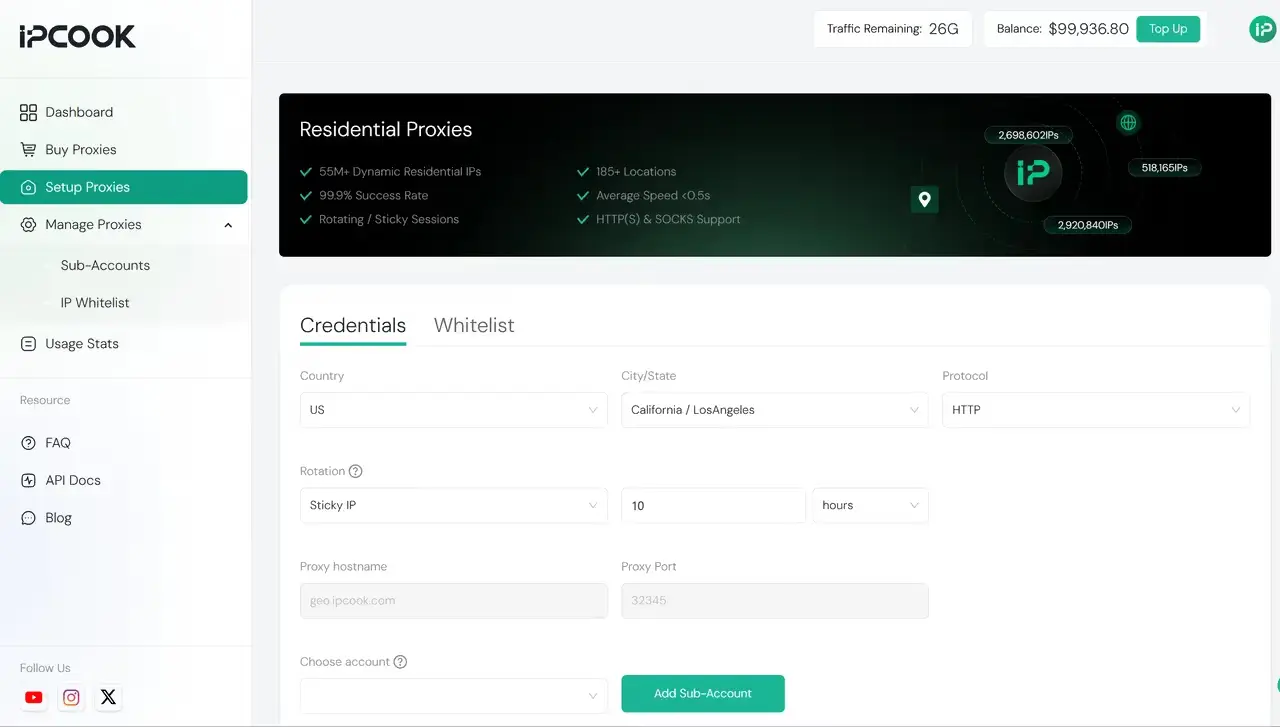
IPcook Residential Proxies provide 55M+ residential IPs across 185+ countries, with targeting available at the city level. HTTP and SOCKS5 support makes them compatible with different tools, while rotating IPs help distribute requests across multiple addresses. Sticky sessions can keep the same IP for up to 24 hours when connection continuity matters. With average response times below 0.5 seconds and one-line API support, you can run faster and more easily integrate proxies into automated workflows.
They are especially useful for online tasks that require location-specific access and a residential IP environment. For example, they can help businesses check localized search results, verify ads in different markets, conduct market research, or collect public web data from specific locations. They are also useful for checking how websites and online content appear to users in different regions.
Anonymity & Compatibility Performance
Using detection tools such as Whoer and IPinfo, we found that IPcook Residential Proxies were identified at the Elite anonymity level. Tests against platforms with stronger anti-bot measures, including Google and Amazon, resulted in minimal blocks or CAPTCHAs. These results suggest that the residential IPs performed well in our test environment. The proxies also worked with common scraping tools, including Scrapy, Selenium, and Playwright, during our testing.
💡Below are the key features of IPcook Residential Proxies:
Large residential pool: 55M+ ethically sourced residential IPs across 185+ countries
Precise location targeting: Free country and city targeting
Flexible session control: Automatic rotation or sticky sessions lasting up to 24 hours
Non-expiring traffic: Purchased data stays available until you use it, with a 100 MB free trial.
Broad protocol support: HTTP and SOCKS5, with UDP support
Simplified team management: Up to 10 free subaccounts, with traffic and connection monitoring and detailed report exports
Unlimited Residential Proxies
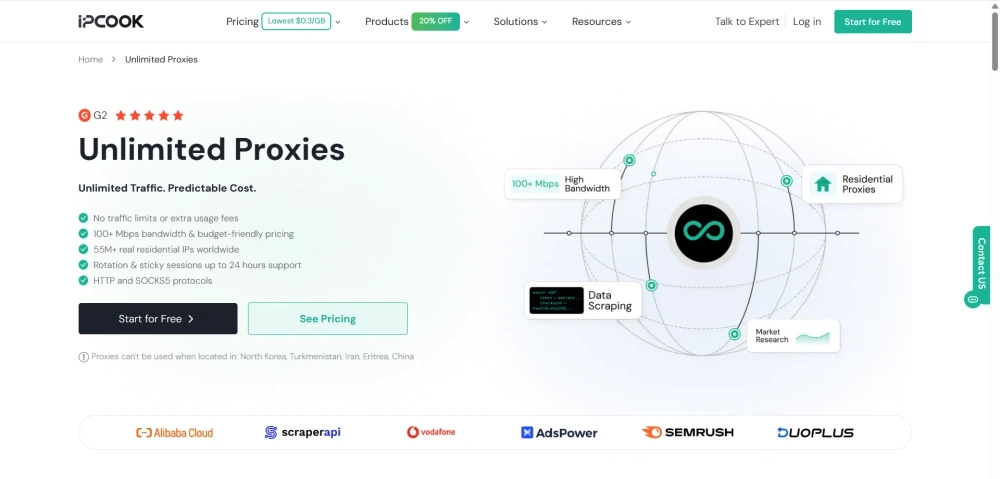
IPcook Unlimited Proxies provide unlimited traffic across a global pool of more than 55 million residential IPs. Plans use a fixed, transparent price based on the selected bandwidth, with no additional traffic charges. Credentials are assigned automatically after purchase, which also simplifies setup. The service fits high-traffic workloads such as continuous SEO monitoring and ecommerce data collection, where unlimited traffic can be more cost-effective than per-GB billing and keeps spending predictable as usage grows.
Performance Under Continuous Use
During our testing, the unlimited traffic model let us send requests continuously without tracking a remaining traffic balance or adding more data. We used it to collect product listings over several hours and repeatedly check search results. The connection handled continuous requests without requiring additional traffic purchases. This was useful for long-running tasks because the workflow could continue without stopping to top up traffic or adjust request volume around a data limit.
💡Below are the key features of IPcook Unlimited Proxies:
Unlimited traffic: No data caps or additional usage fees, so you don't need to monitor traffic consumption.
Predictable pricing: One fixed cost makes budgeting easier without calculating usage.
Large residential network: Access to 55M+ residential IPs worldwide.
Adjustable sessions: Custom rotation intervals and sticky sessions lasting up to 24 hours.
Wide protocol support: Compatible with HTTP and SOCKS5, including UDP support.
Simple setup: Automatically assigned credentials and one-line API integration.
Static ISP Proxies
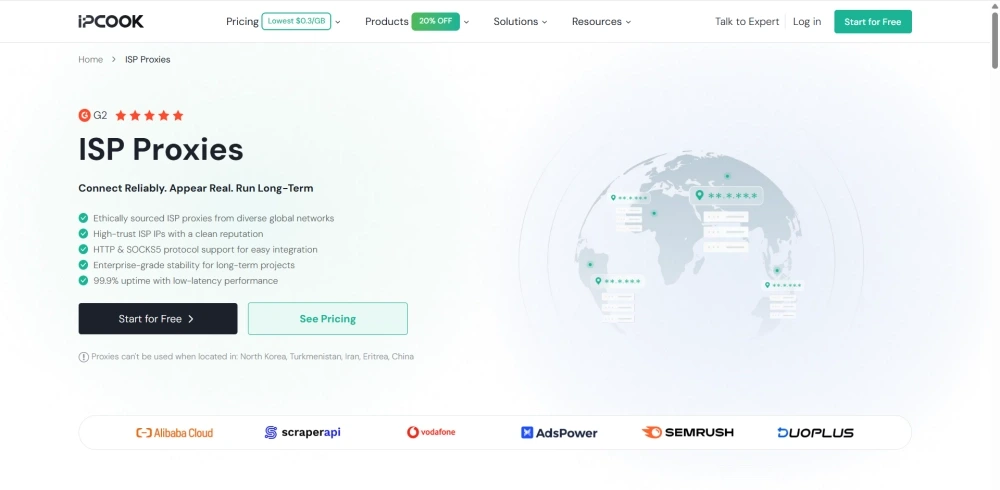
IPcook ISP Proxies provide unlimited traffic through static, ISP-assigned addresses that remain consistent over time. HTTP and SOCKS5 support makes them compatible with a wide range of browsers, applications, and proxy tools. With 99.9% uptime and low latency, it helps reduce connection interruptions during long sessions. Visual dashboards make proxy status and usage easier to track, while API access and DNS customization provide additional control for larger projects.
This setup works well for tasks such as social media account management that requires a consistent network location or ecommerce operations that depend on persistent sessions.
Session Stability and Latency Performance
Keeping the same ISP IP, we were able to revisit an ecommerce dashboard without triggering an IP change between sessions. The same IP also remained in place during longer account sessions. During repeated access, the connection remained stable, with no noticeable session drops. Page loading was also responsive, with little noticeable delay.
💡Below are the key features of IPcook ISP Proxies:
Fixed ISP addresses: Each purchased IP remains assigned to you for a persistent connection.
Country selection: Choose IPs from 8 major countries, including the US, Japan, Canada, and Germany.
Flexible ordering: Mix IPs from multiple countries in a single order.
Unlimited traffic: Run long-term tasks without traffic limits or additional data purchases.
Stable long-term performance: 99.9% uptime and low-latency performance support extended use.
Protocol compatibility: Works with HTTP and SOCKS5, including UDP support.
Management controls: Dashboard monitoring, API access, and DNS customization simplify proxy administration.
Datacenter Proxies
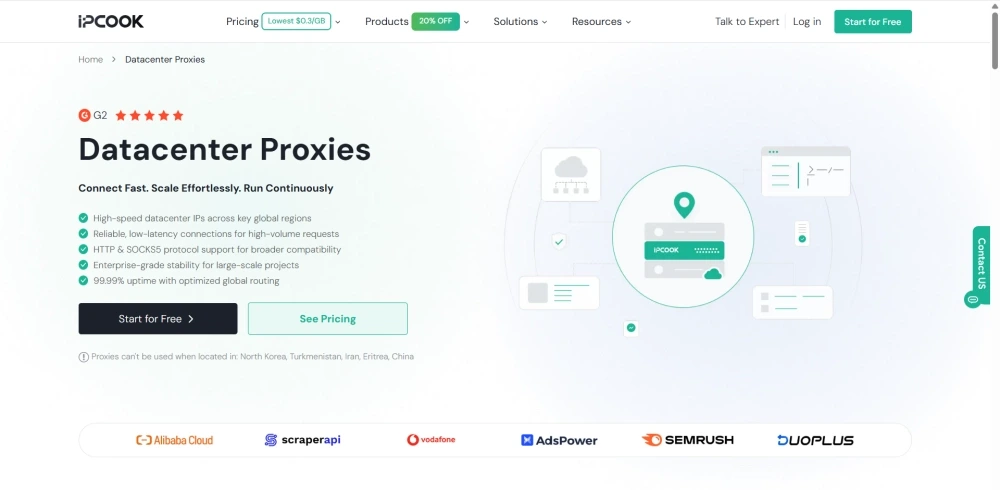
IPcook Datacenter Proxies use IP addresses hosted on datacenter infrastructure, with a focus on speed and request capacity rather than residential network identity. HTTP and SOCKS5 protocols are supported, along with 99.99% uptime and optimized global routing for reliable, low-latency connections. Datacenter Proxies are suited to workflows that need to process large numbers of requests efficiently, such as public web data collection, automation, and testing. This makes them a practical choice when requesting volume and speed matter more than using residential IPs.
Speed and Scalability Performance
We used Datacenter Proxies to run parallel requests for product pages and search results. The proxy handled large request batches without traffic limits interrupting the workflow. Page and API requests also returned quickly during testing, making it suitable for tasks that involve processing many URLs in succession.
💡Below are the key features of IPcook Datacenter Proxies:
High-speed connections: Low-latency routing across key global regions.
Regional availability: Choose DC IPs from 8 major countries.
Mix-and-match purchasing: Combine IPs from multiple countries in a single order, such as 3 US IPs and 2 Japan IPs.
Unlimited traffic: Continuous data transfer without traffic limits.
Flexible management: Support HTTP and SOCKS5, with dashboard, API, and DNS customization.
IPcook Pricing and Plans
Light traffic, continuous high-volume use, and multiple fixed addresses lead to very different bills. IPcook uses different billing structures across its lineup, as the table below shows.
Proxy Type | Billing Model | Starting Price | Best For |
Rotating Residential | Pay per GB or subscription | Pay-as-you-go (PAYG): From $0.30–$3.20/GB | PAYG: Individual developers, freelancers, and small teams |
Unlimited Residential | Bandwidth and period | $350 / 100 Mbps / 30 days | Agencies and data teams with consistently high traffic |
Static ISP | Per IP per day | From $0.05/IP/day | Social media managers, ecommerce operators, and account management teams |
Datacenter | Per IP per day | From $0.04/IP/dayBased on 10 IPs, with lower rates at higher volumes | Developers, QA teams, and large-scale automation teams |
How to Use IPcook Proxies: A Quick Start Guide
The IPcook dashboard keeps plan selection, proxy details, and usage data in one place. While the available controls vary by product, the basic setup process is similar. Below is a quick-start guide to using IPcook.
Step 1. Create an Account
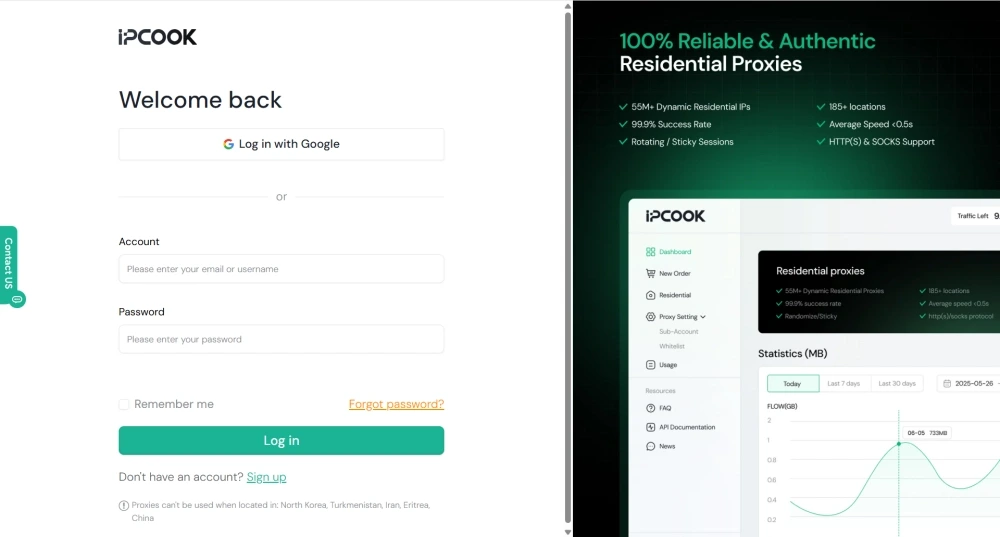
Create or sign in to an IPcook account with your email address or Google account.
Step 2. Choose and Purchase a Plan
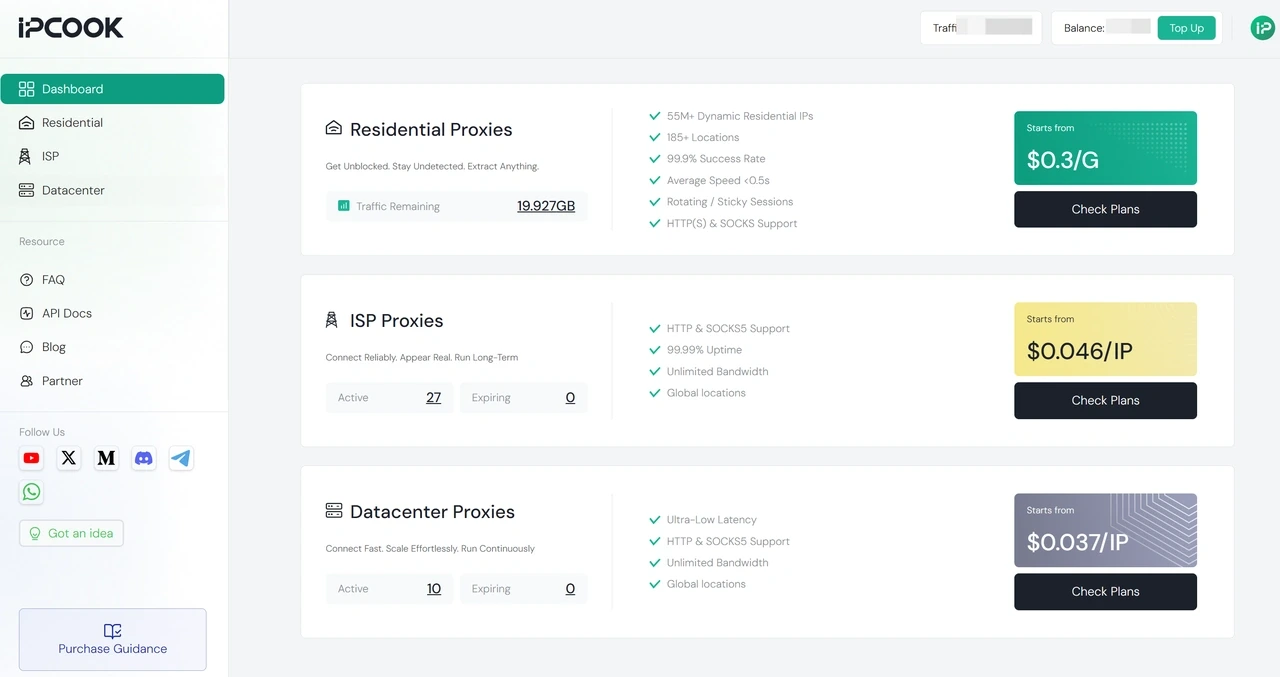
After signing in, the dashboard brings your account and proxy resources together for quick access. Traffic, balance, and top-up options are available in the top-right corner, while the right-side panel gives you a quick view of remaining traffic and current bandwidth. The left-side panel keeps proxy setup, purchases, and other resources within easy reach.
Step 3. Purchase and Configure Proxy
Choose your preferred proxy type from the left-side panel and complete the purchase with IPcook's wide range of payment methods, including Google Pay, Visa, and other options. After purchase, you can access proxy credentials, check data usage, and copy API details directly from the dashboard.
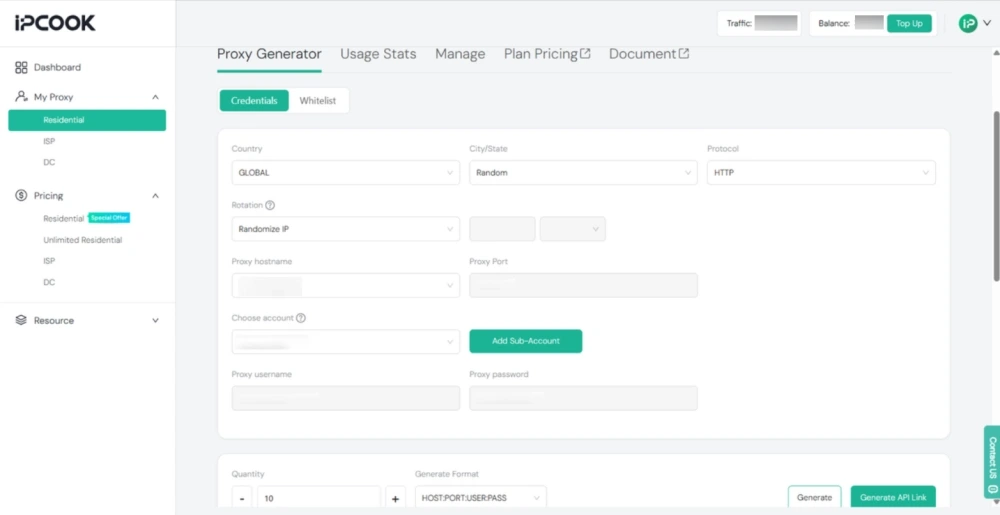
💡More detailed instructions for individual products and devices are available in the IPcook proxy setup guide.
The Bottom Line: Is IPcook Worth It?
IPcook is worth considering if you need multiple proxy types and affordable pricing options. Its lineup covers rotating residential, unlimited residential, static ISP, and datacenter proxies, allowing you to choose based on different usage requirements. The flexible billing models and centralized dashboard make it easier to manage both short-term tasks and ongoing proxy needs. Overall, IPcook is a suitable option for users looking for a broad proxy selection with straightforward management and predictable costs.
