Duolingo Proxy
Unlock Every Lesson and Learn Without Limits
- Millions of residential IPs for fast and reliable Duolingo access

- Bypass school or regional blocks with one-click smart routing
- Automatic IP rotation to stay private and protect your streak
- Clean, secure proxy pools for seamless language learning anytime
Proxies can’t be used when located in: North Korea, Turkmenistan, Iran, Eritrea, China






What is Duolingo Proxy
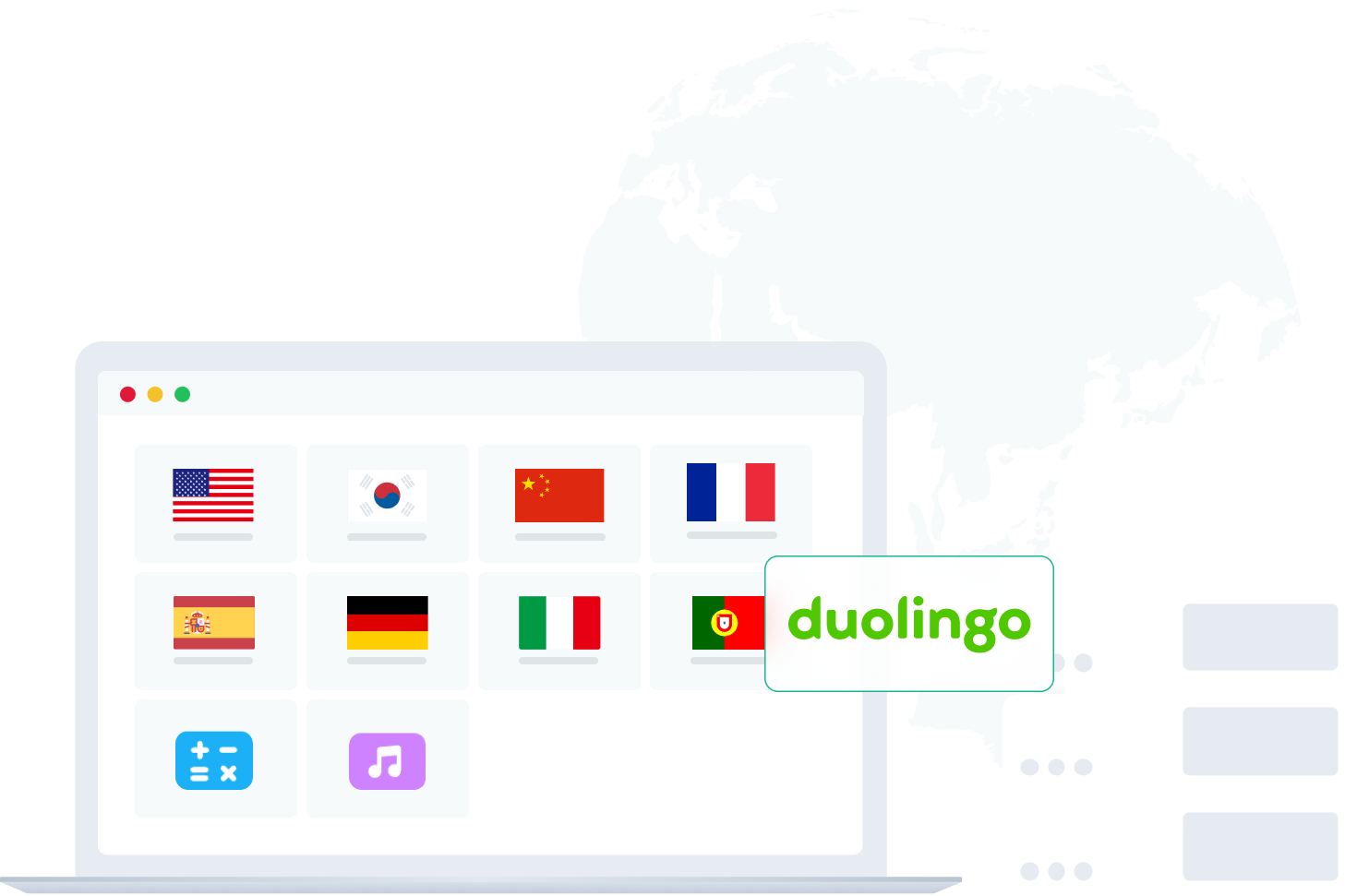
A Duolingo proxy is a secure proxy server that hides your IP address, keeping your identity private and your connection stable while accessing Duolingo. It lets learners reach their lessons freely even when the platform is blocked on certain networks or restricted by region. With a proxy, every study session stays smooth and uninterrupted.
For example: imagine trying to keep your language streak alive at school or while traveling abroad, but Duolingo is unavailable. A reliable proxy reroutes your traffic through another country, giving you instant access to lessons while protecting your privacy and study progress.
How Duolingo Proxies Work
Hide Your Real IP for Private Learning
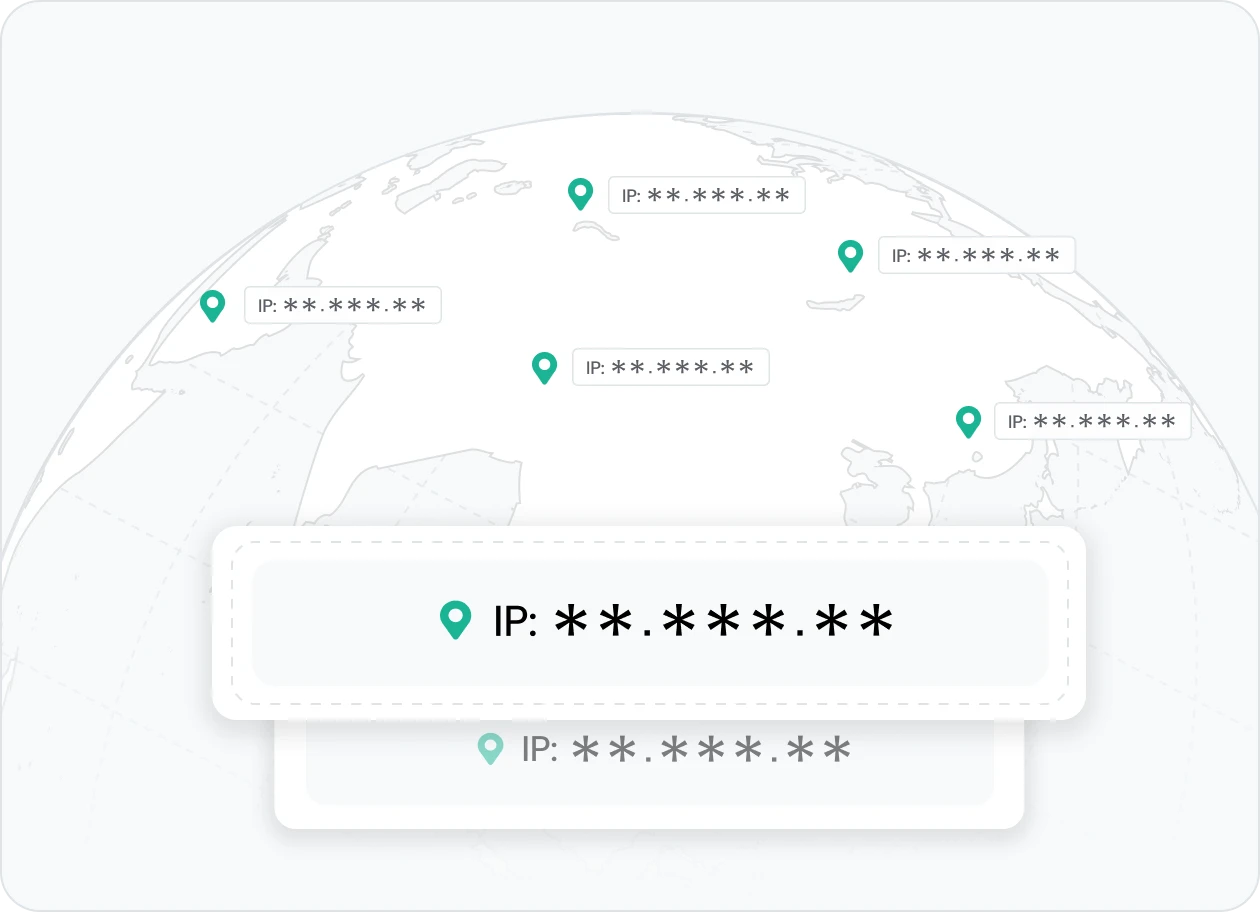
A Duolingo proxy hides your real IP address to keep your identity private and your connection secure while studying online. It prevents schools, workplaces, or local networks from blocking your sessions so you can learn safely anywhere.
👉 IPcook provides verified residential IPs that protect your privacy and enable smooth, ban-free access to Duolingo.
Automatic IP Rotation to Avoid Detection
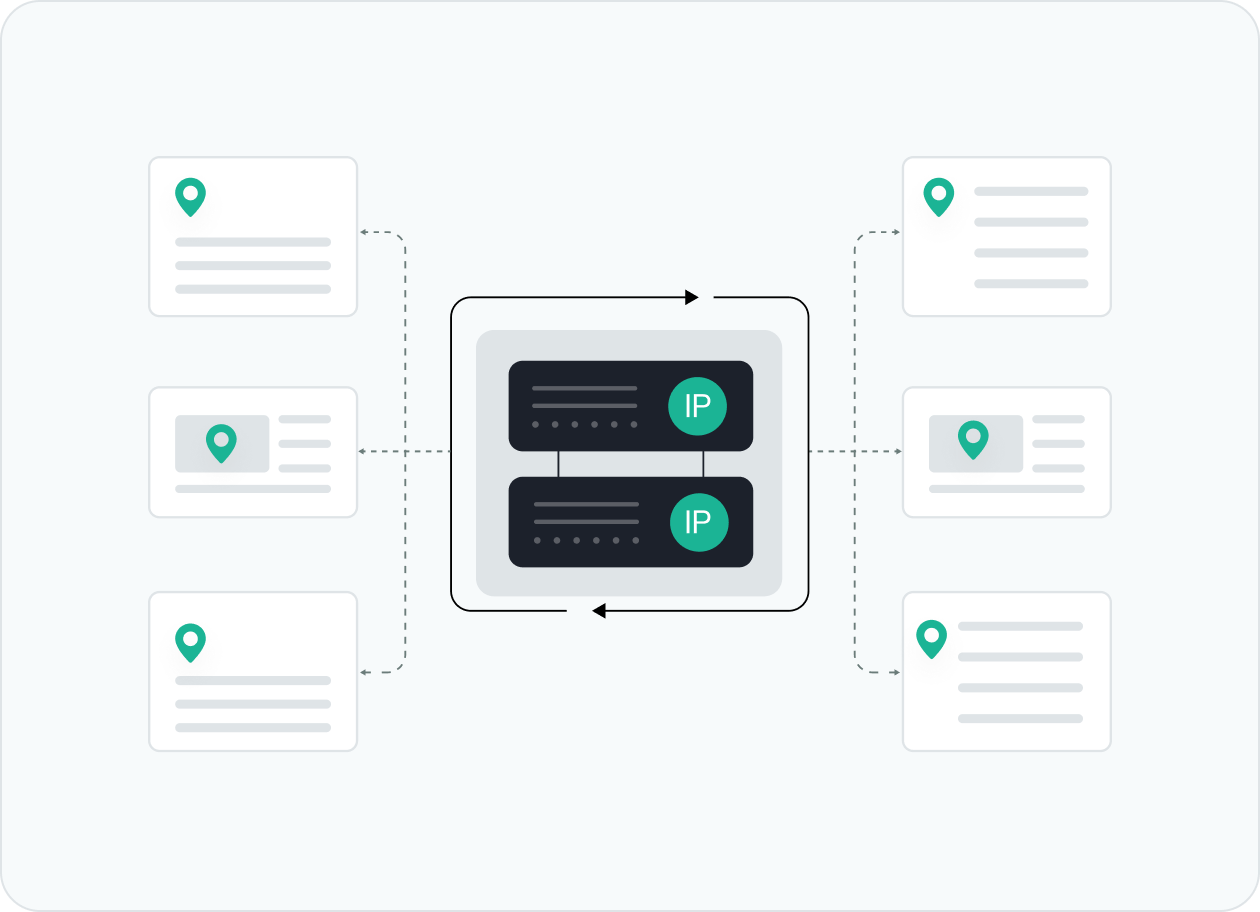
Automatic IP rotation makes each session appear natural, helping you maintain consistent access and avoid detection or temporary bans. It refreshes your IP automatically to prevent restrictions and keep your lessons uninterrupted.
👉 IPcook uses dynamic residential IP rotation to ensure stable and private Duolingo connections.
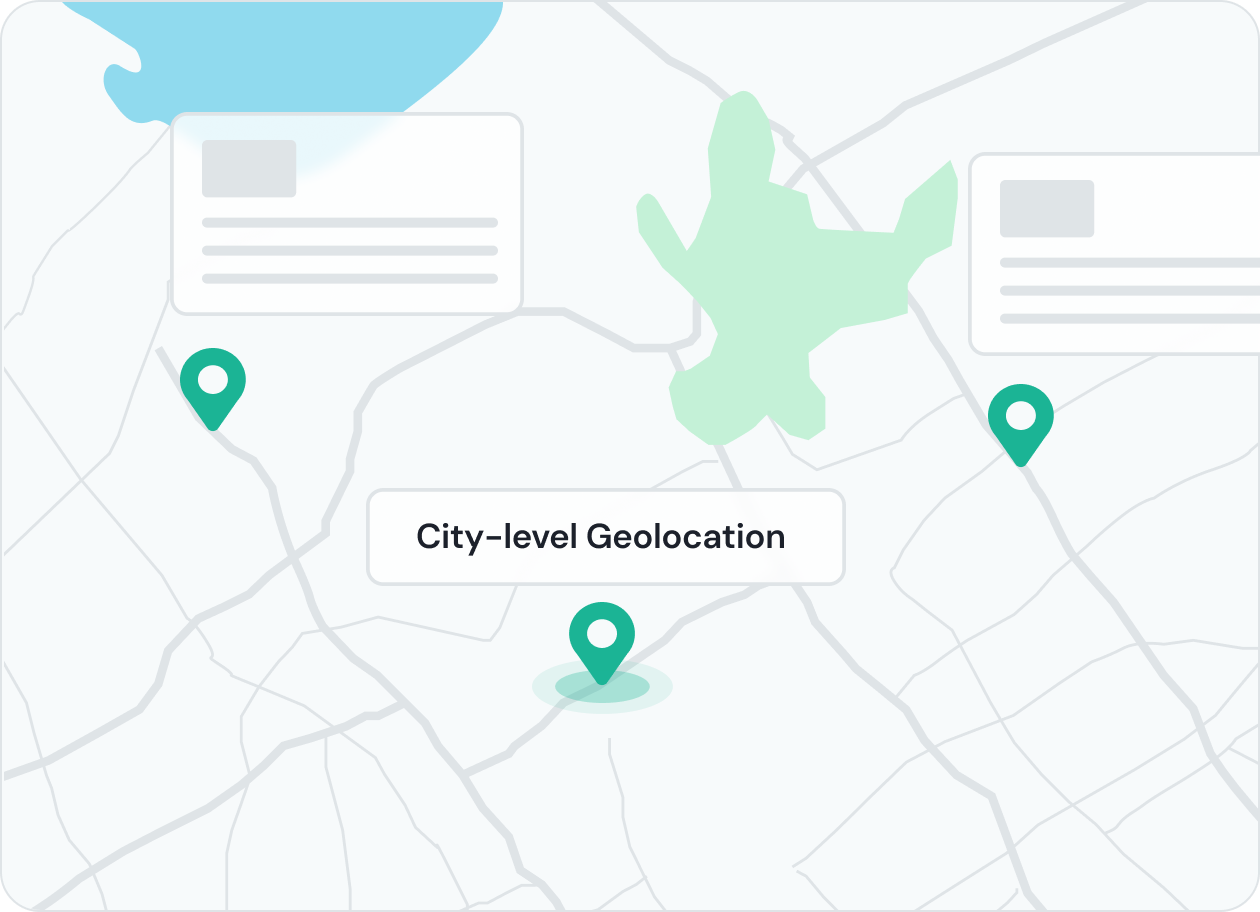
Access Duolingo from Any Country or Region
Geo-targeted proxies let you choose IPs from specific countries or cities to access localized lessons and new features. This helps travelers, teachers, and multilingual learners reach Duolingo without regional limits.
👉 IPcook supports precise geo-targeting, allowing fast, stable access from anywhere.
Maintain Stable and Fast Study Connections
Reliable residential proxies keep your lessons loading quickly and your sessions consistent. Clean IP pools with low latency prevent drops or interruptions so you can focus on learning and keep your streak active.
👉 IPcook delivers high-speed, stable connections optimized for seamless access to Duolingo.
How IPcook's Duolingo Proxies Stand Out
- Feature
- Real Residential IPs
- Global Pool Size
- Rotation Control
- Uptime
- Setup Time
- Support
- IPcook
- Yes
- 55M+ IPs
- Sticky/rotating
- 99.99%
- < 5 mins
- 24/7 Human Support
- Others
- Mixed sources
- Limited in scope
- Often limited
- Varies
- Complex setups
- Chatbots or email delays
Buy Duolingo Proxies with Pay-As-You-Go Pricing


Not sure which to choose?
Talk to our
How to Set Up Your Duolingo Proxies
- 1
Customize Your Proxy Parameters
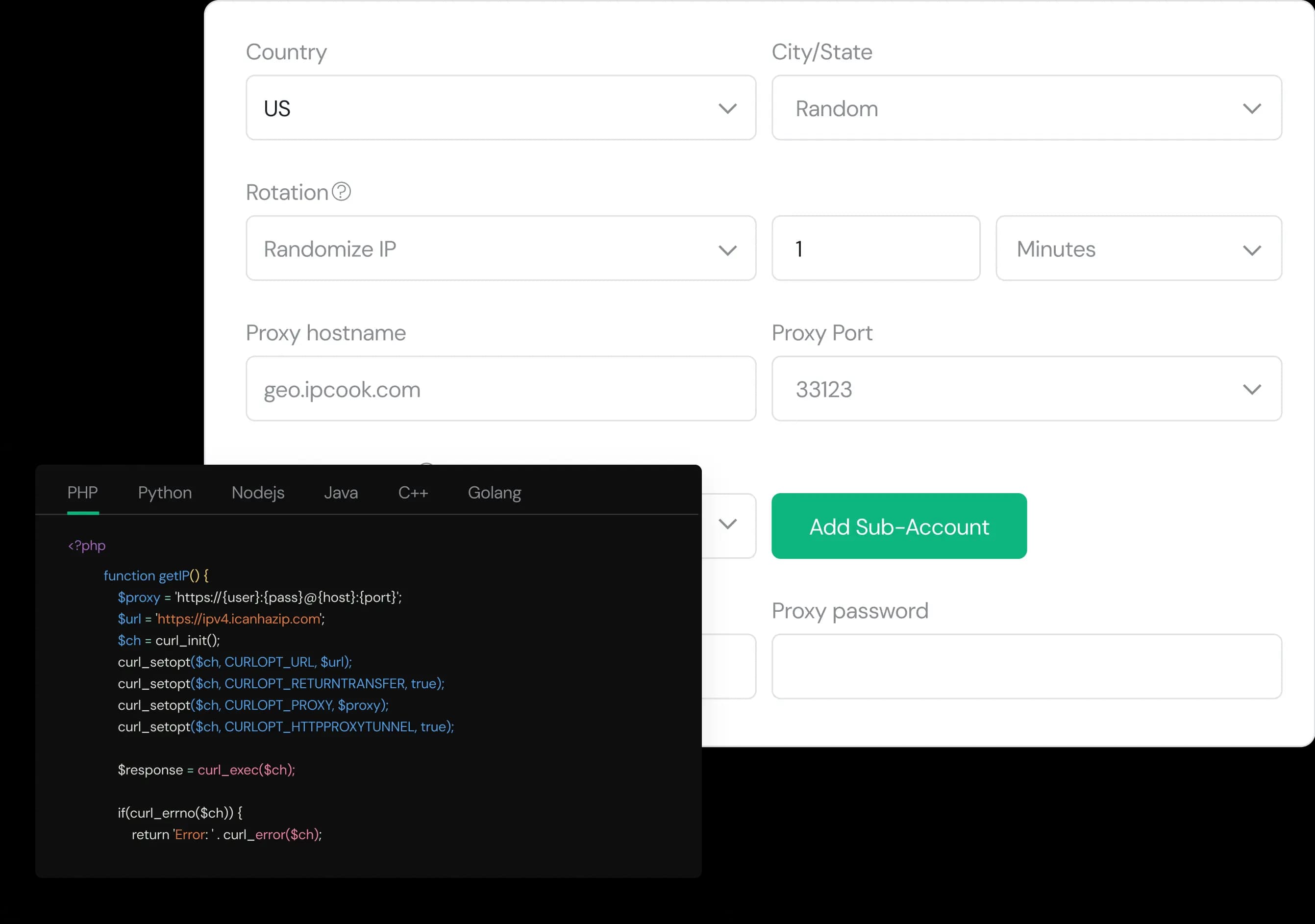
Configure your proxy by selecting the country, city, protocol, and rotation type, then assign a sub-account, set login credentials, and optionally add whitelisted IPs.
- 2
Generate Proxies Instantly
Select the desired proxy format (e.g., host:port:user:pass) and quantity, then generate your proxy list by clicking Generate or Generate API Link.
- 3
Plug into Your Stack in Minutes
Copy the code snippet for your preferred language (Python, Node.js, PHP, Java, Golang, or C++), then paste it into your application to start using the proxies.