


9 Best Anti-Detect Browsers in 2026

Websites stopped relying on IP addresses alone long ago. Every visit can expose your canvas rendering output, WebGL data, installed fonts, timezone, language, and screen resolution. Together, these signals form a distinct browser fingerprint that can link your accounts even after cookies are cleared. Since Incognito mode mainly clears local browsing data without changing most browser and device signals, it offers little protection against modern browser fingerprinting.
Anti-detect browsers bypass these limitations by giving each profile separate cookies, local storage, and customizable fingerprint settings. To help you choose the right tool, we evaluated nine of the best antidetect browsers for 2026 based on their features, pricing, ease of use, and overall performance.
1. MoreLogin — Browser Profiles and Cloud Phones in One Platform
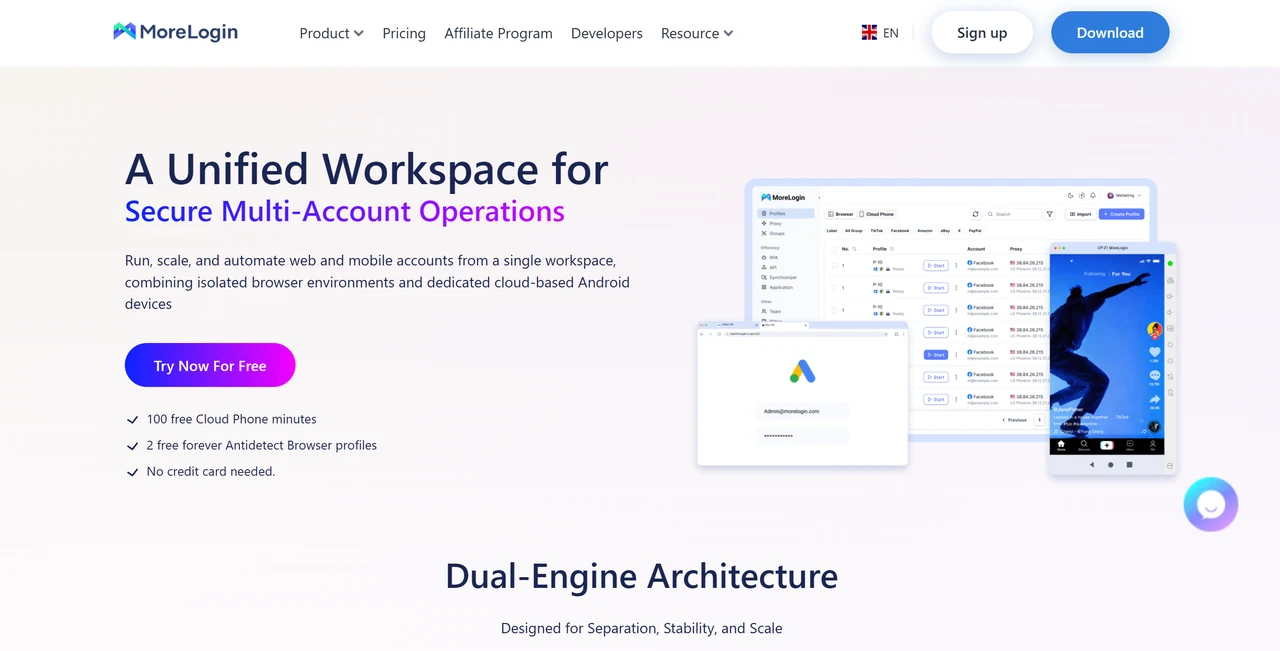
Most anti-detect browsers focus primarily on desktop profiles. MoreLogin stands out by putting browser profiles and cloud-hosted Android phones in the same dashboard, making it easy for teams to manage both web and mobile app accounts in one place. Each browser profile or cloud phone retains its own fingerprint, cookies, proxy settings, and login state.
Its real canvas fingerprint feature uses machine-learning-based matching instead of relying only on randomization, while browser profiles support Chrome and Firefox environments. MoreLogin also provides a Synchronizer, team collaboration, and automation tools. Note that cloud phone usage is billed separately after the included free minutes are used, so teams only needing desktop profiles might find the mobile add-ons unnecessary.
Key features:
Flexible entry: Free tier includes 2 permanent browser profiles, 2 users, and 100 cloud phone minutes; paid browser plans start at $5.40/month, with standard pricing of $9/month before discounts.
Dual environments: Chrome and Firefox browser environments with real canvas fingerprint controls.
Cloud Android phones: Devices running Android 12 to 15, billed from about $0.006 per minute with a daily spending cap.
Automation ready: Synchronizer plus browser automation through Selenium or Puppeteer.
Team-friendly: Team collaboration, profile transfer, proxy assignment, and local API access.
2. Hidemyacc - Deep Fingerprint Customization for Unique Profiles
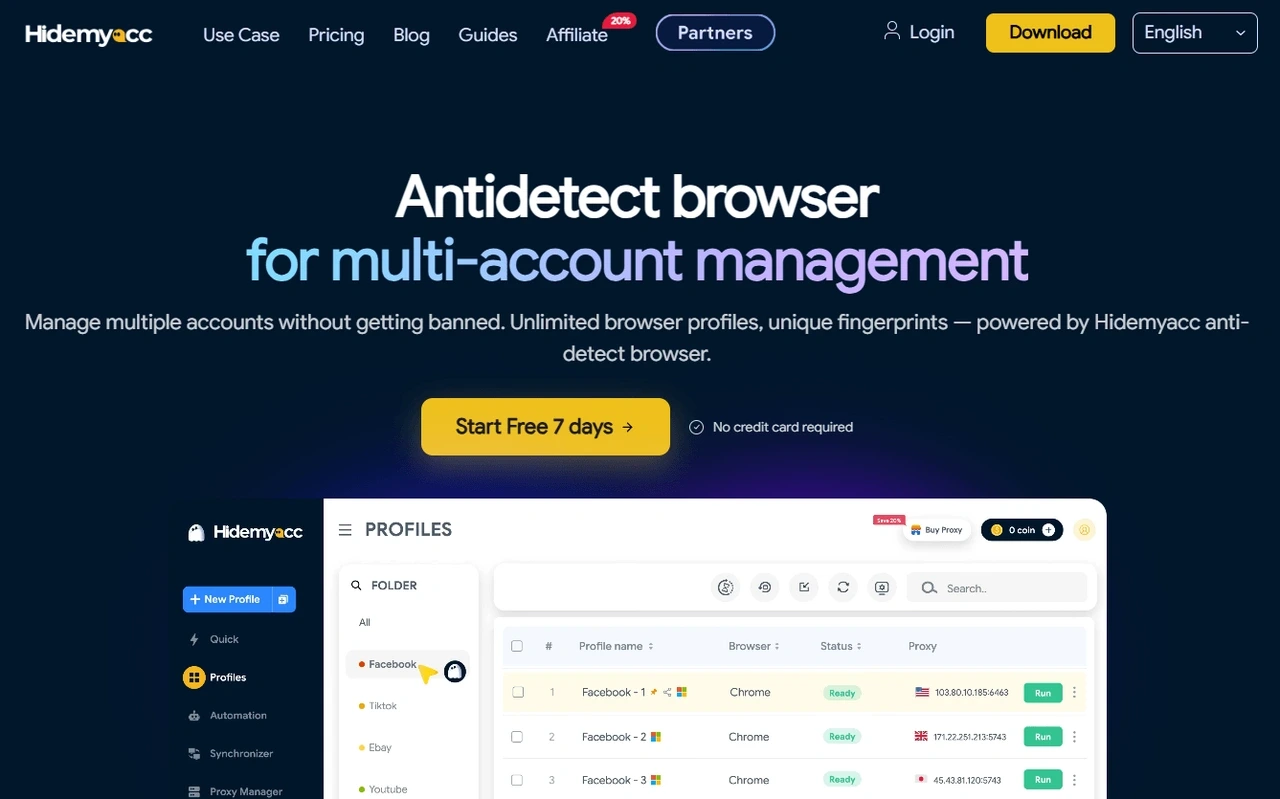
Hidemyacc stands out by letting users get hands-on with their browser fingerprint instead of just hitting a "randomize" button. You can adjust canvas, WebGL, WebRTC, audio, fonts, screen size, timezone, and user-agent one by one, so each profile can be tuned to genuinely look like a different, real device.
This hands-on control makes it easier to match a fingerprint to the location of the proxy you're using, avoiding the geo or timezone mismatches that often trip up checkers like Pixelscan and IPhey. Profiles run on Chromium and stay completely separate from each other, with fingerprint configurations saved as a default profile that can be reused as a starting point for new profiles.
For anyone who wants to actually shape their fingerprint rather than just mask it, this level of detail is one of Hidemyacc's biggest strengths compared to more automated, less flexible competitors.
Key features:
Precise Fingerprint Control: Parameter-level fingerprint control (canvas, WebGL, WebRTC, AudioContext, fonts, screen resolution, hardware concurrency, timezone, user-agent)
Isolated Browser Profiles: Chromium-based profiles, fully isolated from one another
Free Proxies: Built-in free proxy pool from the Base plan
Reusable Fingerprints: Default profile setup for saving and reusing fingerprint configurations when creating new profiles
Multi‑Window Sync: Synchronizer for mirroring actions across multiple browser windows, speeding up repetitive tasks
Permission Controls: Team support with sub-account permissions and access controls
Automation‑Ready API: REST API for automation with tools like Puppeteer and Selenium
Cross‑Platform Support: Compatible with Windows and macOS
3. GoLogin — A More Usable Free Entry Point
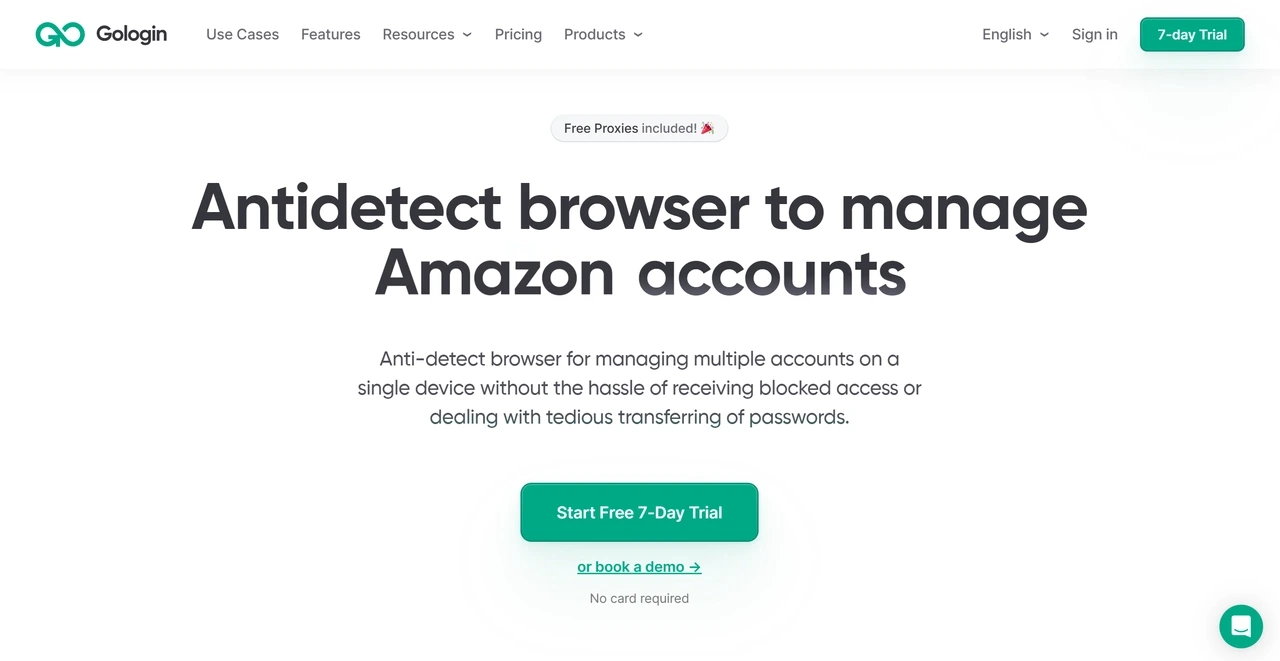
Many free anti-detect browser plans are too restricted to use properly or start pushing users toward an upgrade almost immediately. GoLogin offers 3 browser profiles with no time limit, making its free tier useful for testing fingerprint controls and local browsing rather than merely previewing the interface.
Paid tiers introduce cloud launches, allowing you to run saved profiles remotely instead of being tied to a single physical device. Upgrading also unlocks API access, integrated proxy traffic, profile sharing, and larger profile limits. Note that the free plan is limited to local profile launches and does not include API access, Android Cloud, profile sharing, or bulk profile creation.
Key features:
Forever Free tier: 3 local browser profiles with no time limit; Professional plans start at $9 per month (or $4.50 per month with annual billing).
Orbita browser: Custom Chromium-based profiles with controls for WebGL, fonts, audio, timezone, and device parameters.
Cross-platform support: Native apps for Windows, macOS, Linux, and Android.
Cloud and API access: Cloud profile launches, web-based cloud browsing, and REST API access on paid tiers.
Built-in proxy perks: 2 GB of residential proxy traffic included with every paid subscription.
4. AdsPower — Built for High-Volume Profile Operations
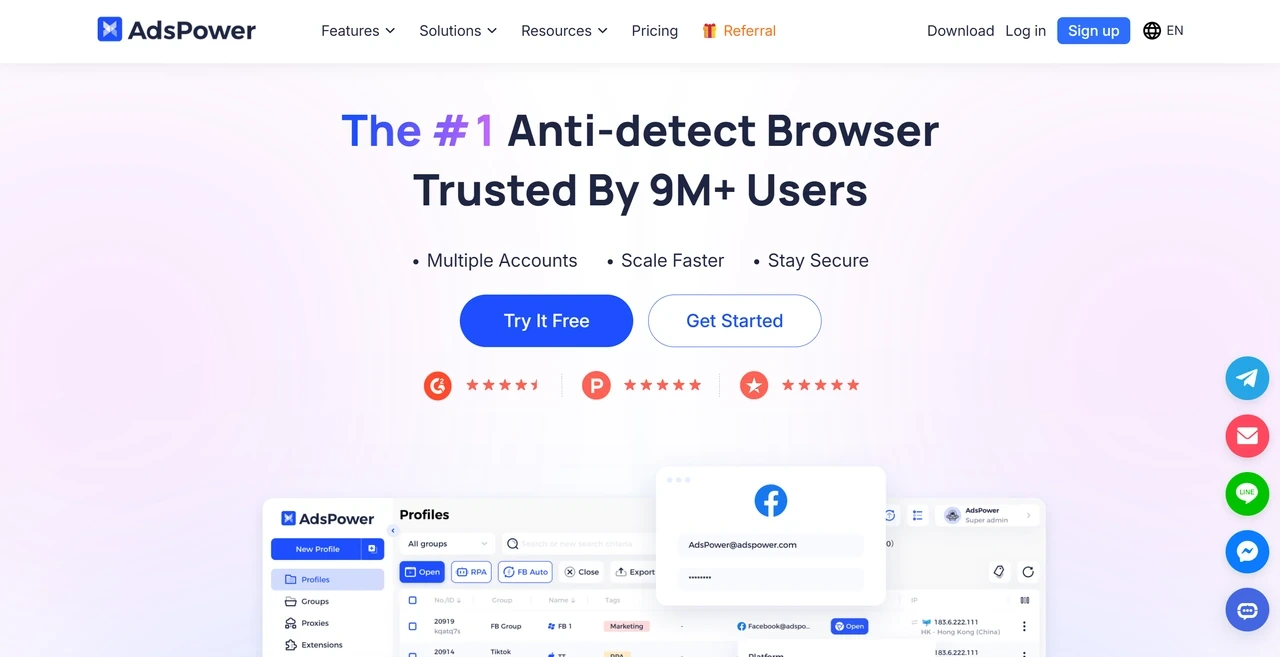
Creating a few profiles is easy in almost any anti-detect browser. The real challenge comes when managing 40 or 400 profiles, when every environment needs the correct group, tag, proxy, and permission setting. AdsPower is built specifically to solve this headache, offering bulk profile creation, bulk proxy import, structured groups, and team controls designed for larger account portfolios.
Its no-code RPA tools are another reason it appears in so many multi-account workflows. Repetitive actions can be assembled visually without writing a complete automation script, while the local API supports teams that need developer-level control. Although this extensive feature set is incredibly powerful at scale, costs can rise as you add more profiles and team seats.
Key features:
Free starter plan: Includes 2 profiles; paid plans start at about $9 per month for 10 profiles, with pricing based on profile limits and user seats.
Dual engines: SunBrowser, based on Chromium, and FlowerBrowser, based on Firefox.
Bulk management: Bulk profile creation, proxy import, tags, groups, and profile templates.
Automation suite: No-code RPA, Synchronizer, and reusable automation templates.
5. Multilogin — Enterprise Control for Long-Running Sessions
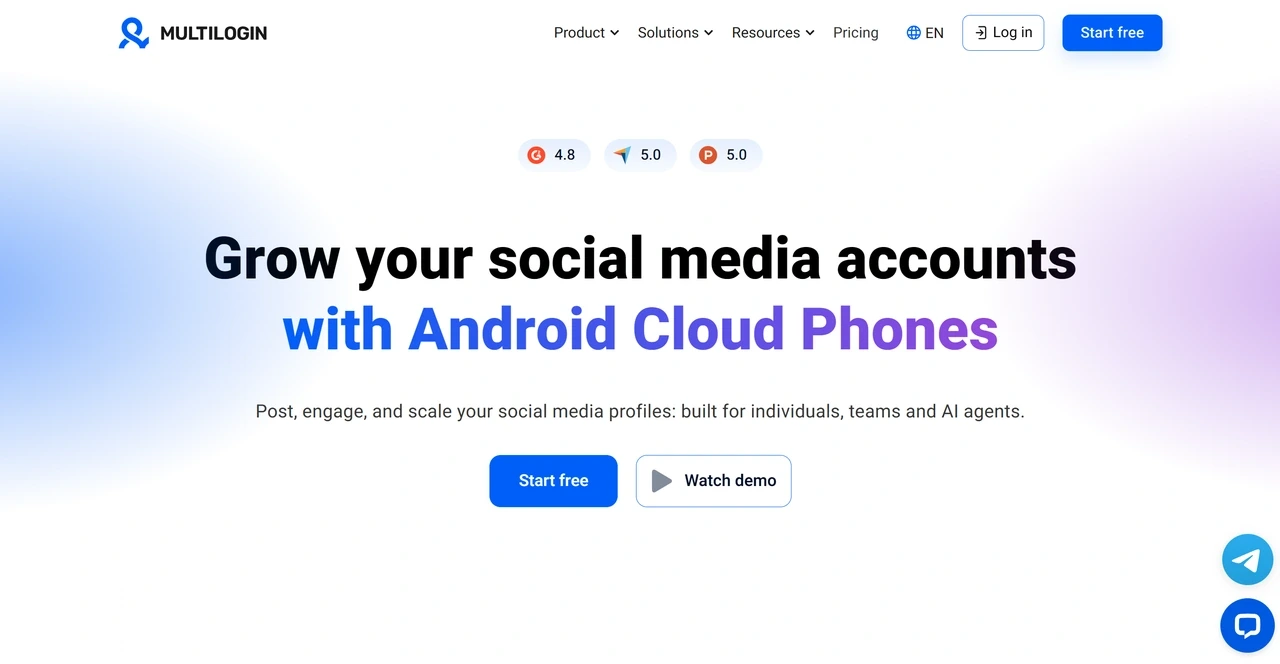
Multilogin has operated since 2015, building its reputation around fingerprint consistency, browser-core control, and professional workflows instead of competing on low pricing. It offers Mimic, based on Chromium, and Stealthfox, based on Firefox, allowing users to select the preferred browser environment for each profile. It also emphasizes persistent sessions, structured permissions, advanced automation, and GDPR compliance.
The platform now integrates browser profiles and cloud Android phones into a single dashboard. While its free plan lowers the barrier to testing, paid plans add monthly proxy traffic, mobile minutes, bulk operations, API automation, and advanced team features. Note that free profiles are deleted if no profile is launched for 7 consecutive days, and most scaling and automation tools remain limited to paid tiers.
Key features:
Free tier: Includes 5 browser or mobile profiles, a one-time 200 MB proxy bonus, and 1 mobile profile with 30 one-time mobile minutes.
Scalable pricing: Pro plans start at $11 per month, or $7.08 per month with annual billing, for 10 profiles. The 100-profile Pro plan costs $40 per month before annual discounts.
Dual browser engines: Mimic on Chromium and Stealthfox on Firefox, selectable by profile.
Developer and team ready: API automation, bulk operations, persistent profile data, and team controls on eligible paid plans.
Cloud Android phones: Cloud mobile environments supporting Android 10 to 16 alongside browser profiles.
6. Dolphin Anty — Fast Profile Deployment for Social Media Teams
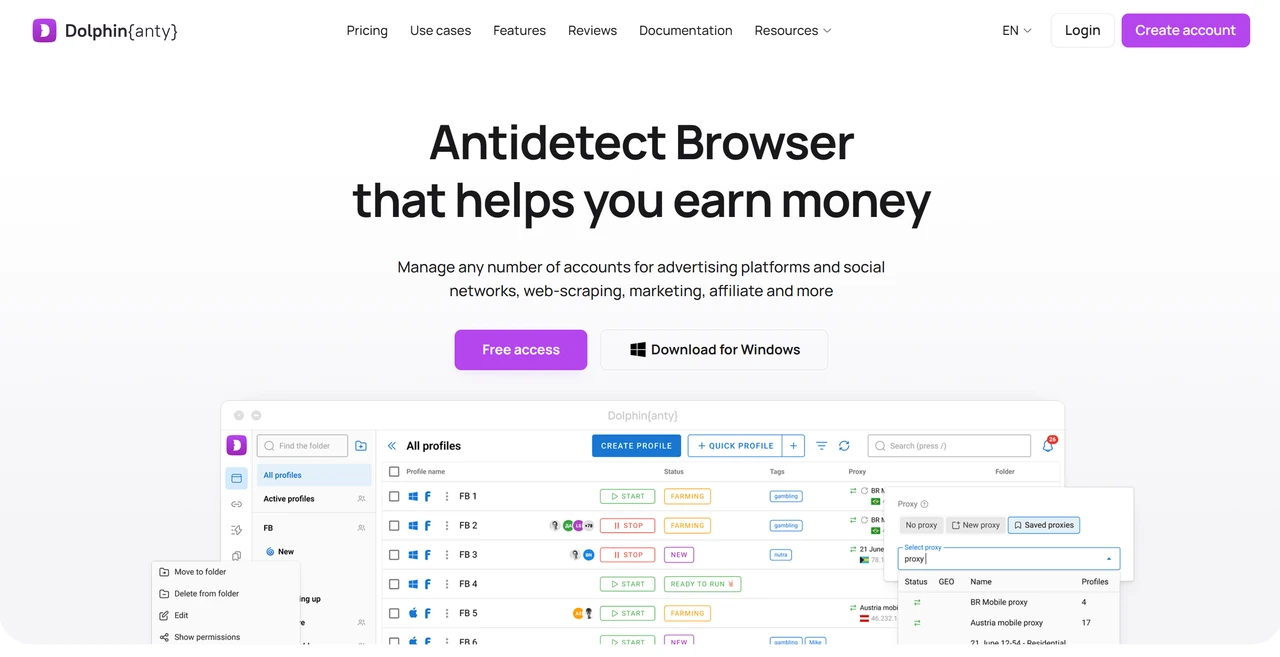
Dolphin Anty is organized around ad accounts and social media workflows. Its profile table, custom statuses, bulk actions, and platform-oriented setup streamline daily operations for teams managing Facebook, TikTok, or Google Ads campaigns at volume. The entire interface is optimized for rapid profile creation and quick daily navigation.
Automation is also central to the platform. The Synchronizer can mirror actions from a main window across other profiles, while Cookie Robot and Scenario Builder handle repetitive warming and browsing tasks. Keep in mind that Dolphin Anty remains a desktop-only product, so teams requiring native mobile app environments will need to look elsewhere. Its ad-centric design may also feel overly specialized if you only need to manage basic web accounts. Dolphin Anty currently supports Windows, macOS, and Linux.
Key features:
Free tier: Includes 5 profiles with no time limit; paid Starter plans begin at $10 per month for 20 profiles.
Ad-focused management: Profile grouping, custom statuses, tags, templates, and bulk actions.
Built-in automation: Synchronizer, Cookie Robot, and visual Scenario Builder.
Developer-ready: API integrations with Selenium, Puppeteer, and Playwright through local and remote APIs.
Proxy management: Bulk HTTP, HTTPS, and SOCKS5 proxy import and assignment across profiles.
7. Incogniton — A Lower-Cost Route into Multi-Accounting
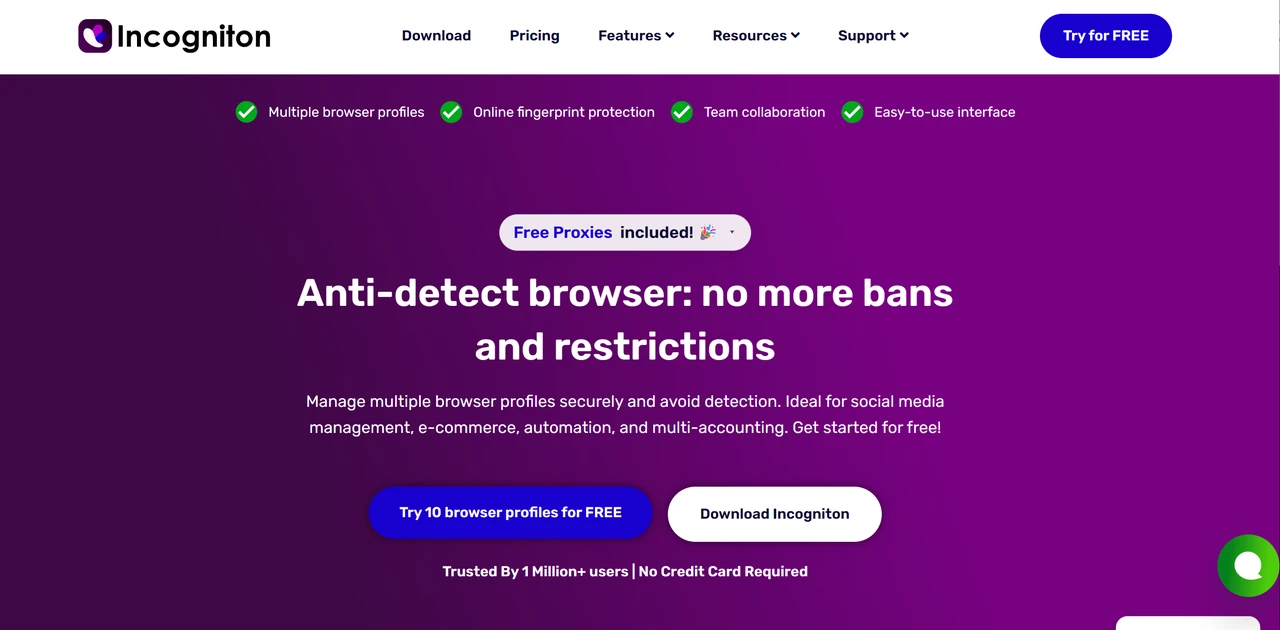
Incogniton does not try to outscale AdsPower or match every enterprise feature in Multilogin. Its appeal lies in providing a budget-friendly route into isolated browser profiles, fingerprint controls, proxy management, and basic bulk operations. New users receive 10 profiles for their first two months, after which the free tier transitions to 3 permanent profiles.
The platform also includes free shared proxies in selected locations. These work well for initial interface testing, quick localization checks, and lightweight research, but they are not reliable enough for important account management. Keep in mind that the free tier keeps advanced features, such as API access, Synchronizer, Cookie Collector, profile transfer, and team management, behind paid plans.
Key features:
Free starter package: 10 profiles for the first 2 months, transitioning to 3 profiles permanently.
Budget-friendly paid tiers: Paid plans begin at $19.99 monthly, with discounts on 6-month and annual billing.
Comprehensive fingerprinting: Controls for Canvas, WebGL, fonts, audio, screen resolution, and real-device fingerprints.
Proxy flexibility: Built-in shared proxies alongside HTTP, SOCKS5, and SSH proxy support.
Automation tools: Selenium, Puppeteer, REST API, Synchronizer, and profile transfer are available from the Entrepreneur plan.
8. Octo Browser — Developer-Friendly Automation at Scale
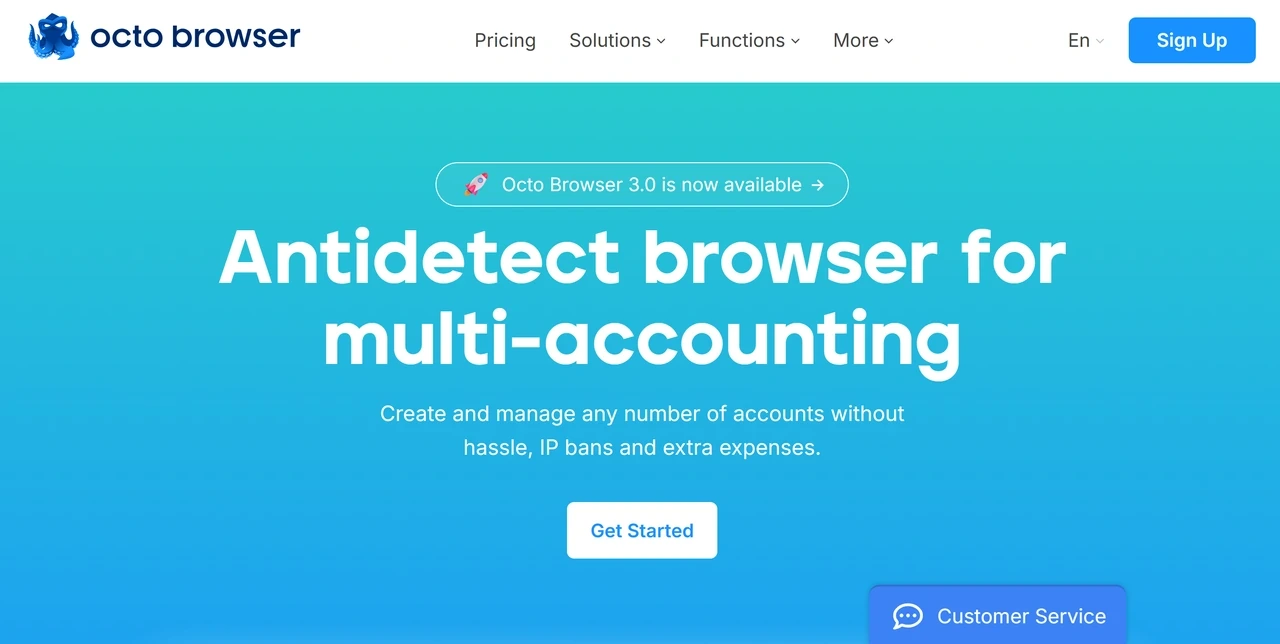
Octo Browser does not offer a permanent free desktop plan. The Lite plan is the lowest-cost way to evaluate it, providing 3 profiles and access to the core browser environment. In return, Octo focuses heavily on fingerprint spoofing implemented at the Chromium browser-kernel level, along with frequent core updates that help profiles stay aligned with current browser versions.
Its automation model differs from AdsPower’s visual RPA approach. Octo relies on API-based integrations with Selenium, Puppeteer, and Playwright, making it a stronger fit for teams with dedicated development resources. API access starts with the Base plan. While Octo supports Android fingerprint parameters within browser profiles, it is not a native Android cloud phone platform. The desktop application supports Windows, macOS, and Linux, while separate iPhone and iPad apps extend its profile management to iOS.
Key features:
Premium entry: Lite plan costs €10 per month, or €7 per month with annual billing, and includes 3 profiles.
Cross-platform desktop: Chromium-based application compatible with Windows, macOS, and Linux.
Under-the-hood control: Fingerprint spoofing implemented within the Chromium-based browser kernel, with frequent core updates.
Developer-first automation: API-driven automation through Selenium, Puppeteer, and Playwright from the Base tier.
Dedicated iOS support: Separate iPhone and iPad apps offering 100 free iOS profiles and proxies
9. GeeLark — Mobile App Accounts on Cloud Android Phones
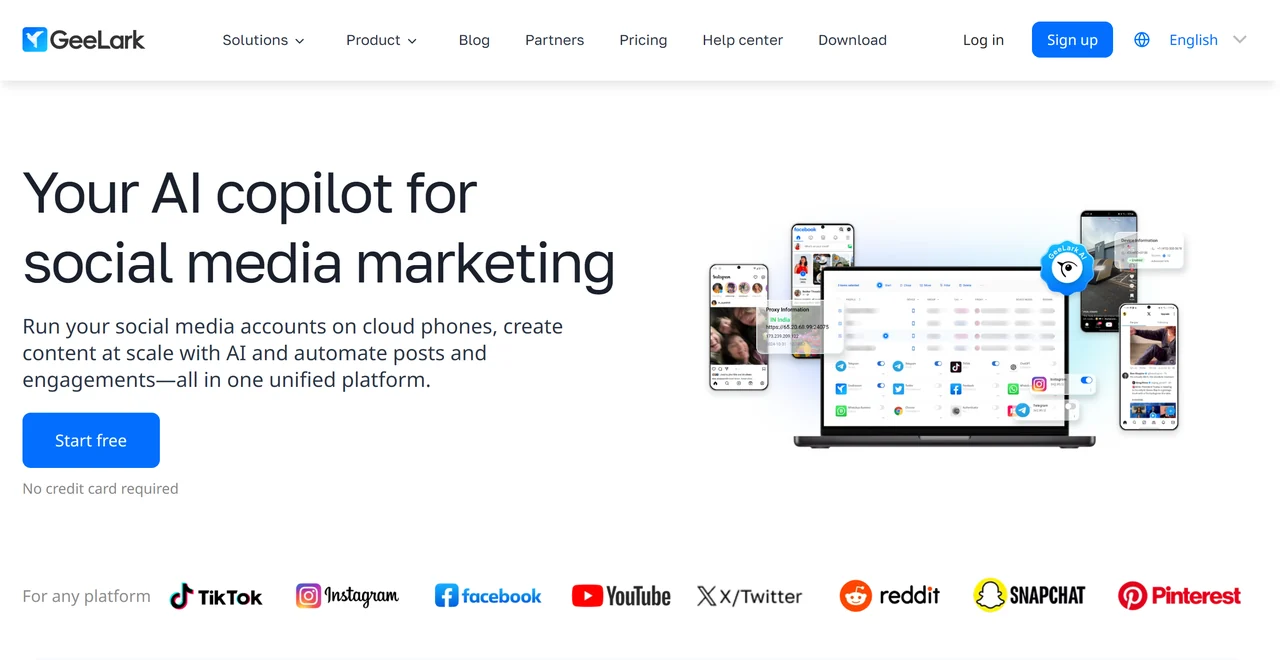
Most anti-detect tools on this list remain desktop browsers even when they emulate mobile parameters. GeeLark takes a different approach by running cloud-hosted Android phones on ARM-based hardware, each with its own device fingerprint and network configuration. For users specifically searching for a mobile anti-detect browser to run real Android apps, this is the more relevant product category.
GeeLark also includes antidetect browser profiles, but cloud phones remain its defining feature. Teams can install apps, assign proxies, organize devices, and automate mobile tasks without maintaining rows of physical phones. Keep in mind that GeeLark does not currently provide iOS cloud phones, and its usage-based billing means costs increase with active minutes, monthly device rentals, and parallel sessions.
Key features:
Free evaluation tier: Includes 2 profiles and 30 one-time cloud phone minutes, with no credit card required.
ARM-based cloud phones: Cloud-hosted Android environments with independent device fingerprints and proxy configurations.
Flexible pricing: Pay-as-you-go rates from about $0.007 per minute, or monthly device rentals starting at $29.90.
Hybrid dashboard: Combined management of cloud phone and antidetect browser profiles.
Mobile-first workflow: Batch phone management, app installation, team permissions, and mobile automation tools.
How to Choose the Right Anti-Detect Browser
Now that you have a complete overview of the most widely used antidetect browsers available, here is what to consider when choosing the right tool for your needs:
Purpose and use case: Start with your actual workflow. Ad managers may prefer Dolphin Anty, developers may benefit from API-focused platforms such as Octo Browser, while teams managing mobile apps may need cloud Android environments from MoreLogin or GeeLark.
Features: Identify the exact tools your workflow requires, whether that means kernel-level fingerprint controls, visual RPA builders, API automation, team collaboration, or native cloud Android phones.
Compatibility: Make sure the software supports your operating system, whether Windows, macOS, Linux, or Android, and works smoothly with your proxy provider and automation tools.
Ease of use: If you are new to anti-detect browsers or managing a larger team, prioritize a clean, intuitive dashboard that reduces setup time and the learning curve.
Scalability: Check the profile limits, team seats, API allowances, cloud phone capacity, and bulk-management tools available on higher tiers to ensure the platform can grow with your operations.
Cost: Look beyond the base subscription. Compare the total cost of profiles, additional team seats, proxy traffic, automation access, and cloud phone usage before choosing a plan.
Why an Anti-Detect Browser Isn’t Enough Without a Proxy
To improve privacy and manage multiple accounts more effectively, it is also important to mask your online location, especially when the browser does not include built-in proxy services. While an anti-detect browser isolates cookies, local storage, and fingerprint signals, it does not change your IP address on its own. Combining the browser with a proxy allows each profile to use a separate network location and IP address.
For the best results, pair each profile with a clean, independent proxy, keeping its location aligned with the profile’s timezone, language, WebRTC settings, and normal account activity. IPcook offers premium Residential, ISP, and Datacenter Proxies with HTTP(S) and SOCKS5 support. Our residential proxy network covers 185+ countries, making it easy to assign location-matched IPs to both browser profiles and cloud phones.
Need help getting started? Follow our step-by-step proxy integration guides for the anti-detect browsers:
Conclusion
The best choice ultimately depends on your budget, team size, automation needs, and whether you manage desktop or mobile accounts. Whichever platform you choose, remember to pair each profile with a clean, location-matched IPcook proxy to reduce the risk of cross-account linking.
Start your free trial with IPcook today!
- 1. MoreLogin — Browser Profiles and Cloud Phones in One Platform
- 2. Hidemyacc - Deep Fingerprint Customization for Unique Profiles
- 3. GoLogin — A More Usable Free Entry Point
- 4. AdsPower — Built for High-Volume Profile Operations
- 5. Multilogin — Enterprise Control for Long-Running Sessions
- 6. Dolphin Anty — Fast Profile Deployment for Social Media Teams
- 7. Incogniton — A Lower-Cost Route into Multi-Accounting
- 8. Octo Browser — Developer-Friendly Automation at Scale
- 9. GeeLark — Mobile App Accounts on Cloud Android Phones
- How to Choose the Right Anti-Detect Browser
- Why an Anti-Detect Browser Isn’t Enough Without a Proxy
- Conclusion
