


7 Best Proxy Clients: Software, Extensions & Mobile Apps

The best proxy clients for your setup depend on which apps and connections you need to route. Some tools manage browser traffic, while others handle desktop applications, command-line programs, or mobile connections. This guide compares seven options by platform, routing features, supported protocols, and price to help you find a suitable match.
What Is a Proxy Client and How Does It Work?
A proxy client configures or redirects network connections through a proxy endpoint. It uses a server address and port, along with authentication details when required. The tools in this guide manage those connections; access to the proxy is configured separately.
After setup, the client applies routing rules to decide which connections use the proxy and which connect directly. Traffic sent through the proxy reaches the destination from the proxy’s exit IP. Connections that bypass those rules may still use your regular public IP.
Types of Proxy Clients by Platform
Proxy clients differ in both platform support and traffic coverage. The table below summarizes their typical scope, although actual coverage depends on the tool, operating system, and routing mode.
Type | Traffic covered | Best for |
Desktop app | Everything running on Windows or macOS | Software that ignores proxy settings |
Browser extension | The browser alone | Frequent IP switching or per-site rules |
Command-line tool | Terminals, scripts, and dev workflows | Automation on a Linux machine |
Mobile app | App traffic or the whole device | iOS or Android setups |
Desktop Proxy Clients
Desktop proxy clients can route traffic from supported applications, including apps that do not use system proxy settings. Coverage depends on the client, protocol, and routing mode.
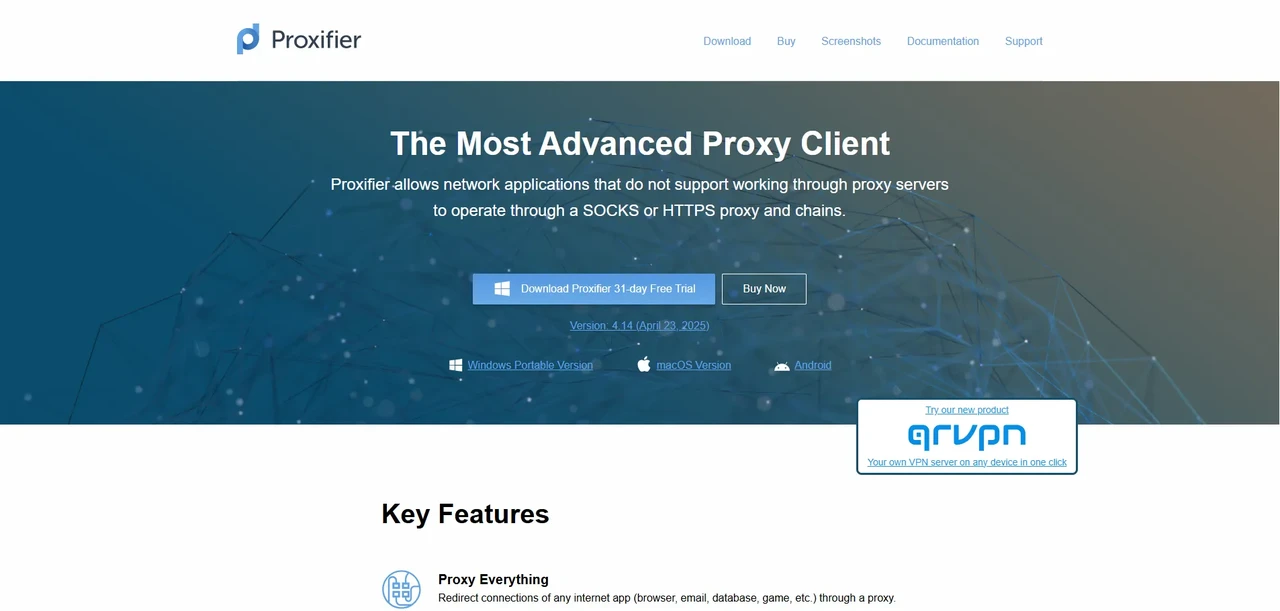
Proxifier
Platforms: Windows, macOS, and Android.
Protocols: SOCKS4, SOCKS5, HTTPS, and HTTP, with password auth.
Routing: app, hostname, IP, and port.
Pricing: $39.95 per desktop license; 31-day desktop trial.
The Proxifier proxy client helps when an app lacks proxy settings or ignores your system configuration. It routes TCP connections through a proxy without requiring changes inside the app. You can send selected apps through different proxies while keeping others connected directly. Proxy chains and automatic failover support more complex setups. The software does not include proxy IPs, so you need a separate proxy provider.
Pros | Cons |
|
|
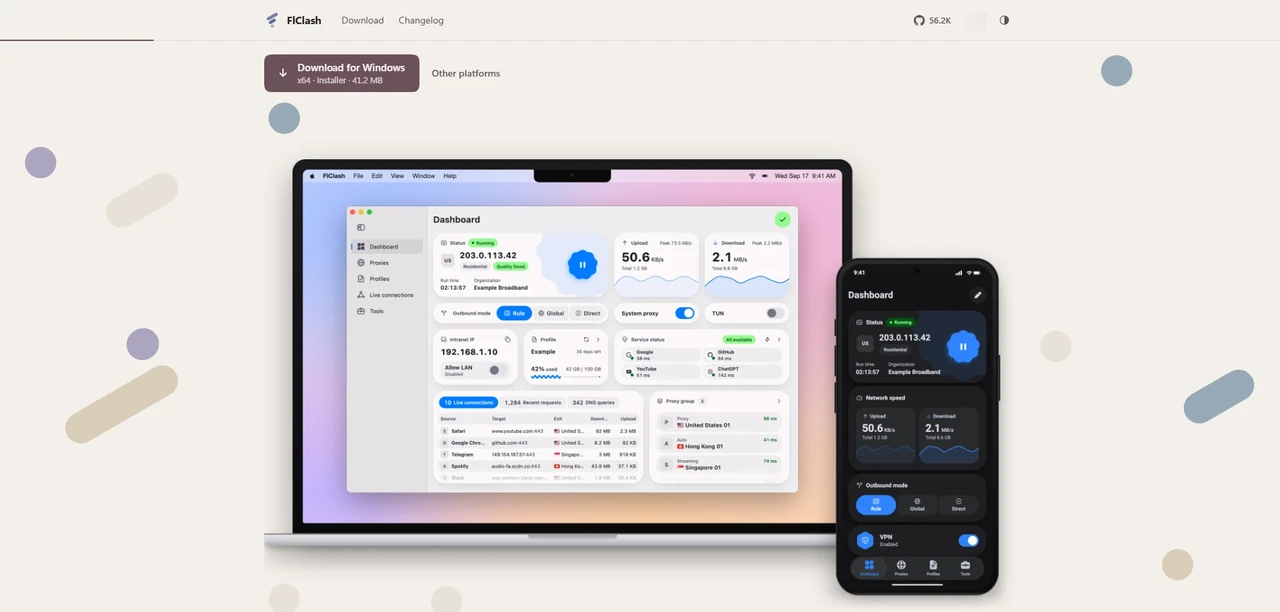
FlClash
Platforms: Windows, macOS, Linux, and Android.
Protocols: SOCKS5, HTTP, Shadowsocks, VMess, VLESS, Trojan.
Routing: rules, proxy groups, and TUN mode.
Pricing: free, open source, GPL-3.0.
FlClash is a no-cost, open-source client built on the mihomo core for Windows, macOS, Linux, and Android. It supports configuration profiles, routing rules, proxy groups, and TUN mode. Subscription links and config files import directly, whereas a bare HTTP or SOCKS5 endpoint needs to be added to a compatible configuration by hand.
Pros | Cons |
|
|
Browser Proxy Extensions
A proxy browser extension lets you use a proxy in your browser without changing how other apps connect to the internet. Unlike desktop proxy clients, it cannot route traffic from other applications. Common features include switching between saved proxies and setting different proxy rules for specific websites. FoxyProxy and SwitchyOmega are the two main options here, and their maintenance status differs enough to check before you install.
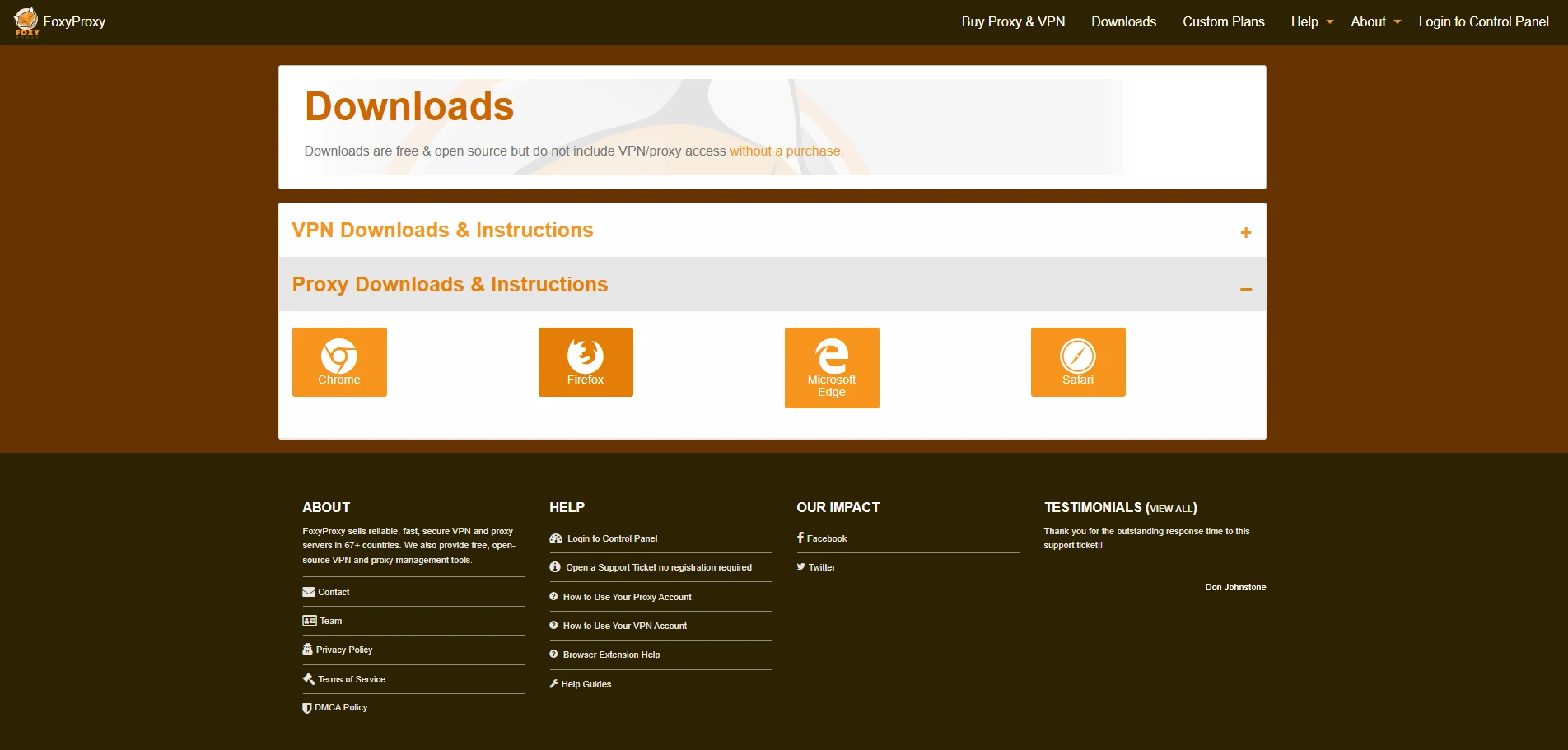
FoxyProxy
Platforms: Chrome, Firefox, Safari, and Edge.
Protocols: HTTP, HTTPS, SOCKS4, and SOCKS5; authentication varies by browser.
Routing: URL and domain patterns.
Pricing: free, open source.
Among browser proxy extensions, FoxyProxy is useful when different websites need different proxies. It is available for Firefox, Chrome, Edge, and other Chromium-based browsers. Saved profiles keep proxy details in one place, while URL-based rules select the proxy for each matching request, reducing manual switching.
However, FoxyProxy relies on the browser’s proxy support. In Chrome, this means SOCKS5 proxies cannot use username-and-password authentication. If your proxy requires it, an HTTP endpoint from your provider or a separate local proxy client may be needed.
Pros | Cons |
|
|
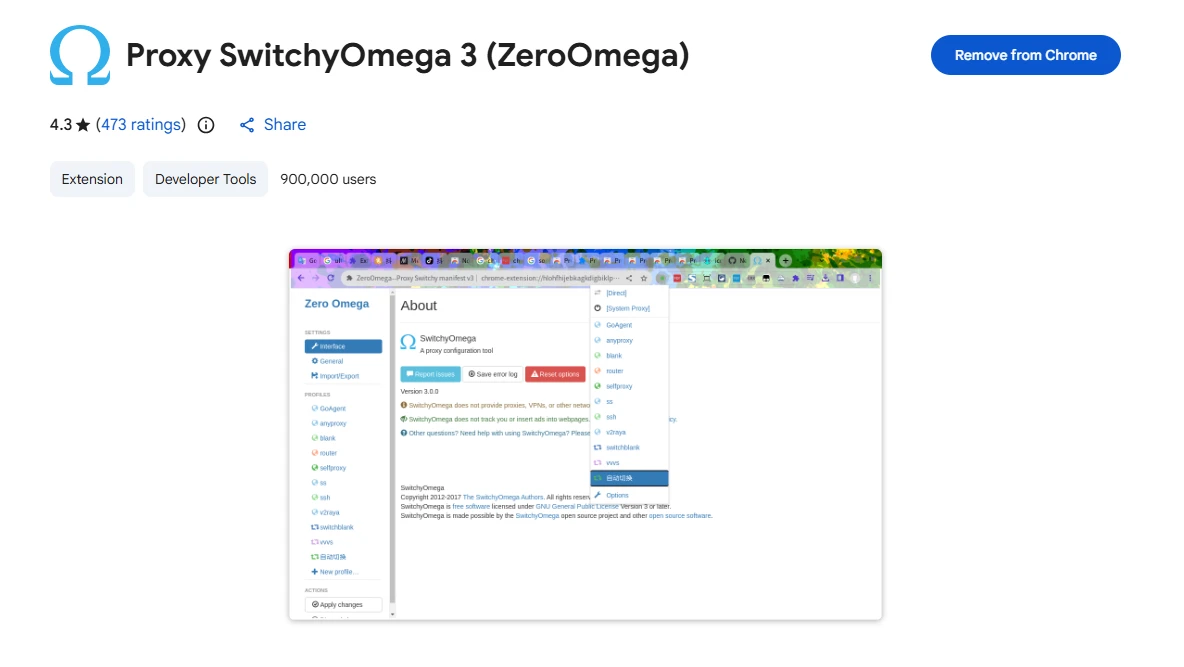
SwitchyOmega (ZeroOmega)
Platforms: Chrome, Edge, and Firefox.
Protocols: HTTP, HTTPS, SOCKS4, and SOCKS5, with password auth.
Routing: profiles and PAC rules.
Pricing: free, open source.
SwitchyOmega is no longer maintained. ZeroOmega is a community fork developed separately from the original project, offering an alternative built on its codebase. It supports Manifest V3 for Chromium browsers and is also available for Firefox. You save proxy settings as profiles, and automatic switching rules route each website through the profile you assigned, so you do not have to toggle proxies by hand.
Pros | Cons |
|
|
Command-Line Proxy Tools
Command-line proxy tools are useful for terminal tasks and automation that do not need a graphical interface. ProxyChains-NG redirects supported programs through a proxy at launch. For tools such as curl or wget, built-in proxy options may be sufficient.
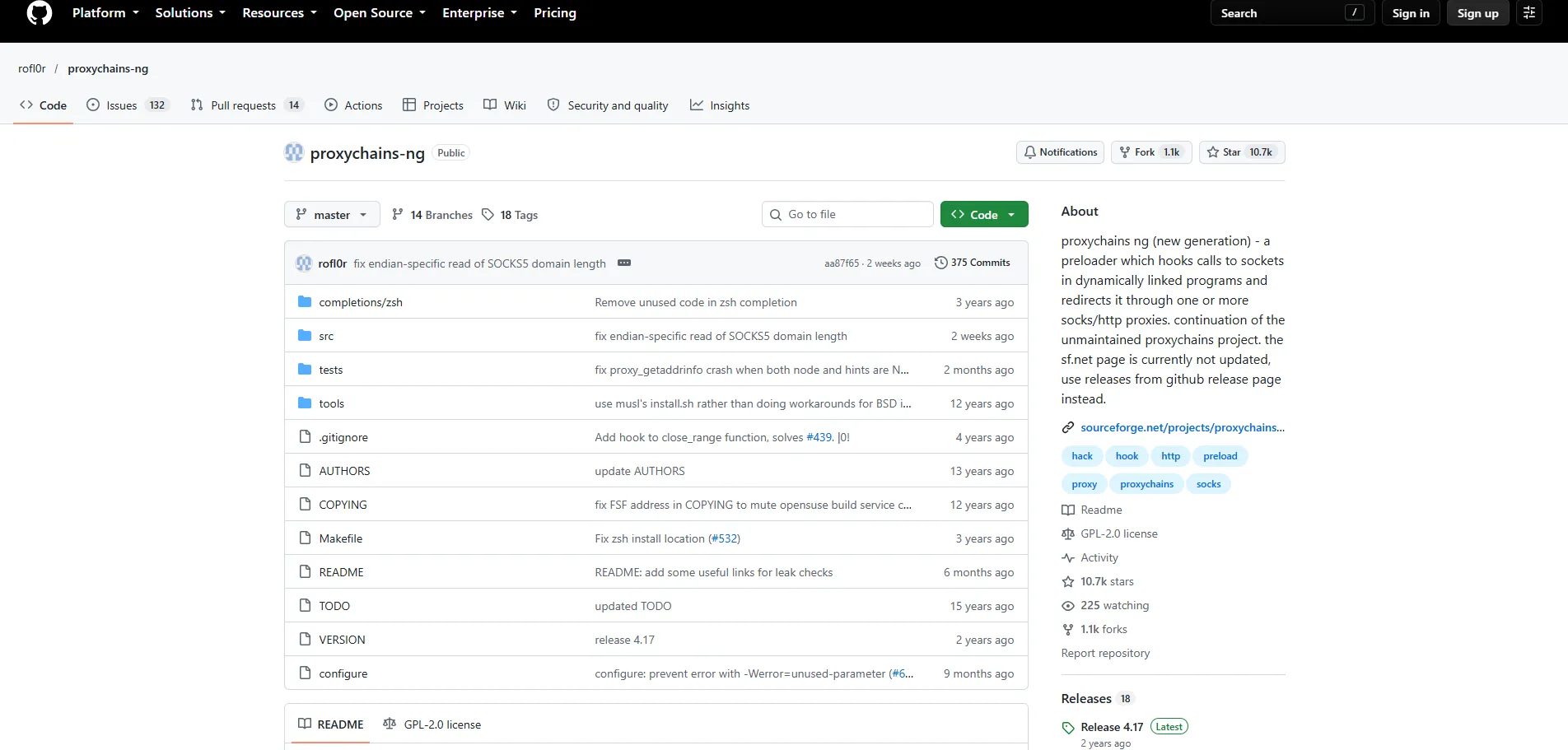
ProxyChains-NG
Platforms: Linux, BSD, macOS, and Haiku.
Protocols: SOCKS4, SOCKS5, and HTTP, with password auth.
Routing: preloader and proxy chains.
Pricing: free, open source.
ProxyChains-NG uses a preloaded library to redirect TCP connections from supported dynamically linked programs. A command such as proxychains4 curl runs the program through proxies defined in its configuration file. It supports SOCKS4, SOCKS5, and HTTP CONNECT, including multi-proxy chains. Statically linked binaries and some applications are incompatible, so coverage needs to be checked for the program you plan to run.
Pros | Cons |
|
|
Mobile Proxy Apps
Mobile proxy apps route supported connections according to their configuration and the operating system’s networking controls. Shadowrocket offers flexible routing rules on Apple devices, while NekoBox for Android supports multiple proxy protocols and custom routing options.
Shadowrocket
Platforms: iPhone, iPad, Mac, and Apple TV.
Protocols: SOCKS5 and HTTP, with password auth.
Routing: domain, IP, and GeoIP.
Pricing: $2.99 in the US App Store.
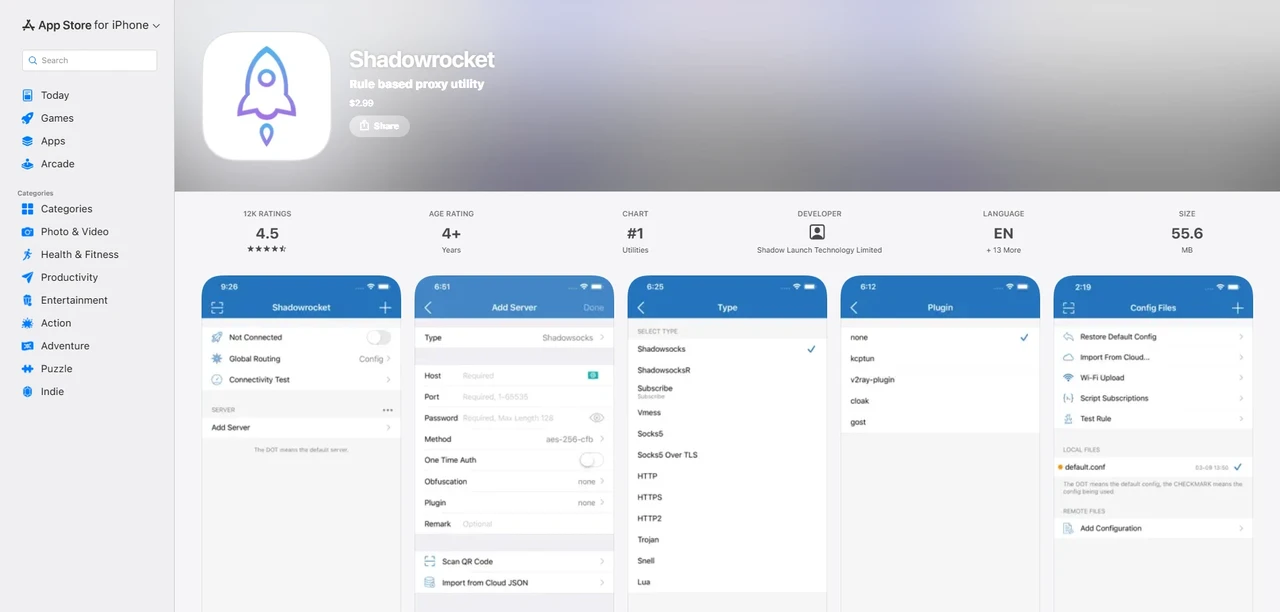
Shadowrocket is an iOS proxy client that works over both Wi-Fi and cellular connections. It routes by domain, IP range, and GeoIP, and it can import rule files from a URL or iCloud Drive for selective routing. Local DNS mapping and domain-based ad blocking extend it beyond basic proxying. At $2.99, it is an iOS proxy client with a one-time price, though the purchase covers the app only and not the proxy service behind it.
Pros | Cons |
|
|
NekoBox for Android
Platforms: Android.
Protocols: SOCKS5, HTTP, Shadowsocks, VMess, and Trojan.
Routing: app, domain, IP, and port.
Pricing: free, open source, GPL-3.0.
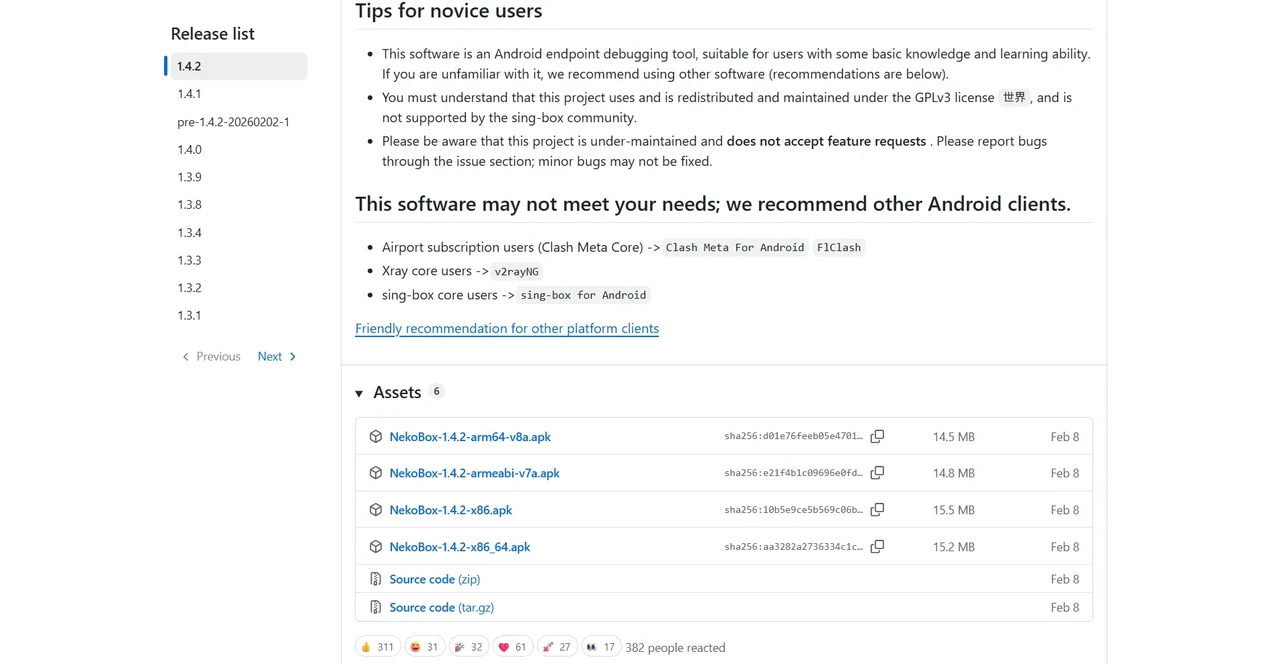
NekoBox is a free, open-source client for setting up a proxy for Android, with support for multiple protocols and custom routing rules. Built on sing-box, it supports SOCKS5, HTTP, Shadowsocks, VMess, and Trojan, with custom routing rules to control which connections use each proxy. For installation, the project recommends using its GitHub Releases page and warns against the Google Play version, which a third party controls.
Pros | Cons |
|
|
How to Choose a Proxy Client
The right proxy client depends on the traffic you need to route and your provider’s connection settings. These four checks help you choose.
Platform and Traffic Coverage
A browser extension suits browsing only. A desktop client with per-app rules suits applications without proxy settings. For scripts, built-in proxy options may be enough. Apps that use UDP need both a client and a proxy service that support it.
Protocol and Authentication
The client must support your proxy’s protocol and login method. A SOCKS5 proxy with a username and password needs support for both. If the client lacks either, you'll need another client or a different protocol from your provider.
IP Switching and Sessions
For a consistent exit IP, check whether your provider offers a static IP or a sticky session and how long that assignment lasts. Client rules select the proxy endpoint; they do not by themselves guarantee a fixed exit IP.
DNS and Connection Checks
Complete privacy requires a proxy client that routes DNS queries through the proxy, as basic clients and lightweight extensions often bypass proxy DNS and cause fatal data leaks. A reliable client provides explicit DNS-through-proxy controls and broad app-level routing. These features ensure that target applications load strictly under the proxy IP without exposing your real network identity.
Once the client fits your setup, IP quality decides the outcome, and IPcook offers clean residential IPs across 185+ countries, a 55M+ address pool to pair with whichever client you choose.
Final Verdict
The best proxy clients depend on your platform, the applications you need to route, and your proxy provider’s protocol and authentication requirements. Browser extensions manage supported browser traffic, while desktop, command-line, and mobile clients offer different levels of application and network coverage.
These clients do not include a proxy service by default. Before choosing one, confirm protocol compatibility, authentication support, DNS behavior, and whether your applications require UDP. IPcook offers HTTP and SOCKS5 endpoints for compatible setups; check the requirements of your chosen client before configuration.
