


Proxy Integration Guides for Smoother Workflows
Browse easy-to-follow, step-by-step tutorials to integrate IPcook proxies with all mainstream tools. Set up fast, run smoothly, and streamline your entire workflow in just a few clicks.
Explore Integrations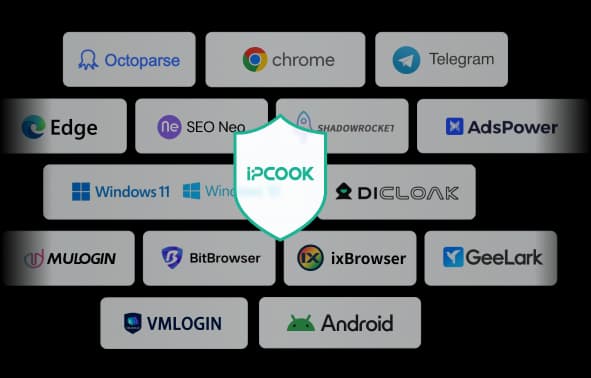
IPcook Integrations
How to Set Up FoxyProxy in Your Browser
Switching proxies shouldn't mean digging through menus every time. FoxyProxy is a lightweight browser extension that solves that. It lets you save proxy profiles, manage multiple setups, and switch between them right from your toolbar. No system proxy settings, no restarts, just a click.
How to Configure Postman Proxy Settings
Follow our step-by-step guide to configure Postman proxy settings with IPcook. Test APIs from global locations, verify geo-dependent responses, and improve debugging and security.
How to Use Proxy SwitchyOmega [Step-by-Step Guide]
It’s not hard to set up a proxy server in your browser. However, if you’ve tried it, you know that it takes quite a few clicks to get the job done. Now, just think about what it would be like going back and forth between these settings to set up several different proxies, one after another. Sounds a bit tedious, doesn’t it?
How to Set Up Proxies with CapSolver for Automation
CapSolver is a CAPTCHA-solving service that automates solving common CAPTCHA challenges, including reCAPTCHA, FunCaptcha, hCaptcha, and ImageToText. It is commonly used in automation, scraping, and testing workflows where uninterrupted access to target websites is required. CapSolver also lets you add proxies when solving CAPTCHAs for web scraping, account management, or accessing geo-restricted content.