


Proxy Integration Guides for Smoother Workflows
Browse easy-to-follow, step-by-step tutorials to integrate IPcook proxies with all mainstream tools. Set up fast, run smoothly, and streamline your entire workflow in just a few clicks.
Explore Integrations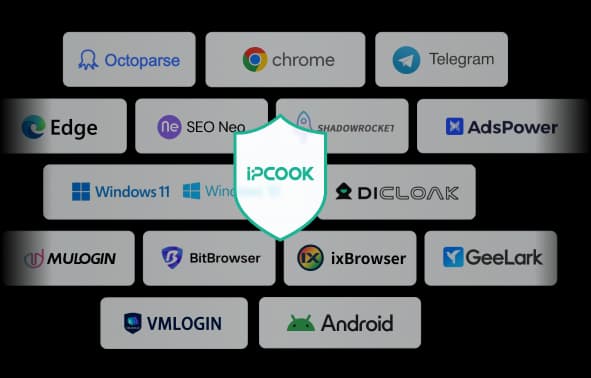
IPcook Integrations
How to Set Up IPcook Proxy in Proxy Helper
Managing different IP addresses directly from Chrome can be useful when you need separate browsing environments or want to route browser traffic through a specific network. Proxy Helper provides a convenient way to manage proxy configurations from the browser, while IPcook provides proxy connections that can be added to those profiles.
How to Use SocksDroid with SOCKS5 Proxy on Android
SocksDroid is one of the easiest ways to route your Android traffic through a SOCKS5 proxy. You don't need root access or a complicated setup. All you need is a host, a port, and your login details. This guide walks you through the entire process of using IPcook with SocksDroid, from getting your credentials and configuring the app to confirming the connection actually works and fixing the most common reasons it doesn't.
How to Set Up FlClash with Proxy: A Complete Configuration Guide
FlClash is a proxy client that helps you manage and configure proxy connections on your device. It does not provide proxy IPs itself, so you'll need to get proxy details from a provider like IPcook before setting it up. In this guide, we'll walk you through how to add a proxy to FlClash, configure the connection, and verify that your proxy is working correctly.