


6 Best TikTok Proxies for Multi-Accounting & Geo-Targeting


A TikTok proxy lets you access TikTok from anywhere, helping you bypass government or location restrictions. It’s also essential for managing multiple accounts without triggering TikTok’s security flags, which can lead to bans. For research, data scraping, or better online privacy, a proxy keeps your real IP address hidden while unlocking a smoother, more versatile TikTok experience.
To help you get started, whether you're an individual creator, marketer, or researcher, we've reviewed the 6 best TikTok proxy providers for 2026 to help you power your TikTok campaigns or automations.
Best TikTok Proxies – Quick Overview
IPcook offers clean & stable ISP proxies across the US, JP, FR, and the UK
Bright Data offers 7M+ mobile proxies for scaling TikTok accounts
Oxylabs for AI-powered data extraction and high-concurrency tasks
SOAX for flexible geo-targeting and social media management
Decodo for beginner-friendly proxies and a free anti-detect browser
Webshare for budget-friendly entry-level residential proxies
1. IPcook
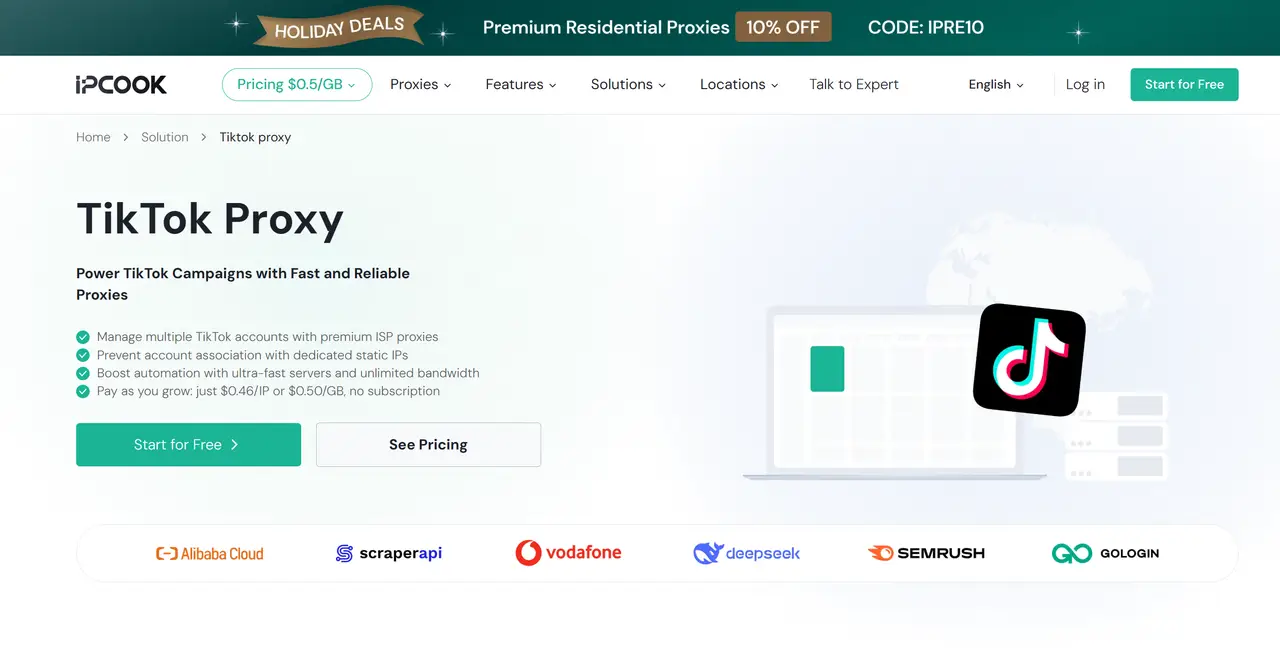
If you're looking to create dozens of TikTok accounts without constantly worrying about shadowbans or straight-up bans, IPcook is one of the first providers we'd recommend. It specializes in high-value residential and ISP proxies that strike a great balance between affordability and reliability. IPcook offers unlimited bandwidth with static ISP proxies starting from $0.05/IP, so you can manage multiple accounts or target audiences in the US without raising red flags.
Features:
Proxy pool: 55M+ residential IPs across 185+ countries/regions
Proxy types: Residential, ISP, Datacenter
Response time: Sub-0.5 seconds globally
Uptime: 99.99%
Pricing:
– Residential: $3.20 for 1 GB (pay-as-you-go)
– ISP: $2.50 for 10 IPs ($0.05/IP)
Trial available: 100MB free trial for new users (residential)
2. Bright Data
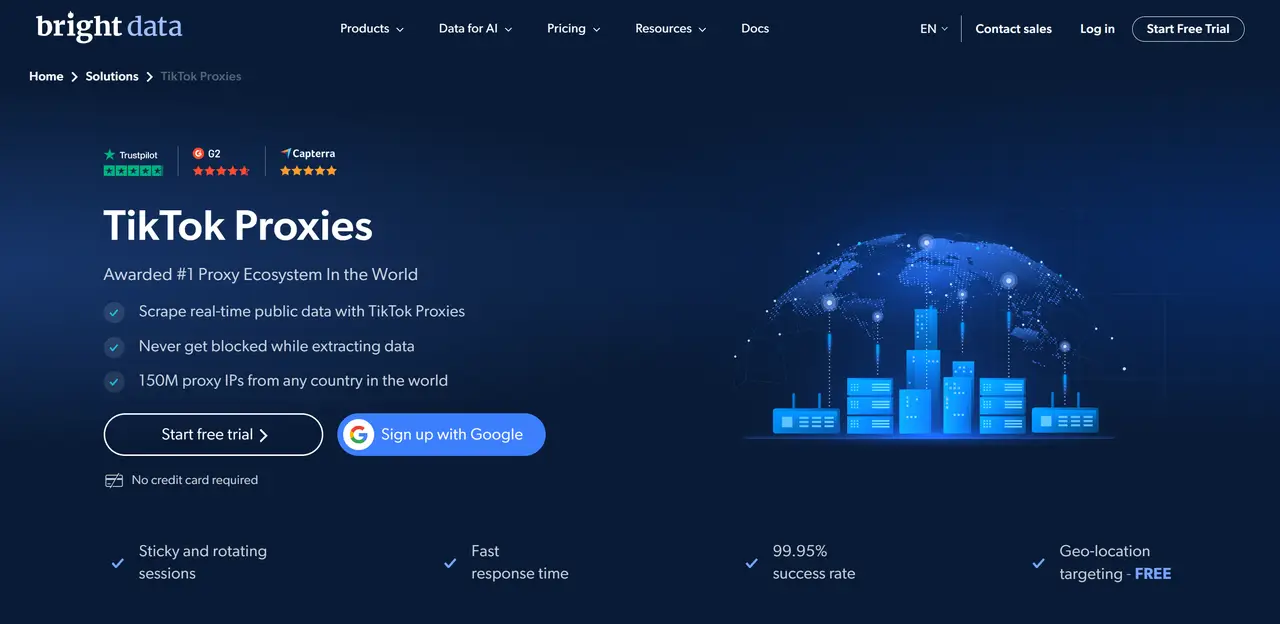
Bright Data is the go-to choice if you're running large-scale data collection, enterprise-level projects, or anything that demands absolute reliability. It's widely considered one of the most robust proxy services on the market, with an IP pool so massive you'll rarely run into blocks. That said, it's not the most beginner-friendly option. We recommend Bright Data for users with the budget and technical expertise to leverage its full potential. For serious operations, it can be a strong investment.
Features:
Proxy pool: 150M+ residential IPs, 7M+ mobile IPs
Locations: 195 countries
Proxy types: Residential, mobile, datacenter, ISP
Uptime: 99.99%
Pricing:
– Residential: $4.00 for 1 GB (pay-as-you-go)
– ISP: $18/month for 10 IPs ($1.80/IP)
– Mobile: $8.00 for 1 GB (pay-as-you-go)
Trial available: 7-day free trial for businesses
Read the Bright Data review for more information.
3. Oxylabs
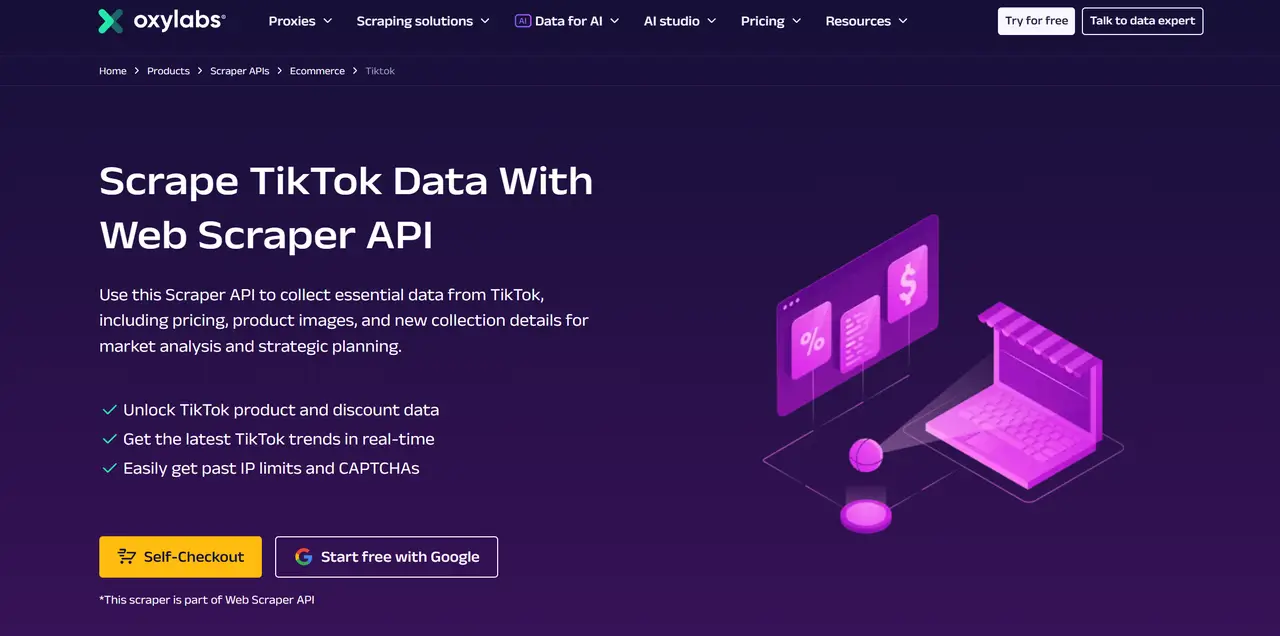
Oxylabs is another enterprise-grade powerhouse, often the go-to for high-concurrency scraping, market research, and heavy automation. What sets it apart is its advanced proxy management and web unblocker, which can help maintain stable access even when pulling data at scale. It’s widely praised for handling anti-bot measures with ease. If your work involves serious data extraction or running automated campaigns, Oxylabs gives you the performance and reliability you'll want.
Features:
Proxy pool: 175M+ residential IPs, 20M+ mobile IPs
Locations: 195 countries
Proxy types: Residential, mobile, ISP, datacenter, web unblocker
Success rate: 99.95%
Pricing:
– Residential: $30/month for 5 GB ($6.00/GB)
– ISP: $16/month for 10 IPs ($1.60/IP)
– Mobile: $30/month for 4 GB ($7.50/GB)
Trial available: 7-day trial for verified companies
Read the Bright Data review for more information.
4. SOAX
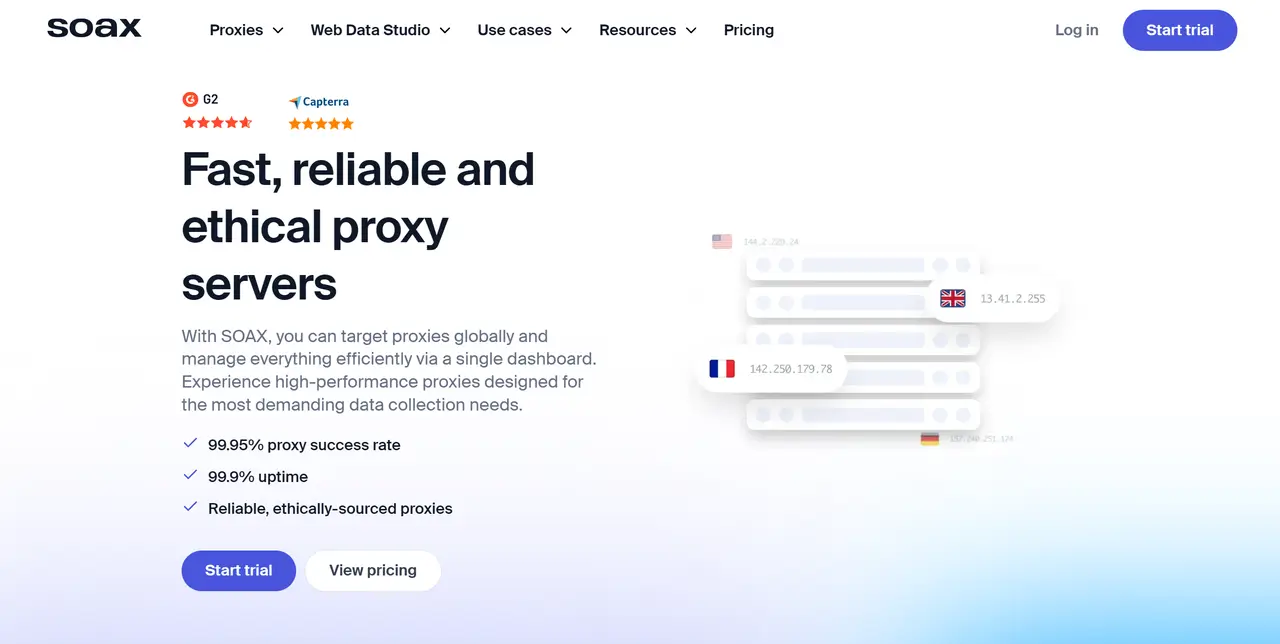
SOAX is a strong choice if you need fine-grained geo-targeting. It lets you drill down to city, carrier, and even ASN levels without charging extra for premium targeting. Its ISP proxies are a standout: they show up as residential IPs, making them ideal for managing long-term TikTok accounts without triggering suspicion. The dashboard is clean, the rotation options are flexible, and it strikes a great balance between power and usability. For social media operators who want precise control, SOAX delivers.
Features:
Proxy pool: 191M+ residential & mobile IPs
Locations: 195+ countries
Proxy types: Residential, mobile, datacenter
Success rate: 99.95%
Pricing:
– Residential: $90/month for 25 GB ($3.60/GB)
– Mobile: $90/month for 25 GB ($3.60/GB)
Trial available: 3-day trial for $1.99
5. Decodo
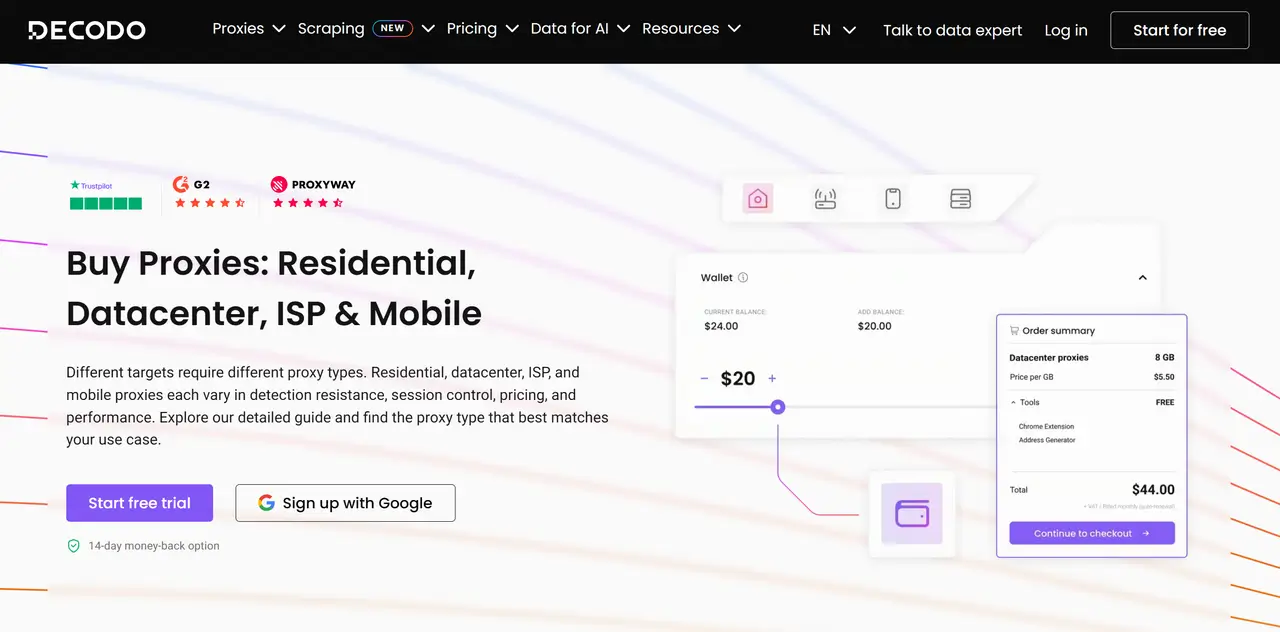
Decodo is a strong choice if you're looking for that sweet spot between quality and price. It's incredibly beginner-friendly. The dashboard is intuitive, there's a Chrome extension for quick setup, and you even get a free anti-detect browser (X-Browser) to help with multi-accounting. It's easy to use for managing multiple TikTok profiles, and the IP quality is generally solid for day-to-day account work. If you're just getting started or running a smaller operation, Decodo makes things easy.
Features:
Proxy pool: 115M+ residential IPs, 10M+ mobile IPs
Locations: 195+ countries
Proxy types: Residential, mobile, ISP, datacenter
Success rate: 99.47% residential, 99.99% uptime
Pricing:
– Residential: $11.25/month for 3 GB ($3.75/GB)
– ISP: $9.99/month for 3 IPs ($3.33/IP)
– Mobile: $7.50/month for 2 GB ($3.75/GB)
Trial available: 3-day free trial (residential), 14-day money-back (mobile)
Read the SOAX review for more information.
6. Webshare
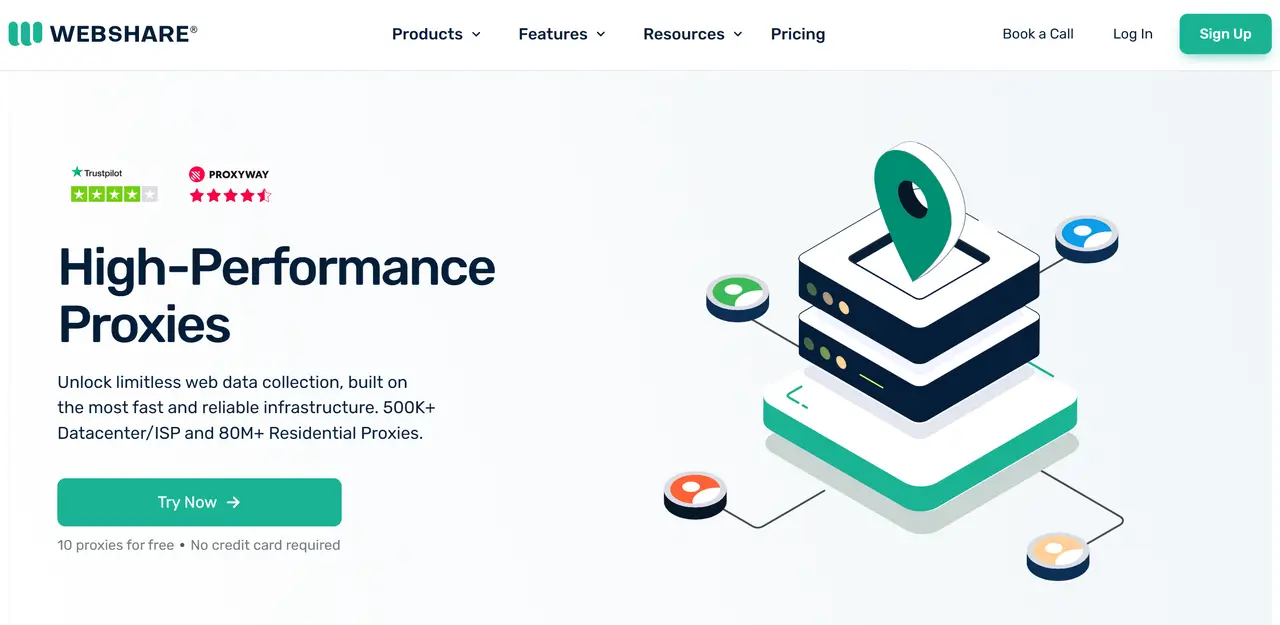
If you're on a tight budget or just testing the waters, Webshare is a great place to start. It offers solid residential proxies at wallet-friendly prices, and new users can grab 10 free proxies right after sign-up—no credit card required. It's not the fastest provider out there, but for entry-level projects, managing a handful of TikTok accounts, or learning how proxies work, it's more than capable. The setup is straightforward, and the pay-as-you-go model keeps things flexible.
Features:
Proxy pool: 80M+ residential IPs
Locations: 50+ countries (residential)
Proxy types: Residential, datacenter
Uptime: 99.97%
Pricing:
– Residential: $3.50/month for 1 GB ($3.50/GB)
– Static Residential: $6.00/month for 20 proxies ($0.30/proxy)
Trial available: 10 free proxies + 1GB/month bandwidth
How To Use Proxy With TikTok
Now that you've got your TikTok proxy ready, it's time to set it up on your device. TikTok does not provide a built-in proxy setting, so the proxy is usually configured at the network system.
📌 Before You Begin: Get Your Proxy Credentials
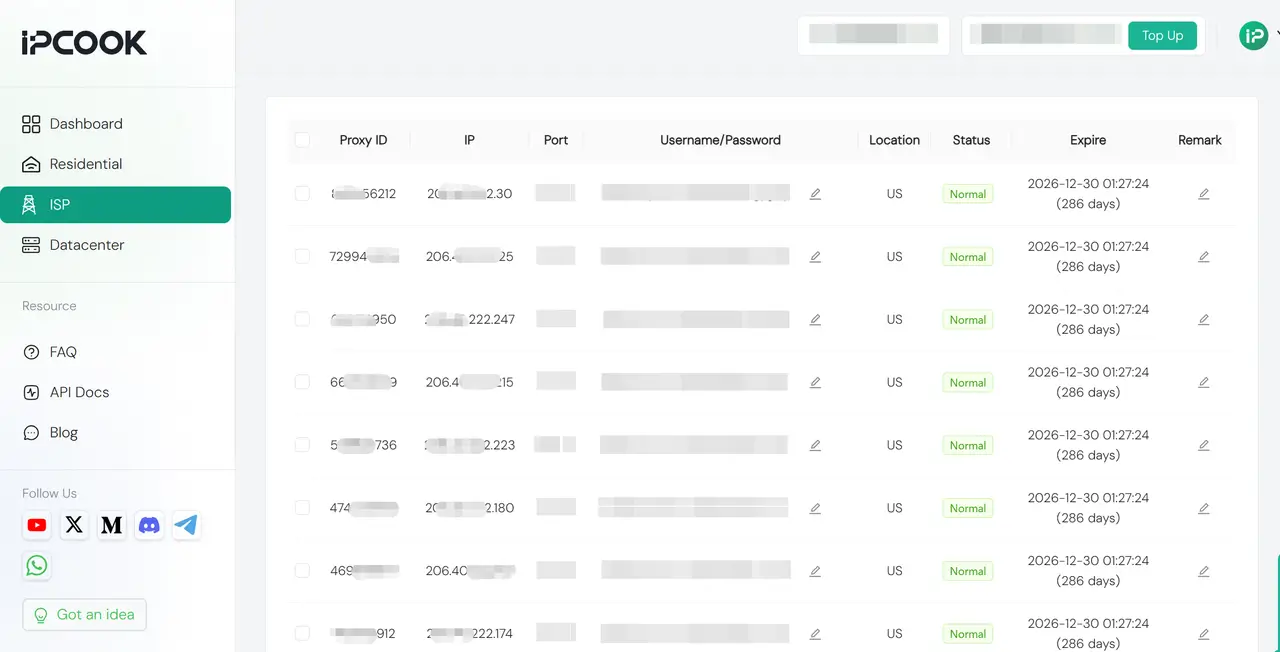
Log in to your proxy provider’s dashboard and open your proxy list. Copy the IP address, port, username, and password for the proxy you want to use.
Some setups may only require the IP and port, while others also need account authentication.
Set TikTok Proxy on Windows & Mac
System-wide configuration routes all traffic (including TikTok app/browser) through your proxy for seamless multi-accounting.
Windows:
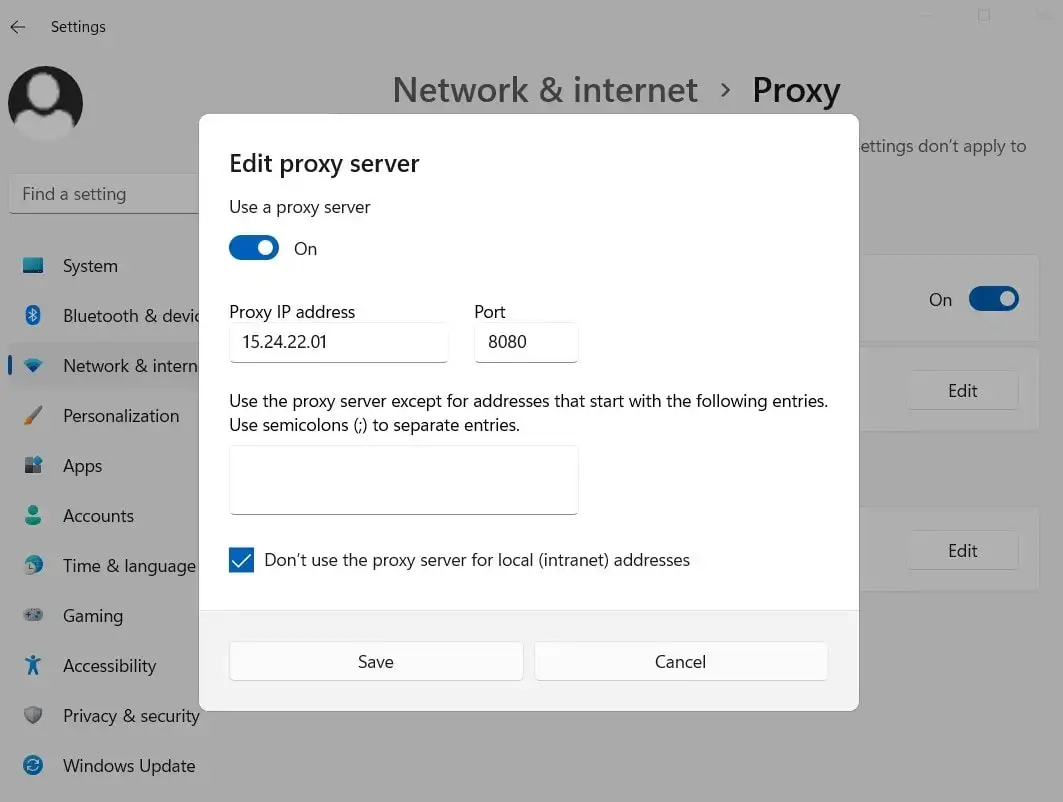
Open Settings and search for Proxy.
Go to Network & Internet > Proxy.
Under Manual proxy setup, turn on Use a proxy server.
Enter your proxy IP address and port.
Save the settings and restart TikTok or your browser.
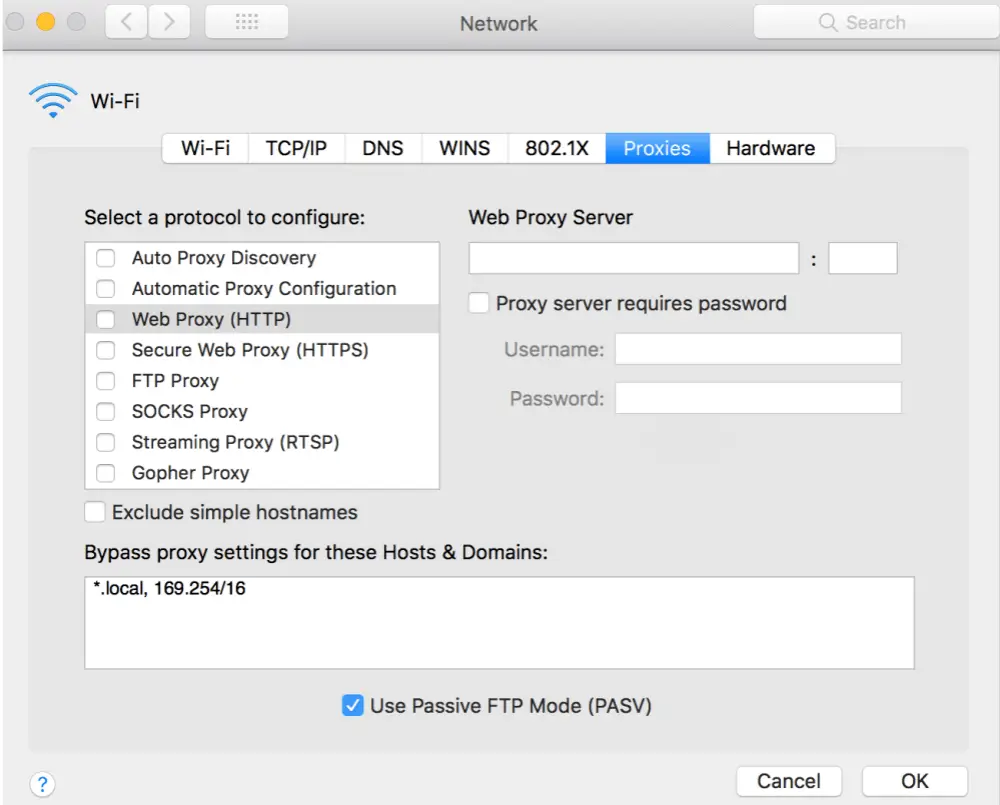
Mac:
Open System Settings and go to Network.
Select your active connection and click Details or Advanced.
Open the Proxies tab.
Choose the proxy type your provider supports, such as HTTP, HTTPS, or SOCKS5.
Enter the server address, port, and login details if required.
Save the changes and relaunch TikTok in your browser or desktop environment.
Set TikTok Proxy on Android & iPhone
Device-level setup targets TikTok app traffic for geo-unblocking and account management.
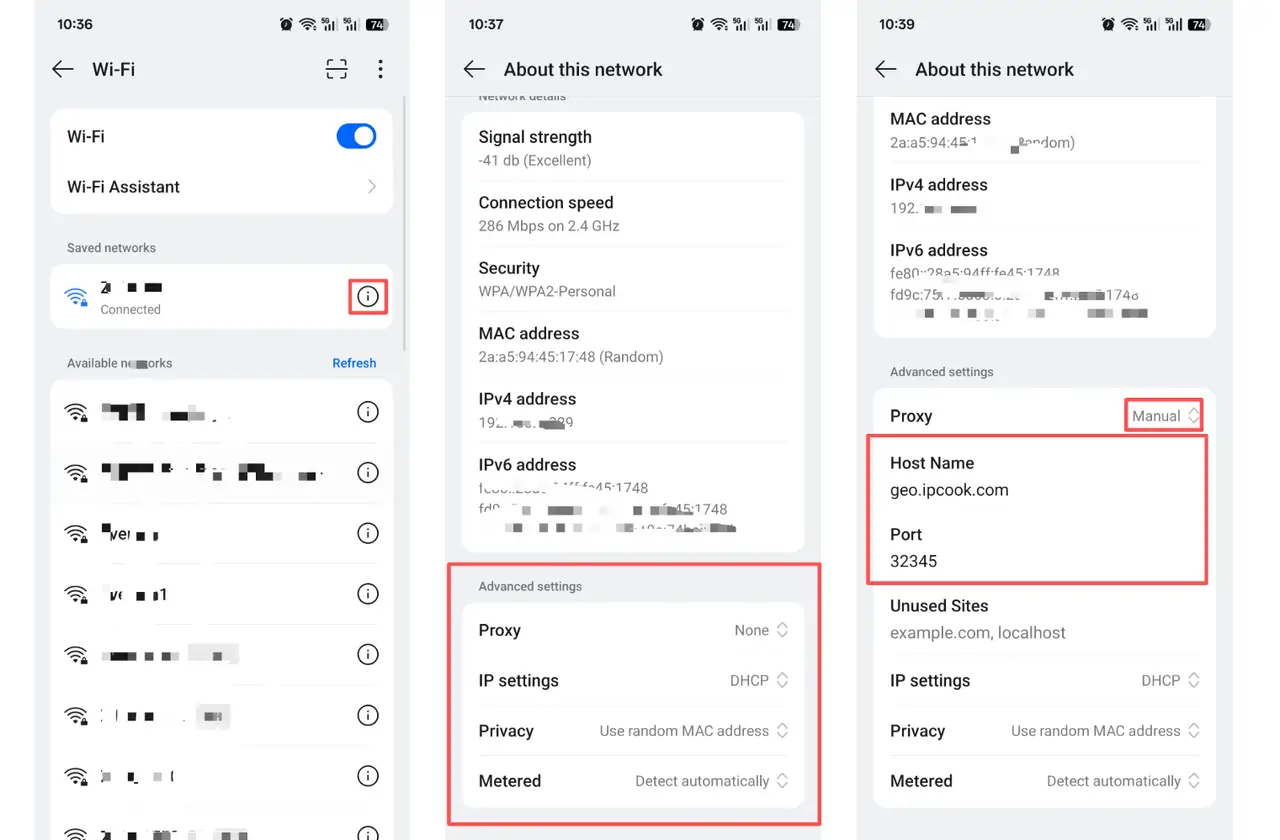
Android:
Open Settings and go to Wi-Fi.
Tap your connected network, then open Advanced settings or Additional settings.
Find Proxy and switch it to Manual.
Enter your proxy hostname/IP and port.
Add the username and password if your provider requires authentication.
Save the settings and reopen TikTok.
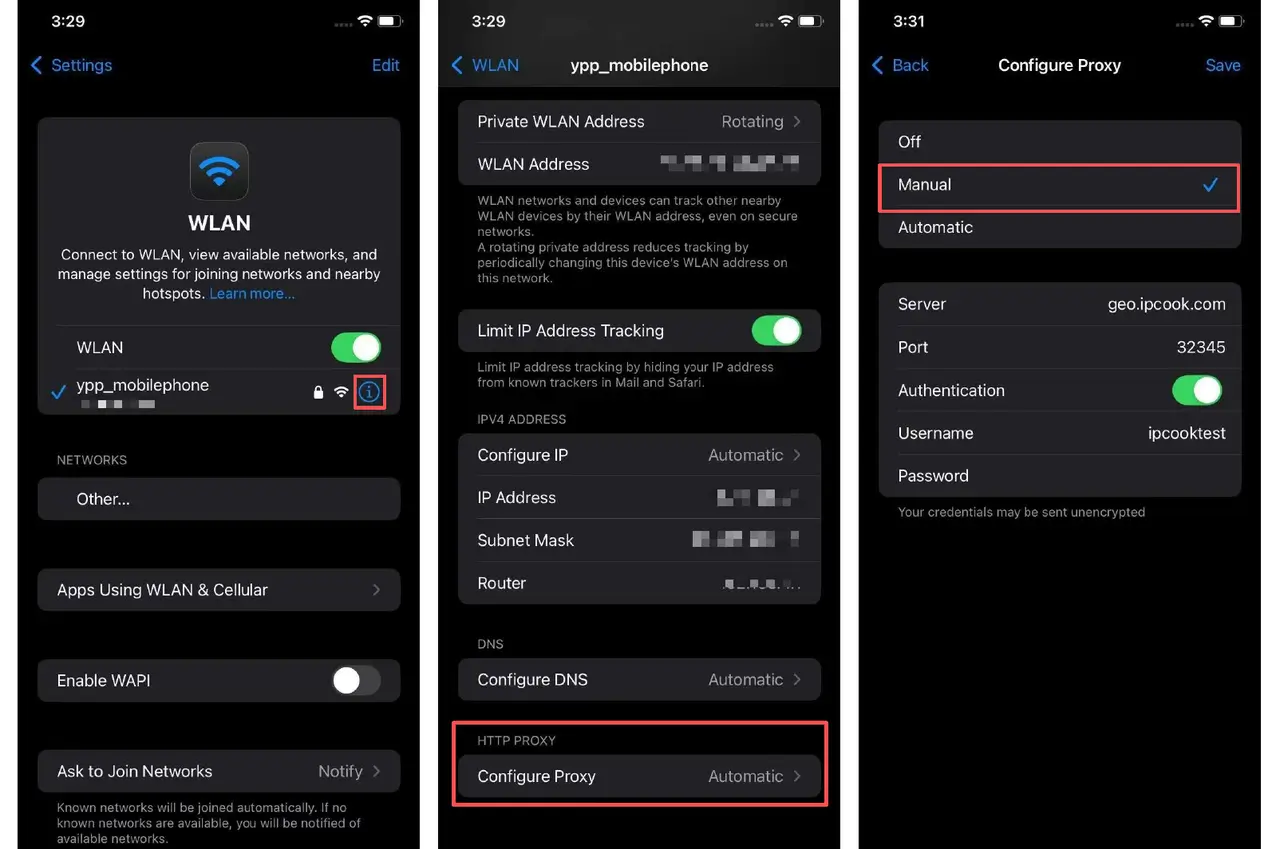
iPhone:
Open Settings > Wi-Fi.
Tap the i icon next to your connected network.
Scroll down to Configure Proxy.
Select Manual.
Enter the proxy server and port.
Add authentication details if required.
Save the settings, then restart TikTok.
💡Want to quickly check if your proxy is active, private, fast, stable, and capable of bypassing geo-restrictions? Get the full guide: How to Test Proxies
Summary
This article introduces six TikTok proxy providers, each with its own strengths. A good TikTok proxy should do three things well: keep your accounts stable, keep your costs under control, and stay easy to use.
With high-quality ISP proxies and reliable performance, IPcook is the best choice if you want a TikTok proxy that is affordable, stable, and truly user-friendly. Power your TikTok accounts with IPcook today.
