


Best Proxy Servers for PS5 in 2026: Features, Pros & Cons


It can be frustrating when you're unable to access certain PS5 games due to geographical restrictions, or when slow connections cause frustrating lag. A reliable proxy server is the perfect solution, as it can significantly improve your gaming experience. Proxies often help by bypassing regional blocks and stabilizing network performance.
Choosing the right one is essential, since many options are available on the market. To save you that effort, we have analyzed the top choices. This article reviews 5 of the best proxy servers for PS5 in 2026, covering their features, pros, cons, and pricing.
How to Choose the Best Proxy Servers for PS5
The best PS5 proxy server helps PS5 users reach restricted games and enjoy smoother online play. It can also add privacy during daily gaming. Since each service offers different strengths, understanding a few key points makes the choice easier.
Proxy Type: The source of the IP address determines a proxy's detection risk. You generally choose between residential and datacenter proxies. Datacenter proxies offer high speeds, but game servers often flag them as suspicious. In contrast, residential proxies are highly preferred for PS5. This is because they use IP addresses genuinely assigned by Internet Service Providers (ISPs) to residential homes. Therefore, gaming platforms see them as legitimate users, making them less likely to be blocked. It also helps players to reach geo-restricted content more smoothly.
Proxy Protocol: The protocol affects speed and data handling. While the common HTTP proxy is fine for web browsing, it lacks the performance needed for gaming. Therefore, you should prioritize providers offering the SOCKS5 protocol. SOCKS5 is superior because it handles all types of network traffic, including the crucial UDP data necessary for real-time multiplayer gaming, leading to faster speeds and lower latency.
Connection Speed: For gaming, speed is non-negotiable. Slow connections lead to lag and a frustrating experience. You must choose a service that provides exceptionally high-speed servers with low latency.
Supported Locations and IP Count: A vast and extensive network is vital for flexibility. Ensure the game proxy has a substantial number of servers in the specific geographical locations where you want to access games or content. A large IP address pool is also beneficial, as it allows for frequent rotation and reduces the chances of an IP being flagged or banned by the gaming service.
Pricing and Plan Flexibility: Compare the costs across different providers. You should select a service that offers reasonable pricing that fits your budget. Also, check for flexible subscription plans, like monthly or pay-as-you-go options. So you can choose a package that matches your needs.
1. IPcook
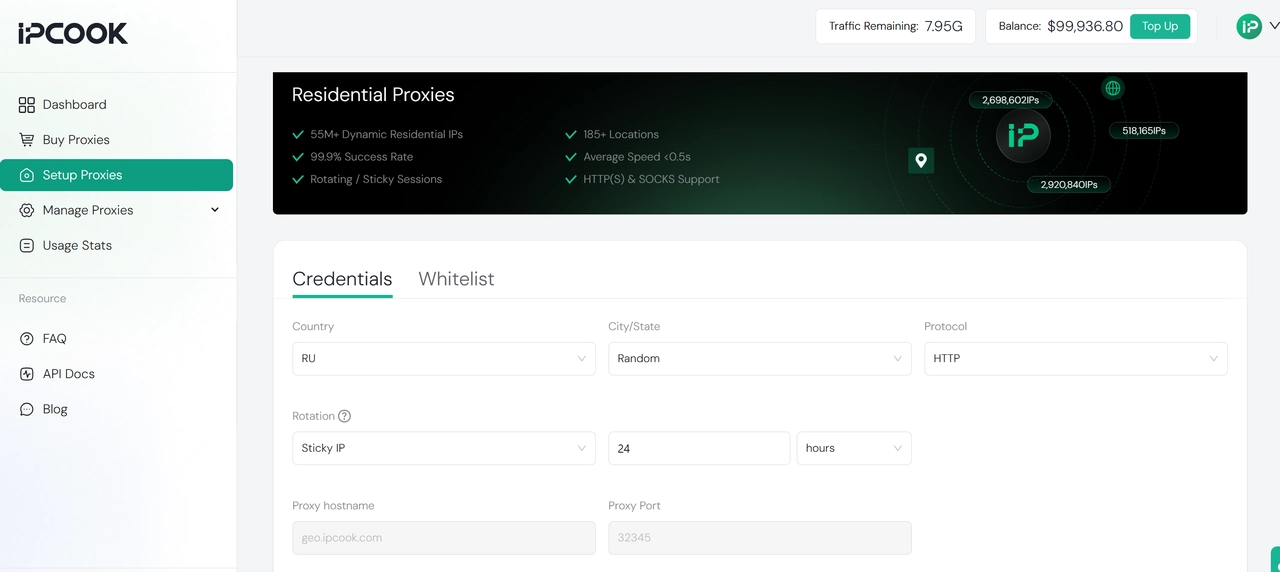
IPcook provides an excellent solution for gamers who prioritize privacy and performance. This best proxy server for PS5 focuses on high-quality residential proxies to ensure maximum anonymity. These IPs look exactly like real home networks to game servers. Consequently, you effectively avoid bans and detection. You can also access 55M+ IP addresses in more than 185 countries worldwide. This global coverage helps you unlock geo-restricted games easily.
Moreover, IPcook fully supports both SOCKS5 and HTTP protocols. The SOCKS5 integration handles both TCP and UDP traffic efficiently. This technical capability ensures fast response times and minimizes latency. Therefore, you experience smooth and lag-free gameplay even during intense competitive matches.
Pros
Offers a massive pool of residential IPs with global coverage.
Supports SOCKS5 protocol for faster and more stable gaming speeds.
Provides high anonymity to keep your console safe from attacks.
Cons
Pay-as-you-go pricing may become costly for large game downloads.
Setup on consoles requires a few manual configuration steps.
2. Freeproxy.World
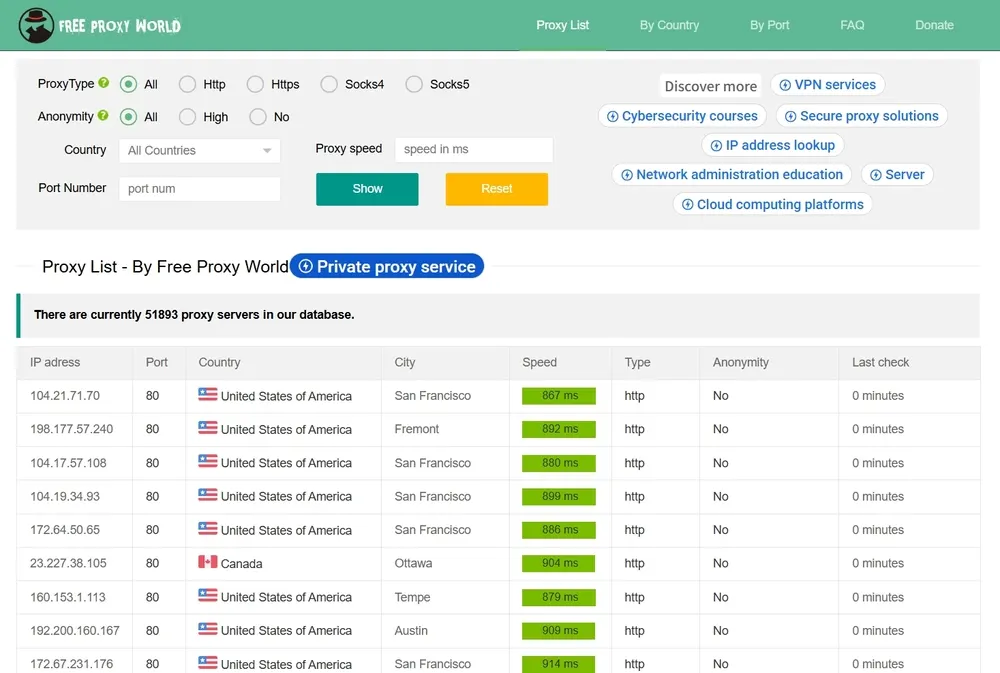
Freeproxy.World operates differently from premium service providers. It functions as a large directory of free proxy lists, making it the best free proxy server for PS5. You can access thousands of IP addresses from numerous countries without any cost. This platform allows you to filter results by specific regions or ports effectively. It serves as a useful resource if you have a strict zero budget.
However, you must accept lower performance, since most available options rely on the HTTP protocol. This format is generally slower than SOCKS5 for gaming data. Additionally, the anonymity level is frequently low. Your real IP address might remain visible to servers. Connections also drop unexpectedly. Therefore, this service suits quick tests better than long gaming sessions.
Pros
Completely free to use without any subscription fees.
Provides a vast list of IPs from many different countries.
No account registration is required to access the lists.
Cons
Connection speeds are often slow for gaming.
Low privacy protection may expose your real identity.
Most proxies are HTTP and lack SOCKS5 support.
3. Proxy4Free
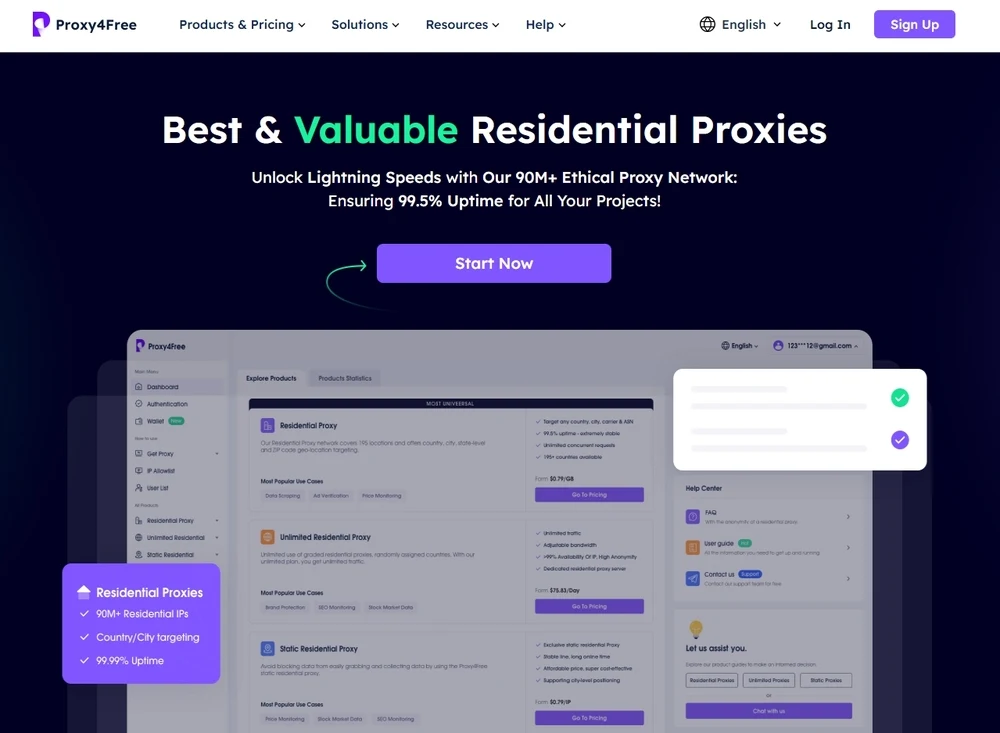
Proxy4Free is a flexible proxy provider that offers solutions suitable for PS5 users. It offers high-quality residential proxies, which are the ideal choice for gaming because they use real ISP-assigned IP addresses. This best PS5 proxy server also supports the SOCKS5 protocol, which is vital for achieving low latency and stable performance needed for real-time online play.
Though the service has extensive global coverage and a large number of IPs, it encounters inconsistent connection stability from time to time. This can result in slow speeds or brief interruptions, which are frustrating during online gameplay. Despite these occasional connection hiccups, they maintain standard privacy practices.
Pros:
Offers a good mix of both residential and datacenter proxy types.
Wide global coverage with a large pool of IP addresses.
Supports both HTTP and SOCKS protocols.
Cons:
May encounter occasional connection stability issues and speed drops.
The dashboard interface might seem slightly technical for new users.
4. Bright Data
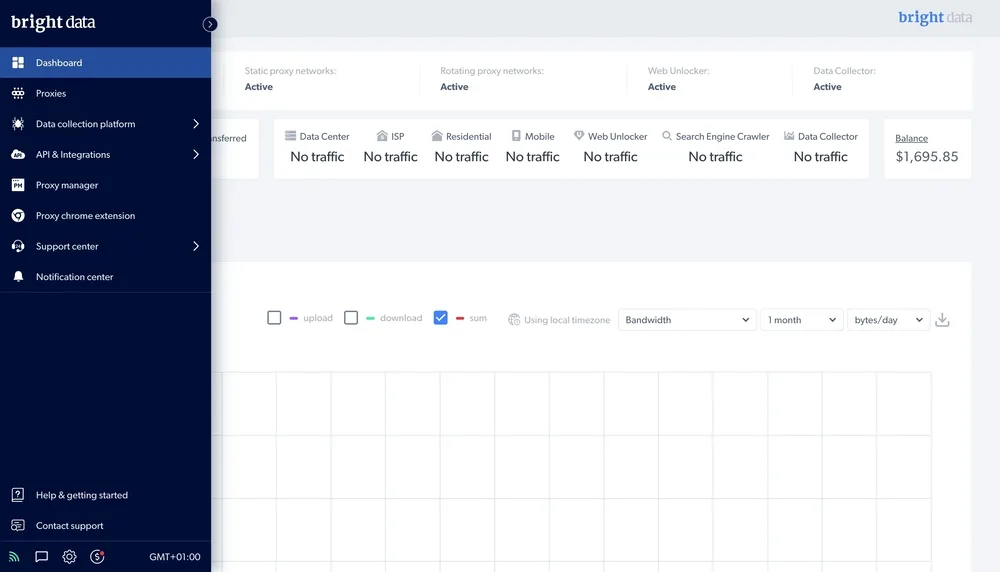
Bright Data serves as a powerhouse in the global proxy industry. It boasts a massive network containing over 72 million IP addresses across 195 countries. You can easily connect to almost any location worldwide to bypass restrictions. The service fully supports the SOCKS5 protocol. This ensures your gaming data transfers quickly and maintains stability. Security standards are also extremely high to protect your identity.
However, this premium service comes at a high cost, making it significantly more expensive than many competitors. If you have enough budget and would like to go for a reliable choice, Bright Data is the go-to option for the best PS5 proxy server.
Pros:
Massive network of genuine residential IPs for superior anonymity and global coverage.
Excellent stability and speed, ideal for lag-free gaming.
Full support for high-performance SOCKS5 protocol.
Cons:
Significantly higher price point compared to average providers.
Customer support is sometimes reported as slow and unhelpful.
5. ProxyScape
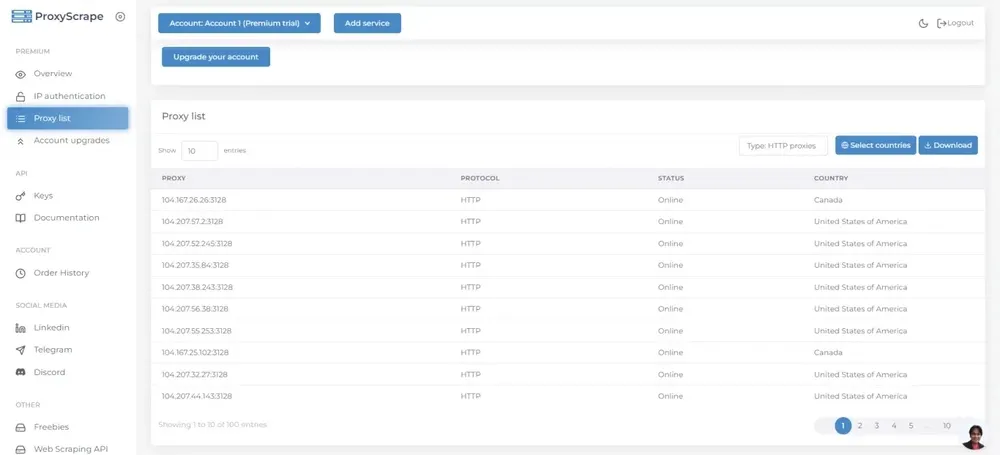
ProxyScrape offers a reliable and competitively priced proxy solution, making it one of the best proxy servers for PS5. Their premium residential proxies provide over 10 million IP addresses across 129 countries. Consequently, finding a reliable connection near your game server is really simple. The service also fully supports the SOCKS5 protocol. This feature effectively reduces lag and improves latency during matches.
What's more, they guarantee high uptime for uninterrupted gameplay. So you can enjoy smooth and fast sessions with greater peace of mind.
Pros:
Affordable pricing, offering good value for money.
Supports SOCKS5 protocol to ensure low latency.
Decent pool of over 10 million residential IPs.
Cons:
Connection speed and stability are sometimes inconsistent compared to top-tier providers.
Support quality is occasionally reported as needing improvement.
Comparison of Best Proxy Servers for PS5
Choosing the right proxy service often comes down to balancing speed, reliability, and cost. To help you decide, here is a detailed comparison of the top proxy providers reviewed for PS5 gaming.
Proxy Service | Network Size | Geo-targeting | Residential Proxy Availability | Speed/Reliability | Pricing |
IPcook | 55M+ IPs | 185+ countries | Residential ✔️ | Fast, 99.99% uptime | Pay-as-you-go $0.5–$3.2/GB |
Freeproxy.World | Limited | Limited countries | Residential ✔️ | Moderate | Free |
Proxy4Free | 50M+ IPs | 190+ countries | Residential ✔️ | Moderate | $0.75–$3/GB for 30 days |
Bright Data | 72M+ IPs | 195+ countries | Residential ✔️ | Fast, reliable | Pay-as-you-go $4/GB |
ProxyScrape | 48M+ IPs | Select countries | Residential ✔️ | Moderate | Pay-as-you-go $0.75-4.85/GB |
For most PS5 users seeking a perfect balance of high-quality residential IPs, great speed, and reasonable pricing, IPcook is a superior choice. It offers excellent stability and global coverage at a very competitive rate, making it a high-value option. If you demand the absolute best performance and are willing to pay a premium, Bright Data provides unmatched speed and global reach. Meanwhile, Freeproxy.World should only be considered for simple, non-critical tasks due to its poor reliability and low security.

Extra: How to Set Up Proxy Server in PS5
Once you have chosen the best proxy server for PS5, the final step is setting it up directly on your PlayStation 5 console. The process is straightforward and involves changing a few network settings. Then you can start enjoying unrestricted content and a more stable connection immediately.
Here is the step-by-step guide on how to configure your PS5 to use the new proxy server:
Step 1. Get Your Proxy Details
Before you begin, you need the IP address and port number provided by your proxy service. These details are needed to configure your PS5. Typically, you can find them on the dashboard of the proxy server.
Note: Since the PS5 does not support native proxy authentication (username and password), we recommend using IP whitelisting on your proxy server. This bypasses the need for username and password authentication, and makes setup much easier.
Step 2. Set Up Internet Connection
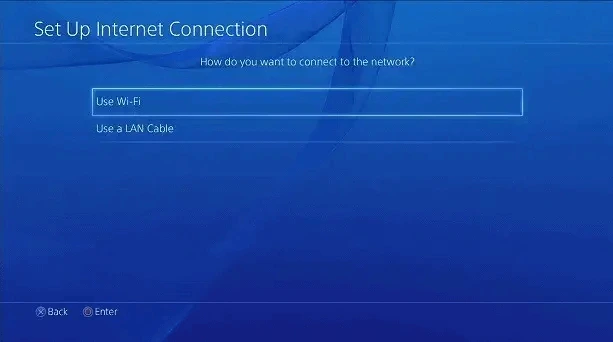
From the PS5 home screen, go to "Settings" > "Network" > "Set Up Internet Connection". Select "Use a LAN Cable" for a wired connection or "Use Wi-Fi" for a wireless connection, depending on how you connect your PS5 to the internet.
Note: For a smooth, stable gameplay experience, a wired connection is recommended.
Step 3. Select Custom Setup
Choose "Custom" to manually enter network details. This allows you to input proxy settings accurately. If you selected "Use Wi-Fi" in the last step, select the Wi-Fi you want to use and enter your Wi-Fi password. Then click "Done" > "OK" to proceed.

Step 4. Change DNS and Proxy Settings
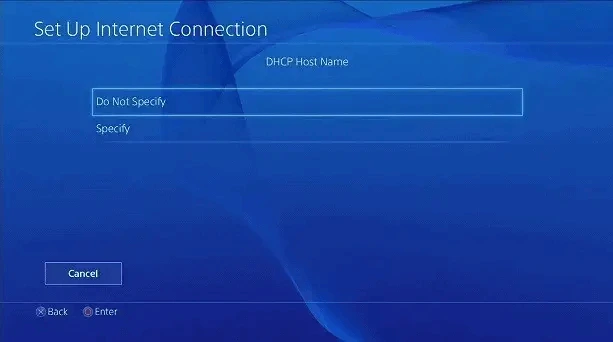
On the screen for "DHCP Host Name", choose "Do Not Specify". Then you will be prompted for "DNS Settings" and "MTU Settings", select "Automatic" for both.
Step 5. Enter Proxy Information
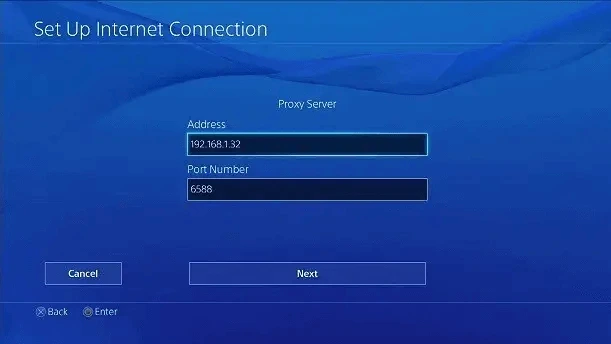
Then you will be navigated to the "Proxy Server" settings. On the proxy server page, choose "Use". Then enter the IP address and port number of your proxy server. Add the username and password if required. Double-check for any typos, as incorrect details will prevent your connection from working.
Step 6. Save and Test the Connection
Once the information is entered, click "Next" to save the settings. The PS5 will then test the internet connection. If the test is successful, your PS5 is now routing traffic through your proxy server. You can now launch your games and enjoy the benefits.
Verdict
Choosing the best proxy server for PS5 is vital for enhancing gameplay experience, as these services can bypass geo-blocks and guarantee stable, lag-free gameplay. While high-end providers suit users with large budgets, and free options exist for basic tasks, the best value lies in balanced services.
For most PS5 gamers who prioritize high-speed residential proxies and strong reliability without excessive cost, IPcook's residential proxy stands out as the optimal choice. It provides premium performance at a competitive price point. Start improving your gaming sessions today by trying out a highly-rated proxy service. Afterwards, you can easily set it up on your PS5!
