


8 Best Proxyium Alternatives: Free and Paid Proxies [2026]

If you need quick browser access to a webpage that will not load on your current network or is geographically restricted, Proxyium works well. However, if you need more locations, longer-lasting IPs, or proxy support for browsers, apps, and other tools, Proxyium may be too limited.
This guide introduces 8 top alternatives to Proxyium, including paid premium proxies and free web proxies. We break down each service's features, pricing, and limitations. Keep reading to find the one that best suits your needs.
What Is Proxyium?
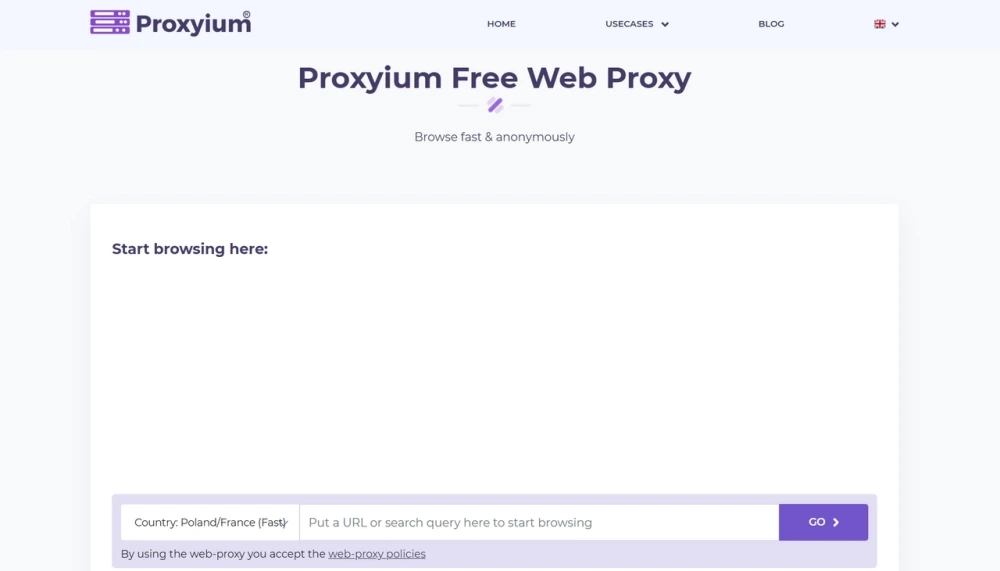
Proxyium is a free, browser-based web proxy that helps you access blocked websites and browse with a masked IP address, without installing software or browser extensions. Its key features include a general web proxy, a dedicated YouTube proxy, and a website unblocker. You can enter a URL to access content through its proxy servers in Poland, France, the US, and Singapore.
What Are the Limitations of Proxyium?
It works well for quick, browser-based access, but may not meet every browsing need. Its server locations are limited to Poland/France, the US, and Singapore, with slower connections listed for the US and Singapore. It also works through a web interface rather than providing proxy settings for browsers, apps, or other tools.
In addition, Proxyium does not guarantee complete anonymity, so it may not be suitable for sensitive activities. If you need more location options, longer-lasting IP sessions, or broader proxy compatibility, consider the alternatives below.
Paid Premium Proxy Alternatives to Proxyium
If you need more reliable connections, greater IP control, or access to more advanced features, a paid proxy may be a worthwhile upgrade. We've selected 4 providers worth exploring, from affordable plans for everyday use to premium solutions for more demanding tasks.
1. IPcook
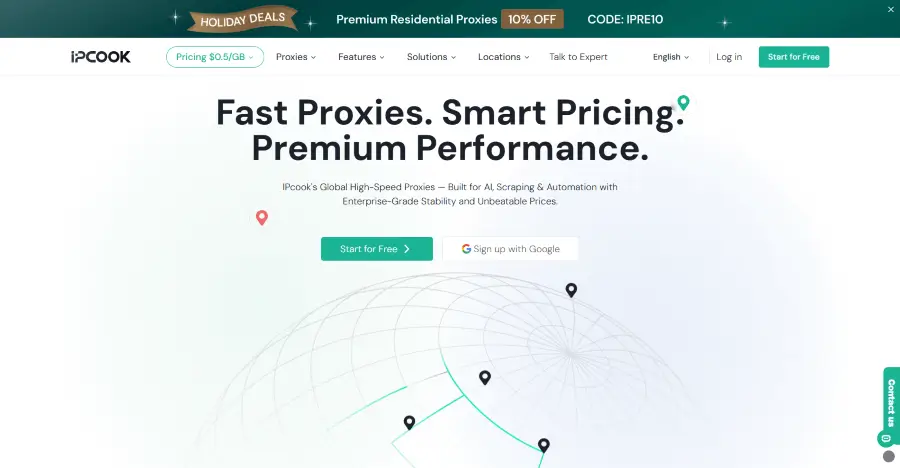
IPcook leads this list as a fast-growing proxy provider that offers affordable yet high-quality residential, unlimited residential, ISP, and datacenter proxies. Its residential proxies include 55M+ IPs across 185+ countries and support HTTP(S) and SOCKS5, making it easier to access region-specific content. You can rotate IPs with each request or at set intervals, or keep the same IP for up to 24 hours. Although IPcook is a paid service, you can try its residential proxies with 100MB of free traffic that never expires.
IPcook ISP Proxies are also a good fit if you need a stable connection with a fixed IP. With unlimited traffic, there's no need to worry about extra data costs. The all-in-one dashboard keeps proxy management simple, and setup takes just 3 steps. You can also configure IPcook proxies in browsers, scripts, and third-party tools. For Proxyium users ready to move beyond one-off browsing, IPcook offers a straightforward way to access websites with a dedicated IP and fewer interruptions.
Pros:
Ethically sourced residential IP pool across 185+ locations
Free and flexible location targeting across regions
<0.5s response time with 99.99% uptime
Easy-to-use dashboard with a quick setup process
10 free sub-accounts for team management with residential proxies
Free 100MB residential proxy trial for new users
Cons:
Mobile proxies are not currently available
ASN-level targeting is not supported yet
Pricing:
Rotating residential proxies start at $3.20/GB and drop to as low as $0.30/GB on higher-volume plans. Purchased traffic never expires, and subscription plans are also available.
Static ISP proxies cost $0.096–$0.05 per IP per day, with unlimited traffic included.
Datacenter proxies cost $0.04–$0.064 per IP per day, with unlimited traffic included.
Unlimited residential proxies are priced at $350/100 Mbps/30 days, with unlimited traffic for high-volume usage. Higher bandwidth options and longer durations are also available.
2. Webshare
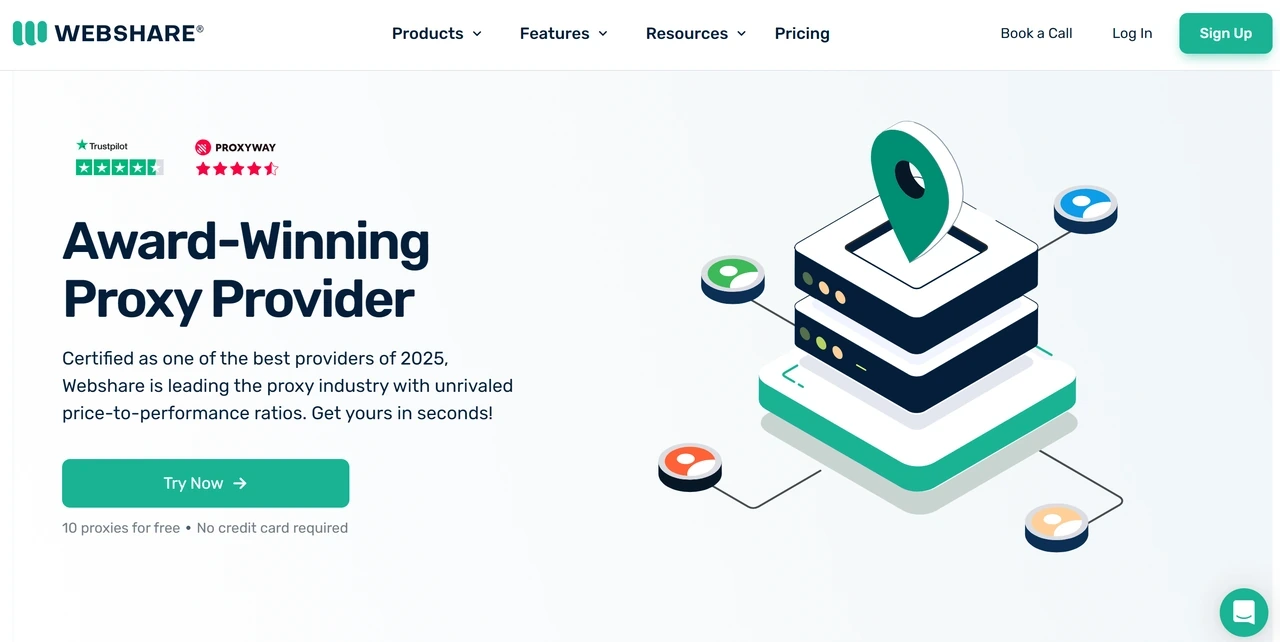
Webshare is another budget-friendly provider offering rotating residential, static residential, and datacenter proxies. Its low entry prices, customizable plans, and Chrome extension make it easy to start with a small proxy setup.
Webshare’s main attraction is its permanent free plan, which includes 10 shared datacenter proxies and 1GB of bandwidth per month without requiring a credit card. It works well for basic testing, but if you need residential IPs, more bandwidth, or additional controls, you must move to a paid plan.
Pros:
80M+ residential IPs across 195 countries
Permanent free plan with 10 proxies and 1GB of monthly bandwidth
Simple dashboard for managing and exporting proxies
Chrome extension for connecting through a browser
Cons:
IP quality can be inconsistent, with high latency or blocked IPs
Advanced targeting and enterprise controls are limited
Pricing:
Rotating residential proxies start at $3.50/GB, with volume rates as low as $1.40/GB.
Static residential proxies start at $6/month for 20 IPs ($0.30 per IP).
Datacenter plans start at $2.99/month for 100 proxies, with 10 proxies available free.
📌For more budget-friendly picks, check out our guide to cheap proxies for different needs
3. IPRoyal
IPRoyal is a flexible proxy provider offering residential, ISP, datacenter, and mobile proxies, along with a Web Unblocker. Its residential network includes 64M+ IPs across 195+ countries, with country-, state-, and city-level targeting. It also supports HTTP(S) and SOCKS5, unlimited concurrent sessions, and rotating or sticky sessions lasting up to seven days.
Residential proxies use pay-as-you-go pricing, and purchased traffic never expires. The Web Unblocker includes page rendering, automatic retries, and CAPTCHA handling, and you pay only for successful requests.
Pros:
64M+ residential IPs across 195+ countries
Pay-as-you-go pricing with non-expiring traffic
Country-, state-, and city-level targeting
Rotating or sticky sessions lasting up to seven days
Cons:
Entry-level pricing is higher before volume discounts apply
Free trials are limited to eligible users and may require verification
Pricing:
Residential pay-as-you-go proxies start at $7.35/GB, with volume rates as low as $1.75/GB.
ISP proxies start at $1.80 per proxy for 24 hours
Datacenter proxies start at $1.57 per proxy and drop to $1.39 on longer plans.
4. Oxylabs
Oxylabs is an enterprise-grade provider offering residential, ISP, datacenter, and mobile proxies, along with managed scraping solutions. The service is designed for teams that require large-scale proxy capacity, advanced targeting capabilities, and structured data collection rather than just basic browser access.
Its web scraping tools support JavaScript rendering and browser controls, while its residential proxies support city-level and ASN-level targeting. However, due to its higher pricing and relatively complex configuration, Oxylabs is not cost-effective for individual use or small-scale applications. Additionally, accessing certain restricted targets may require KYC (Know Your Customer) verification.
Pros:
175M+ residential IPs across 195+ countries
City- and ASN-level targeting
99.95% average residential proxy success rate
ISO/IEC 27001-certified information security management
Cons:
Higher entry price than most self-service proxy providers
Access to certain targets may require KYC verification
Pricing:
Residential proxies start at $6/GB for 5GB, with volume rates dropping to $2.50/GB.
ISP proxies start at $1.60 per IP, while dedicated datacenter proxies start at $2.25 per IP.
Shared datacenter proxies start at $1.20 per IP or $0.59/GB. New accounts can claim 5 free datacenter IPs.
Free Web Proxy Alternatives to Proxyium
If you just need to reach a specific site or do a quick anonymous search, a free web proxy like Proxyium does the job. These tools are easier to use, but they offer fewer features and less stable performance than the four premium services introduced above. Here are 4 free web proxies worth considering.
1. FreeProxyPro
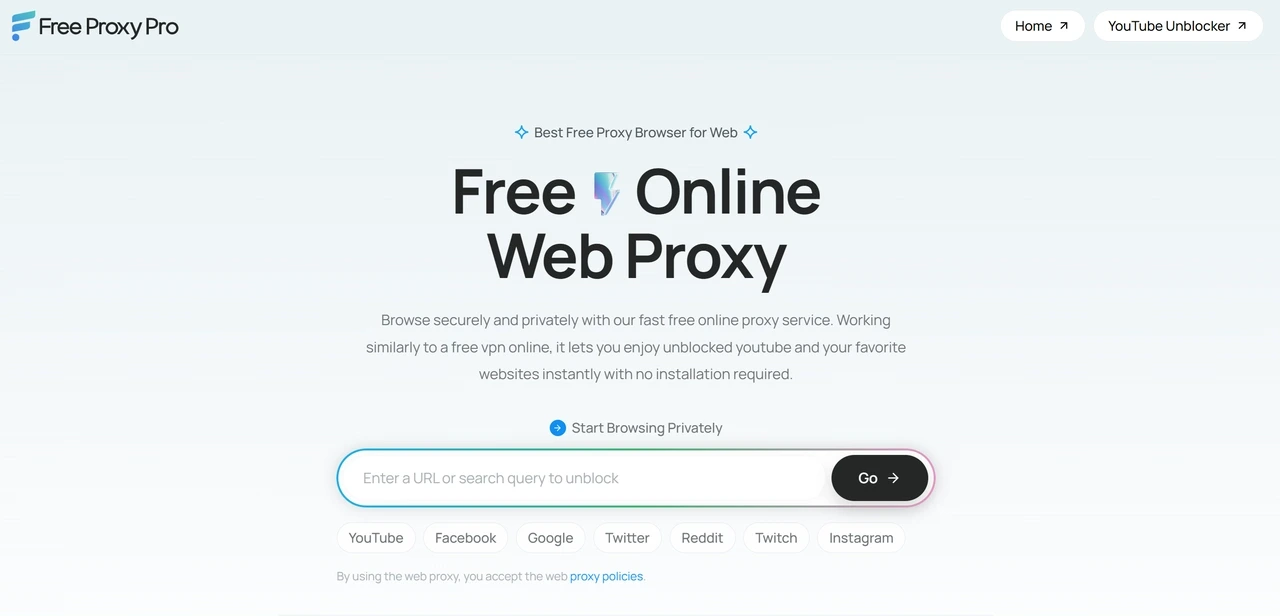
FreeProxyPro is a free web proxy that runs directly in your browser without requiring any software installation or configuration. Enter a URL or search query, and the service loads the page through its proxy server while masking your local IP address.
The tool supports popular websites such as YouTube, Instagram, Reddit, Google, and Facebook. It also offers a dedicated YouTube Unblocker and a clean, ad-free interface, making it easy to access websites from desktop or mobile browsers.
Pros
Free and requires no software installation
Clean, ad-free interface
Supports desktop and mobile browsers
Cons
No manual server-location or protocol selection
Limited to browser-based website traffic
2. CroxyProxy
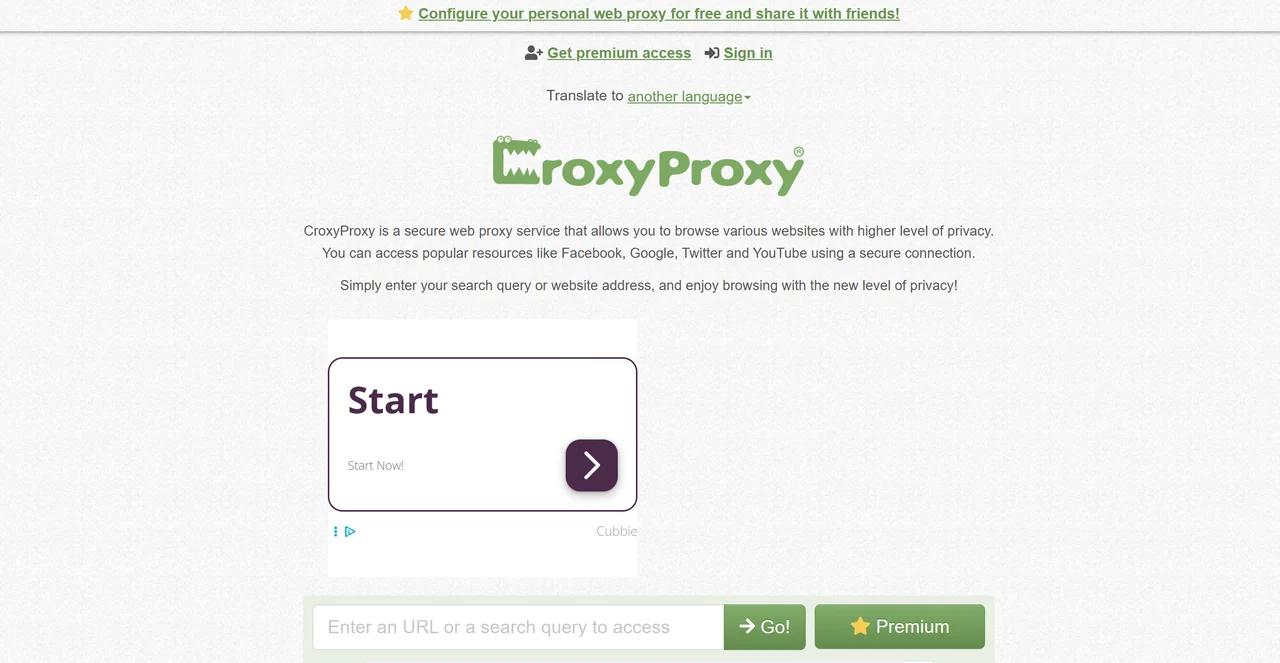
CroxyProxy is a free web proxy tool designed specifically to support modern websites, web applications, and media platforms. It supports video and audio playback on sites like YouTube and can encrypt pages even if the target site does not use a secure connection.
You can use the service directly in a standard URL input field without installing any software, or you can install its browser extension for one-click access. Additionally, CroxyProxy allows you to create shareable links for pages opened via the proxy.
Pros
Supports video, audio, and script-heavy websites
Offers an optional browser extension
Supports encrypted browsing and generates shareable proxy links
Cons
The free version displays a lot of advertisements
Faster servers and server selection require upgrading to Premium
3. 4everproxy
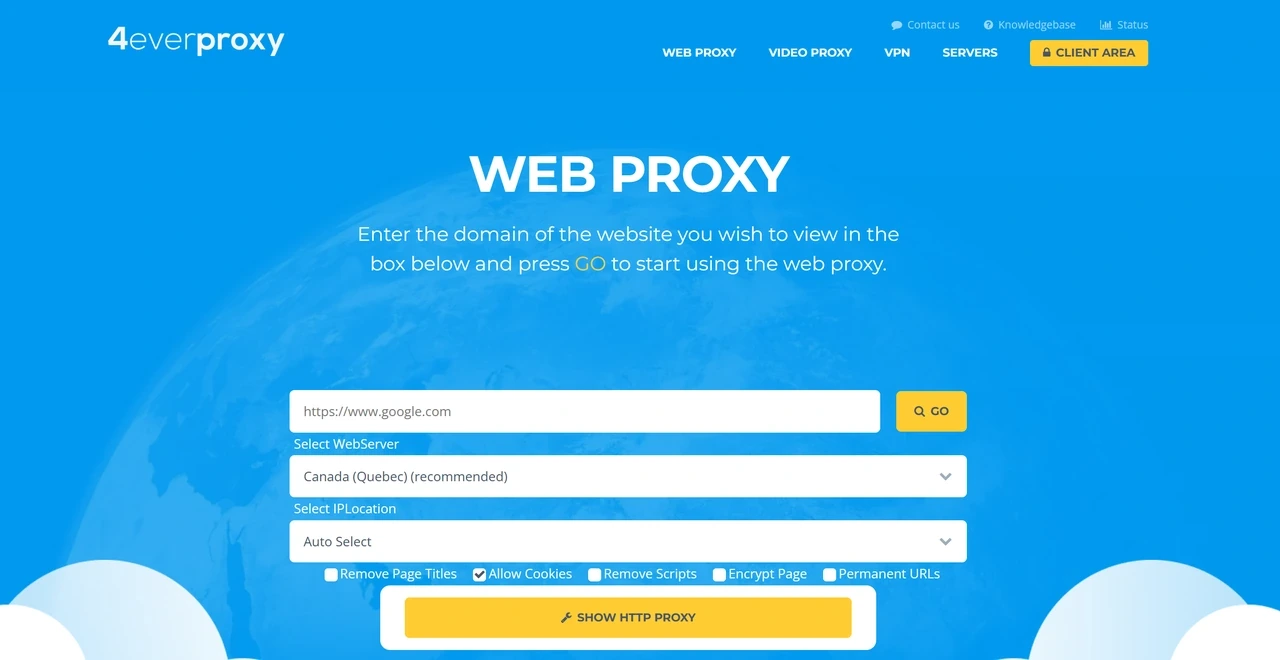
4everproxy offers more features than most free web proxies. You can select both the web server processing your request and the outgoing IP location, with options across North America, Europe, Asia, and Australia.
It also lets you allow cookies, remove scripts or page titles, encrypt pages, create permanent URLs, and use a custom HTTP proxy. Selecting different web-server and outgoing IP locations creates a double-proxy connection.
Pros
Multiple selectable web-server and outgoing IP locations
Optional custom HTTP proxy and double-proxy routing
Page controls for cookies, scripts, encryption, and permanent URLs
Cons
Its default IP rotation may cause problems on sites that expect a consistent IP
The larger number of settings makes it less direct than Proxyium
4. ProxySite
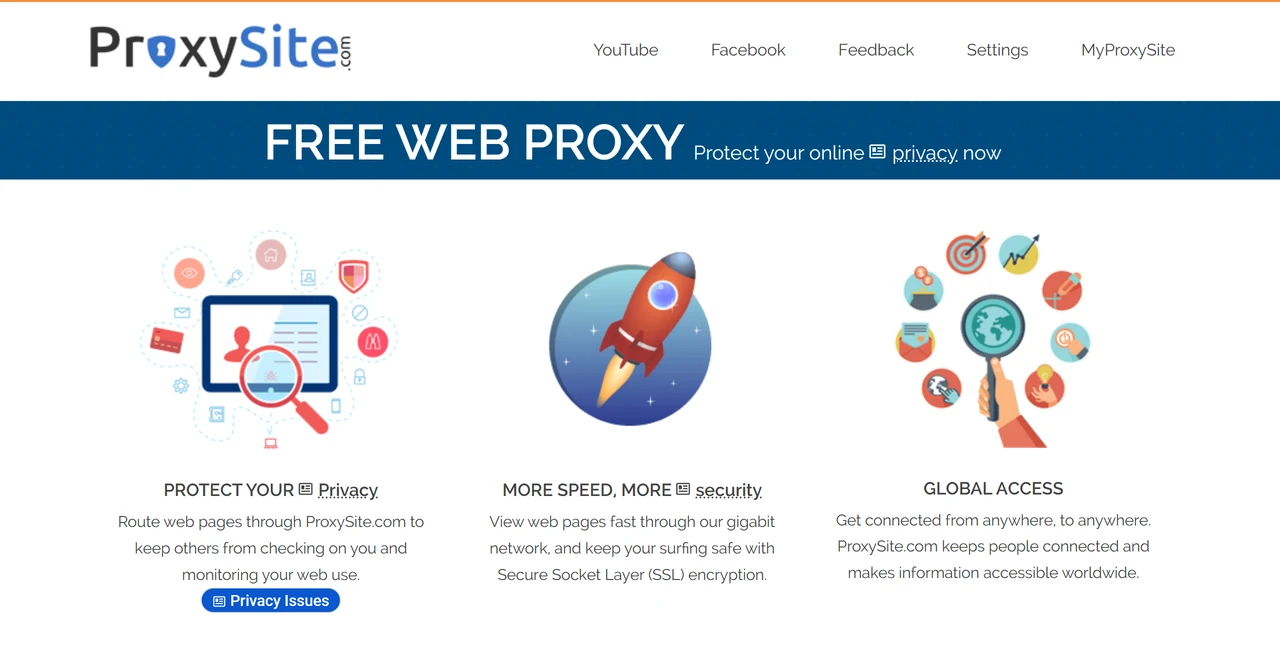
ProxySite is a free web proxy with servers in regions such as the United States and the European Union. It loads websites through an SSL-encrypted connection and provides quick-access links to sites such as YouTube, Facebook, Reddit, and Google.
Compared with simpler web proxies, ProxySite offers several browser-level controls. You can change the User-Agent, customize the Referrer, and manage cookies generated during proxied browsing. Additionally, its dedicated YouTube proxy service is optimized for high-definition video playback.
Pros
40 selectable servers across the US and Europe
User-agent, referrer, and cookie controls
SSL encryption and dedicated HD YouTube support
Cons
Sessions can break on longer browsing or frequent refreshes
No app-level proxy configuration or long-term session support
💡 Looking for more top web proxies beyond this list? Our roundups of the best free proxy servers and the best proxy sites are worth bookmarking.
Proxyium Alternatives Compared: Free vs. Paid Proxies
Free proxies are great for a quick fix, but what if you want smoother browsing, more location options, or fewer connection hiccups? That's where paid proxies come in. Let's compare the two to see which option makes more sense for you.
Feature | Free Proxies | Paid Proxies |
Cost | Free to use | Paid plans with different pricing options |
Connection stability | Can be inconsistent | Generally more reliable |
IP location options | Usually limited | More location and targeting options |
Session control | Limited session settings | More flexible session and IP control |
Speed and performance | ⭐⭐⭐ | ⭐⭐⭐⭐⭐ |
Best use cases | Quick browsing and occasional access to blocked websites | Regular access to restricted content, region-specific browsing, and tasks requiring more stable connections |
Final Verdict
Proxyium works great if you just need a quick, free fix to bypass a basic geo-block. But if you're after greater stability, global coverage, or specific proxy types, a dedicated proxy service is well worth it.
Among the services above, IPcook is a stronger and more flexible alternative to Proxyium. Start with a free 100MB residential proxy trial and upgrade your browsing experience today.
