


12 Best Social Media Management Tools by Tasks and Strengths


Social media management comes with plenty of challenges, and every team feels them differently. Some teams stare at a blank content calendar, some get stuck in fragmented approvals, and others juggle 20+ client accounts while comments pile up unanswered. The pain points vary, but the core problem is usually the same: they're short on the right tool for the work the team actually does.
This blog introduces 12 best social media management tools grouped by their strongest task, from content creation to collaboration. Their pricing, strengths, and weaknesses are all covered to help you find the one that fulfills your needs.
Social Media Management Tools at a Glance
The table below compares all 12 tools by their main task, starting price, and key limitation. It provides an overview of your options before the detailed reviews.
Category | Tool | Focus | Starting price | Limitation |
All-in-One | Hootsuite | Multi-network management | $149/user/mo | 10-account cap, seat cost |
Sendible | Unlimited seats | $35/mo | White-label on higher tiers | |
Content Creation | SocialBee | AI generation and recycling | $29/mo | Recycling is redundant for one-off posting |
ShortMind | AI video clipping | $34/mo | Limited free tier credits | |
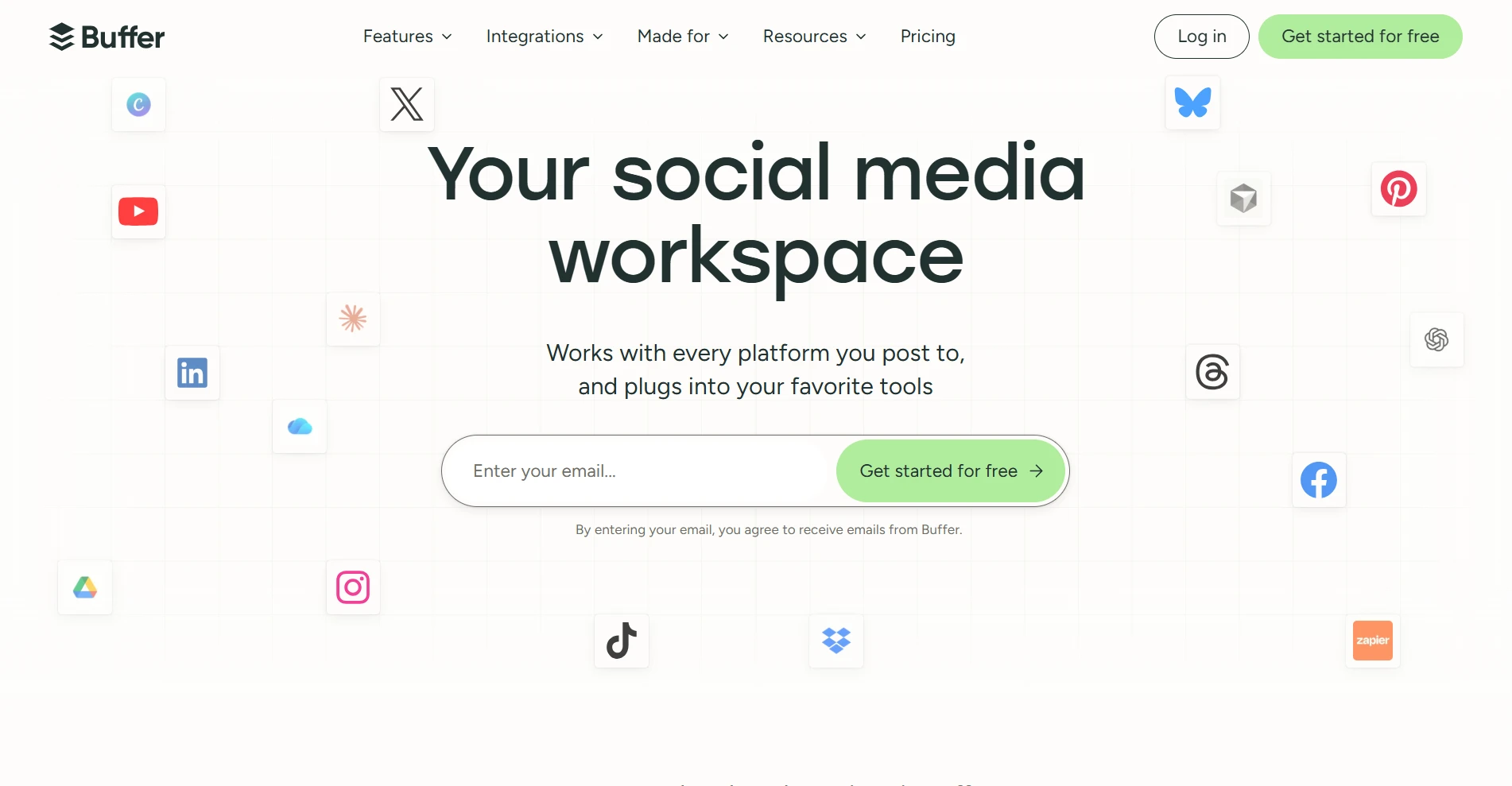
Scheduling | Buffer | Intuitive scheduling | $6/channel/mo | Rising per-channel cost |
Later | Visual planning | $25/mo | Shallow analytics | |
Engagement & Messaging | Agorapulse | Unified inbox | $99/user/mo | High monthly cost for individuals |
Manychat | Messaging automation | $17/mo | No public comment inbox | |
Analytics | Sprout Social | Enterprise analytics | $99/seat/mo | Per-seat, premium pricing |
Metricool | Lightweight analytics | $25/mo | Limited deep listening | |
Collaboration | Planable | Approval workflow | $39/workspace/mo | No post-publish engagement |
SocialPilot | White-label reports | $20/mo | Shallow approval flow |
1. All-in-One Social Media Management Platforms
For a workflow covering several social media tasks, an all-in-one platform may be your most practical option. You can schedule posts, respond to messages, review analytics, and collaborate without switching between separate tools. Below are two of the best platforms for social media management with all-in-one features.
Hootsuite
Best for: brand teams that manage several networks and need batch scheduling plus team publishing permissions.
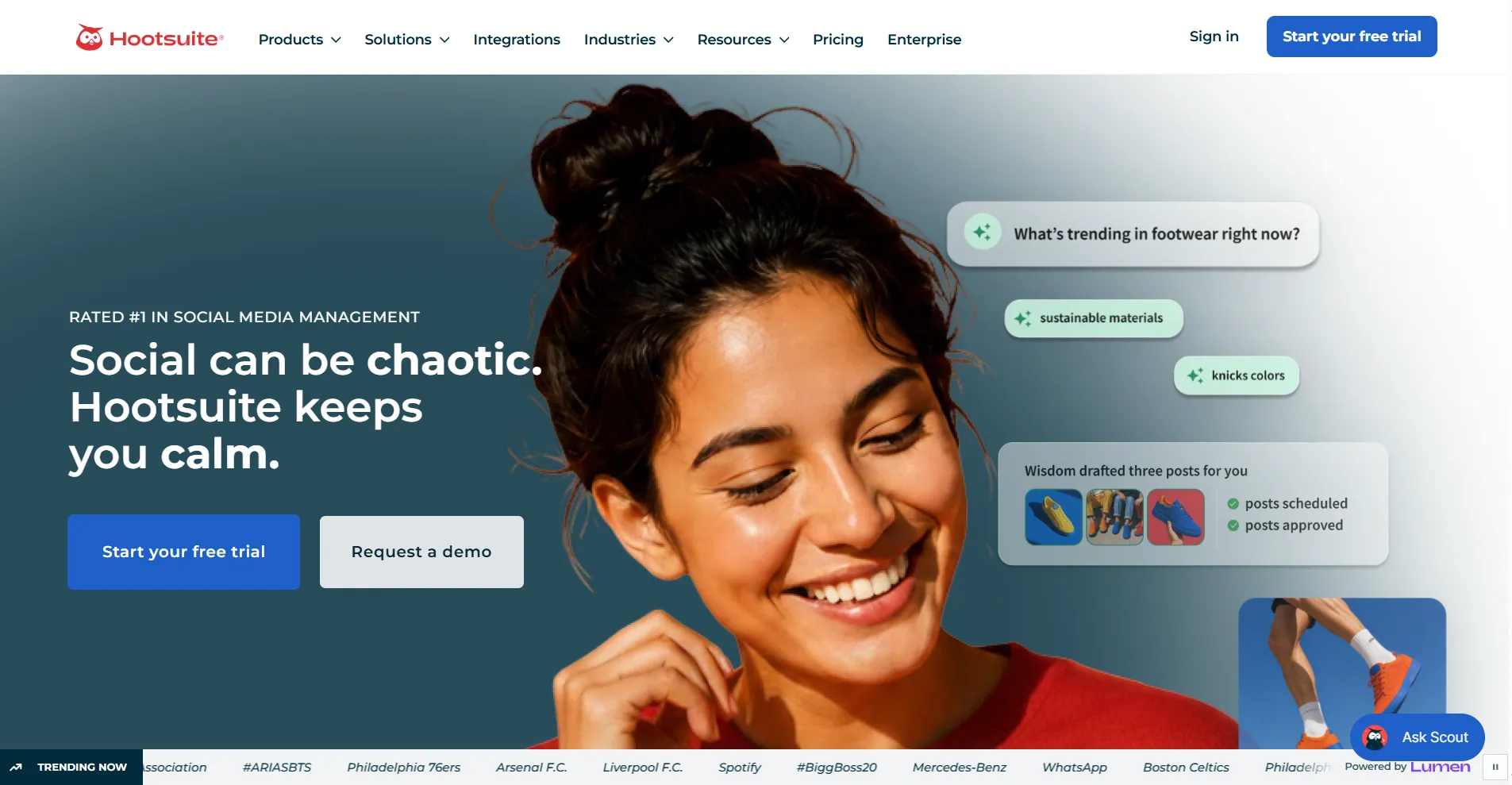
Managing several social networks can require frequent dashboard switching, which slows scheduling and makes replies harder to track. Hootsuite groups your channels in one workspace for planning posts and reviewing performance.
Compared with simpler social media management solutions, Hootsuite offers batch scheduling, team permissions, and social listening. You may find these features useful for a larger workload, but the platform can be costly for solo users or small teams who may not fully use the tool.
if you work alone or with a small team.
Pros
Supports a wide range of social networks
Offers batch scheduling and team permissions
Includes social listening for larger teams
Cons
Per-user pricing increases costs as your team grows
Includes features that smaller teams rarely use
Supported platforms: Instagram, Facebook, TikTok, YouTube, X, LinkedIn, Threads, Pinterest, WhatsApp, Bluesky
Starting price: $149/user/month
Free trial: 14 days
Sendible
Best for: agencies and teams that need unlimited user seats and a shared workspace for multiple clients.
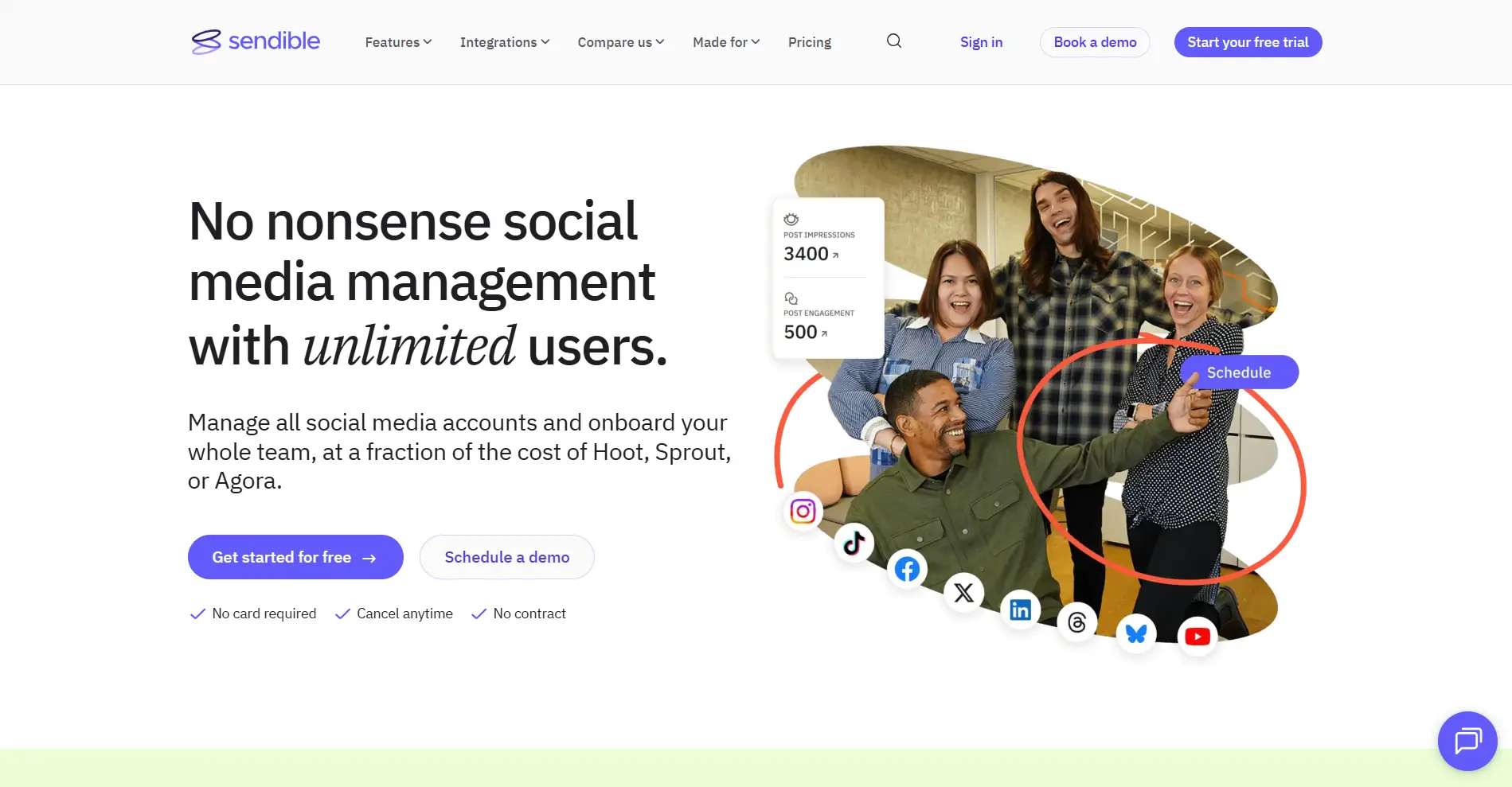
Agencies usually need to add a number of teammates to their workflows. For them, per-user charges will increase monthly expenses. To solve that, Sendible includes unlimited user seats on every plan, allowing you to collaborate without paying an additional seat fee for each teammate. You can manage several clients, create branded reports, and automate recurring tasks in one place. However, to get more social profiles and white-label features, you need to upgrade to a higher subscription tier.
Pros
Includes unlimited seats at every plan level
Costs less than Hootsuite at a comparable plan level
Handles multiple clients and brands in one workspace
Cons
Limits the entry plan to fewer social profiles
Requires a higher tier for white-label features
Supported platforms: Instagram, Facebook, TikTok, X, LinkedIn, Google Business Profile, YouTube, Threads, Bluesky
Starting price: $35/month
Free trial: 14 days
2. Content Creation and Repurposing Tools
Creating new posts and adapting existing content for regular publishing can take up much of your time. The best tools for content creation and social media management help you generate new posts and reuse existing content more efficiently.
SocialBee
Best for: marketers who want to save time on content creation with AI assistance and automatically recycle evergreen content.
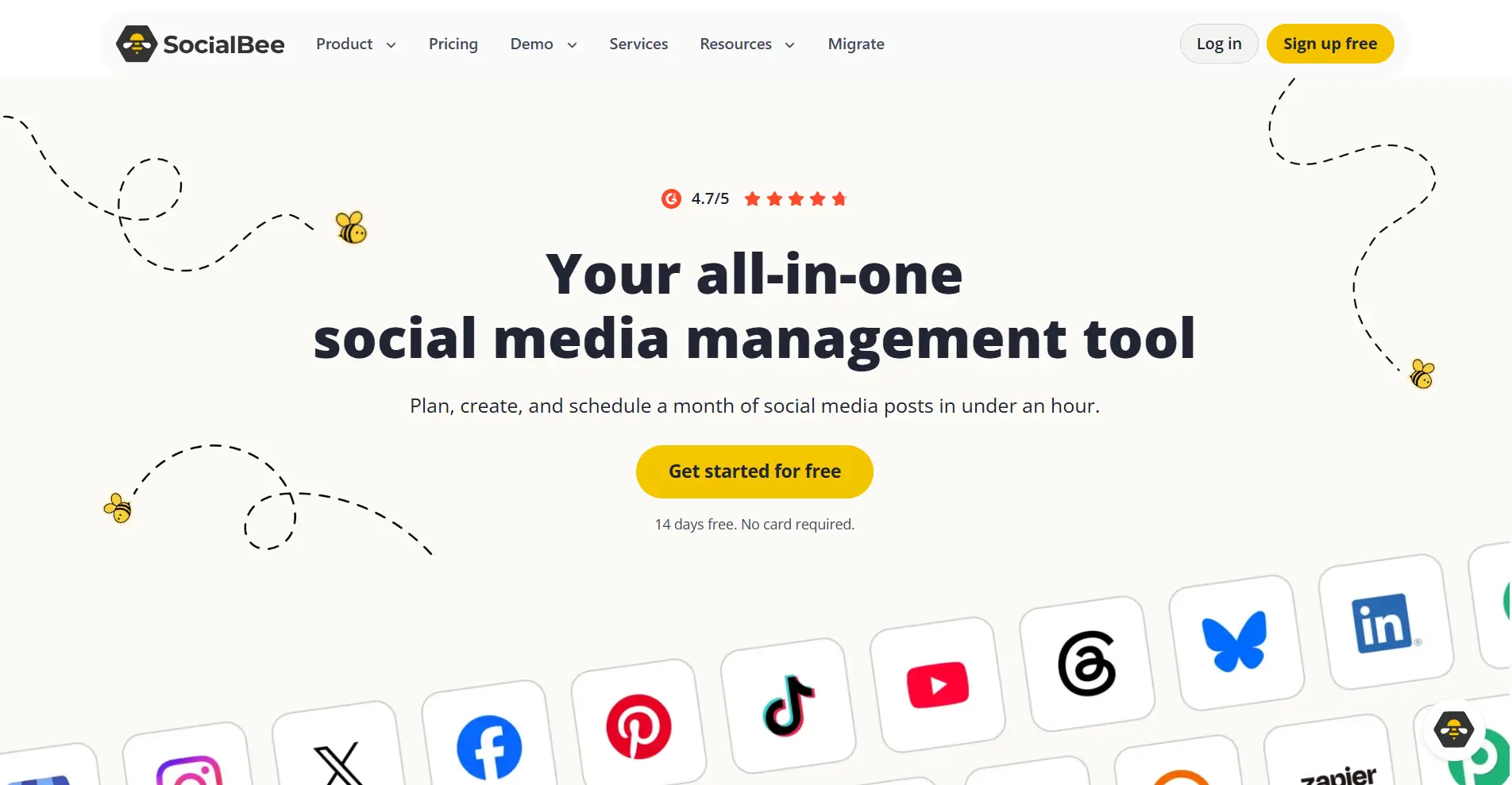
Among AI-powered social media management tools, SocialBee helps you create posts more efficiently with AI assistance. You can use its AI features to draft captions and visuals from a topic or URL, then refine them before publishing.
Beyond content creation, SocialBee also supports evergreen content recycling. You can organize reusable posts into categories and schedule them for repeated publishing, reducing the time spent planning content. This is particularly useful if you regularly share content that stays relevant over time, but its recycling features offer less value for campaigns built around one-off posts.
Pros
Generates captions, images, and post ideas with AI
Recycles evergreen content through categories
Keeps proven posts reaching new audiences
Cons
Requires time to learn its advanced features
Falls short on deep analytics and reporting
Supported platforms: Facebook, Instagram, Threads, LinkedIn, X, Pinterest, TikTok, YouTube, Google Business Profile, Bluesky
Starting price: $29/month
Free trial: 14 days
ShortMind
Best for: solo creators and marketing teams who want to create short-form videos from existing long videos.
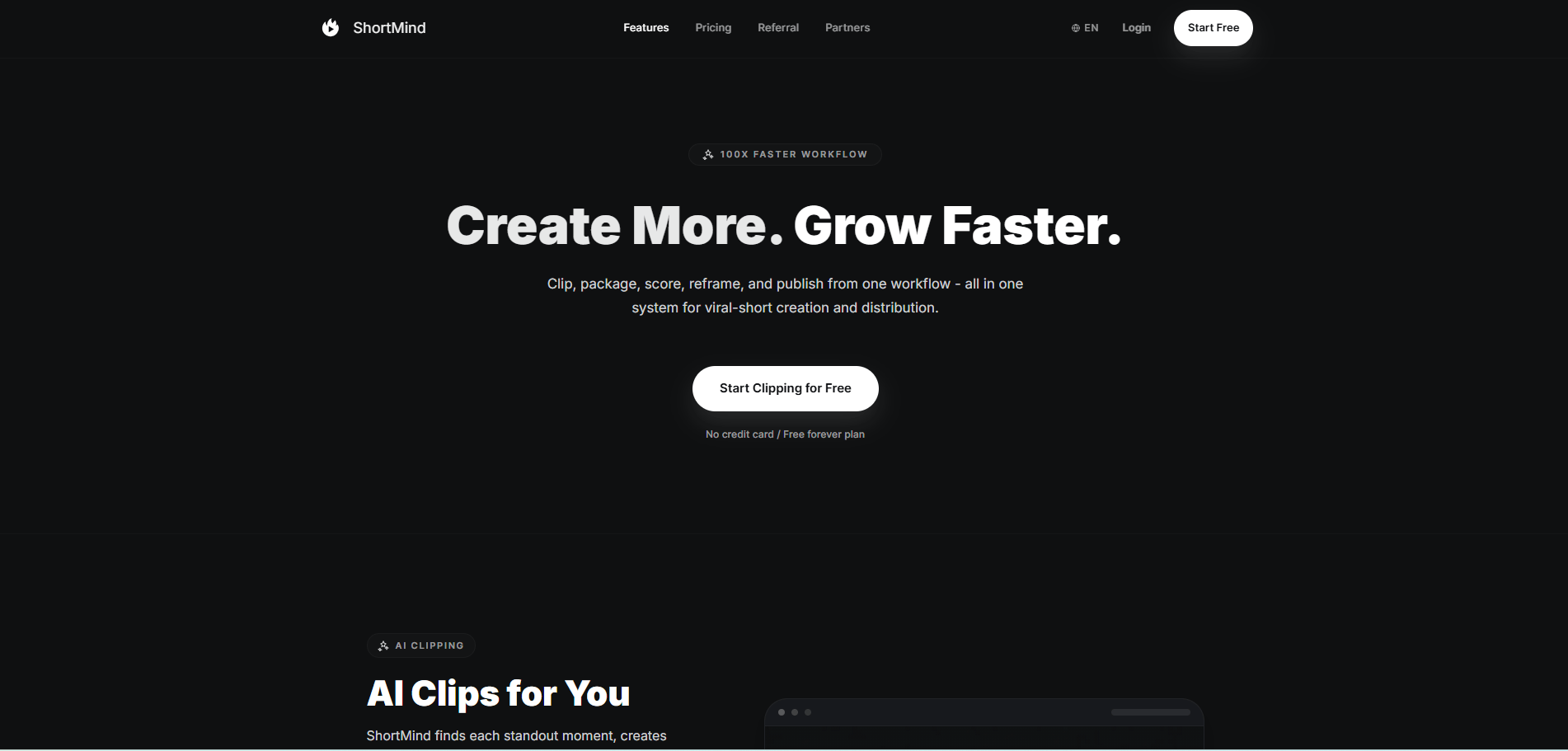
Finding suitable highlights in a long video takes time. ShortMind uses AI to identify promising segments, reducing the footage you need to review manually. Each clip then receives a viral potential score from 0 to 100. You can use these scores to decide which clips to publish first.
The tool can also move an engaging moment to the beginning to attract viewers. These features place ShortMind among the best tools for creating branded social media video content, although its processing speed still has room for improvement.
Pros
Creates over 100 short clips from one long video
Ranks clips by viral potential to prioritize content
Places engaging moments first to improve viewer retention
Cons
Caps processing quota, video length, and storage by plan
Adds a watermark to exports on the free plan
Supported platforms: TikTok, YouTube Shorts, Instagram Reels, LinkedIn, X, Facebook
Starting price: $34/month
Free plan: Permanent
3. Scheduling and Publishing Tools
Publishing across several networks can involve many manual uploads. The tools for managing social media in this section allow you to prepare content in batches and schedule it across channels in advance.
Buffer
Best for: individuals and small teams who want simple scheduling at a low entry price.
A complicated dashboard can slow down your content planning and scheduling. Buffer keeps its interface simple, allowing you to find the publishing calendar and arrange posts without spending much time navigating menus. As a social media management tool for small businesses, it offers a free plan with up to three connected channels, 10 scheduled posts per channel at a time, and basic performance insights.
These features can cover your everyday publishing needs without a paid subscription. For advanced analytics or additional channels, however, you'll need a paid plan, and your total cost increases as you connect more channels.
Pros
Gets you posting quickly with a low learning curve
Charges by channel for a low entry cost
Runs 3 channels on the free plan
Cons
Requires a higher-tier plan for advanced analytics
Raises cost as you connect more channels
Supported platforms: Facebook, Instagram, TikTok, X, LinkedIn, Pinterest, YouTube, Threads, Bluesky
Starting price: $6/channel/month
Free plan: Permanent
Later
Best for: brands and creators who publish mostly visual content.
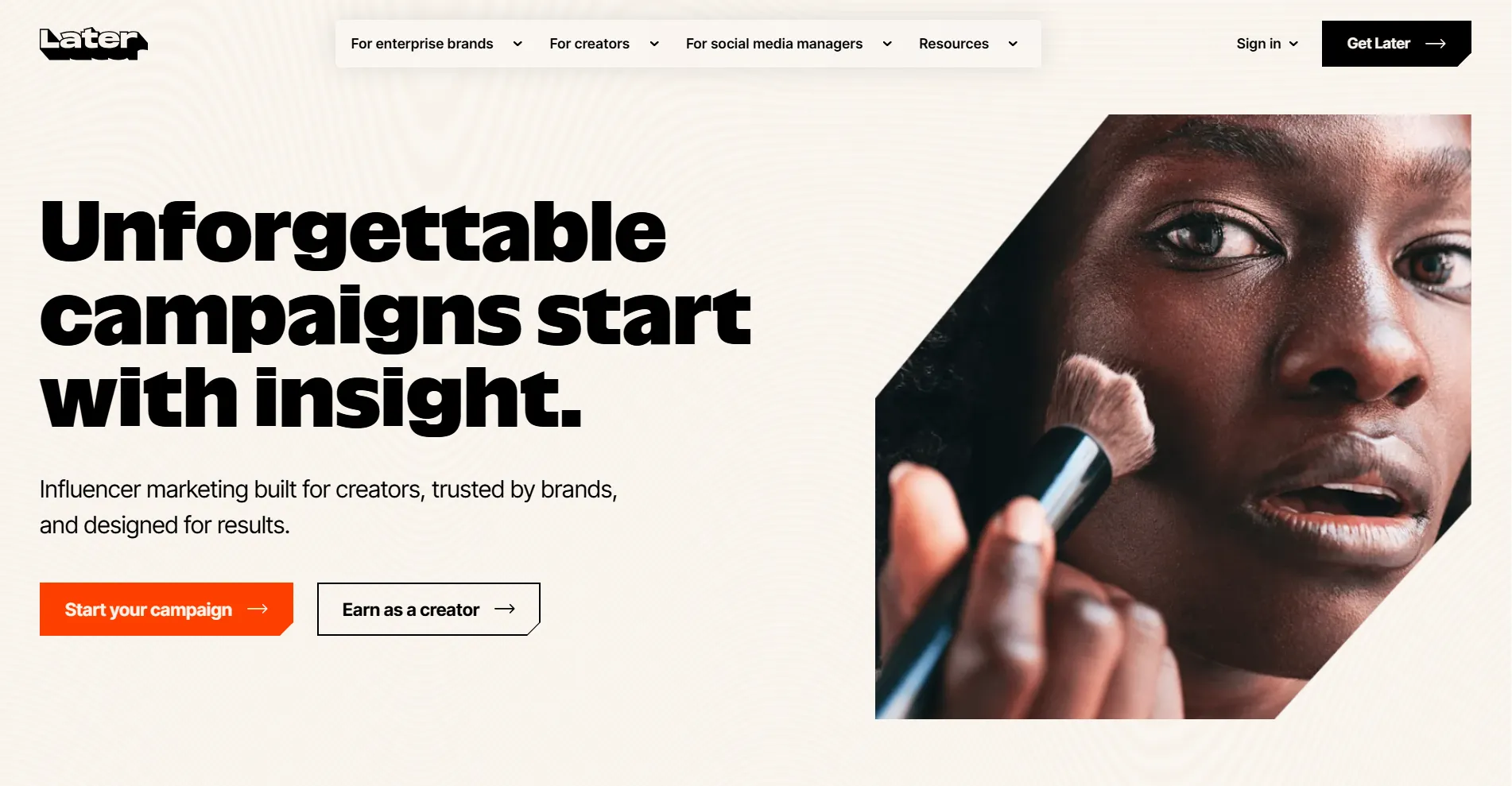
Later provides a drag-and-drop calendar and a media library for planning visual content. You can store images and videos, preview your Instagram feed layout, and rearrange posts before scheduling them. As a social media content management tool, Later is really ideal if you regularly publish visual content on Instagram and TikTok. Since its features focus primarily on visual planning and scheduling, you have fewer options for advanced analytics, detailed reporting, and bulk publishing across multiple networks.
Pros
Combines a drag-and-drop calendar with visual previews
Plans Instagram and TikTok layouts well
Stores brand visuals in one media library
Cons
Limits the depth of analytics and reports
Treats bulk publishing across networks as secondary
Supported platforms: Instagram, TikTok, Facebook, Pinterest, LinkedIn, YouTube, Threads, Snapchat
Starting price: $25/month
Free trial: 14 days
4. Social Engagement and Messaging Automation Tools
Comments and direct messages are easy to miss because each platform keeps them in a separate inbox. The engagement and messaging tools in this section collect those interactions in one place, making it easier for you to reply on time.
Agorapulse
Best for: brands with a high volume of comments and messages that need unified team replies.
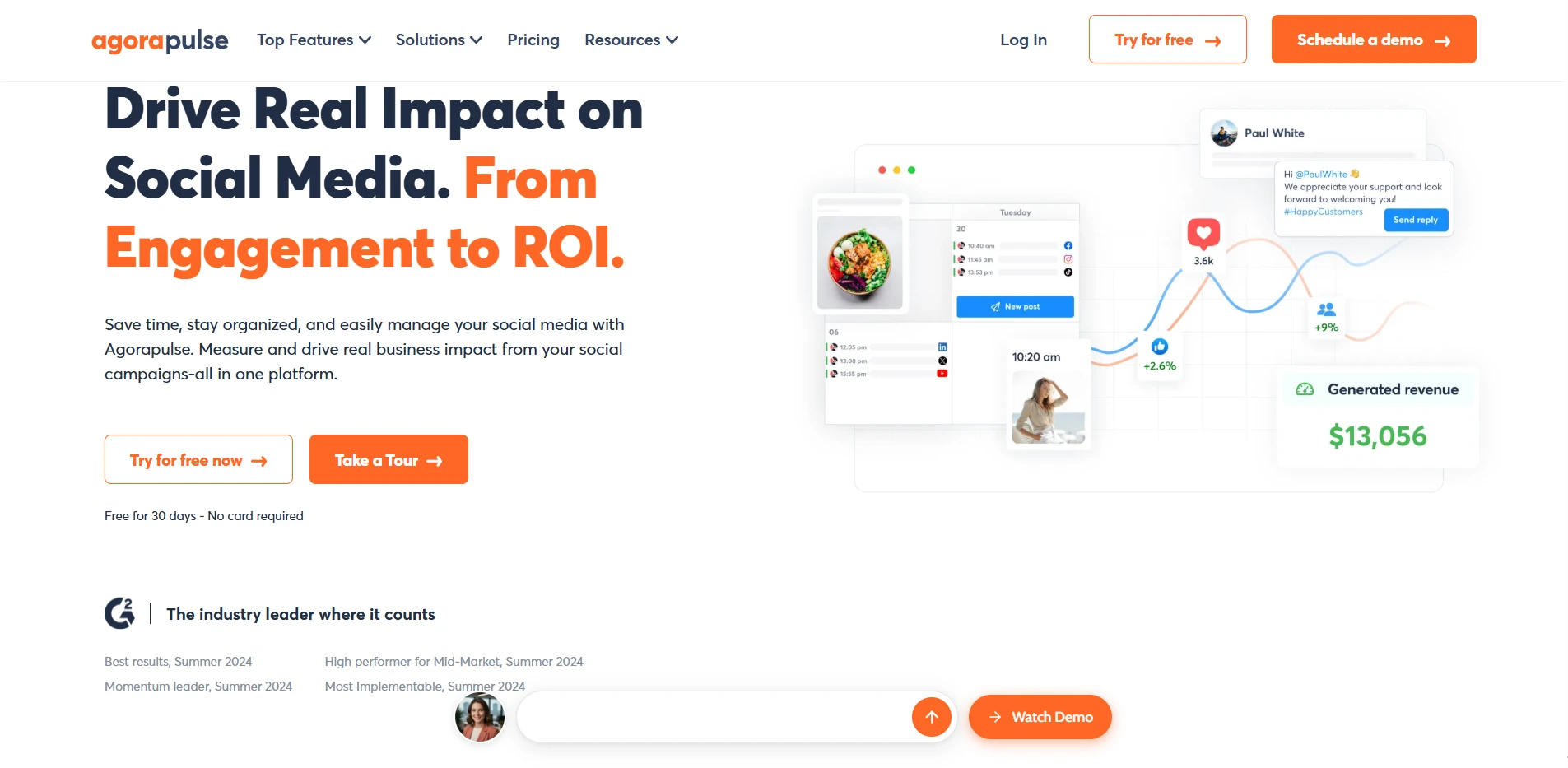
Managing comments and messages across several social platforms can require frequent switching between inboxes. Agorapulse provides a unified inbox for viewing conversations, assigning them to teammates, and managing reply approvals. You can filter messages by review status or assignee to identify unanswered inquiries and track responsibility for each response.
These features give your team more control over shared conversations, particularly with multiple people handling replies. However, as more team members require access, the subscription cost increases because Agorapulse charges for each seat.
Pros
Merges interactions from every platform into one stream
Routes replies to teammates with approval checks
Scales to brands with large engagement
Cons
Starts with a high monthly cost for individuals
Feels oversized for one person without a team
Supported platforms: Facebook, Instagram, X, LinkedIn, YouTube, Pinterest, TikTok, Google Business Profile, Threads, Bluesky, Reddit
Starting price: $99/user/month
Free trial: 30 days
Manychat
Best for: brands with high private message volume that want to automate conversations.
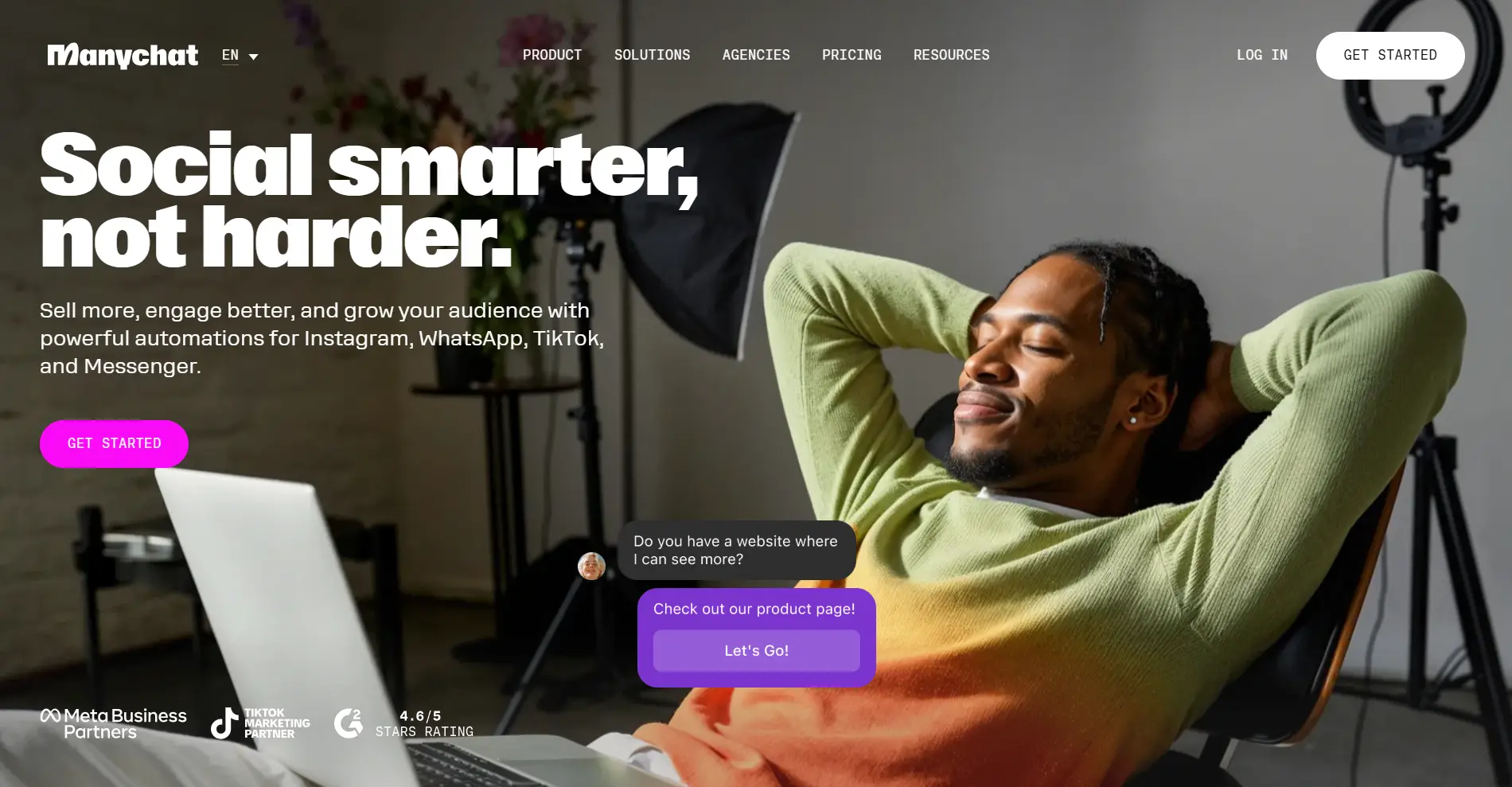
Manychat automates responses to common customer questions on Instagram, Messenger, and other supported messaging channels. You can configure keywords to trigger replies, share product information, or answer routine inquiries without handling each message manually. On Instagram, comments on posts and Reels can also trigger public replies or private messages.
This reduces the time you spend responding to customers, particularly during busy periods. This reduces the time you spend responding to customers, especially during busy periods. Its focus on conversation automation also limits its scope, as content scheduling and detailed reporting across social networks require separate tools.
Pros
Auto-replies when keywords are detected across messaging apps
Covers Instagram, Messenger, WhatsApp, and SMS
Starts on a permanently free plan with basic features
Cons
Leaves public comments and mentions out of scope
Handles few interactions beyond chat
Supported platforms: Instagram, TikTok, Facebook Messenger, WhatsApp, Telegram, SMS, Email
Starting price: $17/month
Free plan: Permanent
5. Analytics and Reporting Tools
Platforms' native dashboards stop at basic counts, which leaves you unable to see why a post performed and how to prove it to a client. Analytics and reporting tools fix that by turning raw numbers into readable, shareable reports.
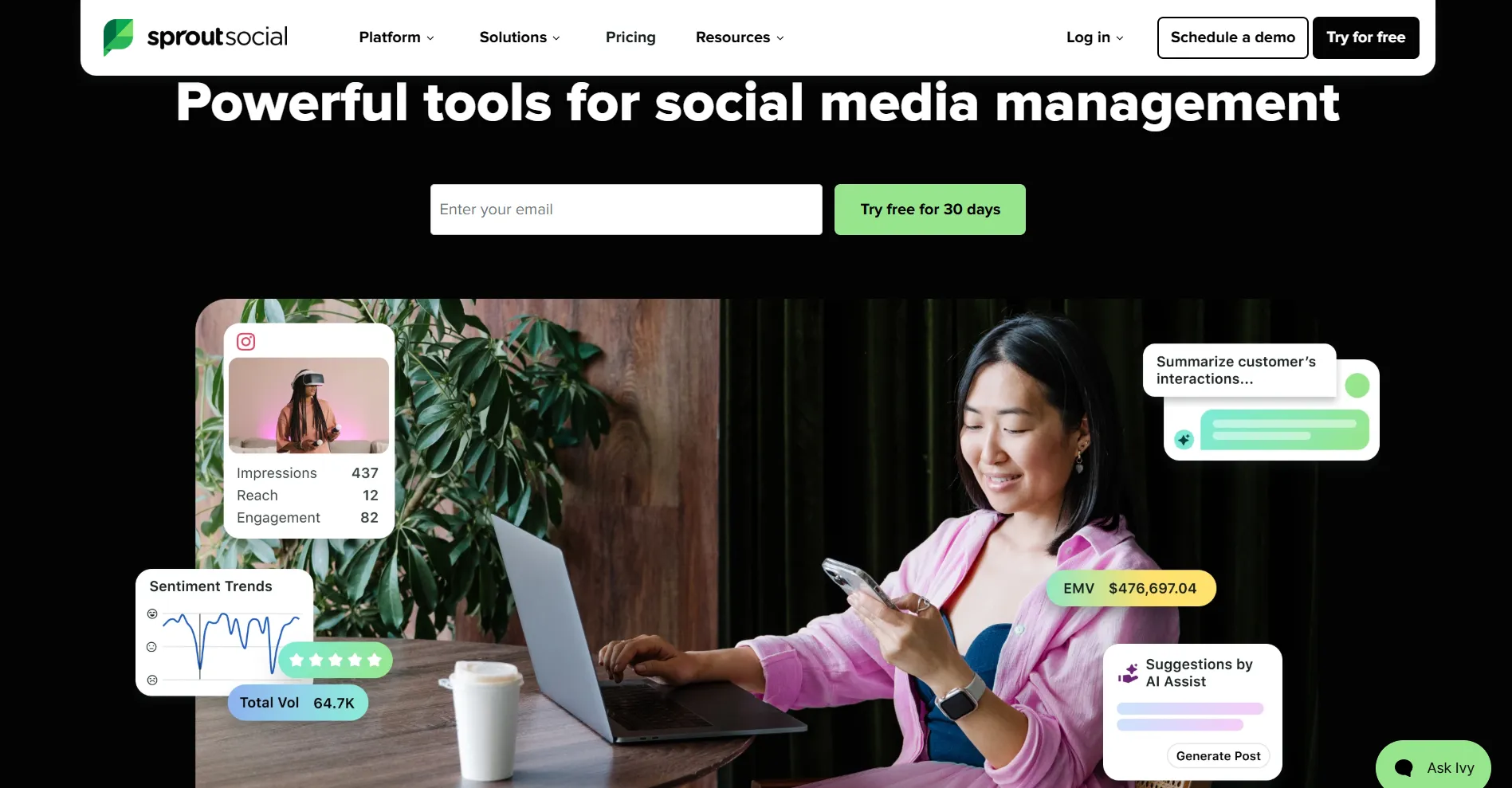
Sprout Social
Best for: teams that need enterprise analytics and reports, a unified inbox, and social listening.
Sprout Social reduces the time you spend preparing reports for clients or stakeholders, since it can organize social media performance data into clear, shareable reports. You no longer need to collect numbers from separate dashboards. Its shared inbox and social listening features also give you a clearer picture of audience conversations, making it easier to connect engagement with campaign performance. But high per-seat pricing can be a drawback, especially as your team grows and requires more advanced features.
Pros
Produces strong analytics and polished reports
Tracks competitors, tags, and paid content
Pairs a smart inbox with team customer care
Cons
Sells Premium Analytics and Listening separately above Standard
Keeps the Smart Inbox out of Essentials
Supported platforms: Facebook, Instagram, TikTok, X, LinkedIn, YouTube, Pinterest, Bluesky, Reddit, Snapchat, Threads, Tumblr
Starting price: $99/seat/month
Free trial: 30 days
Metricool
Best for: teams and individuals on a budget who need data across many platforms.
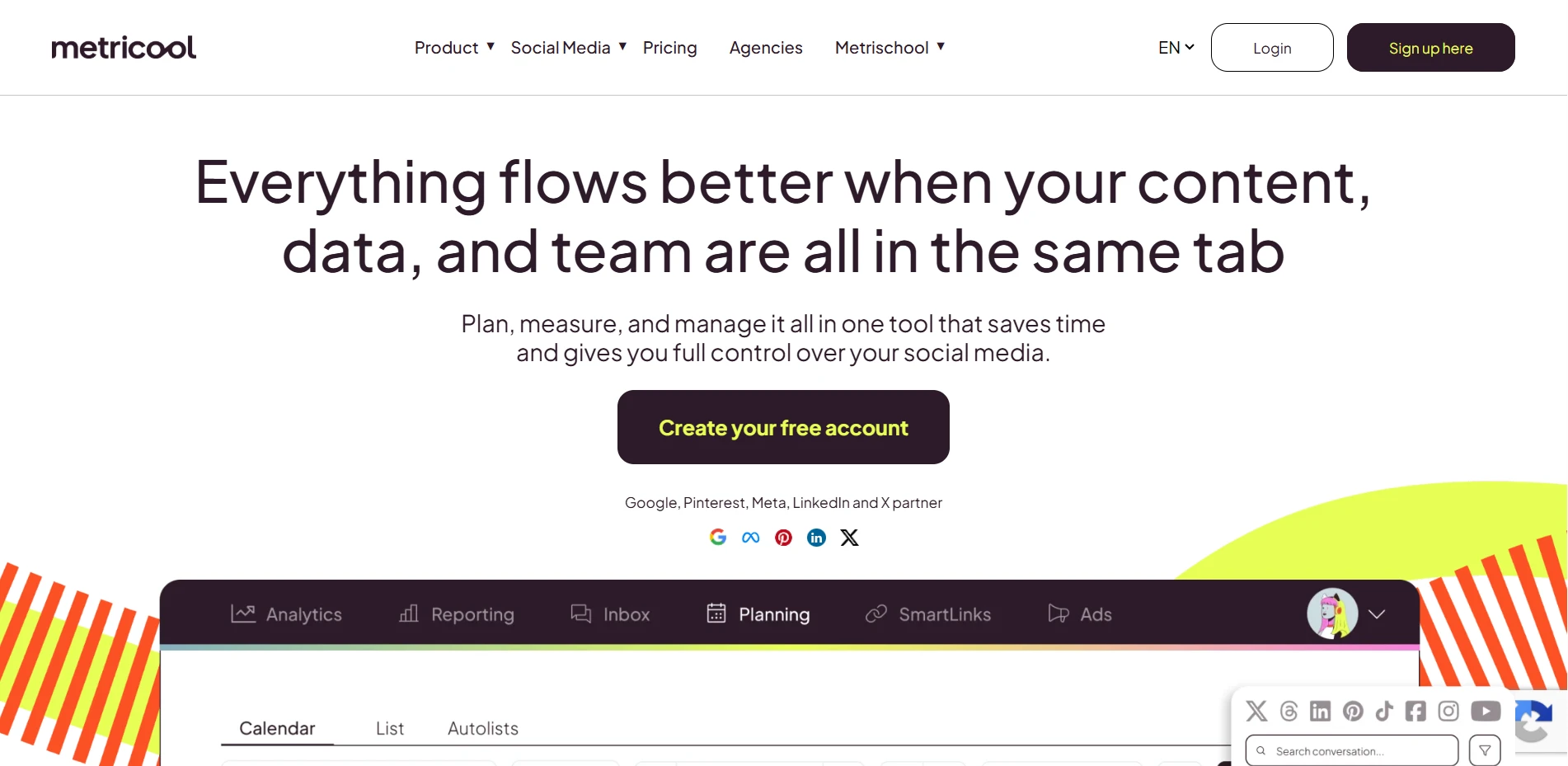
Tracking social media performance across multiple platforms can become costly with enterprise reporting tools. Metricool offers a more affordable approach, bringing key metrics into visual dashboards where you can review results and create clear reports. Its free plan also makes it accessible when you're working with a limited budget. For more complex reporting needs, its limited social listening and advanced analytics capabilities may require additional tools.
Pros
Tracks reach and engagement at a low price
Visualizes data from every network clearly
Starts with a generous free tier
Cons
Lags Sprout on advanced analytics
Centers on metrics, not full publishing and engagement
Supported platforms: Facebook, Instagram, Threads, X, Bluesky, Pinterest, TikTok, YouTube, Twitch, LinkedIn
Starting price: $25/month
Free plan: Permanent
6. Team Collaboration and Client Management Tools
When several reviewers and clients need to approve your content, feedback scatters across email and chat, and mistakes go unnoticed. The collaboration tools in this section bring that feedback into one shared space, where every revision and handoff stays visible.
Planable
Best for: agencies and teams that need client approval and group review.
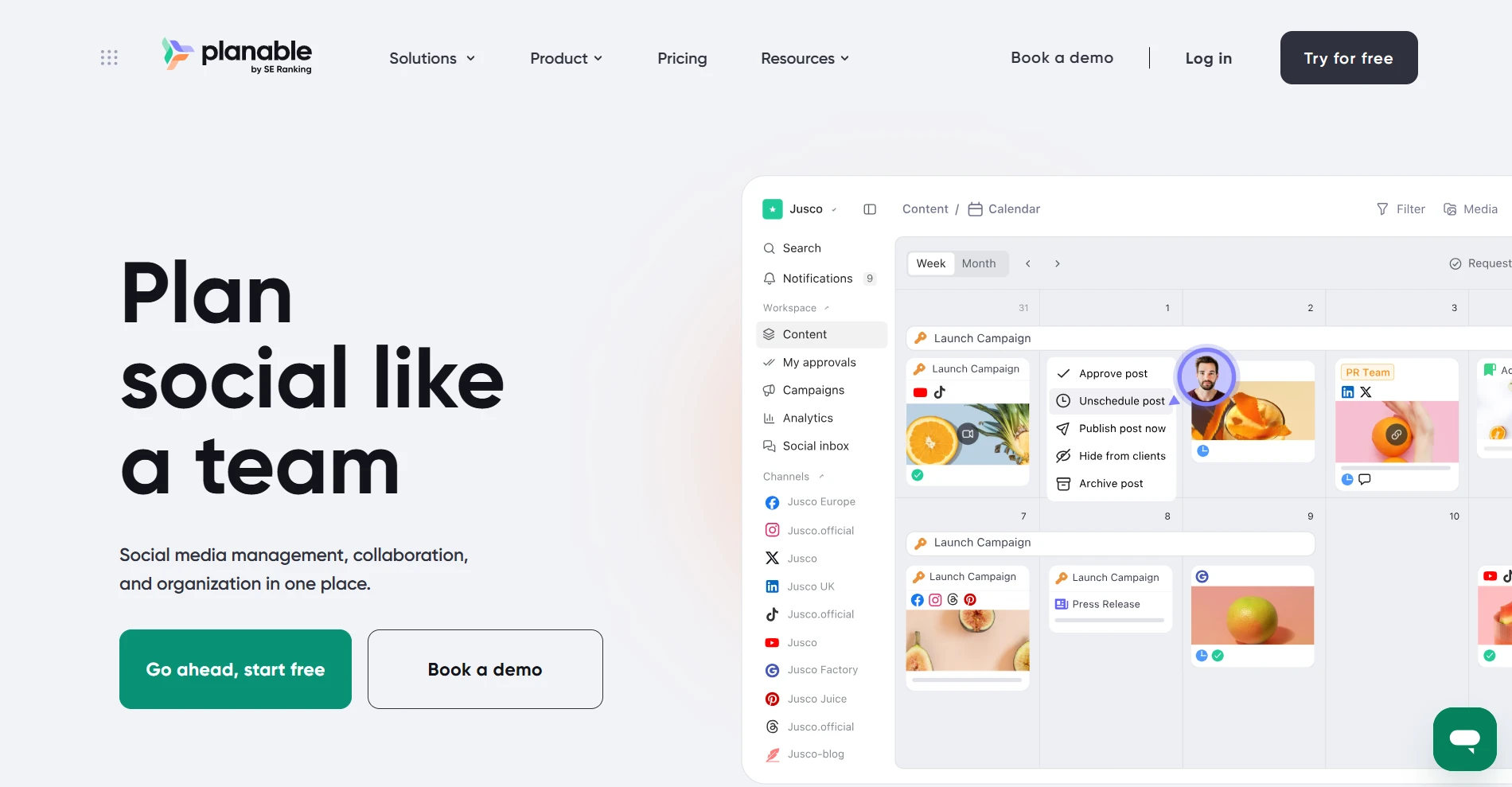
Managing feedback from teammates and clients often involves several rounds of edits before content is published. Planable keeps drafts and discussions in one workspace. You can comment on unpublished posts, suggest changes, and access earlier versions without searching through email threads.
Its approval workflows specify who reviews each post and who must authorize publication. Each participant has a defined role, supporting collaboration across multiple client accounts. Beyond these approval features, Planable also offers a social inbox and analytics like others but requires an additional fee.
Pros
Invites approvers by link, no account required
Schedules posts automatically once approved
Sends notifications to Slack, email, or mobile
Cons
Ignores live engagement and reporting
Restricts the free plan to 50 posts that never reset
Supported platforms: Facebook, Instagram, LinkedIn, X, TikTok, YouTube, Pinterest, Threads
Starting price: $39/workspace/month
Free plan: First 50 posts free, no time limit
SocialPilot
Best for: agencies that need white-label reports and multi-client management.
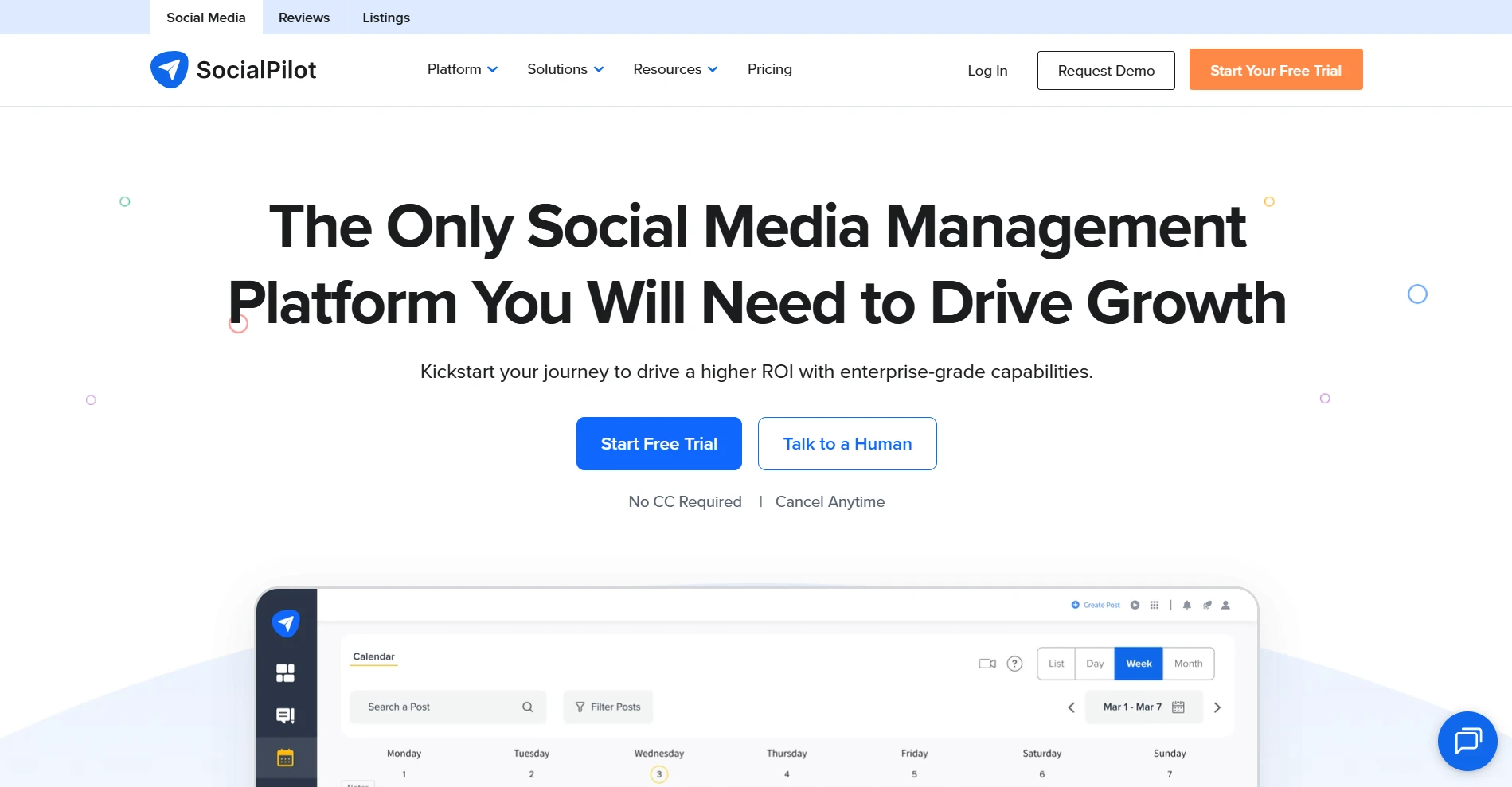
Managing reports for multiple clients can take time, especially when each one requires your agency’s branding. SocialPilot simplifies this process with white-label reports and a centralized workspace for managing multiple social accounts.
You can keep client profiles organized and deliver consistent reports without rebuilding them each time, even as your client roster grows. But pay attention to the fact that client approval is only available on higher subscription tiers, which might cause you extra payment.
Pros
Delivers professional reports under your own brand
Centralizes content across multiple clients
Offers strong value for teams at scale
Cons
Reserves white-label branding for upper tiers
Makes account and team expansion costly
Supported platforms: Facebook, Instagram, TikTok, X, LinkedIn, Threads, YouTube, Pinterest, Google Business Profile, Bluesky
Starting price: $20/month
Free trial: 14 days
How to Choose the Right Social Media Management Tool
The best social media management tool should match your daily tasks, supported platforms, team needs, and budget. Four factors are particularly important when comparing your options.
Platforms and content formats: The tool should support the social networks you use and your preferred content formats, such as text posts, images, short videos, and stories.
Primary task and existing workflow: Your most frequent tasks, including content creation, scheduling, engagement, analytics, and collaboration, determine which features matter most. The tool should also fit your existing workflow.
Account count, team size, and approval flow: Each plan supports a different number of social accounts and team members. For team collaboration, role permissions, shared workspaces, and multiple approval stages are also important.
Actual total cost and plan limits: Your total cost depends on the number of accounts, team members, and features you need. Additional fees per user or channel, usage limits, and features restricted to higher plans can increase your expenses.
Bonus: How to Warm Up Multiple Social Media Accounts Safely
The tools above help you manage established social media accounts. But for newly created accounts, posting without proper warm-up will lead to platform checks and even account suspension. Here are some regular account activities you can start with before establishing a consistent posting schedule:
Browsing posts in feeds you actually follow
Joining communities in your niche
Adding a few friends or connections
Leaving likes and short comments
Please note that the moves above serve as a warm-up only. If you are managing multiple accounts, you'll need an extra layer of protection to stop platforms from associating and banning your accounts. That protection requires two things: an antidetect browser and a social media proxy. The former simulates browsing fingerprints, while the latter assigns unique IP addresses to each profile. Together, they'll keep all of your accounts appearing separate.
Final Verdict
The best social media management tools for you depend on your priorities, whether that's content creation, scheduling, engagement, or reporting. An all-in-one platform suits you when you handle multiple tasks, while a specialized tool focuses on more specific needs. Your choice also depends on team size, supported platforms, and budget.
Note that these tools can only serve content publishing instead of account protection. For that end, you'll need to combine an antidetect browser with a proxy service like IPcook to create a secure environment.
FAQs
- Social Media Management Tools at a Glance
- 1. All-in-One Social Media Management Platforms
- 2. Content Creation and Repurposing Tools
- 3. Scheduling and Publishing Tools
- 4. Social Engagement and Messaging Automation Tools
- 5. Analytics and Reporting Tools
- 6. Team Collaboration and Client Management Tools
- How to Choose the Right Social Media Management Tool
- Bonus: How to Warm Up Multiple Social Media Accounts Safely
- Final Verdict
- FAQs
