


6 Best Proxies for iPhone 2026: Unlock Apps & Browse Securely

Your iPhone should give you full access to the apps you use, but region locks and network filters often get in the way. App Store downloads may be restricted by country, while public Wi-Fi can block entire platforms. VPNs are a common workaround, but they tend to slow down your connection and are easily detected. Proxies step in as a more reliable option, offering a flexible way to keep apps and browsing accessible. This article reviews the best iPhone proxies in 2026 and explains why they stand out.
Why Use a Proxy on iPhone?
A proxy on iPhone helps unlock region-restricted apps and content. Whether it is an App Store download, a streaming library, or social platforms like TikTok, a proxy lets you appear as if you are browsing from another location. It also adds privacy on school or public Wi-Fi, masking your IP address and reducing the risk of tracking. Proxies can keep connections more stable than VPNs, with the option to rotate or keep an IP for smoother sessions when streaming, browsing, or logging into apps. They are also useful for managing multiple accounts, since different IPs can reduce the chance of bans or verification checks.
What to Look For in an iPhone Proxy
Not every proxy works well on iPhone, so you should check a few things before choosing. Compatibility is important because the proxy must be easy to add in iOS Wi-Fi settings or come with a clear setup guide. The range of protocols such as HTTP, HTTPS, and SOCKS5 can affect how well different apps run. The IP type also shapes the experience: residential and ISP proxies usually connect with fewer errors, while datacenter addresses may offer speed but are easier to block. Speed and reliability are critical if you want to stream, browse, or keep apps connected without interruptions. The pricing model affects flexibility, since pay as you go is convenient for light use, while monthly subscriptions may work better for heavy users. Finally, ease of setup makes a big difference because clear tutorials let you spend less time troubleshooting and more time using your apps.
#1 IPcook
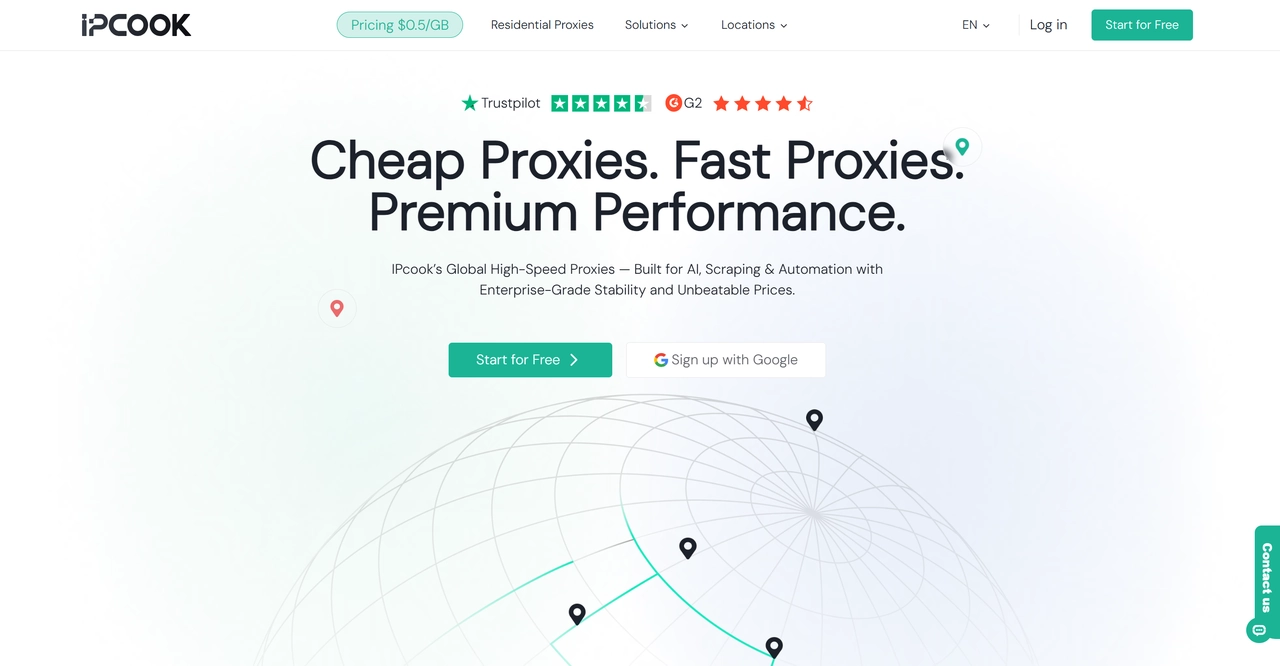
IPcook offers over 55M+ residential IPs, along with ISP static residential and datacenter proxies, covering more than 185 countries and regions. Uptime is rated at 99.99%, with a global average response time below 0.5 seconds. On iPhone, browsing and app performance are smooth, and even long 4K streaming sessions remain stable without disconnections. Residential proxies are billed by traffic, and unused data never expires, while datacenter and ISP options come with port-based or monthly plans, making it easy to choose the right fit.
👀 Related Reading:
How to Set Up a Proxy on iPhone for Smooth 4K Streaming and Uploads
#2 SOAX
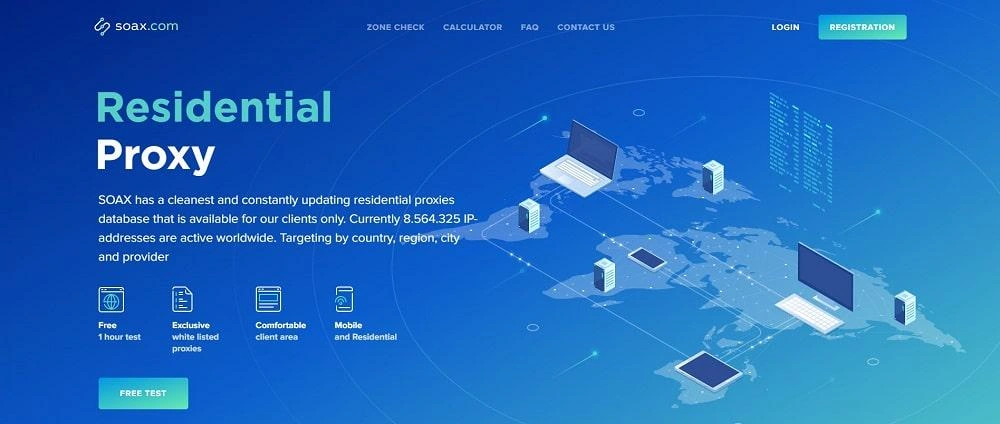
SOAX provides a pool of over 155M residential proxies across 195+ locations, and also supports datacenter, mobile, and ISP networks. Its average response time is around 0.55 seconds, with a connection success rate close to 99.95%. On iPhone, apps and videos load quickly, and switching locations feels seamless, which makes it a strong option for unlocking region-specific content or handling multiple accounts. Users can set custom rotation intervals or keep long sticky sessions, giving SOAX flexibility for streaming and social media use.
#3 Decodo
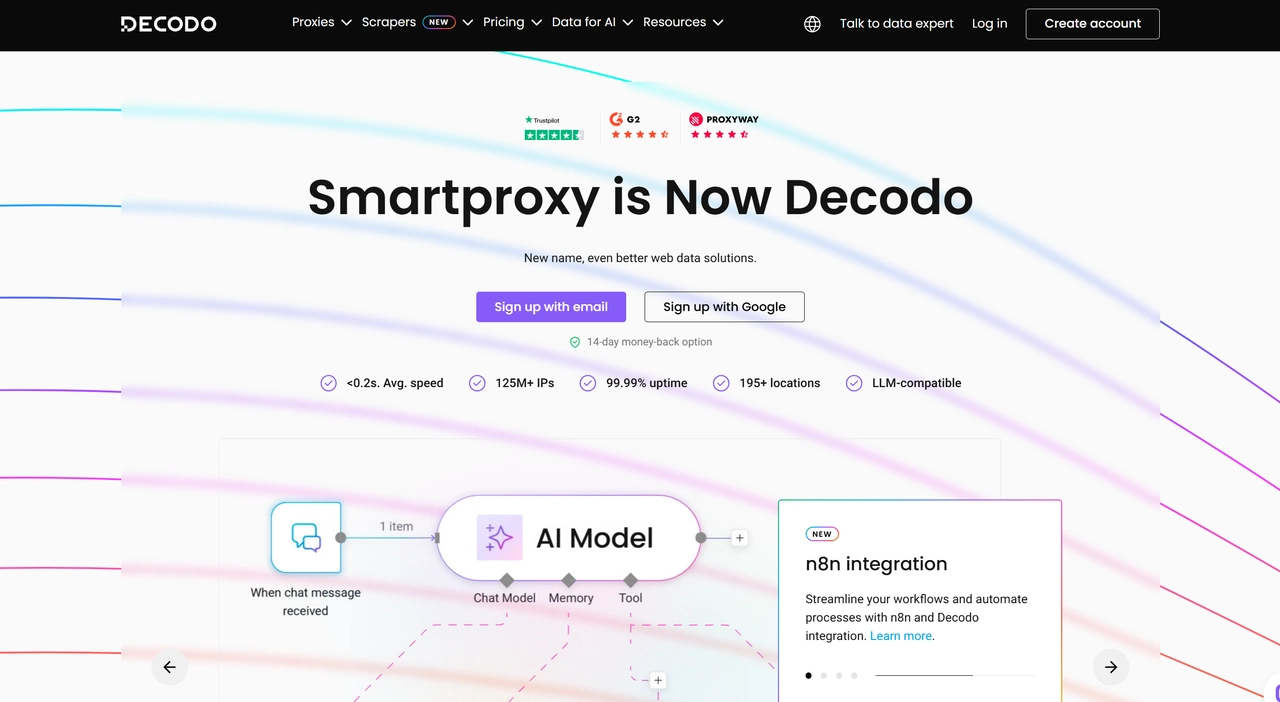
Decodo provides access to more than 125M+ IPs in 195+ countries, supporting multiple proxy types and protocols. Performance is steady, with fast browsing, downloads, and smooth video playback. IP switching feels natural without frequent disruptions, making it reliable for keeping apps active over long sessions. Plans are flexible enough for light usage or mid-scale account management, and the 14-day money-back guarantee lowers the barrier for new users.
#4 NetNut
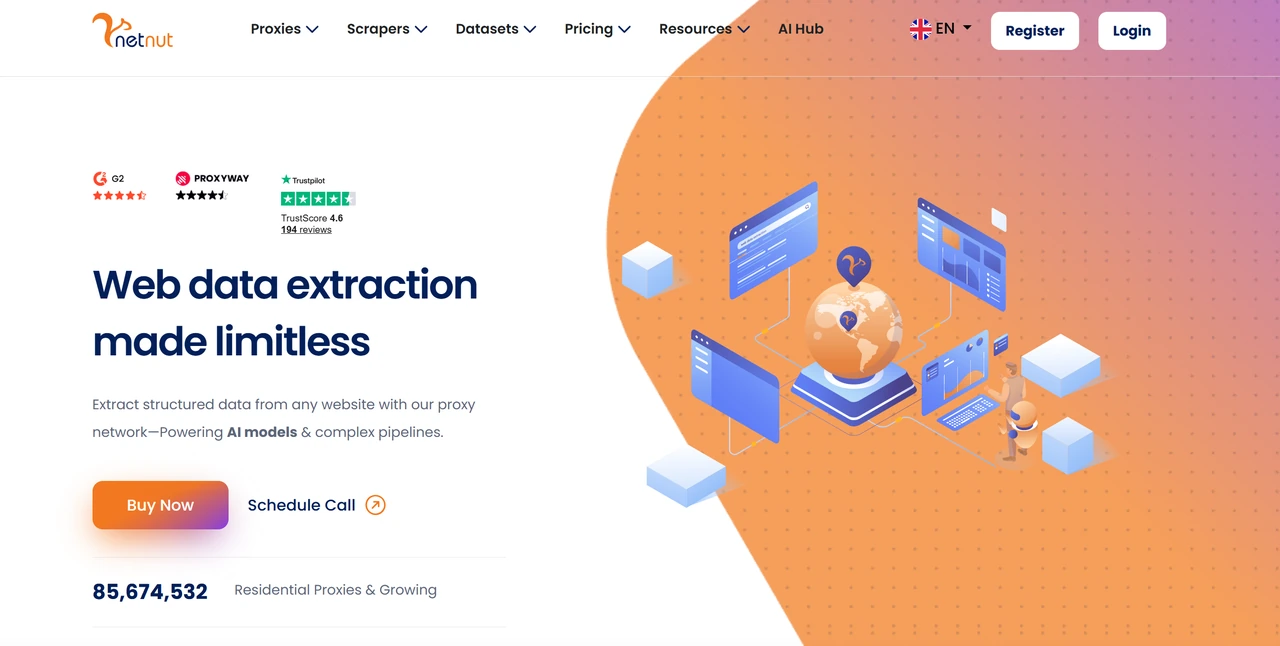
NetNut features more than 85M+ rotating residential IPs and 1M+ static ISP IPs, spanning 195+ countries. Its one-hop ISP architecture ensures low latency and strong reliability, with 99.9% uptime. On iPhone, apps and cross-border activities like e-commerce transactions run smoothly without noticeable drops. With sticky sessions of up to 24 hours, NetNut is especially useful for account management or any task that requires a stable long-term connection. Overall, it delivers a near-local network experience on mobile.
#5 Webshare
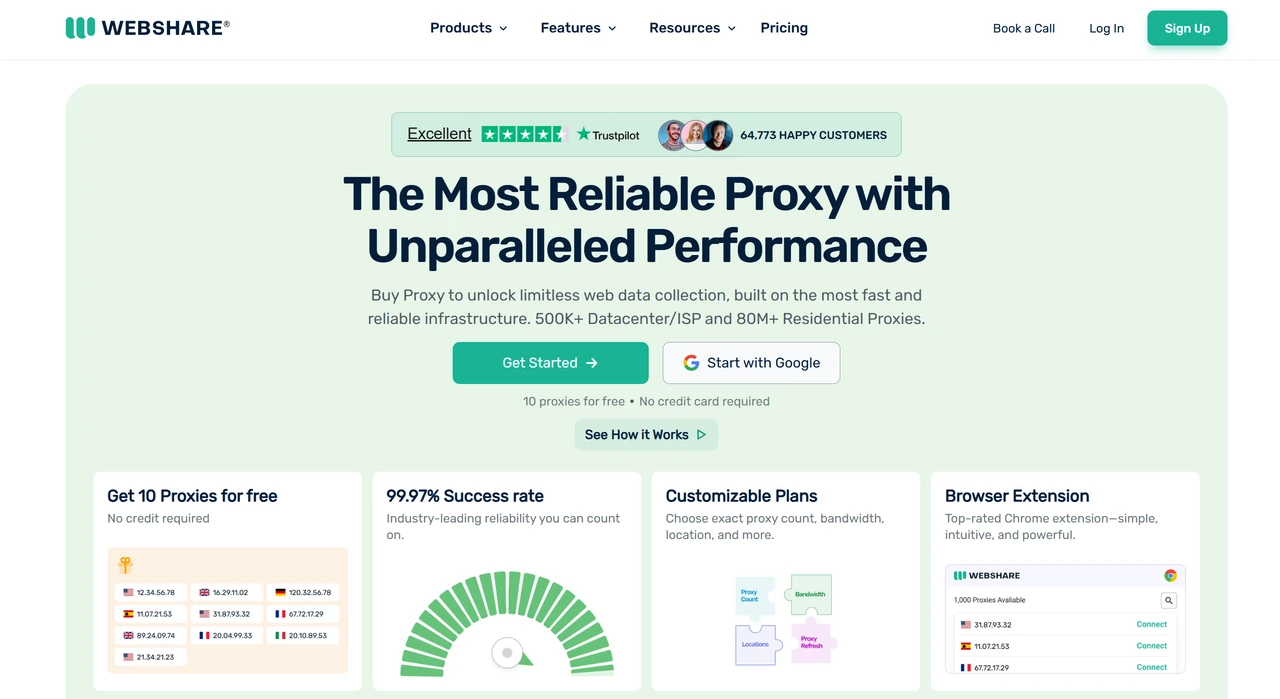
Webshare provides over 80M+ proxy resources, including residential, ISP, and datacenter options across 195+ countries. It performs well on iPhone, with quick responses for browsing, apps, and streaming. A standout feature is the permanent free tier: new users get 10 datacenter proxies with 1GB monthly bandwidth, ideal for testing and short-term tasks. In practice, IP changes are fast, latency stays low, and it works well for switching accounts or accessing restricted sites. Webshare offers a flexible and stable experience for mobile users who often need to adjust their online environment.
#6 IPRoyal
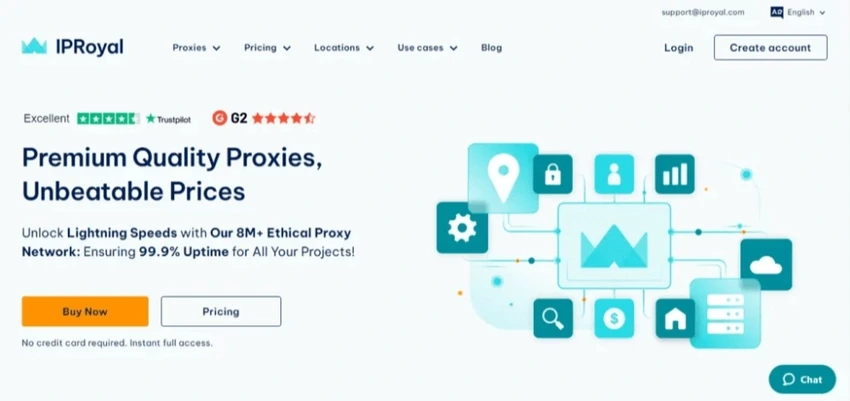
IPRoyal offers more than 32M+ residential IPs and also supports mobile, ISP, and datacenter proxies across multiple countries. It has a 99.9% success rate, with both rotating and sticky sessions of up to 24 hours available. On iPhone, browsing, logging into social accounts, and streaming HD video remain smooth without interruptions. Pricing is flexible, with both pay-as-you-go plans and monthly subscriptions, making it suitable for short-term testing or ongoing use. For individuals or small teams on a budget, IPRoyal strikes a balance of speed, stability, and coverage.
Quick Comparison of iPhone Proxies
Provider | Residential IP Pool Size | Coverage | Proxy Types | Uptime / Success | Residential Proxy Price (Reference) |
IPcook | 55M+ | 185+ countries | Residential, ISP, Datacenter | 99.99% uptime | Starting at $3.2/GB |
SOAX | 155M+ | 195+ countries | Residential, ISP, Datacenter, Mobile | ~99.95% success | Starting at $3.6/GB |
Decodo | 125M+ | 195+ countries | Residential, ISP, Datacenter, Mobile | High stability | Starting at $3.5/GB |
NetNut | 85M+ | 195+ countries | Residential, ISP, Datacenter, Mobile | 99.9% uptime | Starting at $3.53/GB |
Webshare | 80M+ | 195+ countries | Residential, ISP, Datacenter | Reliable | Starting at $3.5/GB |
IPRoyal | 32M+ | 195+ countries | Residential, ISP, Datacenter, Mobile | 99.9% success | Starting at $3.68/GB |
How to Use a Proxy on iPhone
Setting up a proxy on iPhone is easy since iOS supports manual configuration.
Step 1: Open iPhone Settings
Go to Settings > Wi-Fi and tap the (i) icon next to your connected network.
Step 2: Configure Proxy Settings
Scroll down to HTTP Proxy and select Manual. Enter the server address and port number from your provider (e.g., Server: geo.ipcook.com, Port: 32345). If required, add your username and password. Some providers also support IP whitelisting to skip login.
Step 3: Save and Test
Return to the Wi-Fi screen to save the settings, then open Safari or any app to check if the proxy is active. If pages don’t load, double-check the address, port, or login details.
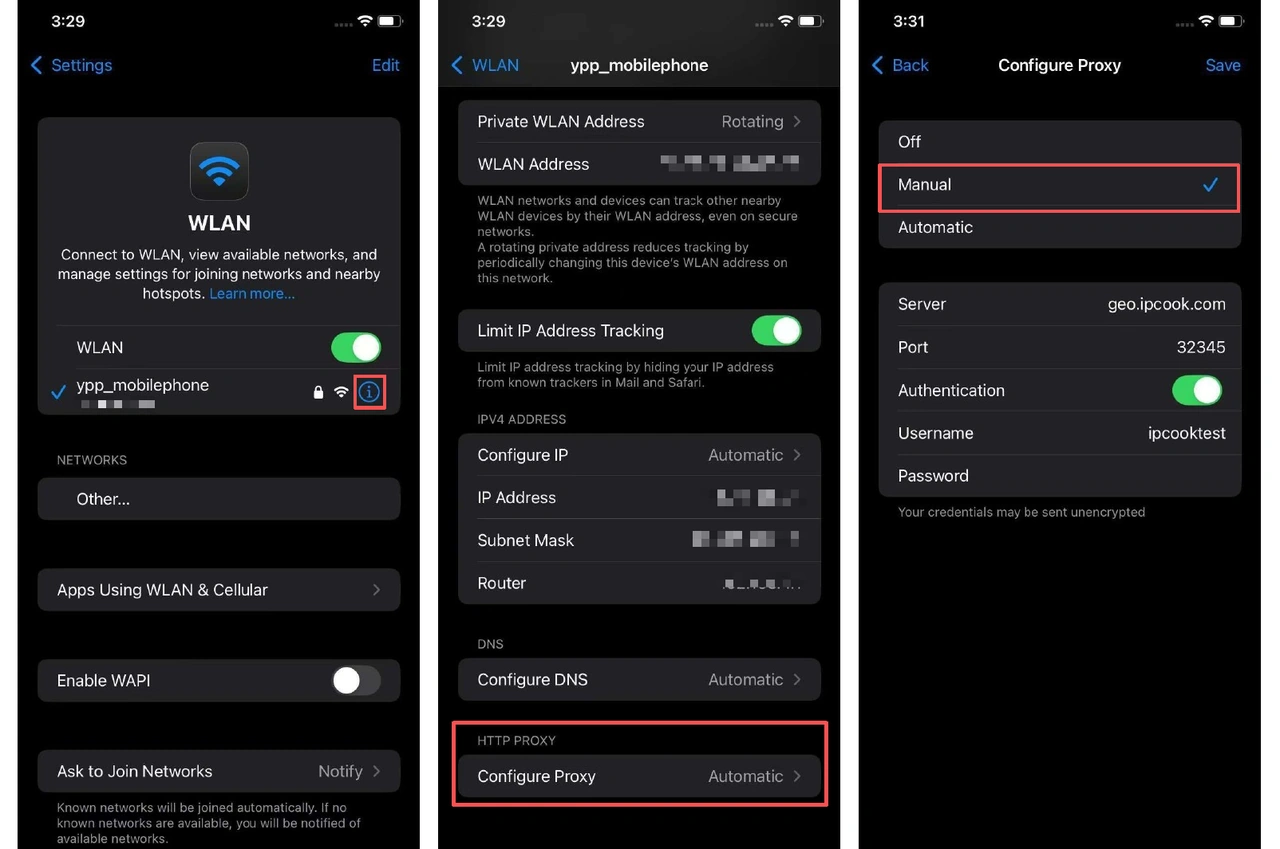
💡 Note: These settings apply only to Wi-Fi networks. iOS does not provide a built-in option for proxies on mobile data (4G/5G). For cellular connections, you’ll need a dedicated proxy app or a VPN-style setup from your provider.
Conclusion
Using an iPhone proxy gives you more flexibility to browse smoothly, access region-locked content, and manage accounts with fewer restrictions. iOS makes it easy to enable a proxy over Wi-Fi, so you can benefit from stable and private connections without needing extra apps.
Among the many providers, options differ in pool size, reliability, and pricing. If you’re looking for a balance of value and performance, IPcook stands out as a practical choice and helps keep your iPhone experience smooth and secure. You can get started quickly with IPcook’s residential proxies with just a few simple steps.
