


6 Top Proxy Providers for AI Agents in 2026

AI agents don't just fetch a page anymore. They navigate, click, wait, and reason across a chain of requests to complete a single task. Whether it's a browser-use agent researching a topic, an LLM-powered pipeline scraping data for RAG, or a multi-agent system managing accounts, they spin up parallel sessions, need low-latency responses for reasoning loops, and often need to maintain the same exit IP across multiple workflow steps.
However, reliable web access requires more than a strong LLM, as many websites evaluate IP reputation, location consistency, and traffic patterns. This guide reviews the best proxies for AI agents in 2026 based on IP pool quality, session control, and pricing to help you pick one that enables your agents to run smoothly and avoid getting blocked.
Why AI Agents Need Proxies
AI agents put a different kind of pressure on the network layer than a traditional script, and that difference comes down to three things:
They generate repeated, automated request patterns: An agent driving a headless browser (Playwright, Puppeteer, browser-use) sends a long, predictable sequence of requests from one logical session. Bot managers like Cloudflare Bot Management and Akamai Bot Manager score IP reputation, headers, and timing together, and a single flagged IP can end the whole run.
Multi-step workflows depend on network continuity: An agent that logs in, searches, and checks out expects to look like the same visitor for the whole task. A mid-task IP change can disrupt workflows that expect a consistent network identity, even if the browser session itself is still technically alive.
Agent fleets create far more parallel traffic than a single script: Multi-agent systems and agent orchestration frameworks can spin up dozens or hundreds of sessions at once, which multiplies the odds of hitting rate limits, creating IP collisions, or exhausting a thin pool.
To keep these workflows from stalling, you can use proxies to solve this network-level challenge. A proxy changes which IP an agent's requests come from. With a sticky session, it also controls how long that IP stays the same. This keeps an agent's requests looking like normal user traffic, holds a task together across multiple steps, and spreads a fleet's load across enough IPs to stay under rate limits.
What to Look for in a Proxy for AI Agents
When you're selecting the best proxy for AI agents, a few factors matter more than they would for a simple, one-off scraping script. Here's what to evaluate:
Factor | Considerations |
Session Control | Look for sticky sessions that can hold the same exit IP for as long as a multi-step agent task needs, separate from whatever your browser tool does with cookies and login state. |
IP Pool Type & Quality | Residential IPs are generally better suited to bot-protected targets, while a large, clean pool reduces repeated or flagged IPs. |
Concurrency & Latency | Agent fleets run many sessions at once, so check for high or unlimited concurrency and consistently low response times. |
Geo-Targeting | Country, city, or even ASN-level targeting matters for localized agents (shopping, SERP, travel). |
Protocol & API Support | HTTP/HTTPS and SOCKS5 support, plus a documented API your agent framework can call to request or rotate proxies programmatically. |
Pricing Model | Bandwidth-based, pay-as-you-go pricing suits the unpredictable, bursty traffic that agents generate better than rigid monthly minimums. |
Top 6 Best Proxies for AI Agents in 2026
Provider | IP Pool & Coverage | Session Control | Protocols & API Access | Pricing | Best For |
IPcook | 55M+ residential IPs in 185+ countries | ✅ Rotating + sticky up to 24h | HTTP, SOCKS5; API access | $0.3–$3.2/GB | Agent workflows needing flexible session control |
Bright Data | 400M+ IPs in 195+ countries | ✅ Rotating + sticky | HTTP, HTTPS, SOCKS5; API access | $2.5–$4/GB | Enterprise-scale browser agent fleets |
Oxylabs | 175M+ IPs in 195+ countries | ✅ Rotating + sticky | HTTP(S), SOCKS5; API access | $2.5–$6/GB | High-concurrency AI agent workloads |
Decodo | 115M+ IPs in 195+ locations | ✅ Rotating + sticky | HTTP(S), SOCKS5; API access | $2–$4/GB | Growing AI agent projects |
IPRoyal | 64M+ IPs in 195+ countries | ✅ Rotating + sticky up to 7 days | HTTP(S), SOCKS5; API access | $1.75–$7/GB | Long-running sticky agent sessions |
Webshare | 80M+ rotating residential IPs in 195 countries | ✅ Rotating + sticky 1 min–24h | HTTP, SOCKS5; API access | $1.40–$3.50/GB | Rapid prototyping and API access |
1. IPcook: Best Overall Proxy for AI Agent Workflows
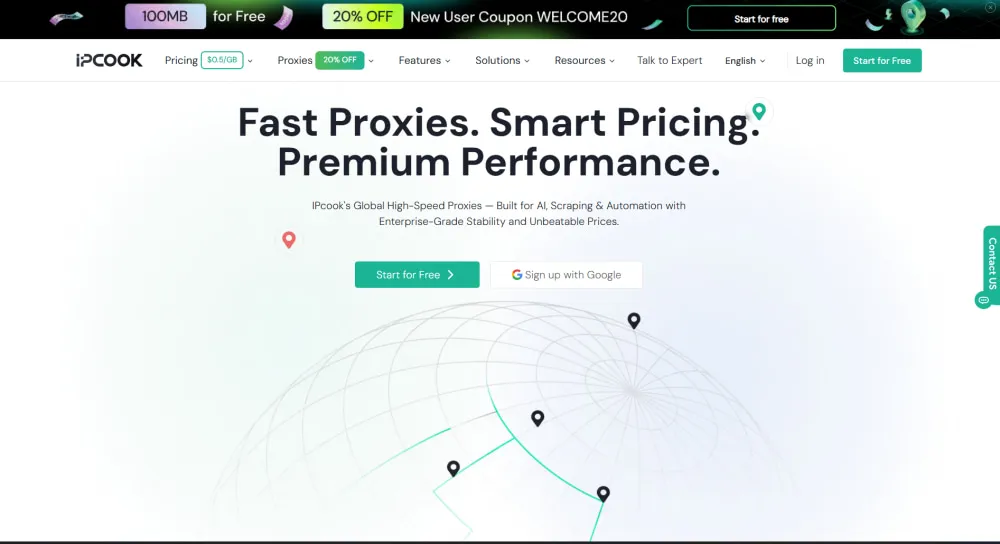
IPcook stands out as a high-performance solution built for affordability, reliability, scalability, and consistent network identity. It provides access to a pool of 55M+ real residential IPs across 185+ countries, making it a solid fit for agents that need to browse, scrape, or transact without tripping anti-bot systems. Sessions can stay sticky for up to 24 hours, which is exactly what a multi-step agent task, like logging in, searching, and checking out, needs to keep its exit residential IP consistent from the first request to the last. Response times stay under 0.5 seconds with 99.99% uptime, so an agent's reasoning loop isn't stuck waiting on the network layer.
IPcook's infrastructure is purpose-built for programmatic use. It supports HTTP and SOCKS5, can be configured with Python, Playwright, Puppeteer, and Selenium, and residential proxy users can create up to 10 free sub-accounts for splitting traffic across different agents or workflows. Pay-as-you-go residential proxy pricing starts at $3.2/GB for entry tiers and scales down to as low as $0.3/GB at enterprise volume.
Pros:
Per-request and timed IP rotation for flexible session control
One-line API integration for faster deployment
Real-time traffic monitoring and usage reports
100MB free residential trial with no time limit
Cons:
Smaller residential IP pool than enterprise-scale competitors
Less granular geo-targeting than some enterprise providers
2. Bright Data: Enterprise AI Agent Deployments
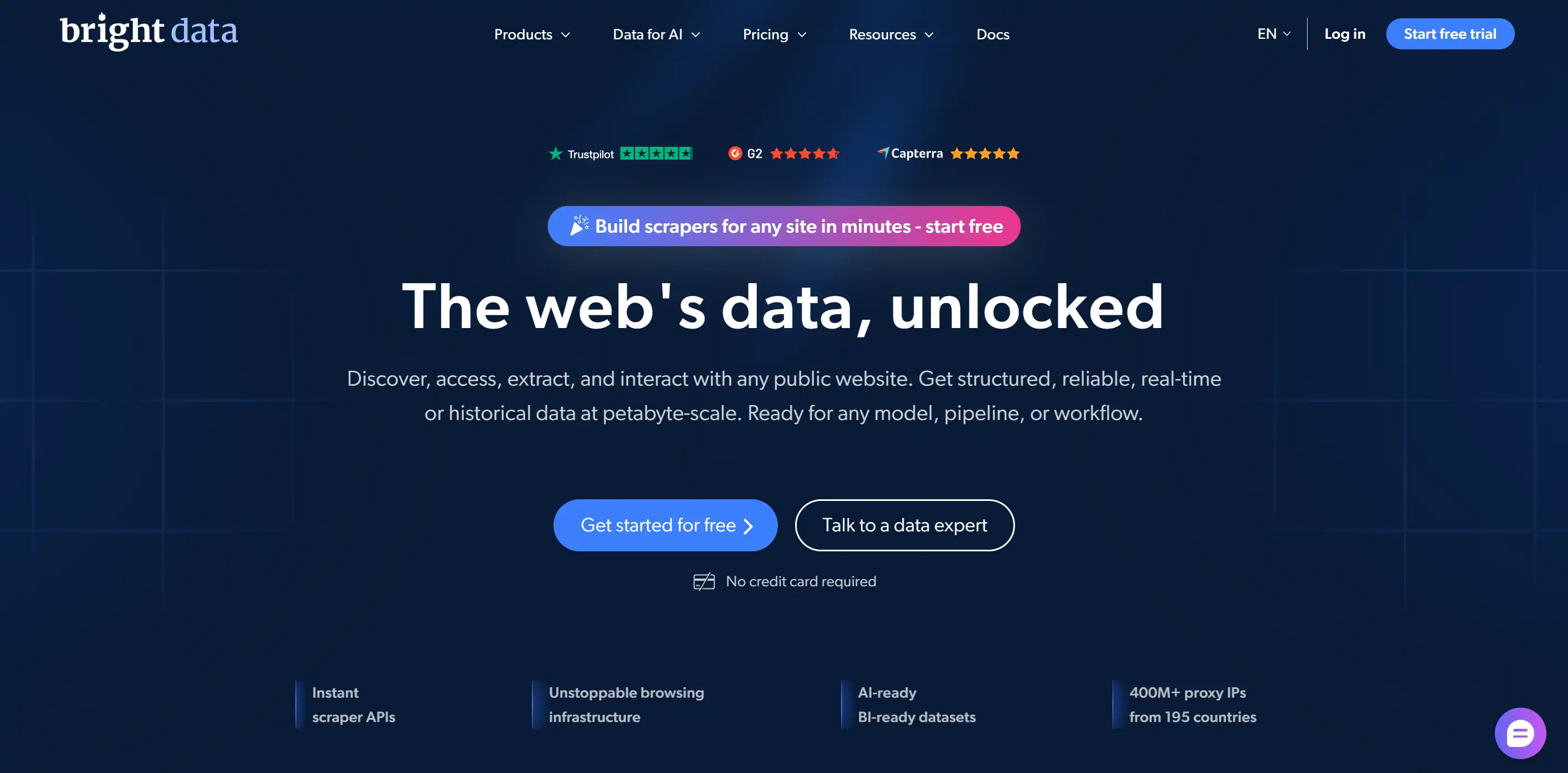
Bright Data is one of the most established names in the proxy industry, and its scale makes it a natural fit for enterprise AI agent deployments running thousands of parallel sessions. With access to a network of over 400 million residential IPs across 195+ countries, Bright Data gives large agent fleets enough IP depth that collisions and reused, flagged IPs are rarely a bottleneck. It supports both sticky and rotating sessions, so an agent can keep the same IP through a multi-step flow or rotate per request for bulk collection.
What makes Bright Data particularly relevant for agent-driven workflows is its Scraping Browser, which is a native integration for Puppeteer and Playwright and handles CAPTCHAs, retries, and JavaScript rendering as part of that integration. Bright Data has also added AI-specific tooling on top of its core network, including an MCP server and a browser product aimed at LLMs and autonomous agents. That breadth comes at a premium, though, and the setup complexity and pricing tiers can be overkill for a small or early-stage agent project.
Pros:
Free country, city, ZIP, and ASN-level targeting
Free Proxy Manager for centralized proxy control
API support for programmatic proxy management
99.99% uptime with premium SLA options
Cons:
Higher pricing than many budget-focused providers
Product breadth may be excessive for small projects
Lowest per-GB rates require large commitments
3. Oxylabs: High-Concurrency AI Agents
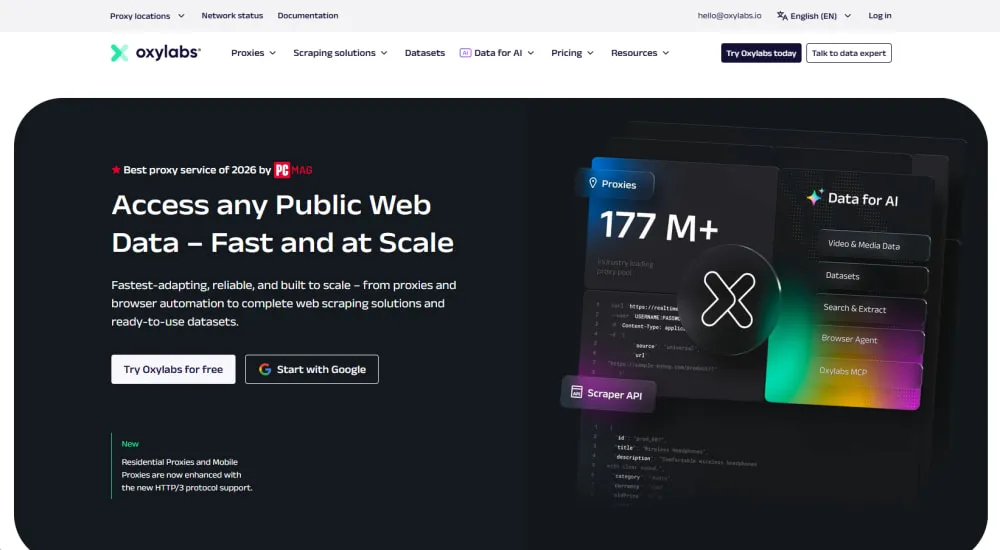
Oxylabs is an outstanding proxy provider known for its speed, reliability, and scalability, all of which matter when an agent fleet is firing many concurrent sessions at once. With over 175 million residential IPs across 195+ countries and unlimited concurrent sessions on its residential plans, it's built to support data-heavy agent workflows like price monitoring, market research, and AI-driven data collection without buckling under concurrency.
Its rotating proxy infrastructure offers both random rotation and sticky sessions, with targeting by country, city, or ASN, useful for localized shopping or research agents. Oxylabs also provides AI-focused tools like its Headless Browser, which supports MCP-based, AI-controlled browsing for more complex agent workflows. Its enterprise focus and large-scale infrastructure make it a strong choice for demanding workloads, though the pricing can be high for smaller projects.
Pros:
Headless Browser with MCP support for AI-controlled browsing
Public API for proxy user management
IPv4 and IPv6 selection on residential plans
24/7 support with dedicated account managers
Cons:
Premium pricing for individual developers or small teams
Lowest per-GB rates require large monthly commitments
4. Decodo: Balanced Price and Performance
Decodo combines a large residential IP pool with developer-friendly tools for flexible, programmatic use. It offers access to 115M+ residential IPs across 195+ locations, with an average response time below 0.5 seconds, so agents don't lose momentum waiting on the network.
Developers can fine-tune geo-targeting by country, state, city, ZIP code, or ASN, useful for agents that need localized web access. Decodo also offers an MCP server and official LangChain and n8n integrations, making it easier to connect live web data directly to AI agents and automated workflows.
Pros:
Unlimited concurrent sessions for scaling agent workloads
Official LangChain and n8n integrations
MCP server for AI agent web access
3-day free trial with 24/7 tech support
Cons:
Pay-as-you-go purchases are limited to 1GB at a time
Lower per-GB rates require larger monthly plans
5. IPRoyal: Long-Running Sticky Sessions
IPRoyal offers 64M+ residential IPs across 195+ countries with both HTTP(S) and SOCKS5 support. Its standout feature for agent workloads is session length: sticky sessions can be held for up to 7 days, well beyond what most competitors offer, though actual duration still depends on residential peer availability. IPRoyal's residential proxies also support unlimited concurrent requests, so it can handle growing agent fleets without a fixed concurrency ceiling.
Entry pricing starts around $7/GB for a 1GB subscription plan, dropping to roughly $1.75/GB at high-volume tiers. While it isn't the cheapest option for small tests, bulk pricing becomes more competitive as an agent workload scales.
Pros:
Non-expiring residential proxy traffic
API access for programmatic proxy management
Auto top-up for uninterrupted workloads
Username/password and IP whitelist authentication
Cons:
Higher entry pricing than several competitors
Smaller IP pool than top enterprise providers
6. Webshare: Rapid Prototyping and API Access
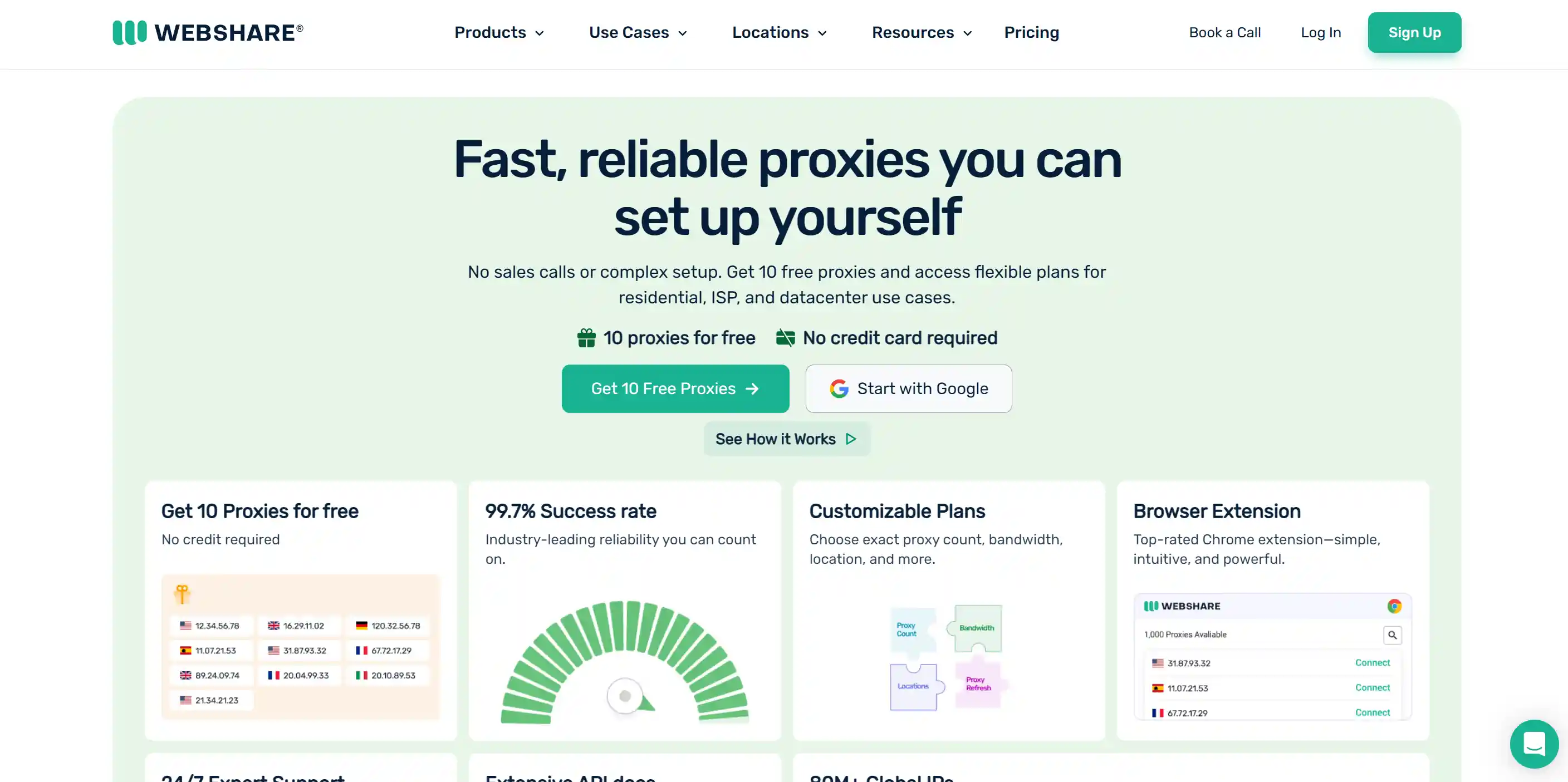
Webshare stands out for the control it gives developers when wiring proxies directly into an agent's code. Its residential pool includes 80M+ rotating IPs across 195 countries, with filtering by country, state, city, ZIP code, and ASN. Agents can rotate IPs per request or use sticky sessions from 1 minute to 24 hours, giving developers flexibility for both independent requests and multi-step workflows.
Webshare is also developer-friendly on the management side. Its API covers proxy configuration, sub-users, traffic limits, and other account functions, while the dashboard provides detailed usage, error, and request-level statistics. New accounts can get 10 free datacenter proxies, and unused subscription time or bandwidth is converted into non-expiring account credits when a plan is canceled.
Pros:
Sticky sessions from 1 minute to 24 hours
Detailed usage, error, and request-level analytics
API access for programmatic proxy management
Three free sub-users with custom traffic and thread limits
Cons:
Paid plans start with a 500-request concurrency limit
Higher concurrency and network priority cost extra
How to Integrate Proxies Into Your AI Agent Stack
Once you've picked a provider, integrating a proxy into an AI agent follows roughly the same process across most frameworks, and it's simpler than it sounds: no need to rebuild the agent's logic, just point its requests through a different IP. Whether it's a LangChain research agent pulling sources for a report, a Browser Use agent working through a multi-step checkout, or a Playwright-driven scraper feeding a RAG pipeline, they all connect at the network layer. Here is how to set it up in three quick steps.
Step 1: Configure your proxy parameters. Use a sticky residential proxy for login or multi-step navigation, and rotating proxies for independent, high-volume requests. Add country or city targeting when the agent needs localized access.
Step 2: Generate your proxy credentials. Most providers give you a hostname, port, username, and password that can be generated directly from the dashboard.
Step 3: Add the proxy to your agent's HTTP client or browser tool. Configure it in Python, Playwright, Puppeteer, or another browsing layer. The proxy controls the exit IP, while cookies, local storage, and login state remain part of the browser context.
👀 For large-scale data extraction, proxies can seamlessly be paired with specialized automation frameworks to handle larger workflows. If you're looking to explore further, check out these guides:
Final Verdict
Choosing the best proxy for AI agents is about aligning session behavior, concurrency, and pricing with your agent's specific workflow, not simply picking the largest IP pool on the market. For instance, long sticky sessions prevent multi-step tasks from losing their network identity halfway through, while high concurrency and low latency keep the agent's reasoning loop from stalling.
Among the providers compared here, IPcook is the most well-rounded option for AI agent workloads, offering a large, clean residential pool and 24-hour sticky sessions alongside unbeatable pricing. If you're building an agent that needs reliable network access without getting blocked mid-task, try IPcook for free and see how it holds up against your own agent workflow.
- Why AI Agents Need Proxies
- What to Look for in a Proxy for AI Agents
- Top 6 Best Proxies for AI Agents in 2026
- 1. IPcook: Best Overall Proxy for AI Agent Workflows
- 2. Bright Data: Enterprise AI Agent Deployments
- 3. Oxylabs: High-Concurrency AI Agents
- 4. Decodo: Balanced Price and Performance
- 5. IPRoyal: Long-Running Sticky Sessions
- 6. Webshare: Rapid Prototyping and API Access
- How to Integrate Proxies Into Your AI Agent Stack
- Final Verdict
