


6 Best YouTube Proxy Services in 2026: Streaming, Scraping & More


Paying the highest price or choosing the biggest IP pool does not guarantee the best YouTube proxy. The wrong proxy service can leave videos buffering, connect you to the wrong region, or burn through your budget with high data fees.
This guide compares 6 best IP proxy providers for real YouTube needs, from regional access and smooth streaming to stable sessions and data research. It also includes a simple setup guide, so you can get started without the usual guesswork.
How We Selected the Best YouTube Proxies
We compared official product information with recent independent reviews and available performance benchmarks. Our selection focused on 6 factors that directly affect YouTube streaming, regional access, session stability, and public data research.
Price and data usage: Video streaming can use a lot of data, so we compared entry prices, billing models, and traffic limits options.
Success rate: This indicates how often proxy requests complete successfully. A low success rate can lead to failed page loads, repeated requests, and interrupted data collection.
Latency and response time: Latency affects how quickly a connection starts, while response time measures how long it takes to complete a request. Both can influence video startup, page loading, and data collection speed.
Connection stability: Longer viewing and signed-in sessions need a connection that does not drop or switch IPs unexpectedly.
Location coverage: Accurate targeting of country, city, ZIP code, carrier, and ISP is important for accessing or testing regional YouTube content.
All 6 recommendations are paid services because free proxies rarely offer the speed, stability, or control needed for regular YouTube use. Their IPs are often heavily shared, which can lead to buffering, connection failures, sudden IP changes, and inaccurate location data. Free proxy services may also provide little information about who operates them or how they handle connection data.
Quick Comparison of the Best YouTube Proxies
Use the table below as a quick guide to narrow down your options. It shows which provider fits each YouTube use case and which product to consider first. The following sections provide a closer look at each provider's features, strengths, and limitations.
Provider | What stands out | Typical YouTube use | Good fit for |
IPcook | Strong value | Everyday viewing, regional access, and public-data research | Budget-conscious viewers, researchers, and small to midsize businesses |
Decodo | Broad feature set | Location testing, and research tasks | People who prefer a polished all-in-one service |
NodeMaven | Consistent IP sessions | Long viewing with a consistent IP | Researchers who want fewer mid-session IP changes |
Rayobyte | Unmetered static ISP proxies | Long streaming and bandwidth-heavy playback | Heavy-bandwidth users and video QA teams |
SOAX | Mobile proxies and precise targeting | Mobile, location, and ad testing | Localization, ad verification, and mobile QA teams |
Bright Data | YouTube data collection | Large-scale public YouTube data research | Developers, analysts, and enterprise research teams |
Which Proxy Type Fits Your YouTube Use Case?
No single proxy type works best for every YouTube task. There are different types of proxies to choose from, but the best fit comes down to what you want to do on YouTube. Each handles certain tasks better than others, so knowing the differences can help you avoid paying for the wrong product.
Residential proxies: Best for regional access and rotating public data collection. They offer broad location coverage but are usually priced by traffic.
ISP proxies: Best for smooth streaming and longer sessions. Their static IPs provide a more consistent connection when changing addresses mid-session would cause problems.
Mobile proxies: Best for testing YouTube through mobile carriers or specific mobile locations. They are useful for mobile-focused checks but generally cost more.
Datacenter proxies: Best for fast, low-cost connections and traffic-heavy tasks. However, their server-based IPs are easier to identify and may be less reliable for location-sensitive access.
IPcook: Best Budget-Friendly Proxy for YouTube
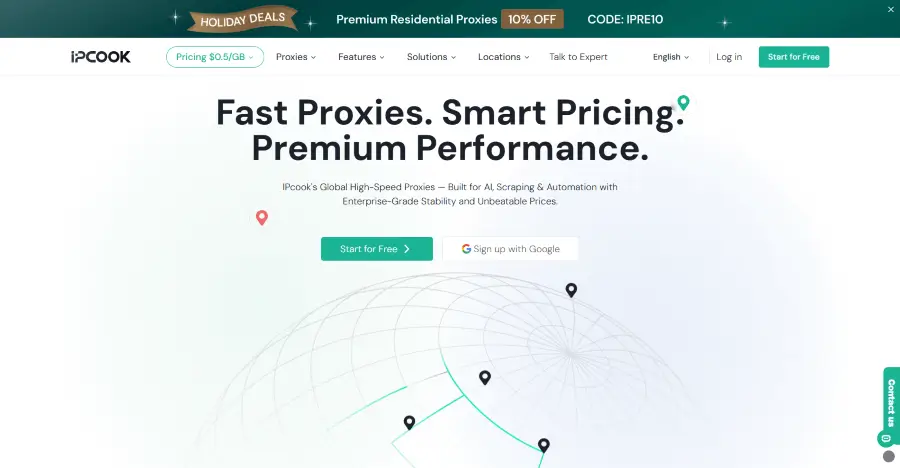
IPcook is one of the best proxies for YouTube, offering residential, ISP, and datacenter proxies to support different YouTube use cases. Its Residential Proxies provide access to more than 55 million ethically sourced IPs across 185+ countries, with free country- and city-level targeting. IPs can rotate between requests or remain unchanged for up to 24 hours through sticky sessions. Developers can also use an API link and ready-made code examples to integrate proxy allocation into compliant YouTube research workflows.
For watching YouTube over longer periods, IPcook ISP proxies are the stronger option. They provide unlimited traffic alongside low latency, 99.99% uptime, and global IP coverage. They are best suited to frequent viewers and teams that need a consistent IP without paying for each gigabyte of video traffic. IPcook Datacenter Proxies are a lower-cost option for bandwidth-heavy YouTube tasks where speed matters more than IP reputation or precise location targeting.
Residential proxies offer two pricing models. Pay-as-you-go rates range from $0.03 to $3.20 per GB and suit customers with occasional or changing traffic needs, while subscription plans are better for predictable, ongoing usage. ISP proxies start at about $0.05 per IP per day, while datacenter proxies begin at around $0.04, with volume discounts available.
👀Advantages:
Affordable pricing with strong performance
Loads YouTube quickly with sub-0.5-second responses
Maintains stable connections with 99.9% uptime
Supports more setups with HTTP and SOCKS5
Simplifies usage tracking with real-time monitoring
Up to 10 free subaccounts with IPcook Residential Proxies
Limitations:
Less granular geo-targeting
Decodo: Best Overall YouTube Proxy
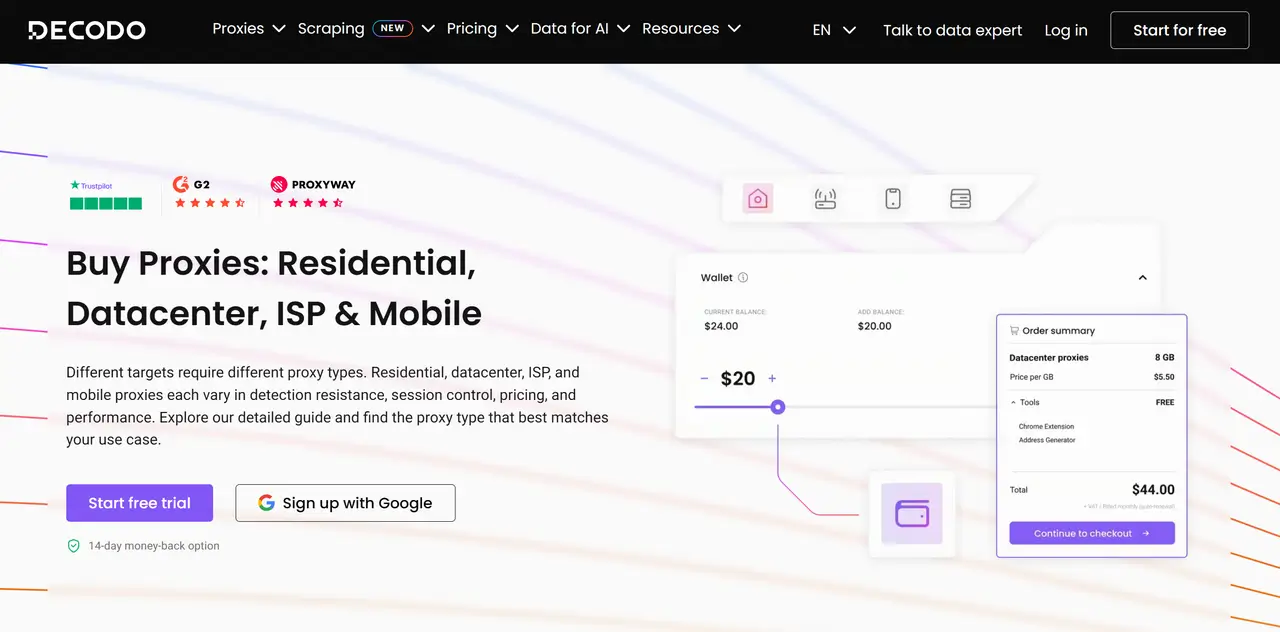
Decodo combines residential, ISP, mobile, and datacenter proxies in one platform, allowing customers to handle different YouTube workloads without managing several providers. Its network spans 195+ locations worldwide. Within the United States, users can target all 50 states, making Decodo a strong YouTube proxy USA option for location-specific access and testing. Users can also control IP rotation, maintain sticky sessions, and connect through HTTP(S) or SOCKS5.
The dashboard simplifies location selection, endpoint generation, and traffic monitoring. Decodo also provides detailed documentation, browser extensions, and 24/7 customer support, reducing the work required to configure proxies for YouTube. This balance of coverage, session control, performance, and usability makes it a great all-around option in this comparison.
👀Advantages:
115M+ residential IPs across 195+ locations
99.92% success rate
Flexible rotation and session controls
Quick setup through browser extensions
Detailed documentation and 24/7 support
Limitations
Costs more than budget-focused alternatives
May encounter occasional IP blocks or connection drops
NodeMaven: Best for Stable YouTube Sessions
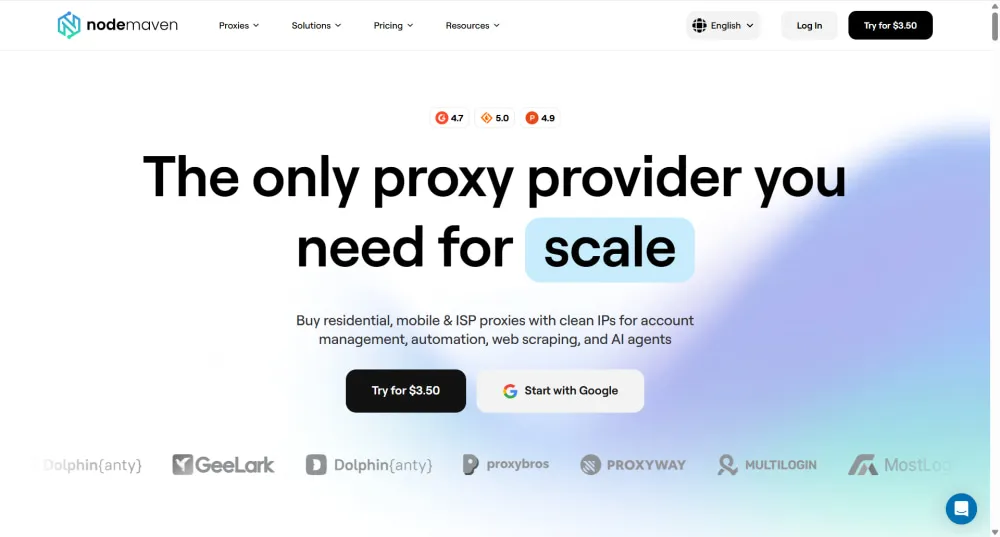
NodeMaven focuses on clean IPs and steady YouTube connections. It has residential, mobile, and ISP proxies, including more than 30 million residential IPs across 190+ countries. The dashboard lets you choose a location, protocol, and session length, with support for HTTP(S) and SOCKS5. Compared with basic online YouTube proxy sites, NodeMaven gives you more control over IP location and session duration through geo-targeting and sticky sessions.
Long sessions are NodeMaven's strongest feature. A sticky session can keep the same IP for up to 24 hours. Before connecting, the IP Quality Filter checks available addresses against blacklists, fraud scores, and reputation databases. This lowers the chance of starting a longer YouTube session with a flagged IP, although keeping the same address for the full 24 hours is not guaranteed.
👀Advantages
Keep the same IP for up to 24 hours
Filters risky IPs before connection
Covers 190+ countries with 30M+ residential IPs
Delivers sub-0.6-second average speeds
Supports HTTP(S) and SOCKS5
Limitations
Costs more than many competing providers
Requires a $3.50 paid trial
Offers limited control when extending ISP orders
Rayobyte: Best for Bandwidth-Heavy Streaming
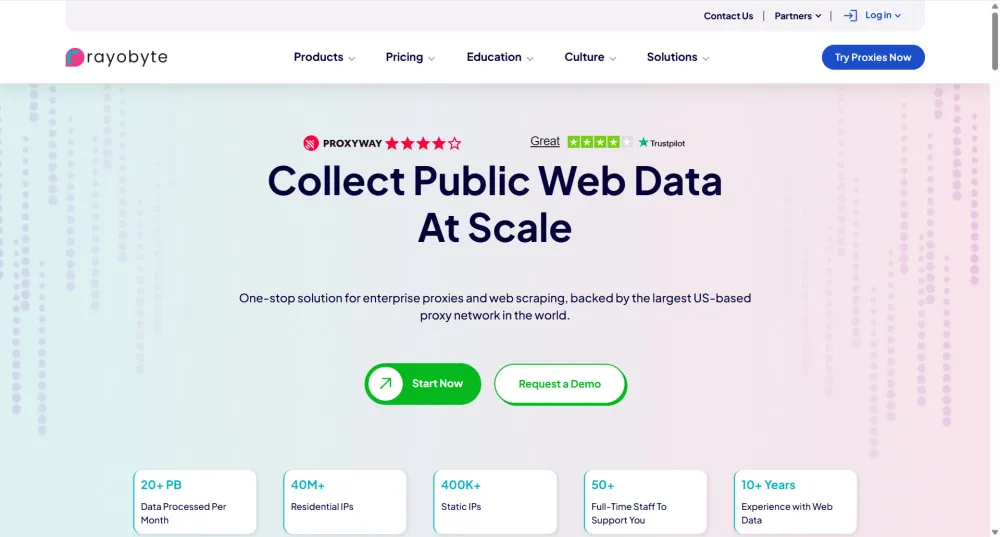
Rayobyte began as Blazing SEO before adopting its current name in 2022. Its product range covers static and rotating ISP proxies, datacenter proxies, residential proxies, and mobile proxies. The residential pool contains more than 40 million IPs across 163+ countries, with some addresses sourced through Rayobyte's own Cash Raven bandwidth-sharing app.
For viewers seeking a YouTube proxy service for frequent playback, Static ISP is Rayobyte's standout product. These fixed, single-user addresses have no bandwidth caps or thread limits, so long video sessions do not generate per-GB charges. They also work with HTTP(S) and SOCKS. If an address becomes blocked or unusable, each eligible static proxy includes one free replacement credit per billing cycle.
👀Advantages
Removes bandwidth caps from Static ISP plans
Keeps a dedicated IP throughout the subscription
Includes free replacement credits for static proxies
Covers 163+ countries with 40M+ residential IPs
Limitations
Residential proxies perform relatively slowly
Separate dashboards complicate static and rotating proxy management
Covers fewer countries
SOAX: Best for Mobile and Location Testing
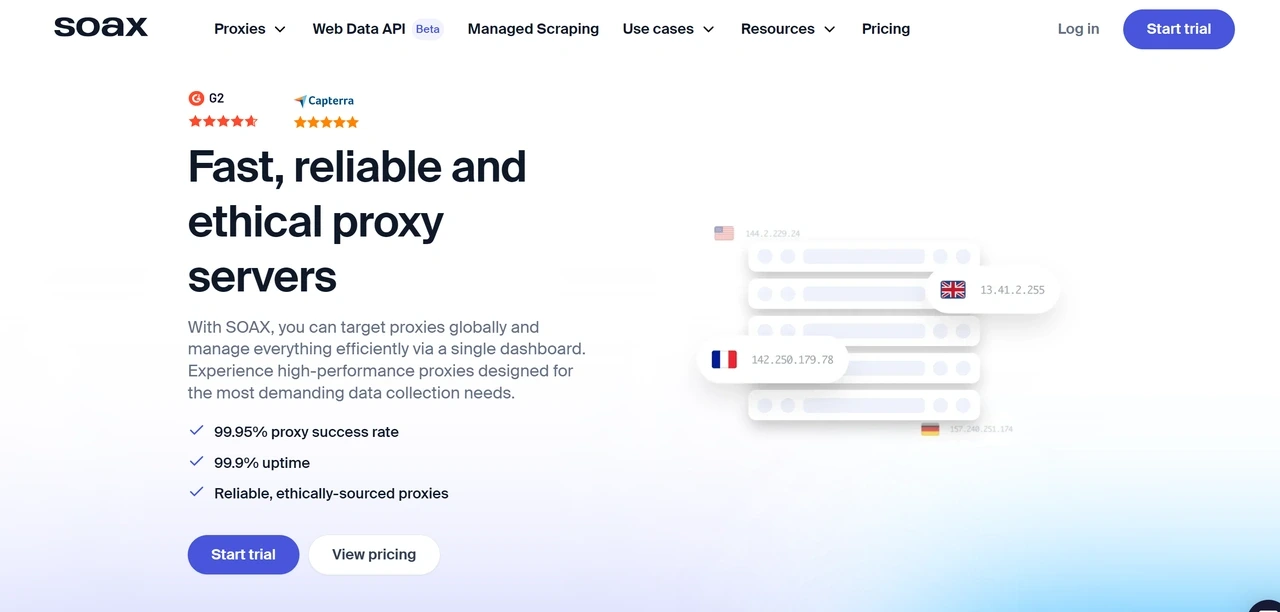
SOAX stands out for precise location and carrier testing. Its public product lineup currently centers on residential and mobile proxies, with more than 155 million residential IPs and 33 million mobile IPs across 195+ locations. Its mobile proxies use carrier-assigned IPs from 3G, 4G/LTE, and 5G networks. This lets teams compare location- and carrier-related differences in YouTube content and ad delivery across residential and mobile traffic.
Depending on the proxy type, location filters include country, region, city, ISP or carrier, and ASN targeting. Some location and network filters can also be combined. SOAX supports both rotating IPs and sticky sessions, making it useful for checking regional differences in YouTube content availability and ad delivery.
👀Advantages
Tests YouTube through real mobile carrier IPs
Covers 195+ countries with granular targeting
Combines location and network filters
Switches between rotating and sticky sessions
Limitations
Reserves ASN and ZIP targeting for higher-tier plans
Restricts dedicated IP pools to Enterprise plans
Bright Data: Best for YouTube Data Research
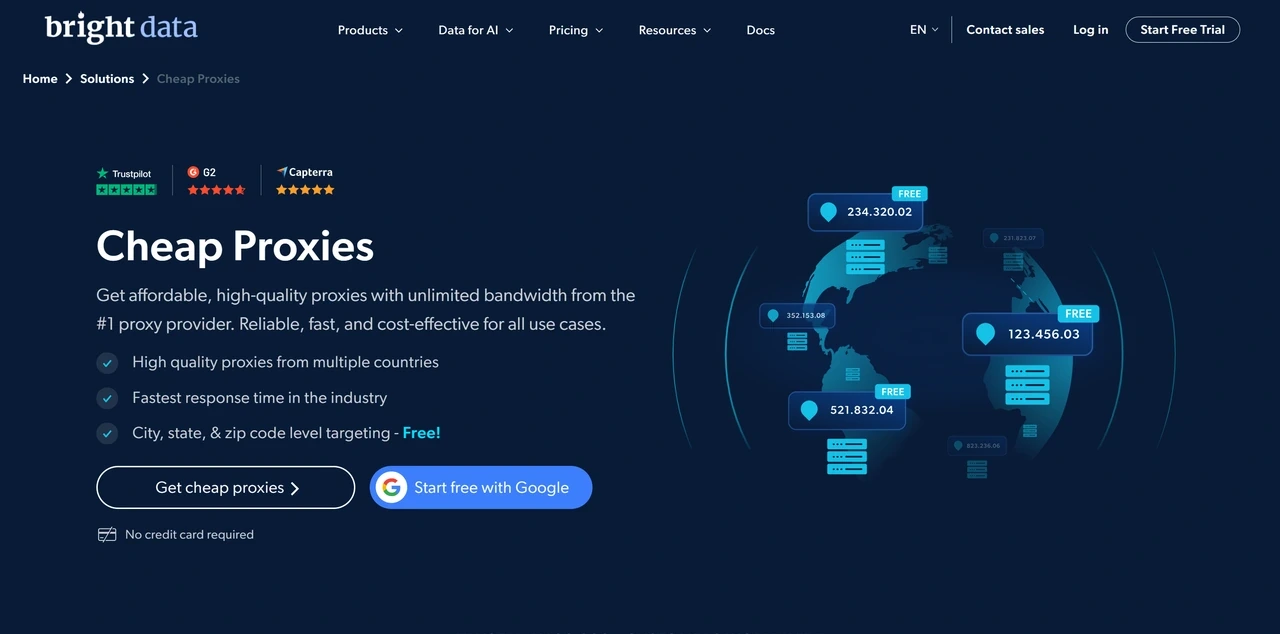
Bright Data offers residential, ISP, and datacenter proxies backed by more than 400 million IPs across 195 countries. Its proxy infrastructure provides 99.99% uptime and a 99.95% success rate. For YouTube research, Bright Data provides a dedicated YouTube Scraper with both API-based and no-code access.
Different scrapers accept keywords, channel URLs, video URLs, or hashtags as input. The collected results are then available in JSON, NDJSON, or CSV. Bright Data also handles IP rotation, CAPTCHAs, and JavaScript rendering automatically. As such, teams do not need a separate proxy pool or custom rotation rules. They can also avoid maintaining their own parsing and unblocking infrastructure.
👀Advantages
Ready-made YouTube scrapers
Supports both API and no-code research workflows
Delivers structured data in JSON, NDJSON, or CSV
Reduces proxy and anti-blocking maintenance
Limitations
Requires KYC and a company email for full residential access
Costs more and takes longer to learn than simpler services
Does not suit casual streaming or basic regional access
How to Use a Proxy With YouTube
The setup process depends on your device and proxy tool. Here is a simple browser-based example using IPcook:
Log in to IPcook, choose a proxy type, and select your preferred payment method. IPcook supports multiple payment options, including Google Pay and PayPal.
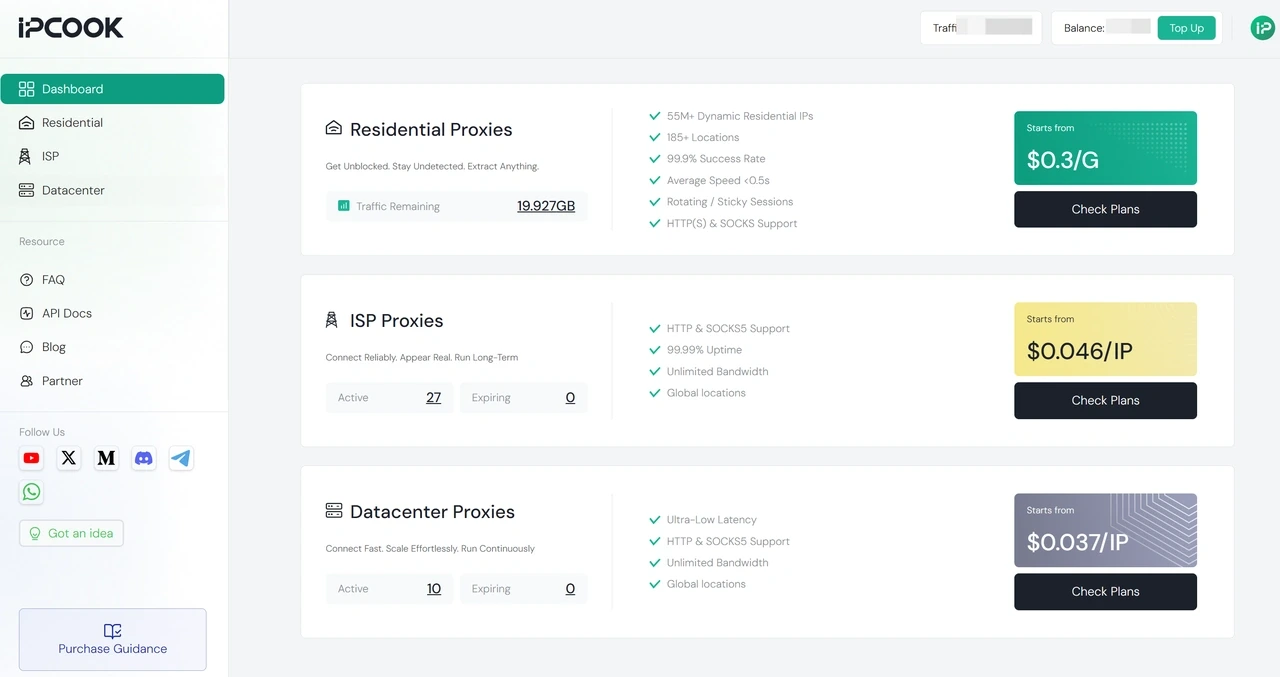
Generate the proxy details in the format: host, port, username, password. IPcook lets you download the generated proxy list directly.
Add the proxy details to your chosen browser, device, application, or research tool. Select the matching protocol.
Connect to the proxy and use an IP checker to confirm its address and location.
Test the connection with your intended YouTube task before starting a longer session or larger workload.
💡Related Reading:
IPcook User Guide: A Quick Start to Proxy Setup and Configuration
Summary
The best YouTube proxy is the one that matches the task. Decodo offers a balanced overall package, NodeMaven focuses on stable sessions, and Rayobyte suits bandwidth-heavy streaming. SOAX is a stronger fit for mobile and location testing, while Bright Data is built for managed YouTube data collection.
IPcook stands out as the best-value choice. Its ISP proxies combine unlimited traffic with stable connections, while residential plans add location targeting and flexible rotation. Datacenter options cover faster, less location-sensitive workloads at a lower cost. This range lets users handle different YouTube tasks through one affordable provider.
FAQs
- How We Selected the Best YouTube Proxies
- Quick Comparison of the Best YouTube Proxies
- IPcook: Best Budget-Friendly Proxy for YouTube
- Decodo: Best Overall YouTube Proxy
- NodeMaven: Best for Stable YouTube Sessions
- Rayobyte: Best for Bandwidth-Heavy Streaming
- SOAX: Best for Mobile and Location Testing
- Bright Data: Best for YouTube Data Research
- How to Use a Proxy With YouTube
- Summary
- FAQs
